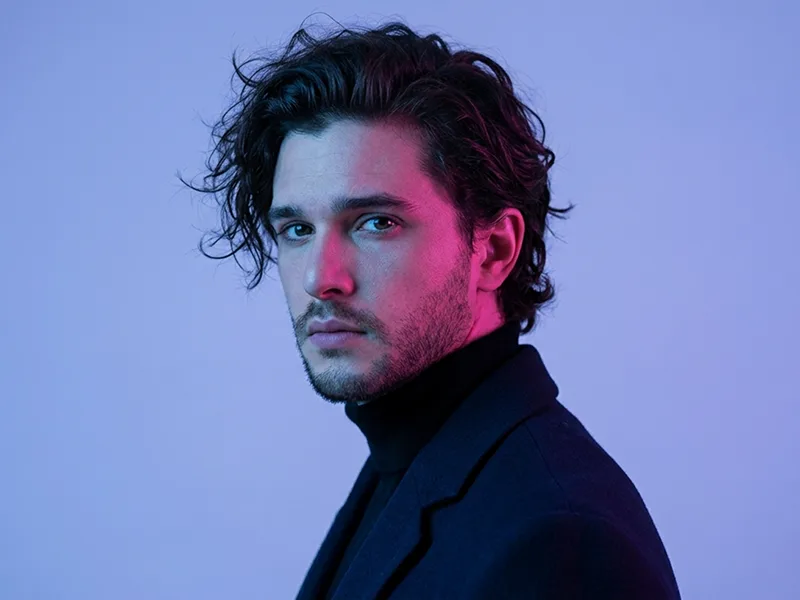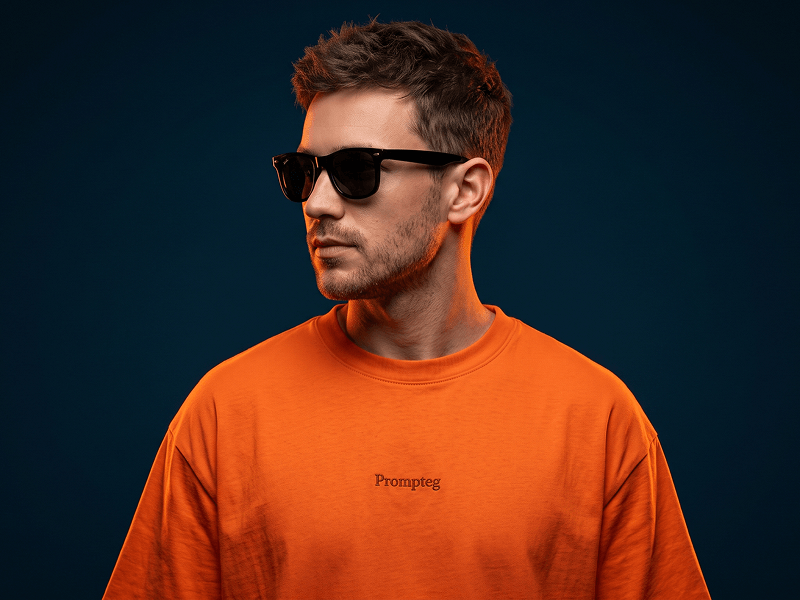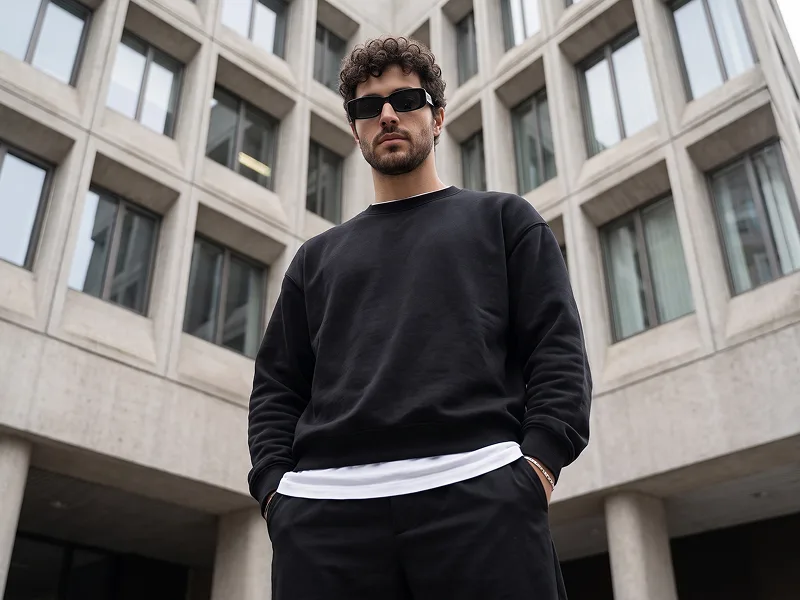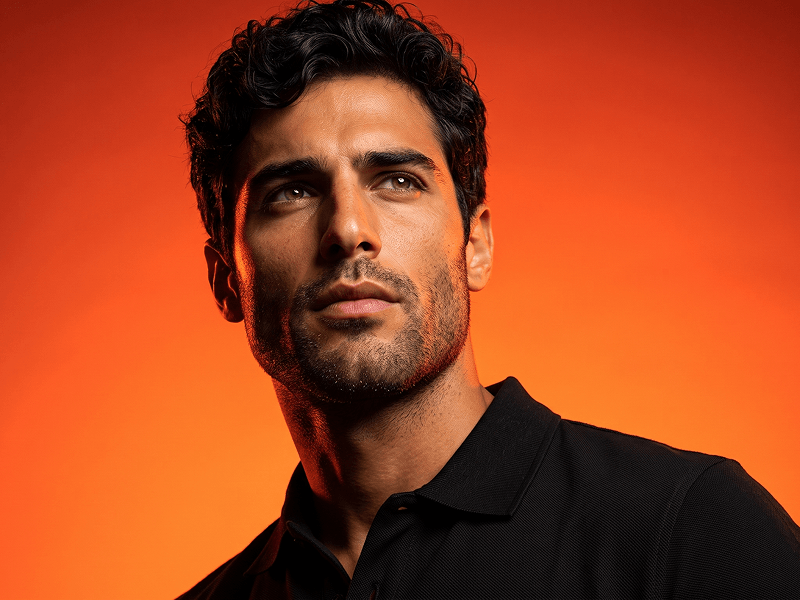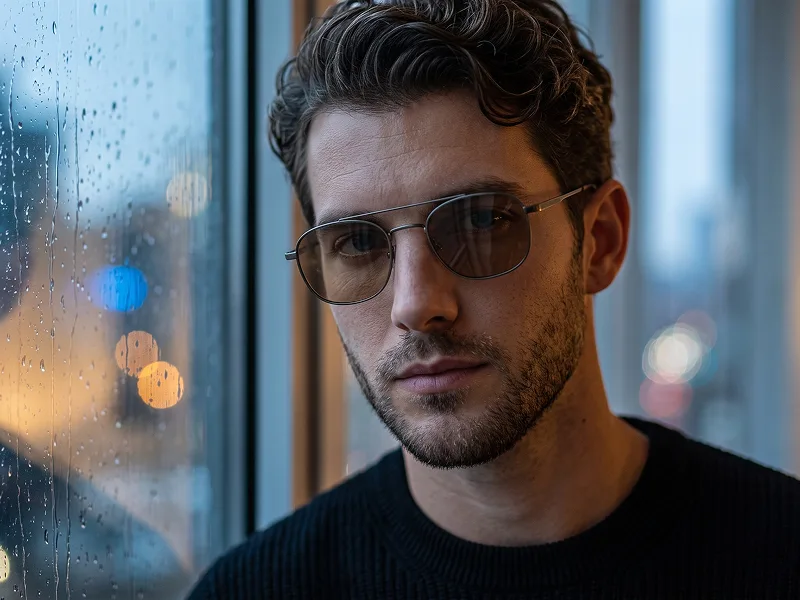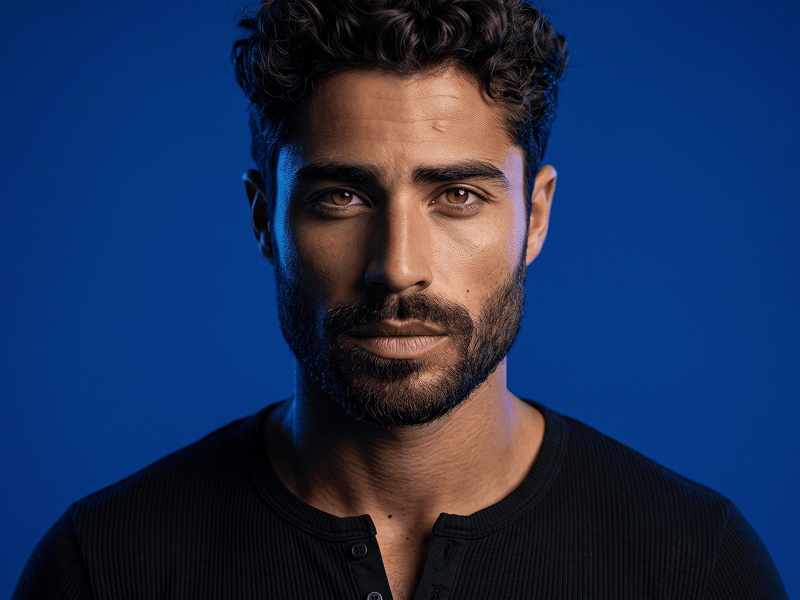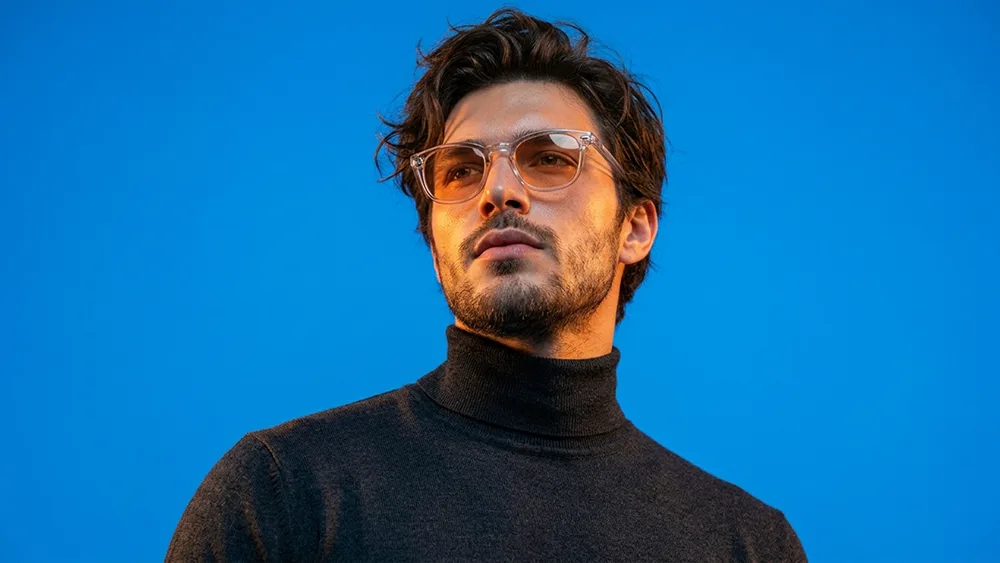
Filmisches Blau Oranges Fashion Porträt Foto Prompt
Direkt kopieren oder mit den Optionen unten anpassen.
Prompteg Android App ist live! Kostenlos herunterladen.
BEI GOOGLE PLAY LADENTransform the uploaded person into a bold cinematic fashion portrait with a dramatic low-angle composition and a sleek editorial mood. Preserve the identity of the uploaded person accurately, including facial features, skin tone, age range, hairstyle texture, and natural expression, while adapting the final result appropriately to the person’s own gender presentation and appearance. Frame the portrait as a tight chest-up or shoulder-up shot from a slightly lower perspective, making the subject appear confident, stylish, and powerful. Style the subject with a refined, modern look: a dark turtleneck or similarly elegant minimal clothing, paired with fashionable translucent or lightly tinted orange sunglasses. Keep the styling sophisticated, clean, and contemporary. The subject should be looking slightly upward or into the distance, creating a cool, aspirational, fashion-forward presence. Use strong cinematic color contrast with a vivid electric blue background and warm golden-orange light hitting the face and glasses. Let the warm highlights glow across the skin while the blue environment creates a striking visual separation. Maintain a polished, premium visual language with a subtle creative sensibility inspired by the modern brand aesthetic of prompteg.com, but do not include any visible text, logo, watermark, website name, lettering, or typography anywhere in the image. Focus on realistic skin texture, crisp facial detail, sharp focus, and a clean studio-like setup. Keep the background simple and uncluttered, allowing the dramatic lighting, eyewear, and facial presence to dominate the composition. The final image should feel like a high-end fashion-editorial portrait: realistic, stylish, cinematic, visually bold, and highly impactful.
Passen Sie Parameter in Echtzeit an.
Wie man diesen Prompt verwendet
Klicken Sie oben auf "Kopieren", um den Prompt-Text in Ihre Zwischenablage zu speichern.
Öffnen Sie Gemini oder Ihren bevorzugten KI-Bildgenerator.
Fügen Sie den Prompt ein, fügen Sie optionale Parameter hinzu (z. B. --ar 16:9) und starten Sie die Generierung.
Ähnliche Bilder