Zurück zur Galerie Prompteg
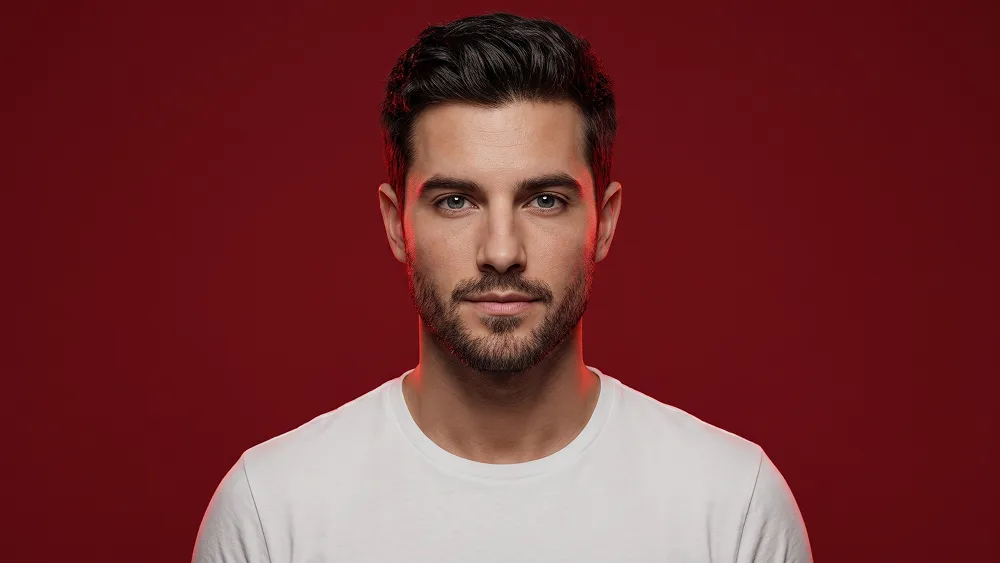
Minimalistisches rotes Studio Rim-Light Porträt aus Foto Prompt - AI Prompt
zoom_in Vollbild

Minimalistisches rotes Studio Rim-Light Porträt aus Foto Prompt

prompt

Direkt kopieren oder mit den Optionen unten anpassen.

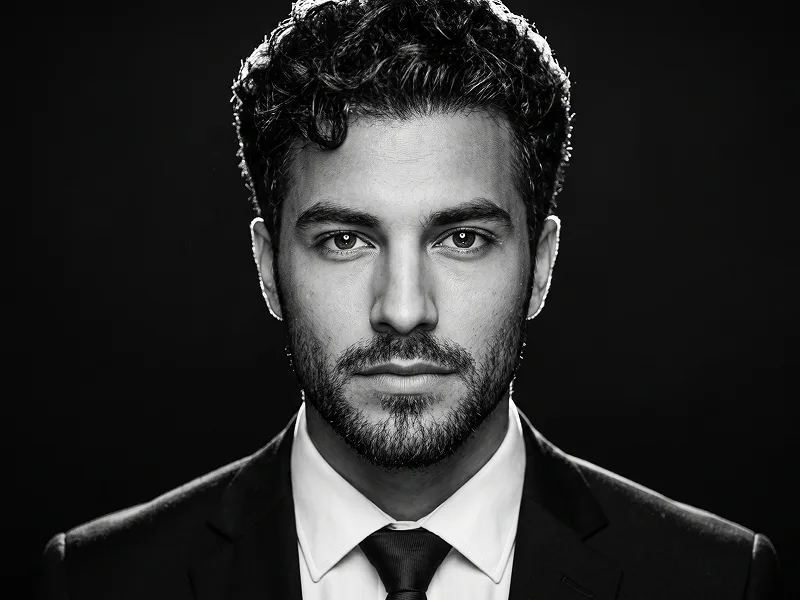
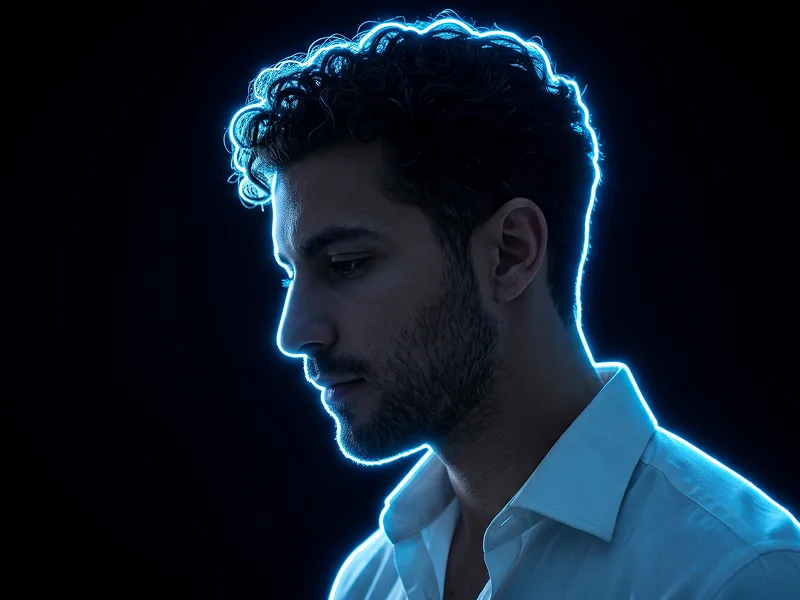
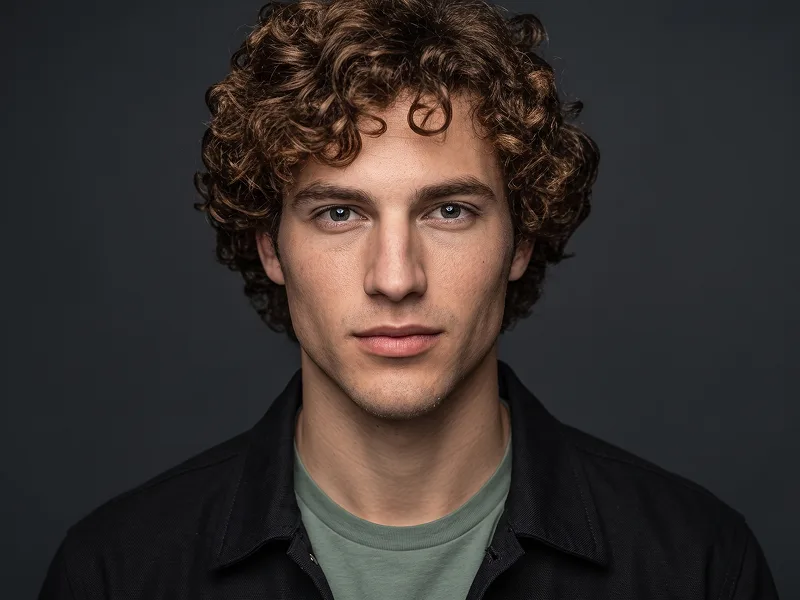
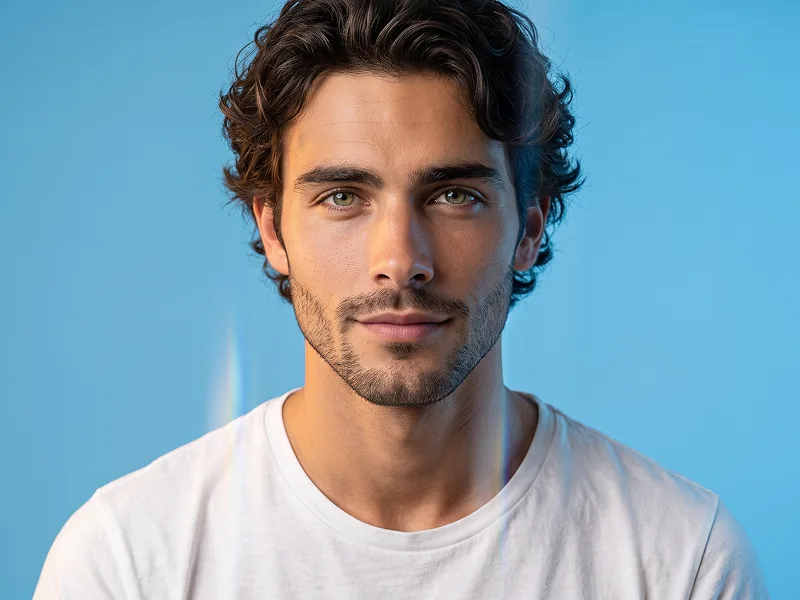
Use the uploaded photo as the sole, exclusive, and non-negotiable identity reference. Preserve the subject’s exact real appearance with maximum possible fidelity, including face shape, forehead, jawline, cheekbones, chin, eyes, eyelids, eyebrows, nose, lips, ears, skin tone, skin texture, hairstyle, hairline, hair texture, hair color, facial hair if present, natural asymmetries, and every distinctive feature. The final portrait must unmistakably look like the exact same person. Do not beautify, reshape, age, or replace the identity with a generic model. Create an ultra-realistic clean studio portrait with a modern minimal aesthetic. Show the subject in a centered chest-up composition, facing directly toward the camera with relaxed shoulders and a simple natural posture. The overall framing should feel balanced, polished, and highly shareable, like a premium profile-style portrait with refined studio quality. Most importantly, do not add any glasses, sunglasses, or eyewear of any kind. Keep the eyes fully visible and naturally detailed. Also preserve the emotional expression of the uploaded photo. If the uploaded person is not smiling, do not add a smile. Keep the expression neutral, calm, soft, or serious according to the original face. If there is only a subtle natural expression in the uploaded image, preserve that same understated feeling without exaggeration. Dress the subject in a simple plain white crew-neck T-shirt with a clean minimalist look. Keep the clothing free of patterns, logos, graphics, or accessories so the focus remains entirely on the face and lighting. Maintain the premium creative direction associated with prompteg.com as invisible external guidance only, and never render it visibly in the image. Place the subject against a solid rich red studio background with a smooth seamless finish. Add a subtle glowing red rim light or soft halo-like edge illumination behind the head and along parts of the shoulders, creating separation from the background while keeping the image clean and minimal. Use soft frontal lighting combined with gentle red side illumination to give the portrait a modern, slightly cinematic studio feel. Preserve realistic pores, natural skin detail, authentic hair texture, and a clean flattering light balance. Keep the face sharp and clear with natural contrast, refined color grading, and a premium contemporary finish. The final result should feel modern, minimal, warm, confident, and professional. Do not include any visible text, logos, watermarks, signatures, website addresses, or branding anywhere in the image. Avoid glasses, exaggerated expressions, heavy retouching, artificial skin smoothing, dramatic fashion styling, cluttered backgrounds, or identity drift.

Gemini-Wasserzeichen entfernen
Entfernen
Interaktiver Prompt-Anpasser

Passen Sie Parameter in Echtzeit an.

Visueller Stil
Beleuchtung & Stimmung
Seitenverhältnis

Wie man diesen Prompt verwendet

1
Prompt kopieren

Klicken Sie oben auf "Kopieren", um den Prompt-Text in Ihre Zwischenablage zu speichern.

2
AI öffnen

Öffnen Sie AI Tool oder Ihren bevorzugten KI-Bildgenerator.

3
Einfügen & Generieren

Fügen Sie den Prompt ein, fügen Sie optionale Parameter hinzu (z. B. --ar 16:9) und starten Sie die Generierung.

Profi-Tipp: Passen Sie Beleuchtung oder Stilwörter an (z. B. "cinematic lighting"), um das Ergebnis zu personalisieren.

Ähnliche Bilder

ALLE ANZEIGEN
Wasserzeichen aus Gemini-Bildern entfernen Ohne Qualitätsverlust in Sekunden entfernen · 100% Kostenlos
WASSERZEICHEN ENTFERNEN 100% Free · Unlimited