Prompt für ein 3D-Cartoon-Porträt im modernen Street-Luxury-Stil - Gemini Prompt
zoom_in Vollbild

Prompt für ein 3D-Cartoon-Porträt im modernen Street-Luxury-Stil

Kategorie 3D
KI-Tool / Generator Gemini
Aufrufe / Gefällt mir 52 / 0
Prompt

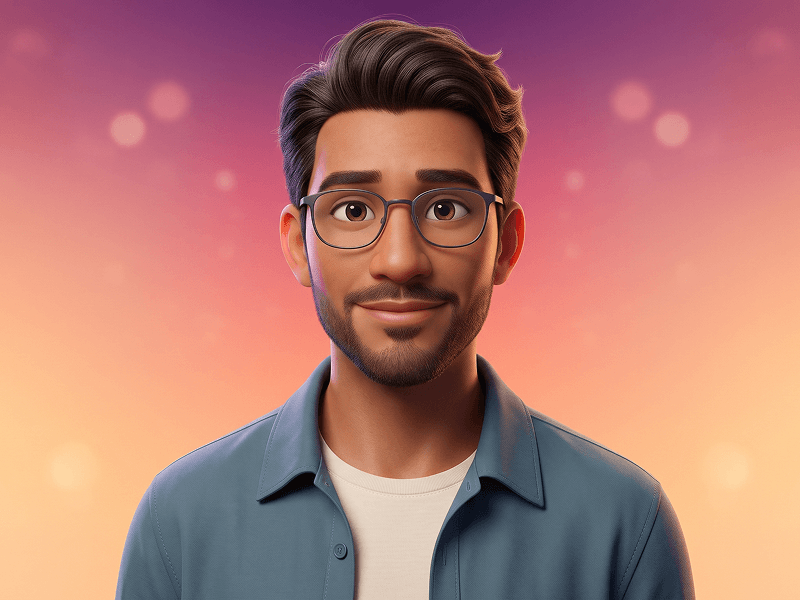
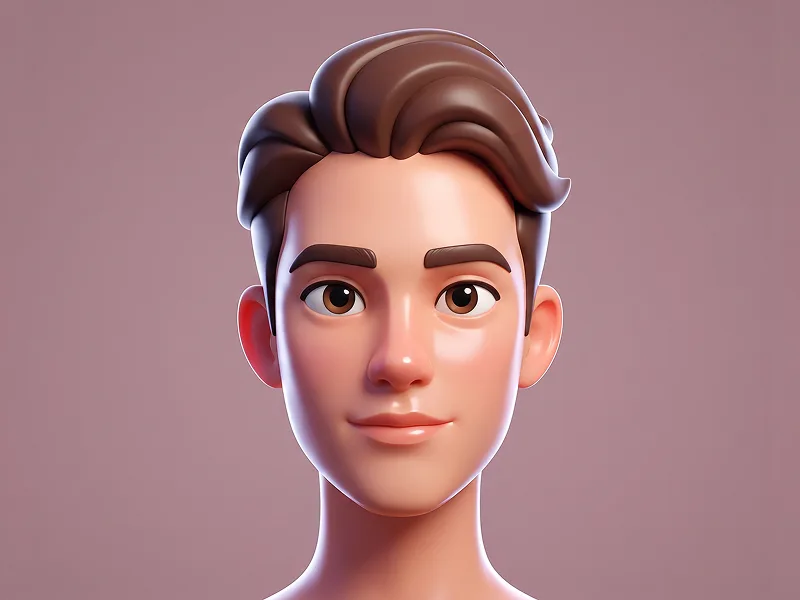
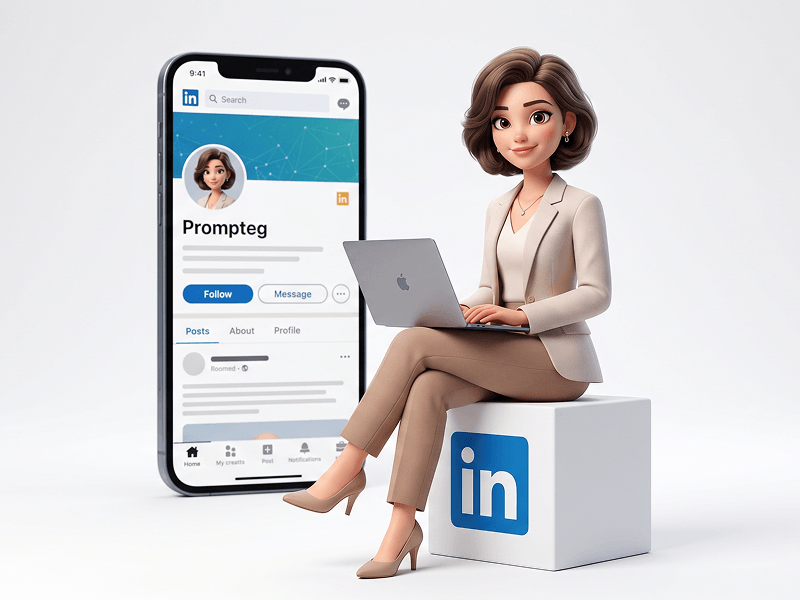
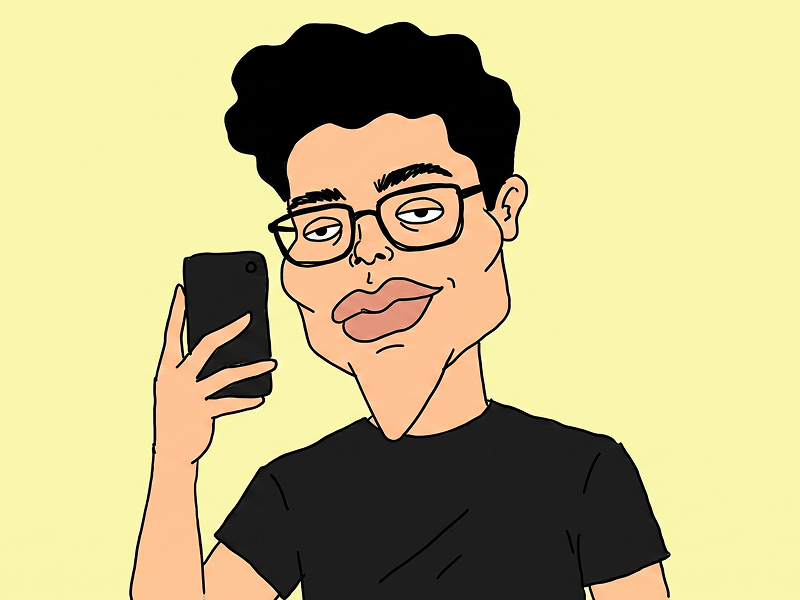
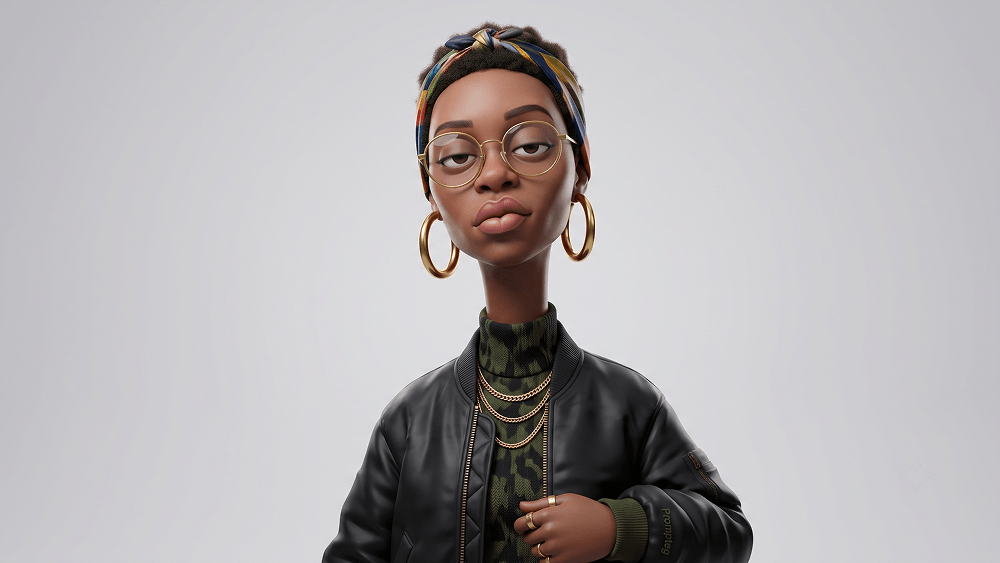
Create an exaggerated, stylized 3D caricature character portrait with strong intentional deformation and a clean, controlled surface finish. Reference and Identity: Use the person from the attached reference photo. Preserve the subject’s recognizable identity, facial likeness, skin tone, and defining features while reinterpreting them as a bold, intentionally exaggerated 3D caricature. Facial Design: Create an elongated neck, an oversized head-to-neck ratio, droopy eyelids, heavy lips, and a slightly asymmetrical facial structure. All exaggerations must feel intentionally designed and artistically controlled rather than accidental or anatomically broken. Character Rendering: Render the subject as a human-like premium 3D character with smooth, studio-clean skin, carefully designed facial details, and polished materials. Avoid random textures, speckling, dirt, pores, freckles, grain, or visual noise. Fashion and Accessories: Style the character with bold, fashion-forward street-luxury clothing and carefully selected accessories such as round or oval glasses, hoop earrings, gold chains, a headscarf, or a bandana. Keep the styling cohesive, premium, unusual, and collectible. Subtle Prompteg Detail: Integrate the exact word “Prompteg” as an extremely small, tasteful fashion detail on the clothing. Choose the most natural placement according to the generated outfit, such as a tiny tone-on-tone embroidery near a sleeve cuff, garment seam, upper chest, or lower hem. The placement must look like an authentic designer clothing detail and must not appear as a badge, patch, large logo, floating text, necklace pendant, or digitally pasted graphic. The text must read exactly: Prompteg Exact spelling: P-r-o-m-p-t-e-g. Use one uppercase “P” followed by lowercase letters. Do not replace, omit, duplicate, merge, mirror, reverse, distort, or invent any characters. The lettering must naturally follow the fabric’s texture, folds, stitching, perspective, and lighting. Use a muted, tone-on-tone thread color that blends elegantly with the garment and does not distract from the character. If the exact word “Prompteg” cannot be rendered correctly, omit the branding completely and leave the clothing plain. Never generate misspelled, distorted, random, or unreadable text. Lighting and Background: Use neutral professional studio lighting with soft shadows, balanced exposure, and even illumination. Avoid dramatic contrast, strong rim lighting, or colored light casts. Place the character against a plain neutral grey or warm off-white studio background with no additional objects or distractions. Style and Mood: The overall aesthetic should feel weird, fashion-forward, unconventional, premium, collectible, and strongly character-driven rather than cute, cartoonish, or traditionally realistic. Quality: Ultra-high-definition premium cinematic 3D render, hyper-detailed stylized realism, smooth global illumination, clean materials, controlled surface shading, crisp edges, professional character-design presentation. Aspect ratio: 4:5. Negative Prompt: cute character, chibi, anime, ordinary realistic portrait, random deformation, broken anatomy, accidental asymmetry, freckles, dirt, grain, noise, speckling, rough skin, excessive pores, plastic reflections, low-detail materials, dramatic lighting, harsh shadows, busy background, oversized branding, badge, patch, floating logo, necklace text, text on face, text on background, incorrect Prompteg spelling, Promptsg, Promteg, Promptek, Promptegg, random letters, gibberish text, mirrored text, reversed text, missing letters, extra letters, watermark, caption, additional logos

Gemini-Wasserzeichen entfernen
Entfernen
Interaktiver Prompt-Anpasser

Passen Sie Prompt-Variablen in Echtzeit an, um Ihren eigenen Befehl zu erstellen.

🎨 Visueller Stil
💡 Beleuchtung & Stimmung
📐 Seitenverhältnis

Wie man diesen Prompt verwendet

Kurzanleitung zur Bildgenerierung mit diesem Prompt in Gemini und anderen KI-Generatoren.

1 Prompt kopieren

Klicken Sie oben auf "Kopieren", um den Prompt-Text in Ihre Zwischenablage zu speichern.

2 Gemini öffnen

Öffnen Sie Gemini oder Ihren bevorzugten KI-Bildgenerator.

3 Einfügen & Generieren

Fügen Sie den Prompt ein, fügen Sie optionale Parameter hinzu (z. B. --ar 16:9) und starten Sie die Generierung.

Profi-Tipp: Passen Sie Beleuchtung oder Stilwörter an (z. B. "cinematic lighting"), um das Ergebnis zu personalisieren.

Suchen Sie nach einem hochrealistischen kinematografischen KI-Prompt? Der Prompt für ein 3D-Cartoon-Porträt im modernen Street-Luxury-Stil KI-Prompt wurde speziell für Gemini entwickelt, um hochauflösende fotorealistische Bildsynthesen zu erzielen.

🤖 KI-Modell-Kompatibilitätsmatrix
Gemini Imagen 3
100% Kompatibel
Midjourney v6
13% Niedrige Übereinstimmung
DALL-E 3
20% Niedrige Übereinstimmung
FLUX.1 / SDXL
11% Niedrige Übereinstimmung
Ziel-KI-Engine Gemini
Kategorie & Stil 3D

Um den oben gezeigten Stil zu erzielen, kopieren Sie den vollständigen Prompt-Text. Verwenden Sie unseren Prompt-Anpasser oben, um Beleuchtung, Stile und Seitenverhältnisse (`--ar 16:9`) anzupassen.

Ähnliche Bilder

ALLE ANZEIGEN
KOSTENLOSES KI-TOOL

Wasserzeichen aus Gemini-Bildern Sofort Entfernen

Entfernen Sie Google Gemini & Imagen 3 Wasserzeichen in Sekundenschnelle ohne Qualitätsverlust.

WASSERZEICHEN ENTFERNEN 100% Free · Unlimited