Zurück zur Galerie Prompteg
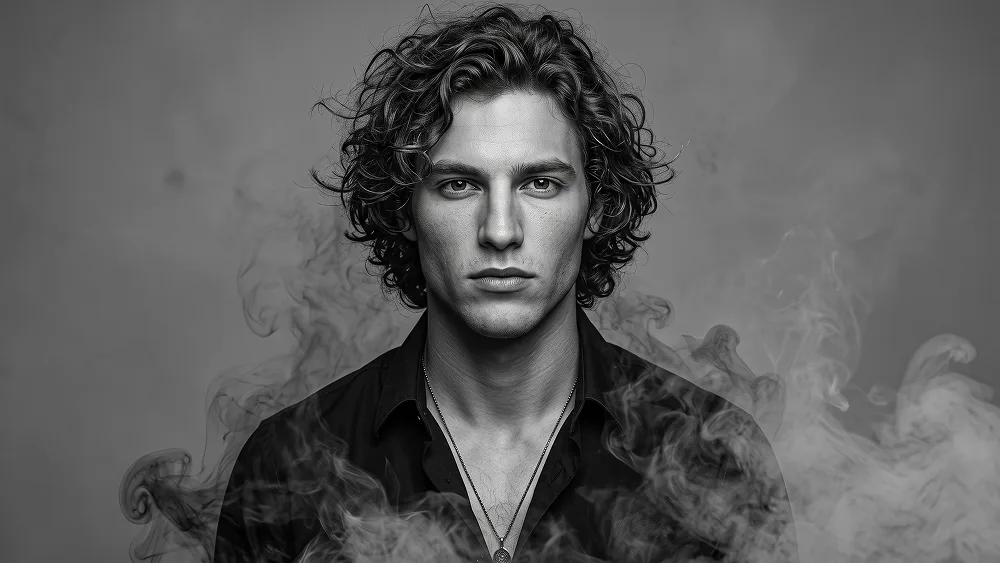
Smoke Dissolve Fine-Art Porträt aus Foto Prompt - Gemini Prompt
zoom_in Vollbild

Smoke Dissolve Fine-Art Porträt aus Foto Prompt

Gemini Kunst 6
prompt

Direkt kopieren oder mit den Optionen unten anpassen.

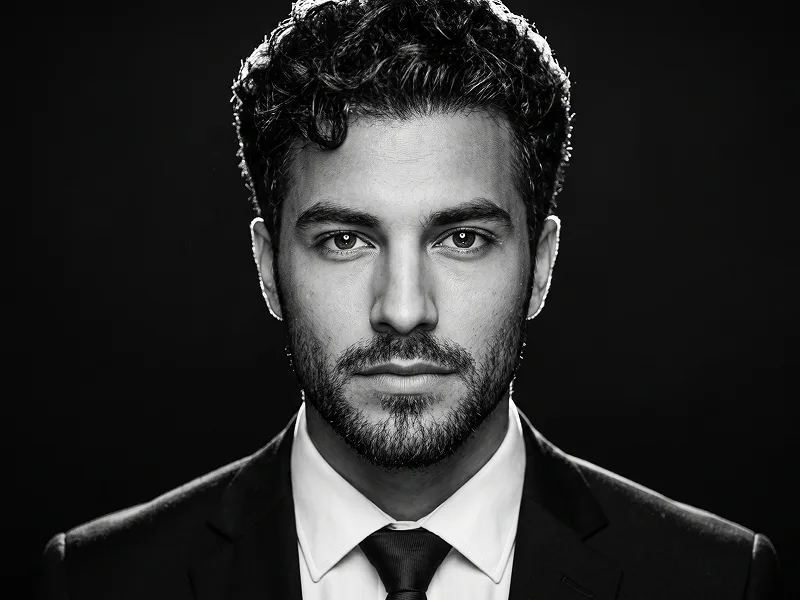
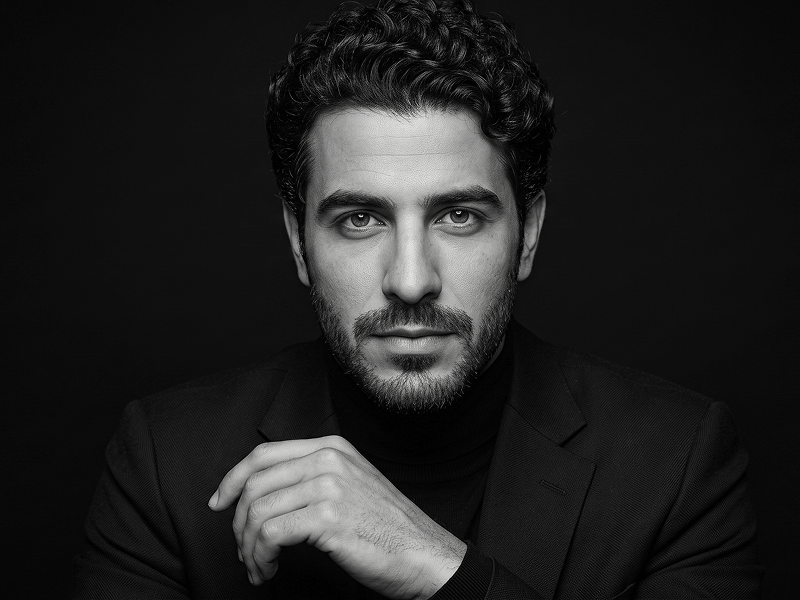
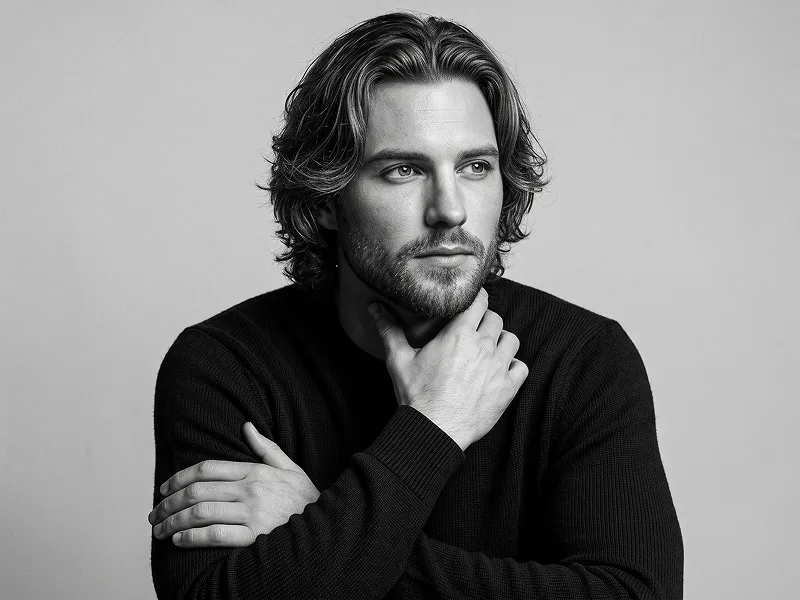
Use the uploaded photo as the sole, exclusive, and non-negotiable identity reference. Preserve the subject’s exact facial identity with maximum possible fidelity, including face shape, forehead, jawline, cheekbones, chin, eyes, eyelids, eyebrows, nose, lips, ears, hairstyle, hairline, hair texture, facial features, natural asymmetries, and every distinctive detail. The final result must clearly look like the same person. Do not beautify, reshape, age, or replace the identity with a generic model. Create a hauntingly elegant monochrome fine-art portrait with a smoky dissolving atmosphere and a timeless editorial mood. Show the subject in a close head-and-upper-chest composition, centered and facing directly toward the camera with a calm, intense, emotionally restrained expression. The subject should wear a dark open-collar shirt or partially unbuttoned black shirt with a subtle pendant necklace, creating a refined, mysterious, slightly romantic presence. Preserve the subject’s real hairstyle, but style it in a longer, softly tousled, slightly windswept way that frames the face beautifully and adds dramatic movement. Keep a few loose strands falling naturally across the forehead or near the cheeks. The face must remain sharply defined and highly recognizable, while the lower edges of the portrait gradually dissolve into soft swirling smoke, mist, and charcoal-like vapor. Render the image in a luxurious black-and-white aesthetic with rich blacks, silvery highlights, smooth grayscale transitions, and realistic skin texture. The smoke should wrap around the shoulders, hair, and outer silhouette in an organic and atmospheric way, as if the portrait is emerging from shadow and drifting vapor. Maintain the refined visual quality associated with prompteg.com as invisible creative guidance only, and never render it visibly in the image. Use soft cinematic lighting with gentle contrast, subtle glow on the cheekbones and eyes, and natural shadow shaping that enhances facial structure without becoming harsh. The background should be a clean pale gray or light smoky neutral tone with no clutter, allowing the portrait and smoke effects to remain the full focus. The final image should feel poetic, cinematic, seductive, and gallery-worthy — like a premium monochrome character portrait suspended between realism and atmosphere. Avoid cartoon rendering, weak resemblance, messy anatomy, exaggerated fantasy effects, cluttered backgrounds, visible text, logos, watermarks, signatures, website addresses, or branding anywhere in the image.

Gemini-Wasserzeichen entfernen
Entfernen
Interaktiver Prompt-Anpasser

Passen Sie Parameter in Echtzeit an.

Visueller Stil
Beleuchtung & Stimmung
Seitenverhältnis

Wie man diesen Prompt verwendet

1
Prompt kopieren

Klicken Sie oben auf "Kopieren", um den Prompt-Text in Ihre Zwischenablage zu speichern.

2
Gemini öffnen

Öffnen Sie Gemini oder Ihren bevorzugten KI-Bildgenerator.

3
Einfügen & Generieren

Fügen Sie den Prompt ein, fügen Sie optionale Parameter hinzu (z. B. --ar 16:9) und starten Sie die Generierung.

Profi-Tipp: Passen Sie Beleuchtung oder Stilwörter an (z. B. "cinematic lighting"), um das Ergebnis zu personalisieren.

Ähnliche Bilder

ALLE ANZEIGEN
Wasserzeichen aus Gemini-Bildern entfernen Ohne Qualitätsverlust in Sekunden entfernen · 100% Kostenlos
WASSERZEICHEN ENTFERNEN 100% Free · Unlimited