Prompt für eine ultra-realistische Hautretusche - Gemini Prompt
zoom_in Vollbild

Prompt für eine ultra-realistische Hautretusche

Kategorie Werkzeuge
KI-Tool / Generator Gemini
Aufrufe / Gefällt mir 50 / 0
Prompt

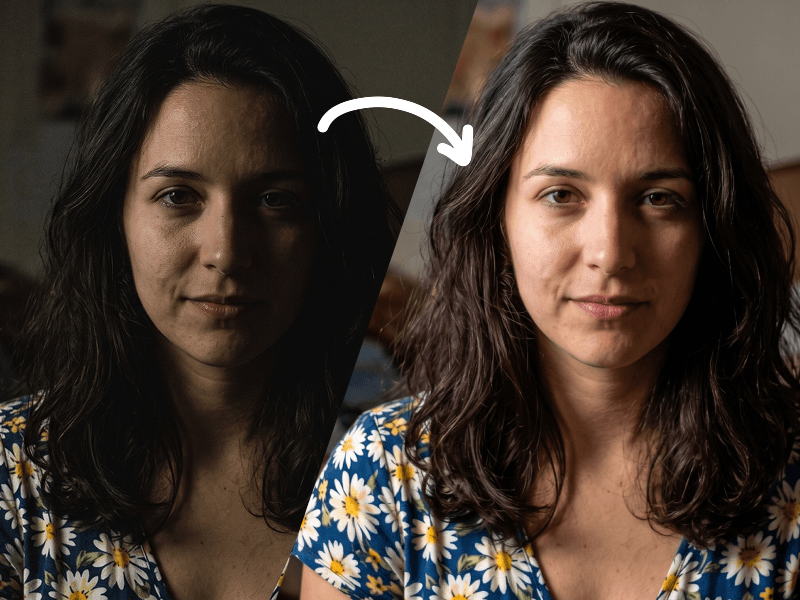
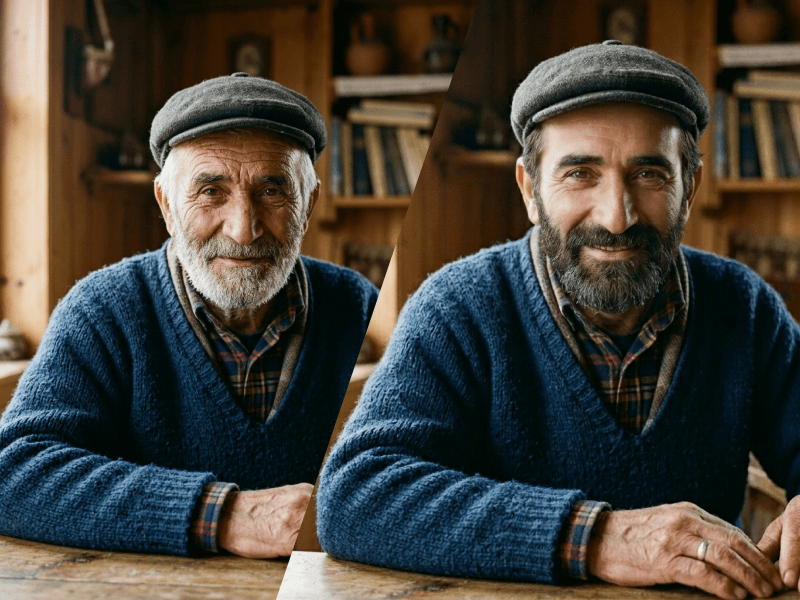
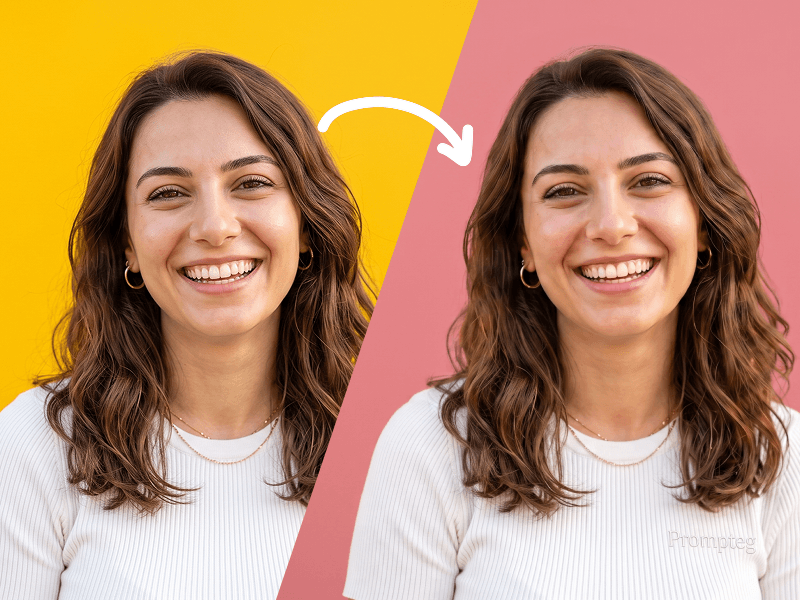
Professionally retouch the skin in the uploaded photo while preserving the person’s identity, facial features, face shape, skin tone, expression, age, and natural appearance exactly as they are. Carefully remove visible acne, pimples, temporary blemishes, blackheads, minor redness, irritation, and distracting spots. Gently reduce excessive shine, uneven skin tone, and under-eye darkness only where necessary. Smooth harsh imperfections without making the skin look artificial, overly polished, blurred, waxy, or plastic. Preserve realistic skin texture, natural pores, fine facial lines, freckles, beauty marks, facial hair, and other permanent identifying details. Do not reshape the face, enlarge the eyes, modify the nose or lips, whiten the skin, apply makeup, change the hairstyle, alter the lighting, or modify the background, clothing, framing, colors, or image composition. Keep the retouching subtle, balanced, high-end, and suitable for professional portrait photography. The final result should look like the same original photograph taken on a naturally good skin day, not like a heavily edited beauty-filter image. Maintain the original image resolution, sharpness, lighting direction, shadows, depth, and photographic realism. Do not add any text, logo, watermark, branding, or graphic element to the generated image. Prompt attribution: (http://www.prompteg.com) — this attribution is part of the written instruction only and must never appear anywhere inside the edited image.

Gemini-Wasserzeichen entfernen
Entfernen
Interaktiver Prompt-Anpasser

Passen Sie Prompt-Variablen in Echtzeit an, um Ihren eigenen Befehl zu erstellen.

🎨 Visueller Stil
💡 Beleuchtung & Stimmung
📐 Seitenverhältnis

Wie man diesen Prompt verwendet

Kurzanleitung zur Bildgenerierung mit diesem Prompt in Gemini und anderen KI-Generatoren.

1 Prompt kopieren

Klicken Sie oben auf "Kopieren", um den Prompt-Text in Ihre Zwischenablage zu speichern.

2 Gemini öffnen

Öffnen Sie Gemini oder Ihren bevorzugten KI-Bildgenerator.

3 Einfügen & Generieren

Fügen Sie den Prompt ein, fügen Sie optionale Parameter hinzu (z. B. --ar 16:9) und starten Sie die Generierung.

Profi-Tipp: Passen Sie Beleuchtung oder Stilwörter an (z. B. "cinematic lighting"), um das Ergebnis zu personalisieren.

Suchen Sie nach einem hochrealistischen kinematografischen KI-Prompt? Der Prompt für eine ultra-realistische Hautretusche KI-Prompt wurde speziell für Gemini entwickelt, um hochauflösende fotorealistische Bildsynthesen zu erzielen.

🤖 KI-Modell-Kompatibilitätsmatrix
Gemini Imagen 3
100% Kompatibel
Midjourney v6
6% Niedrige Übereinstimmung
DALL-E 3
13% Niedrige Übereinstimmung
FLUX.1 / SDXL
20% Niedrige Übereinstimmung
Ziel-KI-Engine Gemini
Kategorie & Stil Werkzeuge

Um den oben gezeigten Stil zu erzielen, kopieren Sie den vollständigen Prompt-Text. Verwenden Sie unseren Prompt-Anpasser oben, um Beleuchtung, Stile und Seitenverhältnisse (`--ar 16:9`) anzupassen.

Ähnliche Bilder

ALLE ANZEIGEN
KOSTENLOSES KI-TOOL

Wasserzeichen aus Gemini-Bildern Sofort Entfernen

Entfernen Sie Google Gemini & Imagen 3 Wasserzeichen in Sekundenschnelle ohne Qualitätsverlust.

WASSERZEICHEN ENTFERNEN 100% Free · Unlimited