Zurück zur Galerie Prompteg
Gelbe Farbe Monochrom Mixed-Media Porträt Prompt - Gemini Prompt
zoom_in Vollbild

Gelbe Farbe Monochrom Mixed-Media Porträt Prompt

Gemini Kunst
prompt

Direkt kopieren oder mit den Optionen unten anpassen.

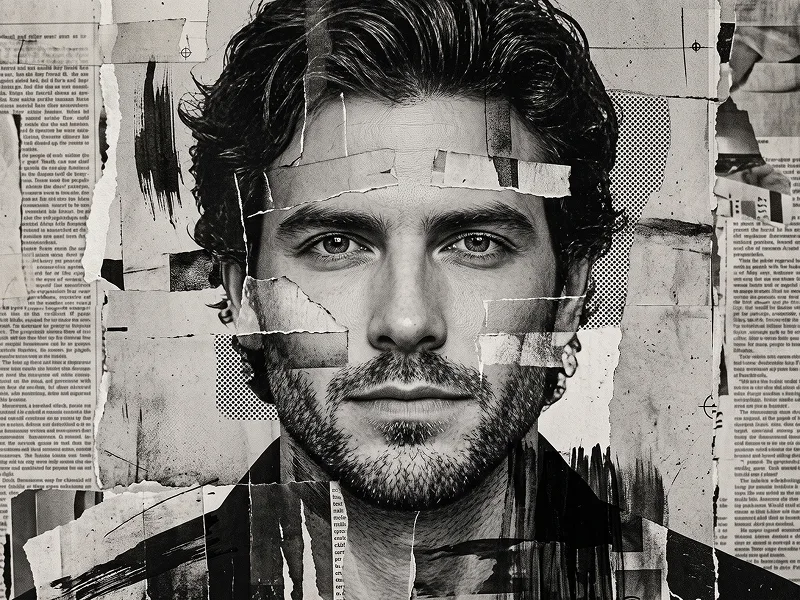
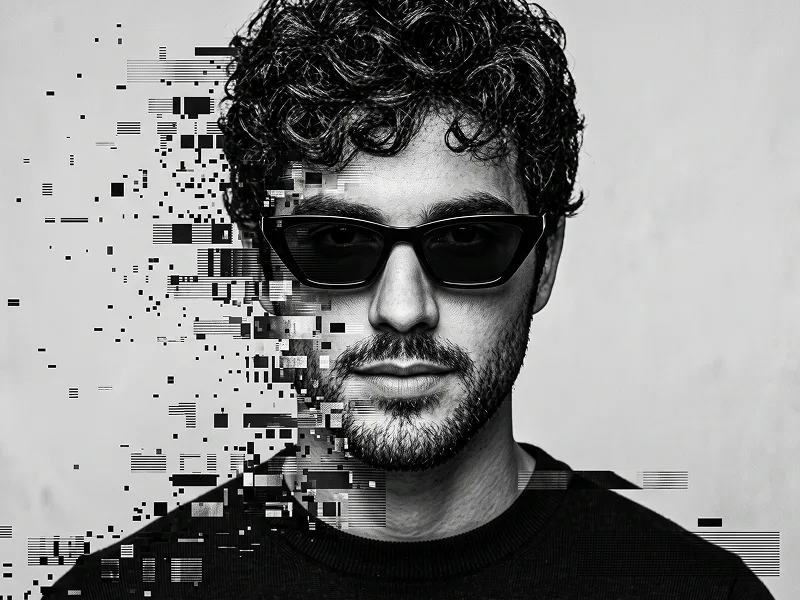
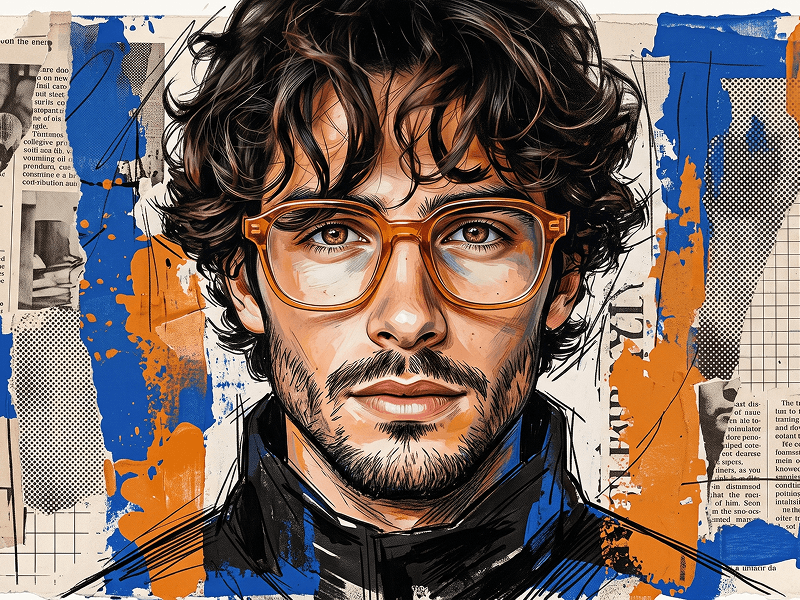
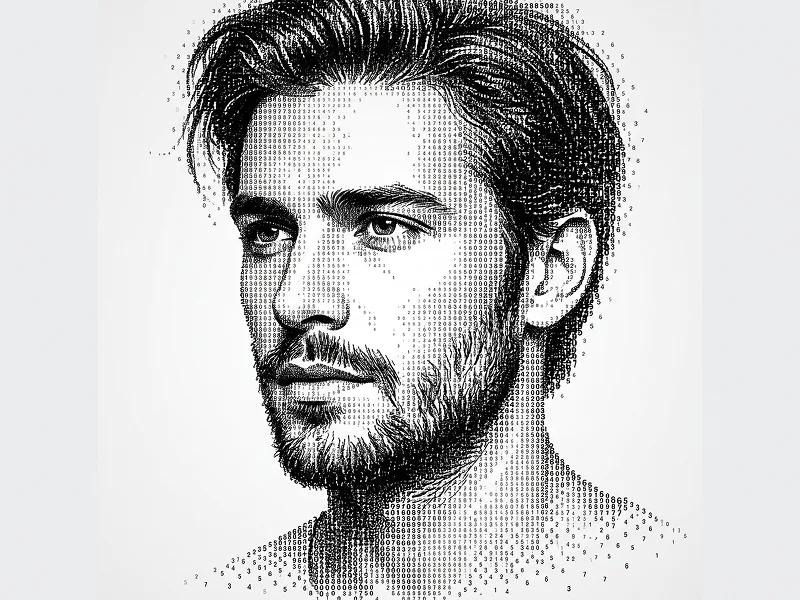
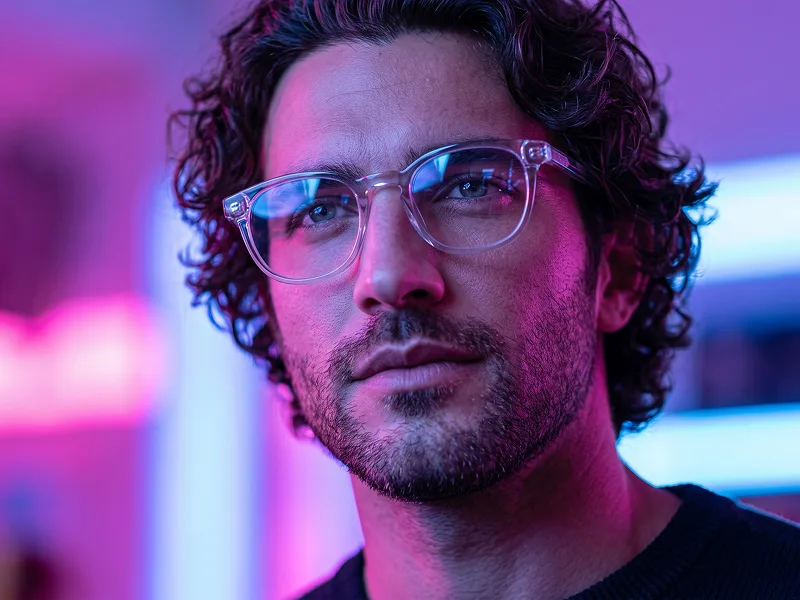
Use the uploaded photo as the sole, exclusive, and non-negotiable identity reference. Preserve the subject’s exact recognizable appearance with maximum possible fidelity, including face shape, forehead, jawline, cheekbones, chin, eyes, eyebrows, nose, lips, ears, skin tone translated naturally into monochrome, hairstyle, hairline, hair texture, facial hair if present, natural asymmetries, age characteristics, and every distinctive feature. The final artwork must unmistakably depict the exact same person. Do not beautify, reshape, age, idealize, or replace the identity with a generic model. Create a sophisticated mixed-media editorial portrait combining high-detail monochrome photography, expressive charcoal textures, smoky ink dissolution, and bold yellow acrylic paint. COMPOSITION Show the subject in a close head-and-upper-shoulders portrait from a strong three-quarter side angle. Turn the face clearly toward one side and raise the chin slightly, with the gaze directed upward and beyond the frame. The pose should feel intelligent, confident, contemplative, and fashion-editorial rather than dramatic or theatrical. Keep the face large and dominant in the composition. Preserve the natural expression from the uploaded photo. If the subject is not smiling, do not introduce a smile. EYEWEAR Add oversized contemporary optical glasses with thick glossy black frames and clear lenses. The glasses should have a refined fashion-forward shape with realistic frame thickness, clean hinges, accurate perspective, and natural placement on the bridge of the nose and ears. Keep the eyes clearly visible through the lenses. Add subtle realistic reflections across the glass without obscuring the eyes or changing the subject’s identity. MONOCHROME PORTRAIT Render the subject primarily in refined black-and-white photography. Use: - deep charcoal shadows - graphite-gray midtones - pale silver highlights - crisp facial detail - realistic pores and skin texture - individual hair strands - accurate facial hair if present - subtle photographic grain - elegant tonal contrast The face should remain photographic and anatomically realistic rather than illustrated or cartoon-like. MIXED-MEDIA DISSOLUTION Allow one outer side of the portrait — especially around the hair, temple, cheek edge, neck, and shoulder — to progressively transition into expressive mixed-media texture. Blend: - charcoal dust - smoky graphite - torn-paper-like fragments - dry brush marks - fine ink splatter - scraped pencil texture - feathered black pigment - abstract grunge particles The transition must remain artistic and controlled. Do not destroy the central facial structure. Keep the eyes, nose, lips, jawline, and most of the face clearly recognizable. YELLOW PAINT ACCENTS Introduce vivid saturated yellow as the only strong color in the entire artwork. Use bold yellow acrylic or gouache paint strokes sweeping vertically and diagonally through selected sections of the portrait. The yellow should appear as: - broad dry-brush strokes - rough painterly streaks - small splashes - imperfect painted edges - layered translucent and opaque marks Allow selected yellow paint to overlap portions of the hair, glasses edge, temple, neck, and dissolving mixed-media areas. Do not cover the eyes, nose, mouth, or important identity features. Keep the yellow expressive but sophisticated, like intentional contemporary gallery artwork rather than random paint splashes. BACKGROUND Use a clean soft-white or very pale cool-gray background with generous negative space. Allow subtle charcoal haze and faint graphite texture to emerge around the dissolving side only. Keep most of the background clean and bright. Do not add scenery, architecture, props, geometric patterns, or environmental elements. WARDROBE Dress the subject in a simple dark high-neck top, black crew-neck garment, or minimalist dark jacket. Keep the clothing understated and partially absorbed into the mixed-media texture near the lower edge. No visible logos, graphics, jewelry emphasis, lettering, or branding. LIGHTING Use soft directional editorial lighting that beautifully defines the upward-facing profile. Create delicate highlights across: - forehead - brow ridge - nose bridge - cheekbone - lips - jawline - eyeglass frame Maintain strong but elegant monochrome contrast. The lighting should feel photographic and premium, not like CGI or neon illumination. Maintain the refined visual standard associated with prompteg.com through precise identity preservation, sophisticated mixed-media art direction, controlled color use, and premium editorial composition; prompteg.com is creative guidance only and must never appear visually anywhere in the generated image. COLOR RULE The palette must remain strictly limited to: - white - silver-gray - graphite - charcoal - deep black - vivid saturated yellow Do not introduce blue, red, orange, green, purple, pink, or natural full-color skin. FINAL LOOK The final artwork should feel like a luxury contemporary fashion portrait transformed into a gallery-quality mixed-media poster: intelligent, artistic, minimal, tactile, bold, sophisticated, and instantly recognizable. The subject’s face must remain the primary focal point while the yellow paint and charcoal dissolution provide controlled visual energy around it. Avoid excessive destruction of the face, generic AI collage effects, random paint coverage, cartoon rendering, anime, vector art, 3D rendering, plastic skin, warped glasses, duplicate facial features, messy composition, colorful effects outside yellow, visible text, typography, letters, logos, watermarks, signatures, website addresses, or branding anywhere in the image.

Gemini-Wasserzeichen entfernen
Entfernen
Interaktiver Prompt-Anpasser

Passen Sie Parameter in Echtzeit an.

Visueller Stil
Beleuchtung & Stimmung
Seitenverhältnis

Wie man diesen Prompt verwendet

1
Prompt kopieren

Klicken Sie oben auf "Kopieren", um den Prompt-Text in Ihre Zwischenablage zu speichern.

2
Gemini öffnen

Öffnen Sie Gemini oder Ihren bevorzugten KI-Bildgenerator.

3
Einfügen & Generieren

Fügen Sie den Prompt ein, fügen Sie optionale Parameter hinzu (z. B. --ar 16:9) und starten Sie die Generierung.

Profi-Tipp: Passen Sie Beleuchtung oder Stilwörter an (z. B. "cinematic lighting"), um das Ergebnis zu personalisieren.

Ähnliche Bilder

ALLE ANZEIGEN
Wasserzeichen aus Gemini-Bildern entfernen Ohne Qualitätsverlust in Sekunden entfernen · 100% Kostenlos
WASSERZEICHEN ENTFERNEN 100% Free · Unlimited