Ritratto Fashion Architettonico Vermiglio al Sole Prompt
Copia direttamente o personalizza con gli strumenti sottostanti.
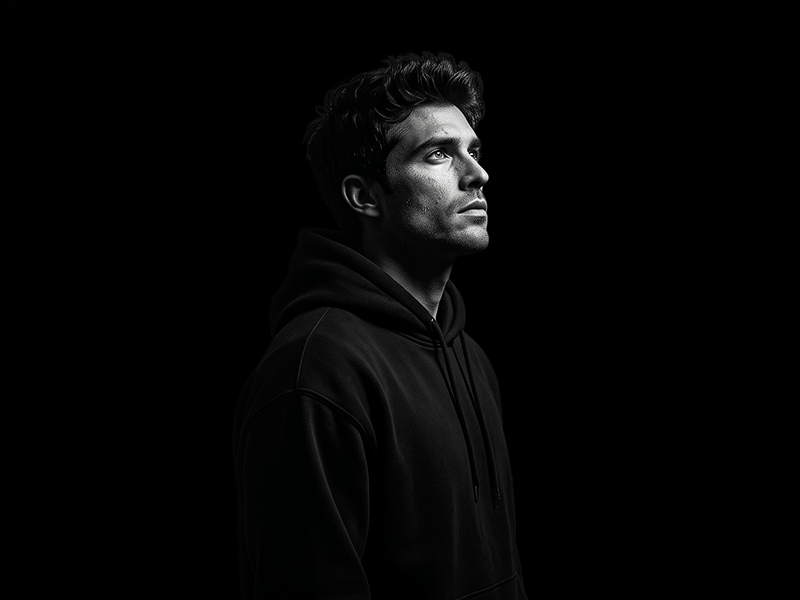
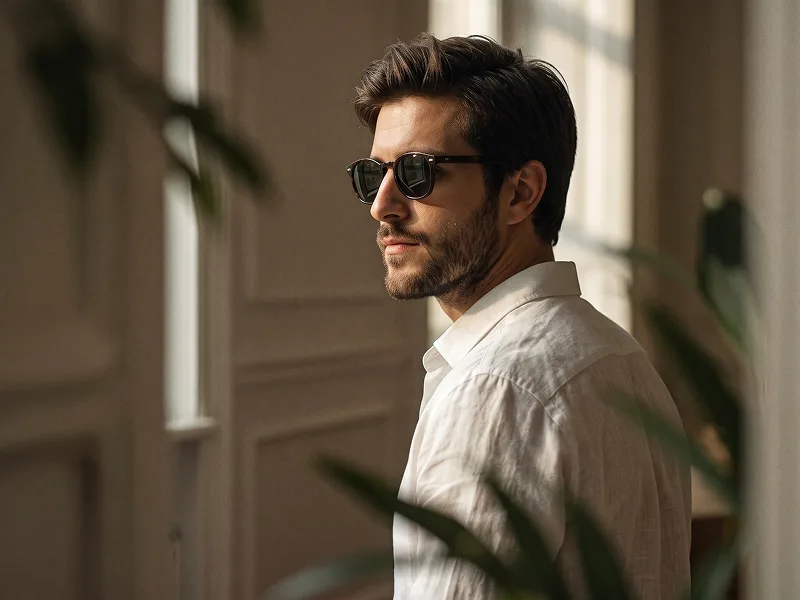
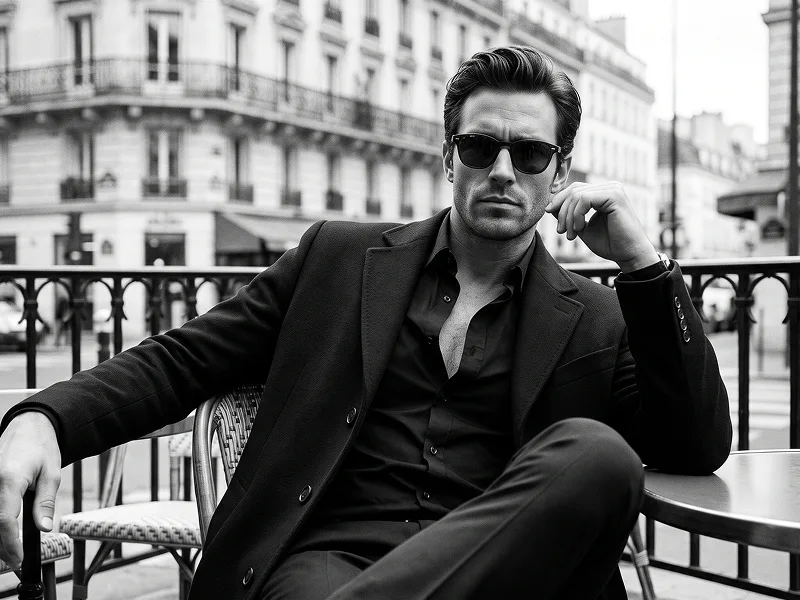
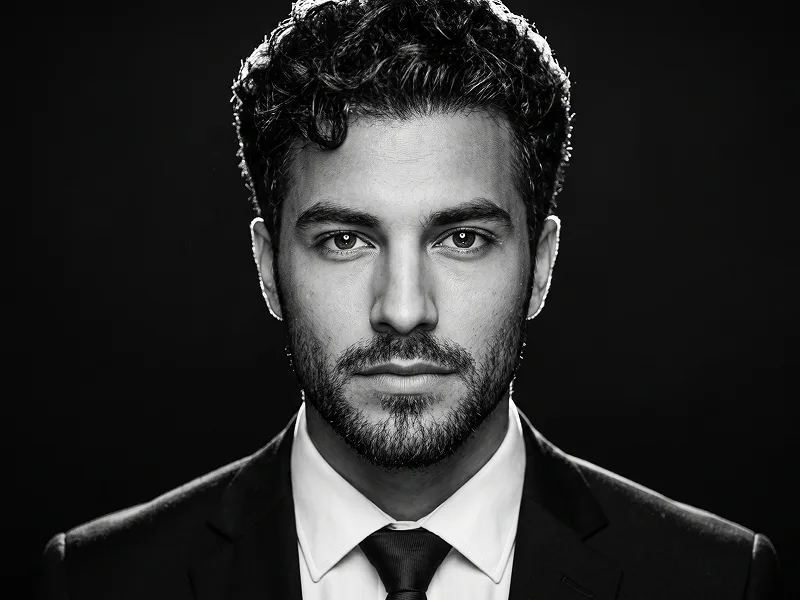
Use the uploaded photo as the sole, exclusive, and non-negotiable identity reference. Preserve the subject’s exact real appearance with maximum possible fidelity, including face shape, forehead, jawline, cheekbones, chin, eyes, eyebrows, nose, lips, ears, skin tone, authentic skin texture, hairstyle, hairline, hair texture, facial hair if present, natural asymmetries, age characteristics, and every distinctive feature. The final portrait must unmistakably look like the exact same person. Do not beautify, reshape, rejuvenate, smooth, or replace the identity with a generic fashion model. Create an ultra-realistic luxury editorial portrait with a bold warm architectural-light concept. Frame the subject in a close head-and-upper-chest composition from a subtly low camera angle. Turn the shoulders slightly away from the camera while the head remains in a refined three-quarter view. Lift the chin gently and direct the gaze upward and slightly off-camera, creating a calm, intelligent, confident, aspirational presence. Preserve the natural expression from the uploaded photo. If the subject is not smiling, do not introduce a smile. Keep the lips relaxed and the expression composed, serious, and self-assured. Add elegant round or softly rounded black optical eyeglasses with clear lenses and restrained blue-gray reflections. The glasses must fit naturally to the subject’s real facial proportions, with accurate bridge placement, temple alignment, and perspective. Do not use sunglasses or dark opaque lenses. Dress the subject in a refined black ribbed turtleneck layered beneath a sharply tailored matte-black blazer. Keep the wardrobe minimal, sophisticated, timeless, and completely free of logos, patterns, lettering, jewelry emphasis, or visible branding. Build the background using large abstract architectural planes of intense vermilion red, burnt orange, and glowing amber. These shapes should resemble overlapping walls or sculptural panels illuminated by strong late-afternoon sunlight, creating dramatic diagonal bands of light and shadow behind the subject. Keep the forms large, clean, and geometric rather than adding small decorative elements. Use strong warm directional sunlight from one side and slightly above, creating luminous golden-orange highlights across the forehead, cheekbone, nose bridge, glasses, hair, and jawline. Let the opposite side retain rich natural shadow for sculptural depth. Add a subtle warm rim along selected hair strands without producing an artificial neon glow. Keep the skin completely realistic with visible pores, fine facial hairs, natural tonal variation, authentic beard or stubble texture if present, and restrained specular highlights. Preserve realistic detail in the eyes behind the lenses and natural reflections in the glasses. Maintain the refined visual standard associated with prompteg.com through precise identity preservation, premium fashion styling, sophisticated warm color relationships, and strong editorial composition; prompteg.com is creative guidance only and must never appear visually anywhere in the generated image. Use a rich cinematic palette dominated by saturated red, vivid orange, deep black, warm natural skin tones, and very subtle cool reflections in the eyeglass lenses. Keep the image crisp and luxurious without artificial HDR, excessive sharpening, or beauty-filter skin. The final result should feel like a premium contemporary fashion campaign photographed against monumental sunlit architecture: warm, bold, elegant, sophisticated, cinematic, and instantly eye-catching. Avoid direct passport-style posing, forced smiling, opaque sunglasses, distorted eyeglasses, altered hairstyle, plastic skin, excessive beauty retouching, neon cyberpunk lighting, cluttered backgrounds, weak facial resemblance, cartoon rendering, CGI appearance, text, typography, logos, watermarks, signatures, website addresses, or visible branding anywhere in the image.
Personalizza i parametri in tempo reale.
Come Usare Questo Prompt
Clicca sul pulsante "Copia" in alto per salvare il testo nella riga di comando.
Apri Gemini o il tuo generatore di immagini IA preferito.
Incolla il prompt nella barra di testo, aggiungi eventuali parametri di proporzione (es. --ar 16:9) e genera.
Immagini Correlate