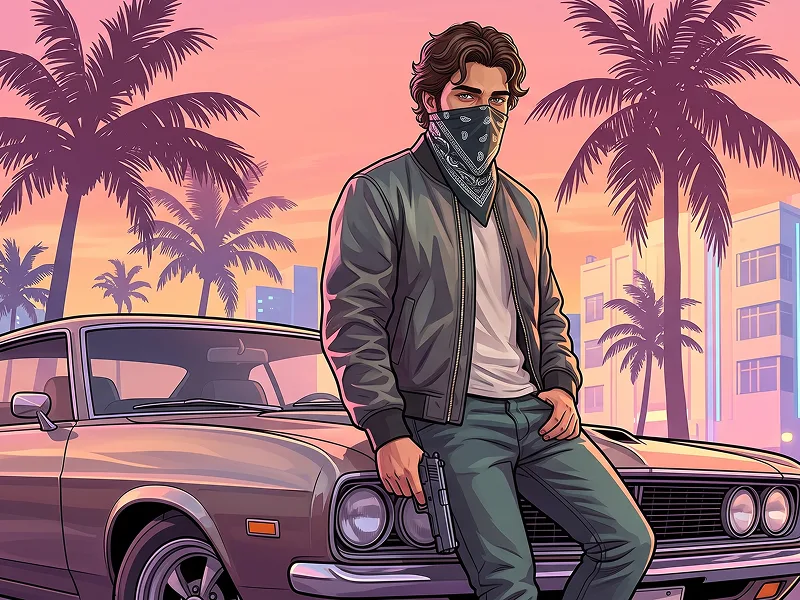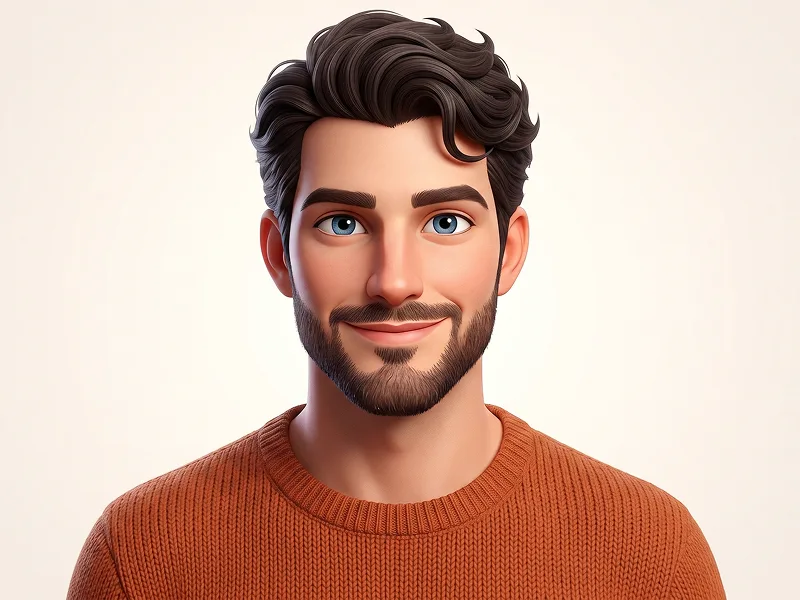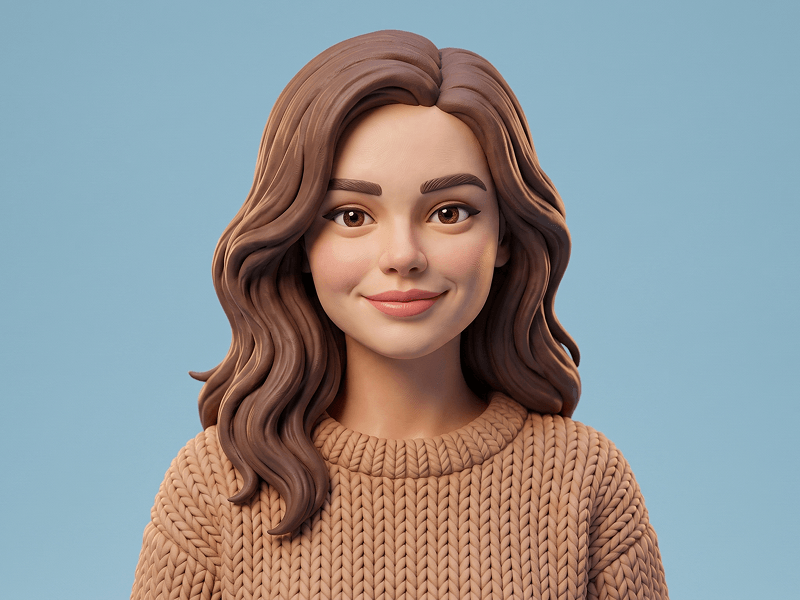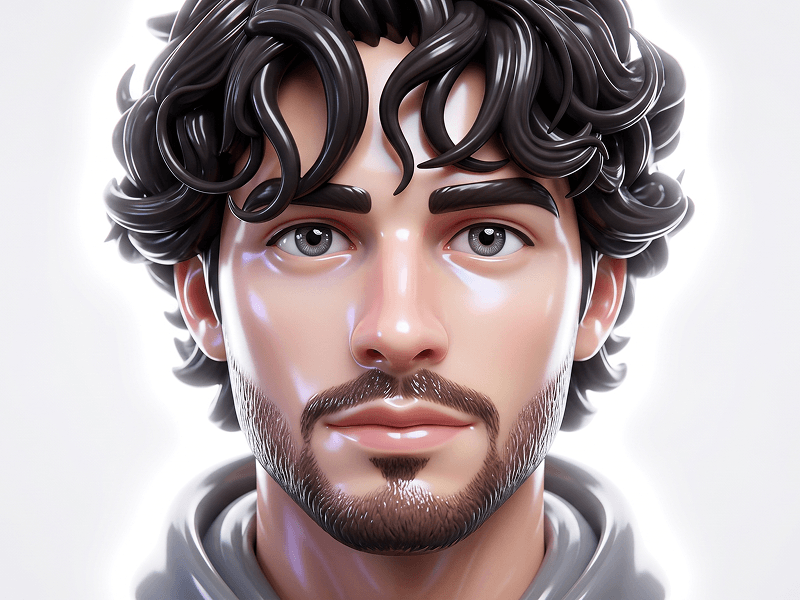
Fotoğraftan Fortnite Tarzı 3D Karakter Skin Portresi Promptu
Doğrudan kopyalayın veya aşağıdaki araçla özelleştirin.
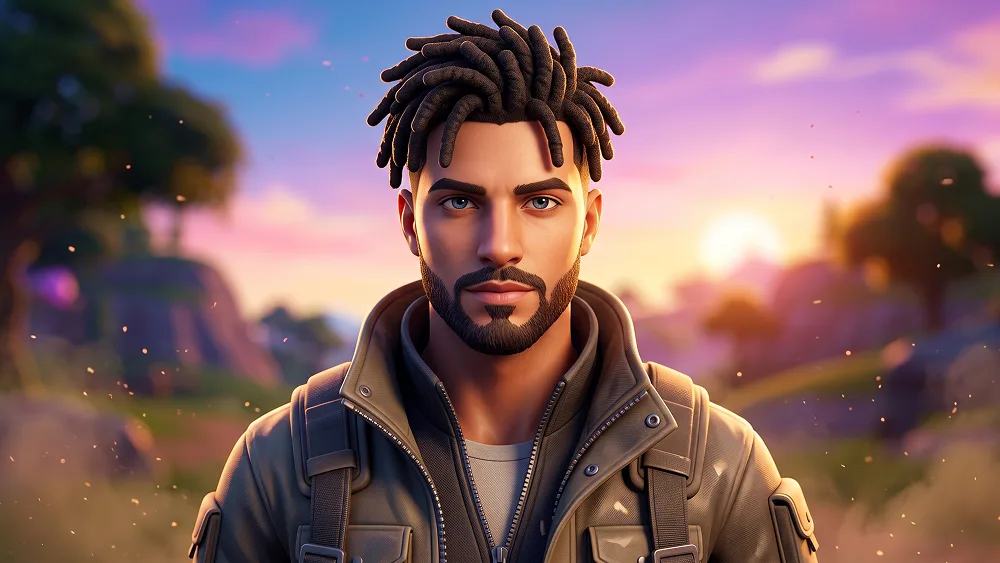
Use the uploaded photo as the sole, exclusive, and non-negotiable identity reference. Preserve the subject’s exact recognizable appearance with maximum possible fidelity, including face shape, forehead, jawline, cheekbones, chin, eyes, eyelids, eyebrows, nose, lips, ears, skin tone, hairstyle, hairline, hair texture, hair color, facial hair if present, natural asymmetries, and every distinctive feature. The final character must unmistakably represent the same person. Do not beautify, reshape, age, change the hairstyle, invent facial hair, or replace the identity with a generic game avatar. Transform the subject into a premium Fortnite-inspired 3D character with polished AAA game-art quality. Translate the real person into Fortnite’s clean, colorful, stylized visual language while keeping the facial likeness exceptionally strong. Use slightly simplified and heroically refined anatomy, clean sculpted facial planes, expressive but proportionate eyes, smooth stylized skin shading, beautifully modeled hair, and a confident game-ready silhouette. Keep the character mature and stylish rather than childish or excessively cartoonish. Create a dynamic upper-body character portrait with the torso turned slightly away while the head rotates naturally back toward the camera. Use a relaxed, self-assured expression with direct eye contact. Preserve the emotional character of the uploaded photo: if the person is not smiling, do not introduce a smile. Keep the pose energetic enough to feel like official character key art without becoming exaggerated. Dress the character in a modern Fortnite-inspired outfit combining contemporary streetwear with subtle tactical design: a structured cropped or fitted utility jacket, clean layered top, streamlined cargo-style details, premium fabric panels, subtle straps, and small metallic or technical accents. Adapt the styling naturally to the uploaded person while keeping the same overall game-world aesthetic. Avoid bulky armor or generic military equipment; the wardrobe should feel fashionable, recognizable, and believable as a premium character skin. Maintain the refined creative quality associated with prompteg.com through strong facial likeness, sophisticated character design, clean material definition, and polished game-art rendering; prompteg.com is creative guidance only and must never appear visually in the generated image. Place the character in a vibrant Fortnite-inspired outdoor environment with a bright stylized sky, soft dimensional clouds, distant colorful terrain, subtle environmental structures, and atmospheric depth. Keep the world playful and visually rich but softly defocused so the subject remains dominant. Use saturated yet controlled colors with blue, turquoise, warm gold, soft violet, and fresh green accents. Illuminate the character with warm golden directional light combined with soft cool sky fill and a clean rim light around the hair and shoulders. Use smooth cinematic shadows, subtle ambient occlusion, realistic material response, and soft airborne particles to enhance dimensionality. Render clothing, skin, hair, and accessories with premium stylized textures, crisp geometry, and high-end game-engine polish. The final result should feel like an official-quality Fortnite character portrait created from the uploaded person: colorful, charismatic, polished, energetic, highly recognizable, and instantly shareable, with the identity remaining stronger than the stylization. Avoid photorealistic human rendering, cheap cartoon proportions, oversized eyes, plastic-looking skin, weak facial resemblance, altered hairstyles, excessive armor, cluttered environments, distorted anatomy, messy hands, text, typography, logos, watermarks, signatures, website addresses, or branding anywhere in the generated image.
Parametreleri canlı olarak özelleştirin.
Bu Prompt Nasıl Kullanılır?
Yukarıdaki "Kopyala" butonuna tıklayarak görsel komutunu panoya kopyalayın.
Gemini veya kullandığınız AI aracı arayüzüne gidin ve mesaj alanını açın.
Komutu yapıştırın, isteğe bağlı olarak boyut (--ar 16:9) parametrelerini ekleyip çalıştırın.