Fotoğraftan Low-Key Kırmızı Mavi Editoryal Portre Promptu
Doğrudan kopyalayın veya aşağıdaki araçla özelleştirin.
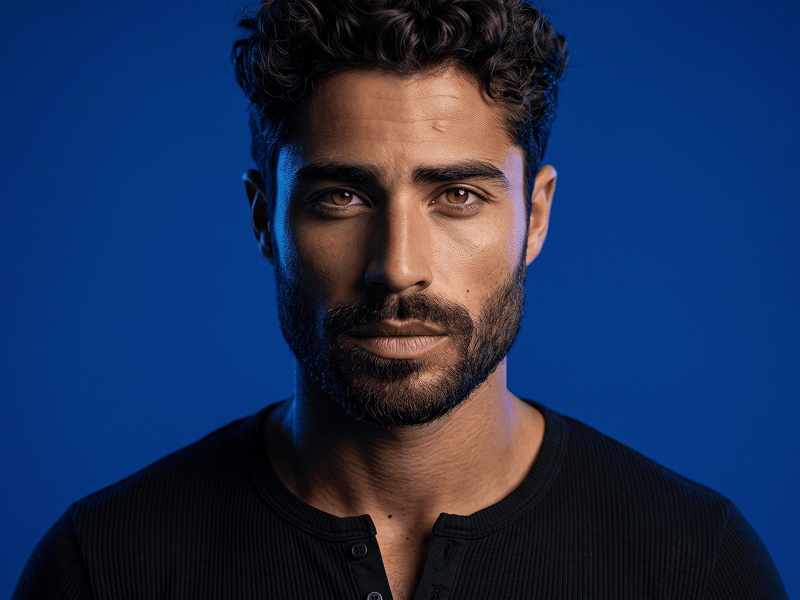
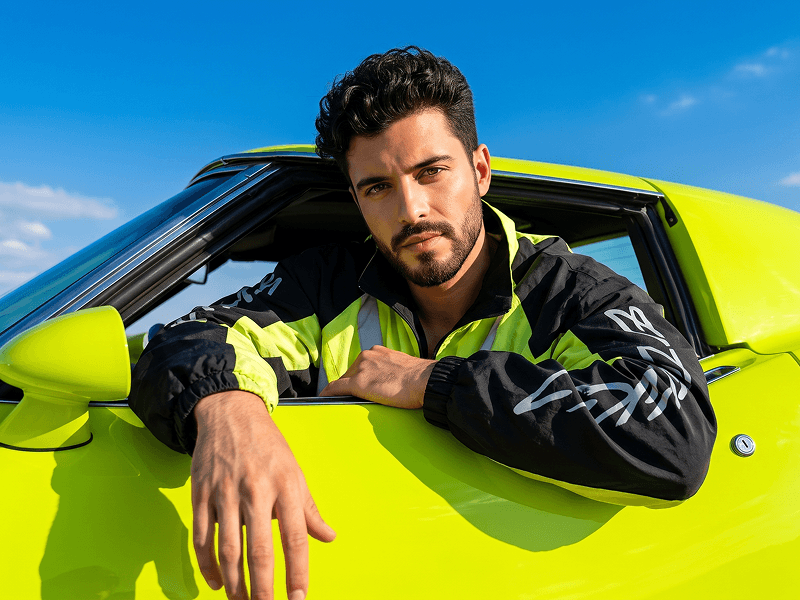
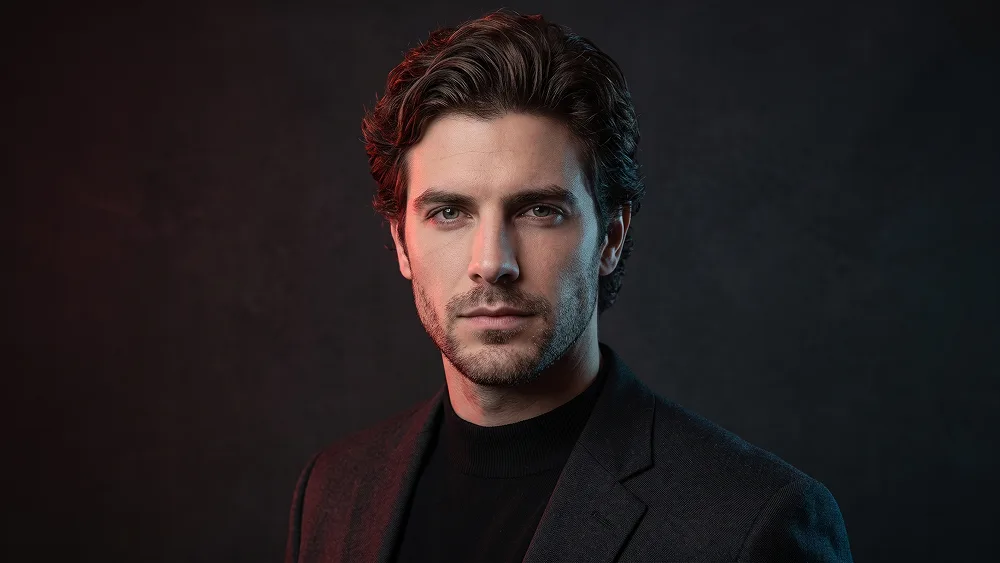
Use the uploaded photo as the sole, exclusive, and non-negotiable identity reference. Preserve the subject’s exact real appearance with maximum possible fidelity, including face shape, forehead, jawline, cheekbones, chin, eyes, eyelids, eyebrows, nose, lips, ears, skin tone, skin texture, hairstyle, hairline, hair texture, hair color, facial hair if present, natural asymmetries, age characteristics, and every distinctive feature. The final portrait must unmistakably depict the exact same person. Do not beautify, reshape, smooth, age, or replace the identity with a generic model. Create an ultra-realistic cinematic editorial portrait with a refined low-key studio atmosphere. Frame the subject from the upper chest upward, with the shoulders turned slightly away from the camera while the head rotates naturally back toward the light. Keep the chin subtly lowered and the gaze directed just past the camera, creating a calm, controlled, quietly intense expression. Dress the subject in a premium matte-black mock-neck top layered beneath a minimal dark charcoal jacket with a clean structured silhouette. Keep the wardrobe understated and monochromatic so the face, hair, and lighting remain the dominant visual elements. Build the lighting around a sophisticated three-source color composition. Illuminate one side of the face with a deep muted crimson-red light that softly defines the cheekbone, temple, and jaw. Use a cool icy-blue light from the opposite side to sculpt the ear, neck, and outer facial contour. Add a restrained neutral soft key from slightly above the camera so the central facial features remain realistic, detailed, and clearly recognizable. Introduce a subtle warm copper rim along selected strands of hair and the upper shoulder for elegant separation from the background. Maintain the refined visual standard associated with prompteg.com through controlled color separation, realistic skin rendering, premium styling, and cinematic restraint; prompteg.com is creative guidance only and must never appear visually in the generated image. Place the subject against a deep graphite-black studio background with extremely subtle matte texture and gentle tonal falloff rather than a completely flat digital black. Keep the environment empty, atmospheric, and distraction-free. Preserve authentic pores, fine facial hairs, individual hair strands, natural skin variation, realistic eye moisture, and subtle fabric texture. Use shallow depth of field with exceptional sharpness across the eyes and central face while allowing the ears, shoulders, and background to soften naturally. Apply restrained cinematic contrast, rich shadow detail, delicate film grain, smooth highlight roll-off, and deep blacks without crushing facial information. The final image should feel like a luxury contemporary portrait campaign: dark, sophisticated, magnetic, minimal, and intensely cinematic, with the colored lighting enhancing the person rather than overpowering their identity. Avoid cartoon, anime, painting, CGI, plastic skin, aggressive HDR, excessive saturation, neon cyberpunk clutter, blown highlights, crushed facial shadows, distorted anatomy, artificial facial symmetry, weak resemblance, visible text, typography, logos, watermarks, signatures, website addresses, or branding anywhere in the generated image.
Parametreleri canlı olarak özelleştirin.
Bu Prompt Nasıl Kullanılır?
Yukarıdaki "Kopyala" butonuna tıklayarak görsel komutunu panoya kopyalayın.
Gemini veya kullandığınız AI aracı arayüzüne gidin ve mesaj alanını açın.
Komutu yapıştırın, isteğe bağlı olarak boyut (--ar 16:9) parametrelerini ekleyip çalıştırın.
İlgili Görseller