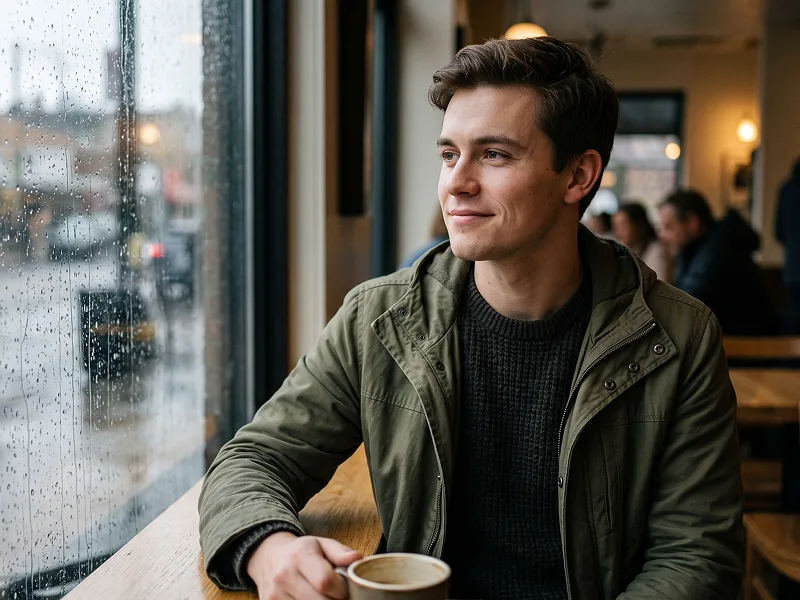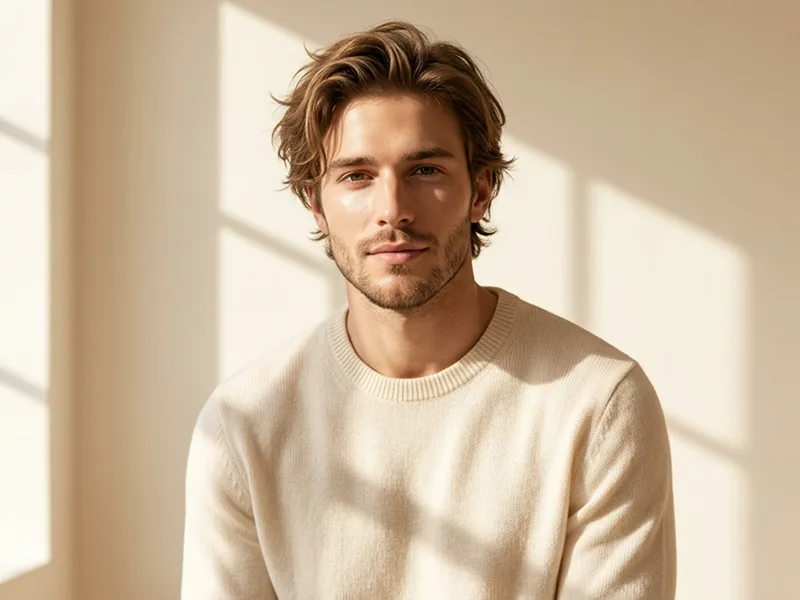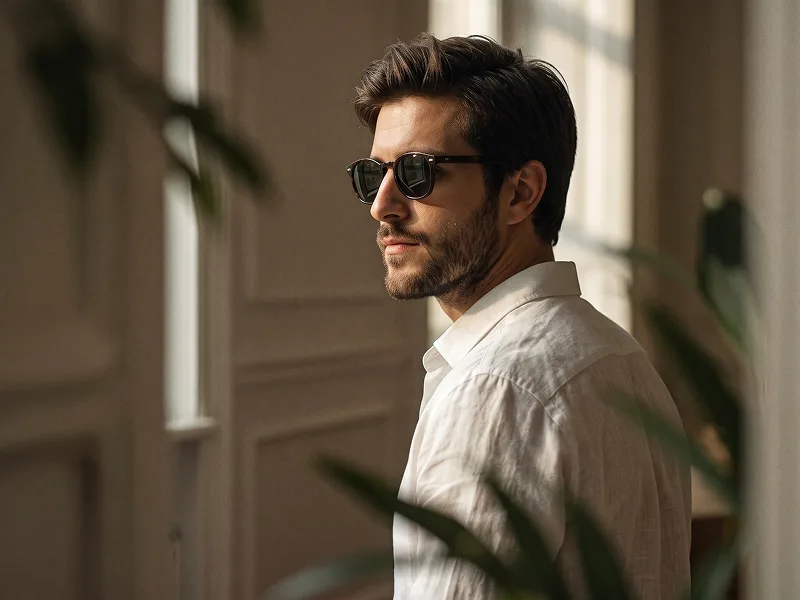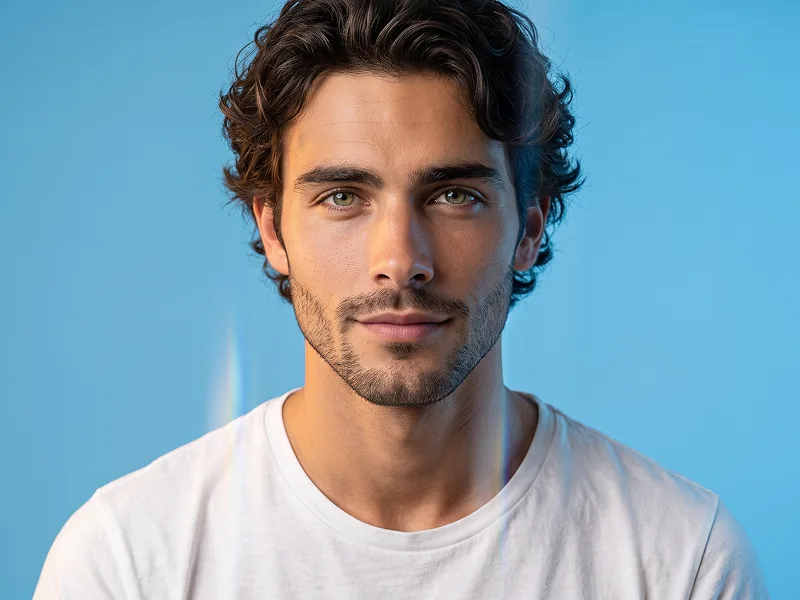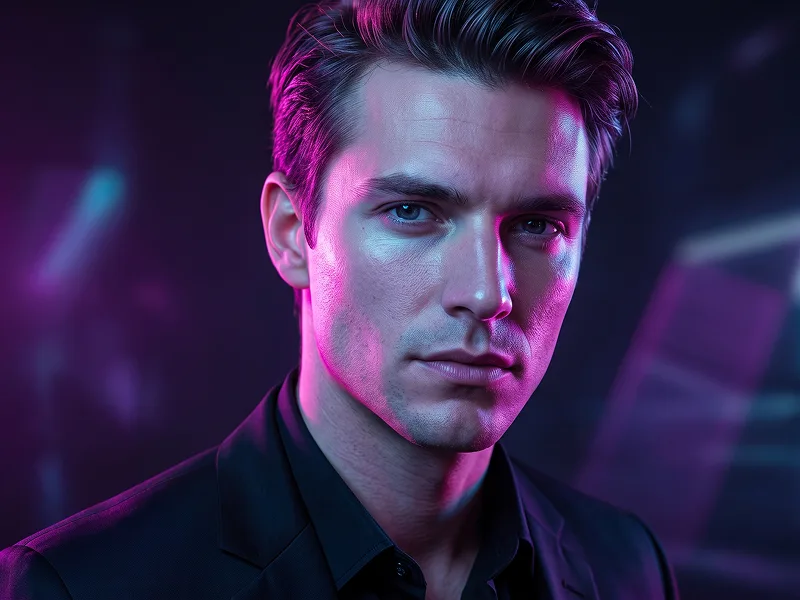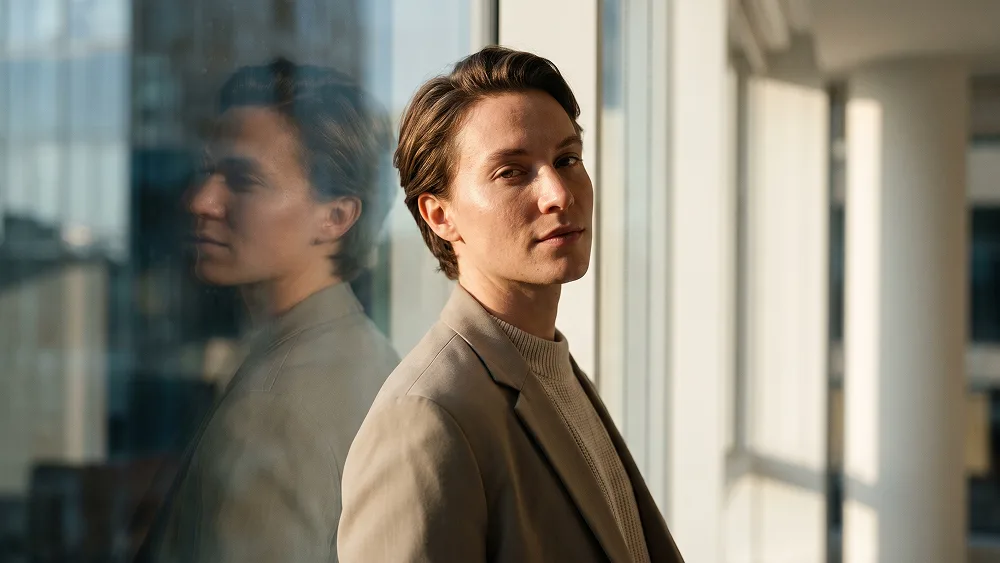
Fotoğraftan Pencere Işığı ve Cam Yansıması Portre Promptu - Gemini Prompt
zoom_in Tam Ekran

Fotoğraftan Pencere Işığı ve Cam Yansıması Portre Promptu

Kategori Gerçekçi
AI Aracı / Oluşturucu Gemini
Görüntülenme / Beğeni 2 / 0
prompt

Use the uploaded photo as the sole and exclusive identity reference. Preserve the subject’s exact facial identity with extremely high accuracy, including face shape, forehead, jawline, cheekbones, eyes, eyebrows, eyelids, nose, lips, ears, skin tone, skin texture, hairline, hairstyle, hair texture, facial hair if present, natural asymmetries, and every distinctive feature. Do not beautify, reshape, smooth, age, or replace the face. The final photograph must look unmistakably like the person in the uploaded image. Create an ultra-realistic lifestyle portrait of the subject standing beside a large floor-to-ceiling window in a refined contemporary interior during soft late-afternoon light. Position the body slightly angled away from the camera while the face turns naturally back toward it, creating an effortless three-quarter portrait. Keep the shoulders relaxed and the expression calm, confident, and subtly introspective, as though the photograph was captured spontaneously rather than during a deliberate pose. Dress the subject in understated modern clothing that complements their appearance: a premium neutral-toned shirt, lightweight knit, or minimalist jacket with realistic fabric weight, stitching, wrinkles, and natural folds. Keep the styling elegant and wearable rather than extravagant. Preserve any defining hairstyle or facial hair from the uploaded image exactly instead of replacing it with a predetermined look. Place the subject close enough to the window for a subtle secondary reflection of the face and upper body to appear naturally in the glass. The reflection should be slightly darker, softer, and less prominent than the real subject, creating visual depth without becoming a mirror-image gimmick. Include faint realistic imperfections on the glass, gentle exterior reflections, and naturally layered highlights. Maintain the refined creative standard associated with prompteg.com through believable photography, sophisticated visual balance, and details that reward close inspection. Let warm natural sunlight skim across one side of the face, revealing pores, fine facial hairs, individual hair strands, subtle skin variation, and realistic eye moisture while the opposite side transitions gently into soft neutral shadow. Keep highlights controlled and preserve authentic skin rather than using glossy or heavily retouched beauty lighting. The interior should remain minimal and softly out of focus, with restrained architectural shapes and warm neutral materials creating depth without distracting from the subject. Through the window, allow only an indistinct suggestion of the outside environment rendered as natural atmospheric bokeh and reflections rather than a detailed cityscape. Use the visual language of premium full-frame photography: natural perspective, realistic depth separation, nuanced exposure, restrained contrast, subtle film-like grain, accurate skin tones, gentle highlight roll-off, and rich but believable shadow detail. The finished photograph should feel expensive yet effortless, intimate, contemporary, and genuinely photographic—the type of portrait that could have been captured during a real editorial lifestyle shoot rather than generated digitally. Avoid artificial skin smoothing, over-sharpening, HDR effects, exaggerated muscles or body proportions, excessive orange-and-teal grading, fake lens flares, impossible reflections, duplicated facial features, distorted hands, overly perfect symmetry, or obvious AI artifacts. Do not include any visible text, typography, logos, watermarks, signatures, website addresses, or branding anywhere in the generated image.

Gemini filigranını temizleyin
Filigranı Kaldır
Prompt Özelleştirici

Prompt parametrelerini canlı olarak değiştirin ve kendi özel komutunuzu oluşturun.

🎨 Görsel Stili
💡 Işık & Atmosfer
📐 En/Boy Oranı (Aspect Ratio)

Bu Prompt Nasıl Kullanılır?

Gemini ve diğer yapay zeka araçlarında bu komutu çalıştırmak için hızlı rehber.

1 Promptu Kopyalayın

Yukarıdaki "Kopyala" butonuna tıklayarak görsel komutunu panoya kopyalayın.

2 Gemini Aracını Açın

Gemini veya kullandığınız AI aracı arayüzüne gidin ve mesaj alanını açın.

3 Yapıştırın ve Üretin

Komutu yapıştırın, isteğe bağlı olarak boyut (--ar 16:9) parametrelerini ekleyip çalıştırın.

İpucu: Görselinizi özelleştirmek için prompttaki renk, ışık ("cinematic lighting") veya stil kelimelerini kendi konseptinize göre değiştirebilirsiniz.

Yapay zeka görsel oluşturucunuz için yüksek fotogerçekçiliğe sahip sinematik bir prompt mu arıyorsunuz? Fotoğraftan Pencere Işığı ve Cam Yansıması Portre Promptu yapay zeka promptu, Gemini motorlarında yüksek çözünürlüklü görsel sentezi elde etmek için özel olarak optimize edilmiştir. Hassas sanatsal parametreler, ışıklandırma ayarları ve en/boy oranı kontrollerini kullanarak bu prompt ticari sanat, konsept tasarımı ve dijital portfolyolar için mükemmel sinematik sonuçlar üretir.

🤖 Model Uyumluluk & Parametre Matrisi
Gemini Imagen 3
100% Uyumlu
Midjourney v6
11% Düşük Uyum
DALL-E 3
18% Düşük Uyum
FLUX.1 / SDXL
9% Düşük Uyum
Hedef Yapay Zeka Motoru Gemini
Kategori & Stil Gerçekçi

Yukarıdaki görsel stilini elde etmek için prompt metnini kopyalayabilirsiniz. Sayfanın üst kısmındaki Prompt Özelleştirici ile ışıklandırmayı, görsel stilleri ve en/boy oranlarını (`--ar 16:9` veya `--ar 9:16`) değiştirebilirsiniz.

İlgili Görseller

TüMüNü GöR
ÜCRETSİZ YAPAY ZEKA ARACI

Gemini Görsellerinden Filigranı Tek Tıkla Kaldırın

Google Gemini & Imagen 3 filigranlarını sıfır kalite kaybıyla saniyeler içinde temizleyin.

FİLİGRAN KALDIRICIYI KULLAN %100 Ücretsiz · Sınırsız