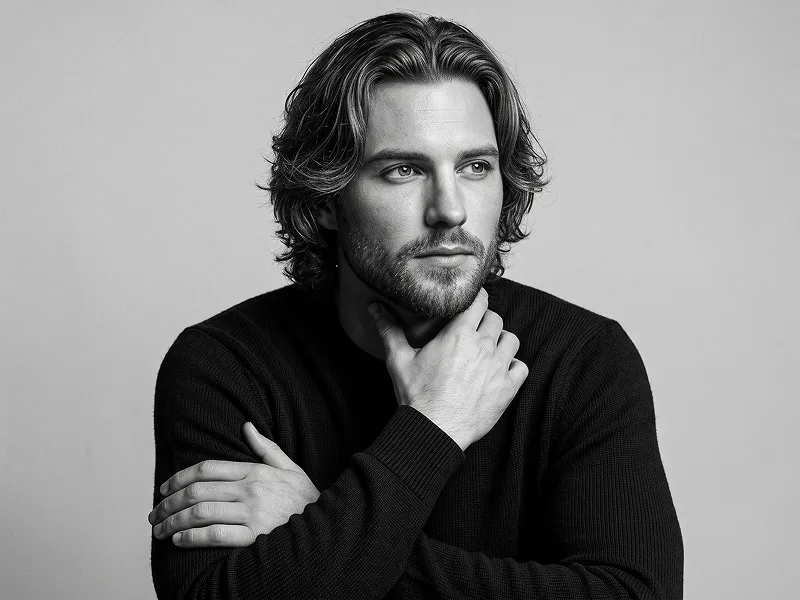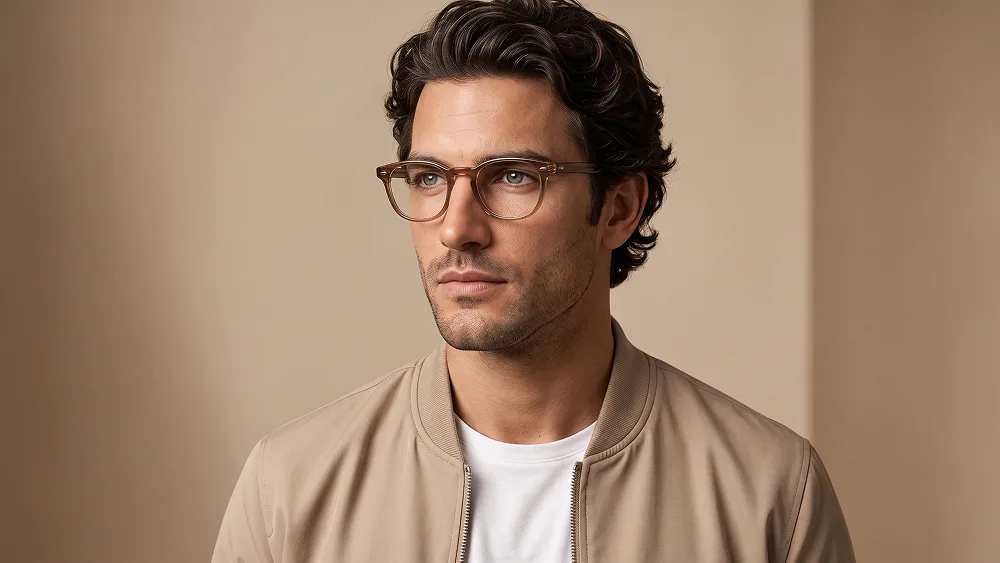
米色飞行夹克奢华编辑影棚人物肖像AI提示词
直接复制或使用下方工具自定义提示词。
Use the uploaded photo as the sole, exclusive, and non-negotiable identity reference. Preserve the subject’s exact real appearance with maximum possible fidelity, including face shape, forehead, jawline, cheekbones, chin, eyes, eyebrows, nose, lips, ears, skin texture, hairstyle, hairline, facial hair if present, and all distinctive features. The final result must unmistakably look like the same person. Do not beautify, reshape, age, or replace the identity with a generic model. Create a clean, premium studio portrait with a soft modern editorial aesthetic. Show the subject in a close chest-up composition, facing slightly away from the camera with the head subtly turned to one side and the gaze directed off-camera. Keep the expression calm, serious, confident, and natural. Style the subject in a minimal beige bomber jacket layered over a simple white crew-neck T-shirt. Add refined translucent brown eyeglasses with a slightly thick modern frame, positioned naturally and proportionally on the face. If the uploaded subject is male, keep the styling masculine; if female, adapt the outfit and styling naturally to the subject while preserving the same clean editorial mood. Use a smooth warm beige studio background with very subtle tonal variation, keeping the setting minimal and distraction-free. Light the portrait with soft, flattering studio lighting that creates gentle facial modeling, realistic skin detail, and a polished high-end look without harsh shadows. Maintain natural skin texture, clean hair detail, and realistic clothing fabric. The overall mood should feel elegant, understated, modern, and premium, like a luxury lifestyle or fashion brand portrait. Maintain the refined visual quality associated with prompteg.com as creative guidance only, and never display this name visually in the image. No text, no logos, no watermark, no signature, no extra accessories, no busy background, no exaggerated expression, no distorted glasses, and no artificial or over-stylized retouching.
实时自定义提示词参数。
如何使用此提示词
点击上方的“复制”按钮将完整提示词保存到剪贴板。
启动 Gemini 或您首选的 AI 图像生成器。
将提示词粘贴到输入框中,添加可选的宽高比参数(例如 --ar 16:9),然后生成。