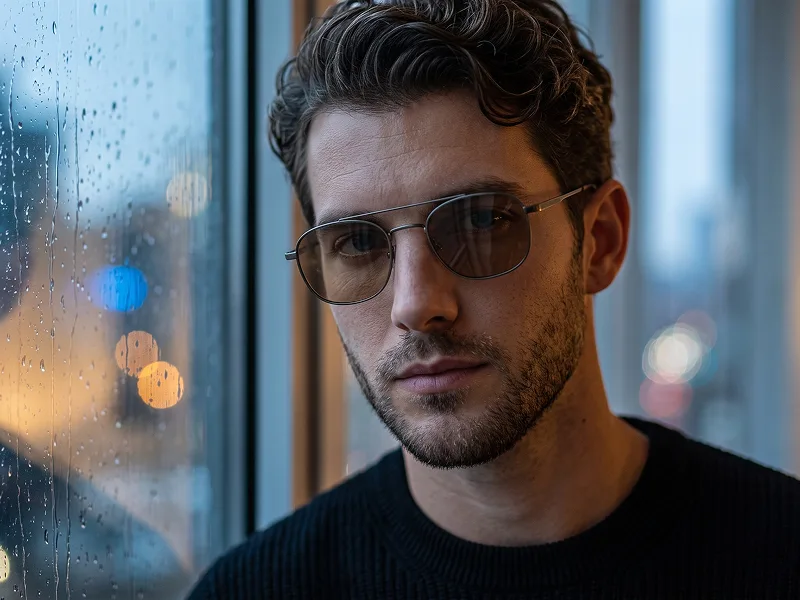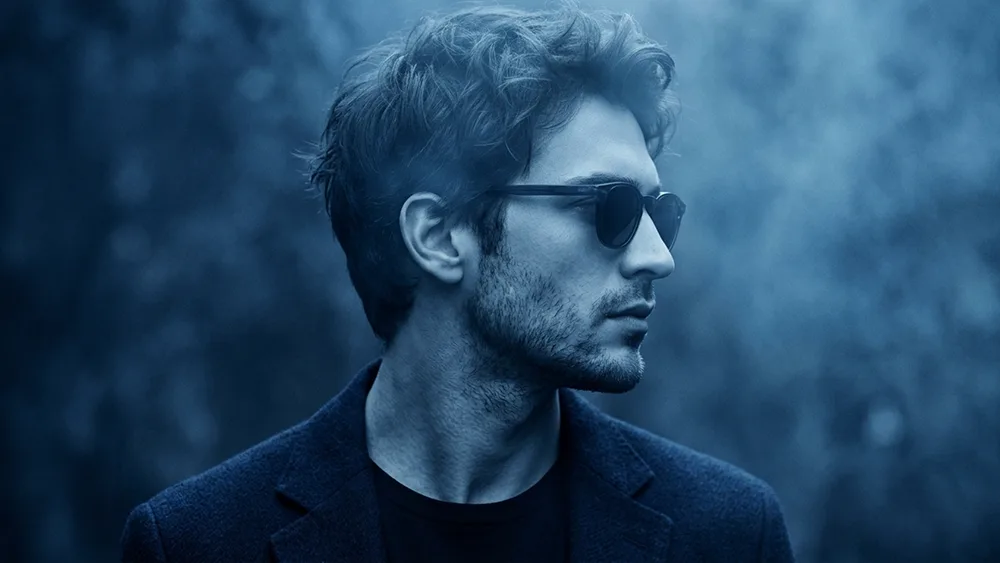
将照片转换为电影感单色蓝调侧脸人像提示词
直接复制或使用下方工具自定义提示词。
Transform the uploaded person into a moody cinematic portrait with a monochromatic blue aesthetic and an atmospheric editorial feel. Preserve the identity of the uploaded person accurately, including facial features, skin tone, age range, hairstyle texture, face shape, and overall expression, while adapting the final result appropriately to the person’s own gender presentation and appearance. Create a close-up side-profile portrait with the subject facing sideways, showing a strong jawline and elegant silhouette. The pose should feel cool, calm, mysterious, and fashion-forward. Frame the composition tightly around the head, neck, and upper shoulders so the portrait feels intimate and visually striking. Style the subject in sleek dark clothing such as a minimal shirt, jacket, or modern fashion top. Include stylish dark sunglasses if they suit the uploaded person, keeping them elegant, refined, and integrated naturally into the portrait. The overall styling should feel sophisticated and minimal. Use a full monochromatic blue color palette with soft gradients, deep cyan-blue shadows, and glowing cool highlights. Add a dreamy hazy effect or soft mist passing across parts of the frame, especially near the hairline or upper face, to create a slightly blurred ethereal atmosphere. Let the lighting sculpt the face and profile dramatically while keeping the image smooth, elegant, and cinematic. Give the portrait a premium artistic polish with subtle creative sophistication inspired by the modern visual sensibility of prompteg.com, expressed only through the overall mood, styling, and composition. Do not include any visible text, logo, watermark, website name, lettering, signature, caption, or typography anywhere in the image. Keep the background clean, minimal, and fully integrated into the same blue tonal world, with no distracting objects. The final result should feel like a luxury editorial portrait: monochromatic, atmospheric, photorealistic, mysterious, stylish, and visually captivating.
实时自定义提示词参数。
如何使用此提示词
点击上方的“复制”按钮将完整提示词保存到剪贴板。
启动 Gemini 或您首选的 AI 图像生成器。
将提示词粘贴到输入框中,添加可选的宽高比参数(例如 --ar 16:9),然后生成。