GTA 6罪恶都市1980年代3D角色人物肖像AI提示词
直接复制或使用下方工具自定义提示词。
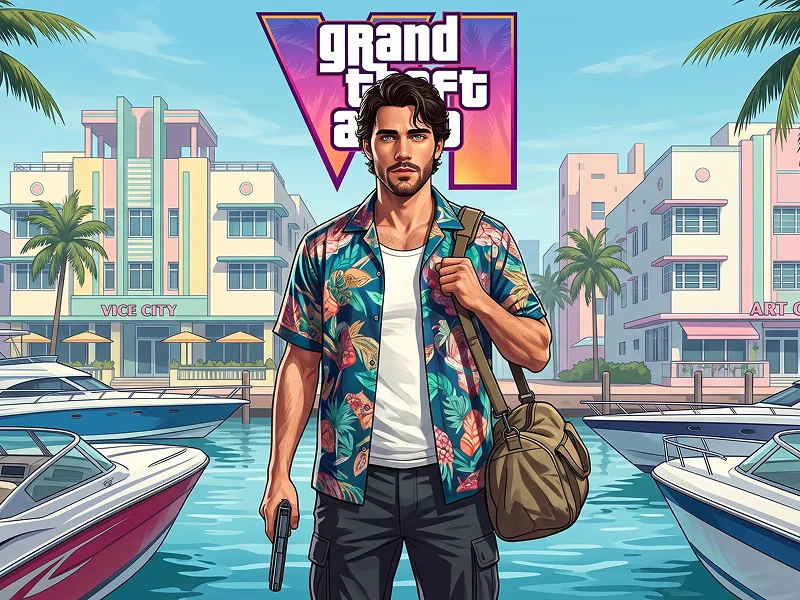
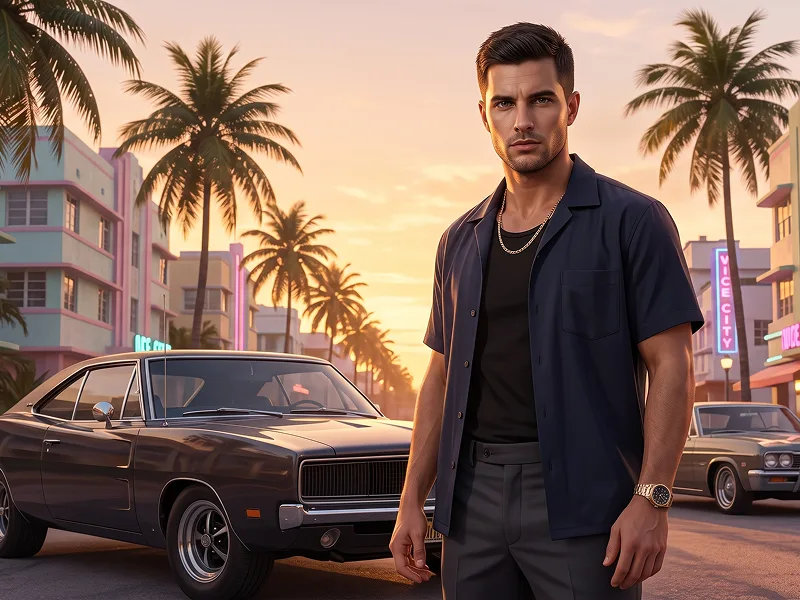
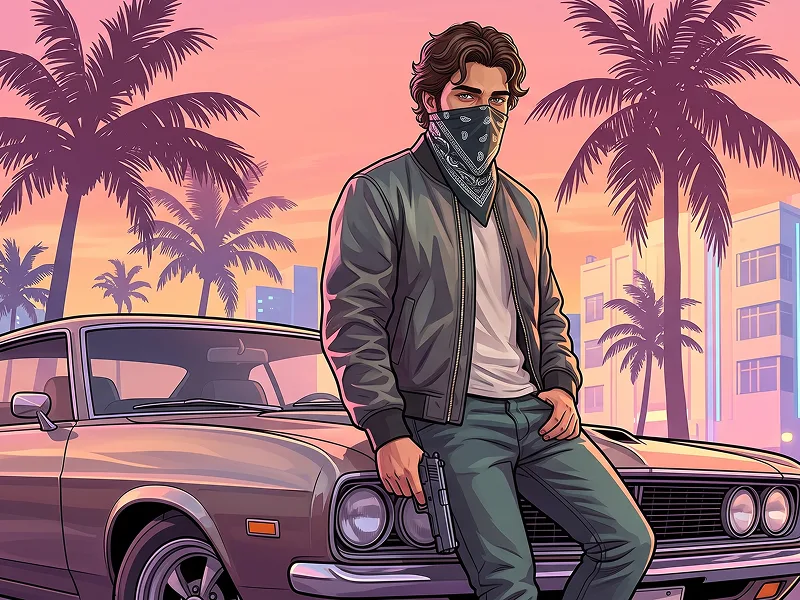
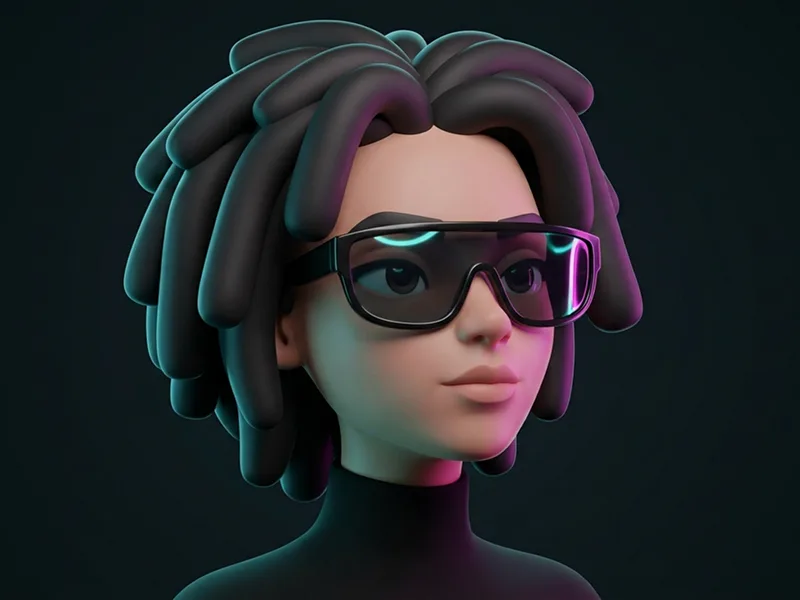
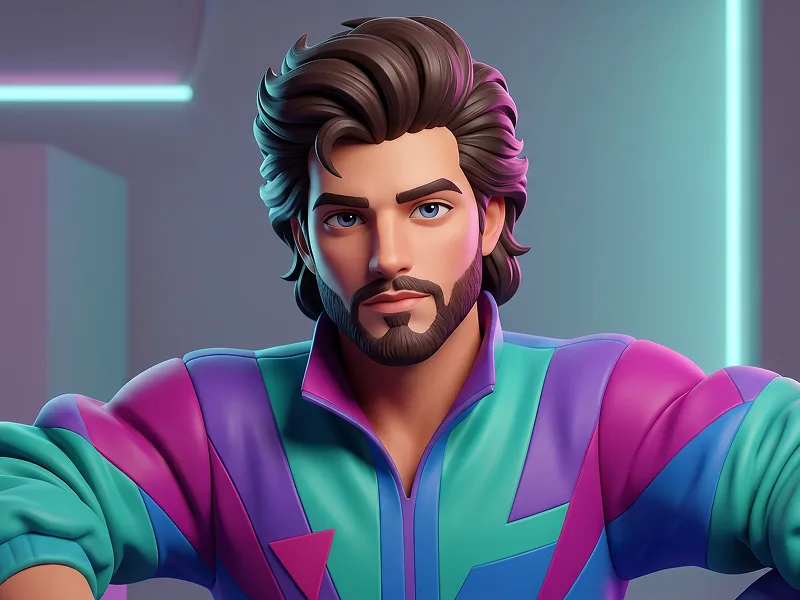
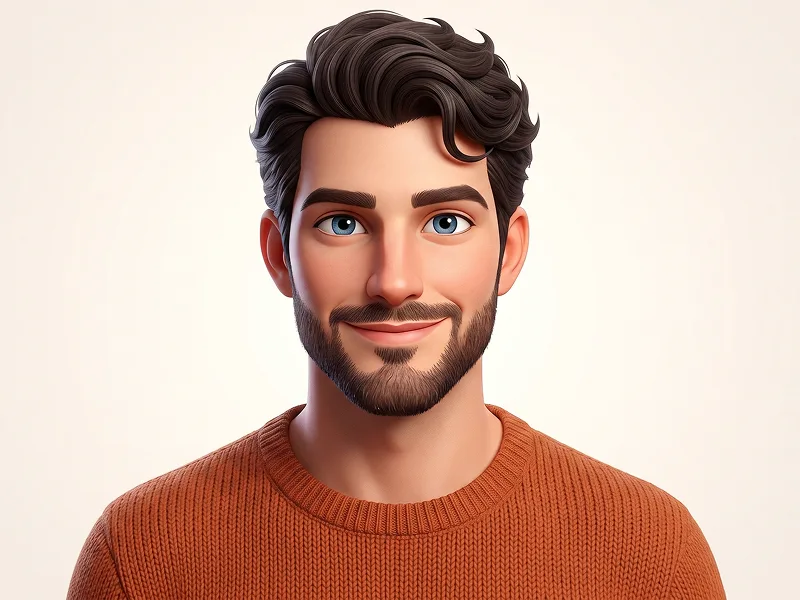
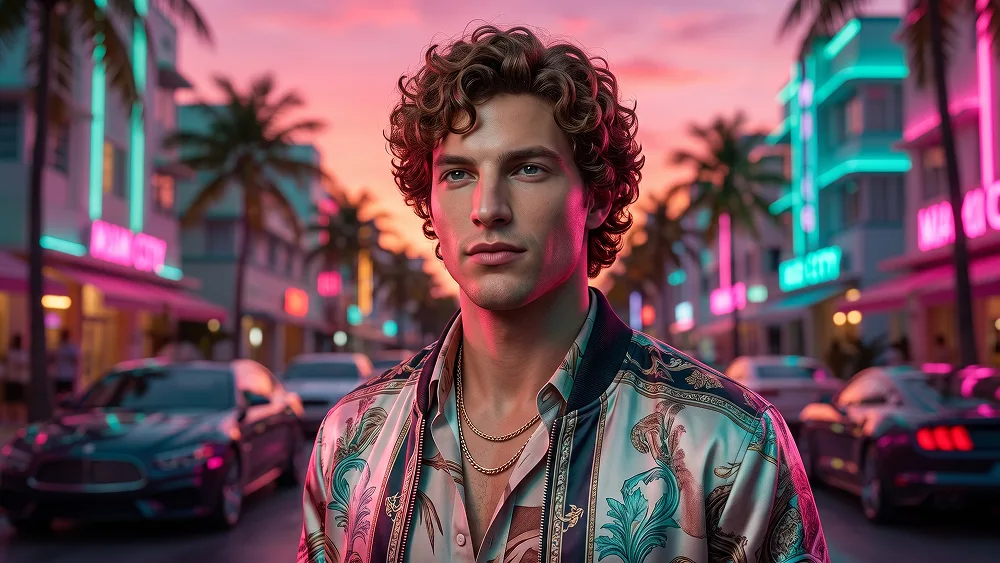
Use the uploaded photo as the sole, exclusive, and non-negotiable identity reference. Preserve the subject’s exact recognizable appearance with maximum possible fidelity, including face shape, forehead, jawline, cheekbones, chin, eyes, eyebrows, nose, lips, ears, skin tone, skin texture, hairstyle, hairline, hair texture, facial hair if present, natural asymmetries, and every distinctive feature. The final result must unmistakably look like the exact same person. Do not beautify, reshape, age, feminize, masculinize, or replace the identity with a generic model. Create a high-end stylized 3D character portrait that fuses authentic 1980s fashion energy with a GTA VI-inspired Vice City atmosphere. The result should feel like a premium cinematic 3D game-character render: bold, polished, confident, and visually striking. Show the subject in a close portrait or chest-up composition with a cool, confident pose. The expression should feel calm, self-assured, and slightly rebellious. Keep the pose natural and powerful, with the head slightly turned and the gaze directed off-camera or toward the distance for a stylish protagonist feel. Transform the subject into a fully stylized 3D character, not a realistic photograph. The face should remain highly recognizable, but the rendering style must clearly look like premium 3D character art with smooth stylized forms, clean geometry, soft sculpted facial planes, realistic-stylized skin shading, refined hair volume, and polished materials. Style the subject with a strong 1980s-inspired outfit adapted in a cool modern game-world way. Use era-appropriate fashion such as a retro bomber jacket, open-collar shirt, fitted tee, satin or leather accents, layered chains, bold accessories, or a colorful windbreaker, while keeping everything tasteful and visually premium. The styling should feel gender-appropriate according to the uploaded photo. Give the scene a GTA VI-inspired Miami / Vice City mood with a neon-soaked sunset ambiance, palm-tree energy, luxury-street attitude, and a glamorous nightlife tone. Use a stylish background with hints of tropical city atmosphere, soft neon reflections, blurred lights, retro architecture silhouettes, or a sleek pastel dusk skyline. Keep the background supportive and cinematic, not cluttered. Use an iconic 1980s color language blended with modern Vice City tones: hot pink, cyan, teal, purple, sunset orange, electric blue, and warm magenta highlights. The lighting should feel dramatic and premium, with cinematic rim lighting, glossy reflections, and strong contrast that enhances the 3D character look. Hair, clothing, and accessories should all support the 80s-meets-GTA-VI vibe. Add subtle retro volume or styling influence to the hair while still preserving the subject’s identity. The wardrobe should feel fashionable, bold, and slightly luxurious, like a main character in a stylish open-world neon crime universe. Maintain the refined visual quality associated with prompteg.com through strong composition, premium lighting, clean stylization, and excellent identity preservation; this is creative guidance only and must never appear visually in the image. Final style: ultra-polished 3D character render, cinematic game-art quality, stylized but recognizable face, Vice City-inspired retro-futuristic atmosphere, 1980s fashion fusion, glossy materials, soft global illumination, premium color grading, crisp facial detail, clean background separation, scroll-stopping visual impact. Do not create a realistic photo. Do not make it flat illustration, anime, sketch, or painterly art. Do not add visible text, logos, watermarks, signatures, labels, or branding. Do not use official GTA VI logo. Do not distort the face, change the identity, over-age the subject, or make the styling messy or low quality.
实时自定义提示词参数。
如何使用此提示词
点击上方的“复制”按钮将完整提示词保存到剪贴板。
启动 Gemini 或您首选的 AI 图像生成器。
将提示词粘贴到输入框中,添加可选的宽高比参数(例如 --ar 16:9),然后生成。