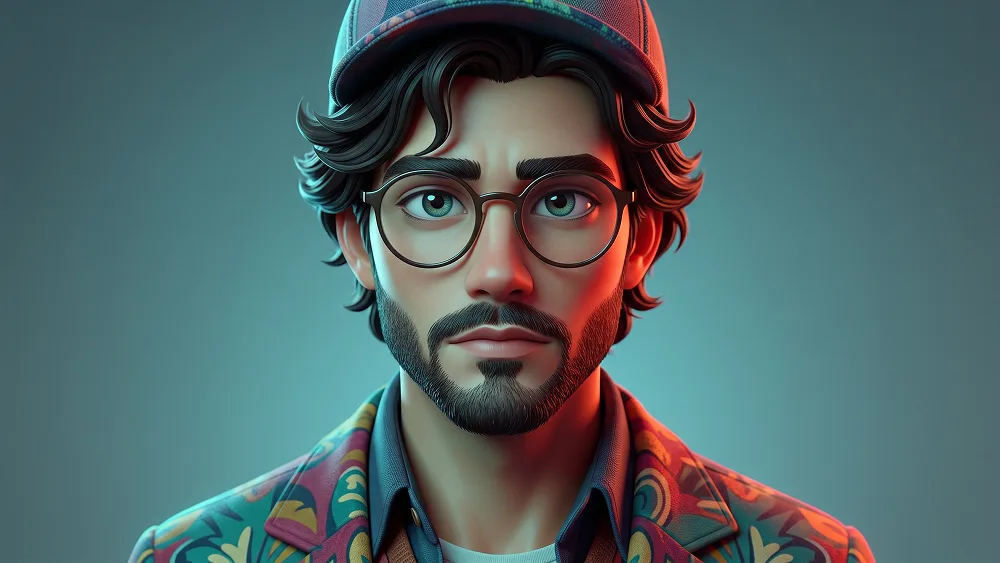
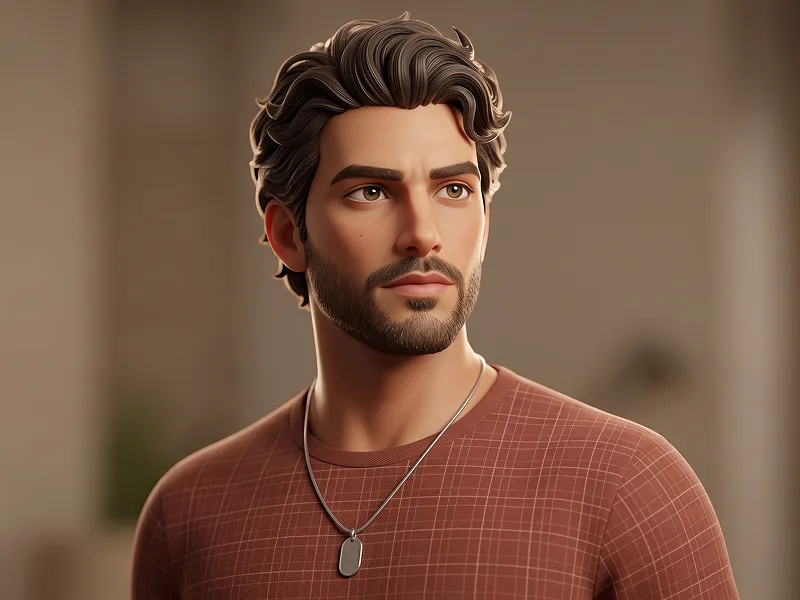
Buntes 3D Animationscharakter Porträt Prompt
Gemini
3D
prompt
Laden Sie die App herunter, um diesen Prompt zu kopieren.
Masterpiece ultra-detailed prompt parameters, 8k resolution, cinematic atmosphere, dynamic studio lighting, octane render, unreal engine 5, depth of field, photogrammetry, award winning photography, sharp focus, hyper-realistic composition...
Prompt gesperrt · Zum Freischalten klicken
CODE: 1346
App laden & Prompt holen
Gemini-Wasserzeichen entfernen
Entfernen
Interaktiver Prompt-Anpasser
prompt_customized
Passen Sie Parameter in Echtzeit an.
Visueller Stil
Beleuchtung & Stimmung
Seitenverhältnis
Wie man diesen Prompt verwendet
1
Prompt kopieren
Klicken Sie oben auf "Kopieren", um den Prompt-Text in Ihre Zwischenablage zu speichern.
2
Gemini öffnen
Öffnen Sie Gemini oder Ihren bevorzugten KI-Bildgenerator.
3
Einfügen & Generieren
Fügen Sie den Prompt ein, fügen Sie optionale Parameter hinzu (z. B. --ar 16:9) und starten Sie die Generierung.
Profi-Tipp:
Passen Sie Beleuchtung oder Stilwörter an (z. B. "cinematic lighting"), um das Ergebnis zu personalisieren.
Ähnliche Bilder
Gemini
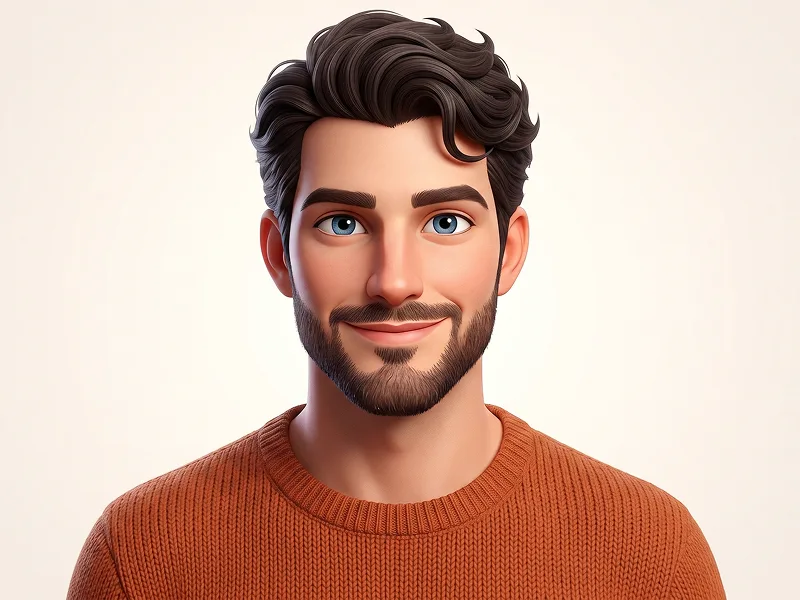

Stilisiertes 3D Animationscharakter Porträt aus Foto Prompt
Gemini
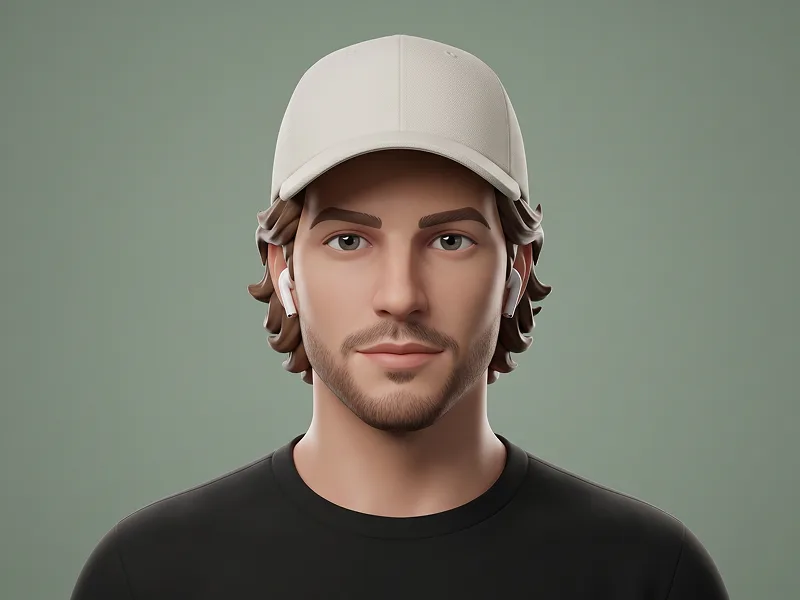
Salbeigrün Minimal 3D Designer Avatar Porträt Prompt
Gemini
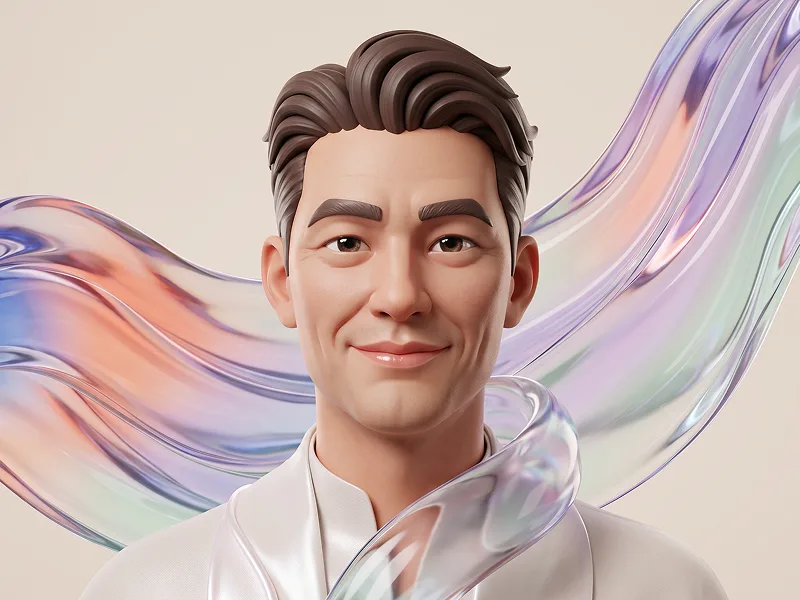
Transluzentes Liquid-Glass 3D Charakterporträt aus Foto Prompt
Gemini
Warm Terracotta 3D Editorial Charakter Porträt Prompt
Nano Banana 2
Gelbes 3D-Studioporträt mit Verschränkten Armen und Jeanshemd Prompt
Gemini
Süßes 3D Beanie Avatar Porträt aus Foto Prompt
Wasserzeichen aus Gemini-Bildern entfernen
Ohne Qualitätsverlust in Sekunden entfernen · 100% Kostenlos
WASSERZEICHEN ENTFERNEN
100% Free · Unlimited
