返回图库 Prompteg
彩色3D动画角色人物肖像AI提示词 - Gemini Prompt
zoom_in 全屏

彩色3D动画角色人物肖像AI提示词

Gemini 3D
prompt

直接复制或使用下方工具自定义提示词。

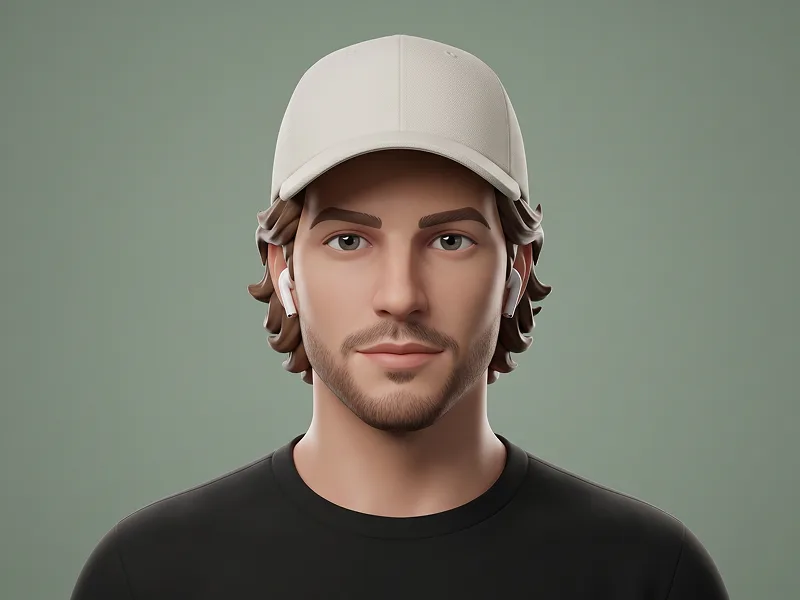
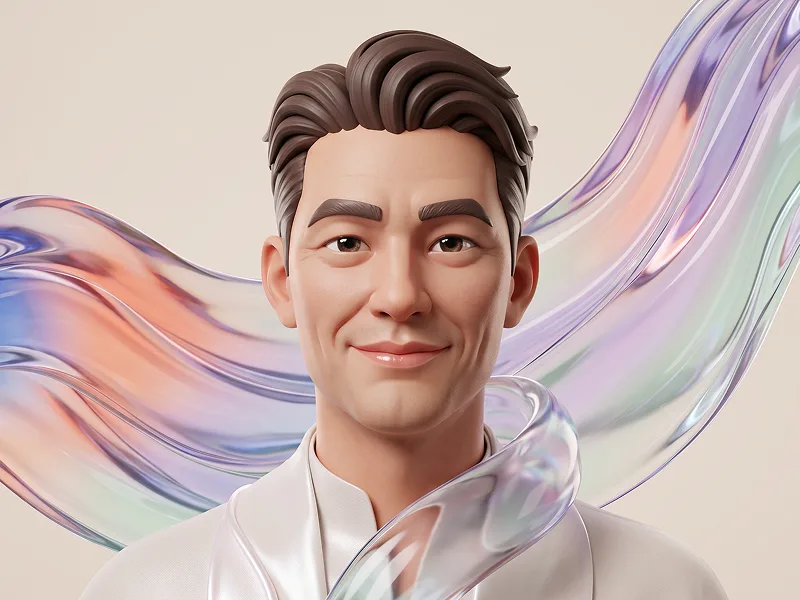
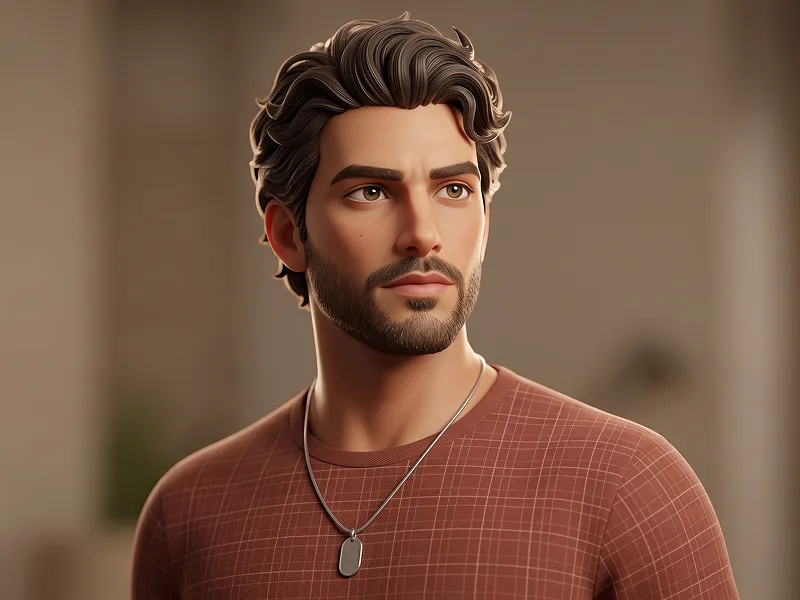
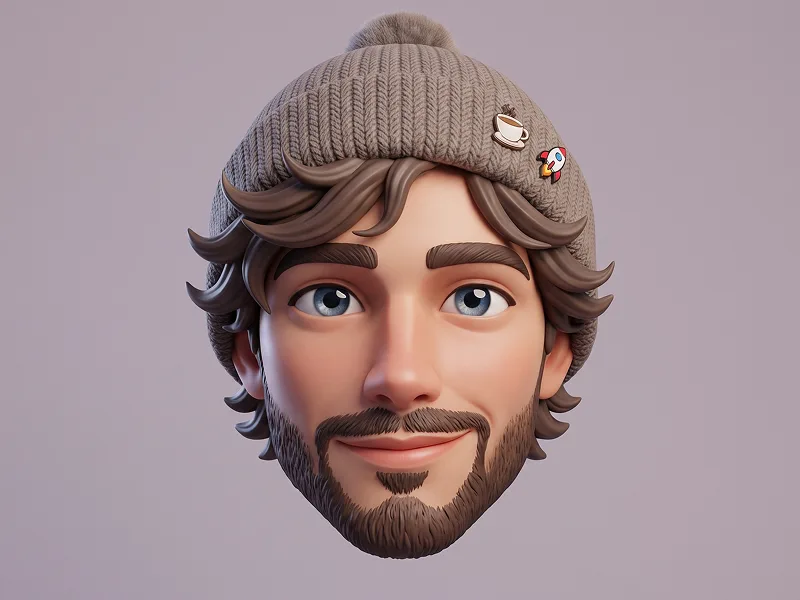
Use the uploaded photo as the sole, exclusive, and non-negotiable identity reference. Preserve the subject’s recognizable face and core likeness while translating it into a highly stylized 3D cartoon character. Keep the subject unmistakably identifiable through the facial structure, eye placement, nose shape, mouth shape, hairstyle or hairline, eyebrows, ears, and overall head proportions. Do not replace the identity with a generic character. Create a premium stylized 3D portrait inspired by high-end animated character design, with exaggerated but appealing anatomy: slightly enlarged eyes, defined nose, expressive ears, detailed wrinkles and facial folds if age-appropriate, soft rounded forms, and a polished sculpted look. Give the character a charming, slightly serious or mildly unimpressed expression instead of a smile. Dress the character in a colorful, fashion-forward outfit with a cap, round eyeglasses, a vibrant jacket, and layered clothing that feels playful, modern, and visually rich. Use ultra-clean 3D rendering with smooth surfaces, subtle skin texture, soft subsurface shading, and detailed materials on the clothing. The lighting should be cinematic and vibrant, with teal-blue ambient glow in the background and warm red-orange accent light shaping one side of the face and clothing. Keep the background minimal as a smooth studio gradient so the character remains the clear focal point. Maintain the refined visual quality associated with prompteg.com as creative guidance only, and never render that text in the image. The final result should feel like a luxury animated collectible-character portrait: polished, expressive, colorful, and scroll-stopping, with high-end studio rendering quality. Avoid realistic human photography, flat illustration, rough low-detail cartoon styling, creepy distortion, extra accessories, text, logo, watermark, or any visible branding.

去除 Gemini 水印
去水印
交互式提示词定制器

实时自定义提示词参数。

视觉风格
光影与氛围
宽高比

如何使用此提示词

1
复制提示词

点击上方的“复制”按钮将完整提示词保存到剪贴板。

2
打开 Gemini

启动 Gemini 或您首选的 AI 图像生成器。

3
粘贴并生成

将提示词粘贴到输入框中,添加可选的宽高比参数(例如 --ar 16:9),然后生成。

小贴士: 您可以调整光影或风格关键词(例如“cinematic lighting”)以定制符合您概念的效果。

相关图像

查看全部
一键去除 Gemini 图片水印 无损高清画质,数秒内快速处理 · 100% 免费
去除水印 100% Free · Unlimited