
Hochrealistischer cineastischer Studio-Porträt-Prompt
Gemini
Cinematisch
prompt
Laden Sie die App herunter, um diesen Prompt zu kopieren.
Masterpiece ultra-detailed prompt parameters, 8k resolution, cinematic atmosphere, dynamic studio lighting, octane render, unreal engine 5, depth of field, photogrammetry, award winning photography, sharp focus, hyper-realistic composition...
Prompt gesperrt · Zum Freischalten klicken
CODE: 1012
App laden & Prompt holen
Gemini-Wasserzeichen entfernen
Entfernen
Interaktiver Prompt-Anpasser
prompt_customized
Passen Sie Parameter in Echtzeit an.
Visueller Stil
Beleuchtung & Stimmung
Seitenverhältnis
Wie man diesen Prompt verwendet
1
Prompt kopieren
Klicken Sie oben auf "Kopieren", um den Prompt-Text in Ihre Zwischenablage zu speichern.
2
Gemini öffnen
Öffnen Sie Gemini oder Ihren bevorzugten KI-Bildgenerator.
3
Einfügen & Generieren
Fügen Sie den Prompt ein, fügen Sie optionale Parameter hinzu (z. B. --ar 16:9) und starten Sie die Generierung.
Profi-Tipp:
Passen Sie Beleuchtung oder Stilwörter an (z. B. "cinematic lighting"), um das Ergebnis zu personalisieren.
Ähnliche Bilder
Gemini
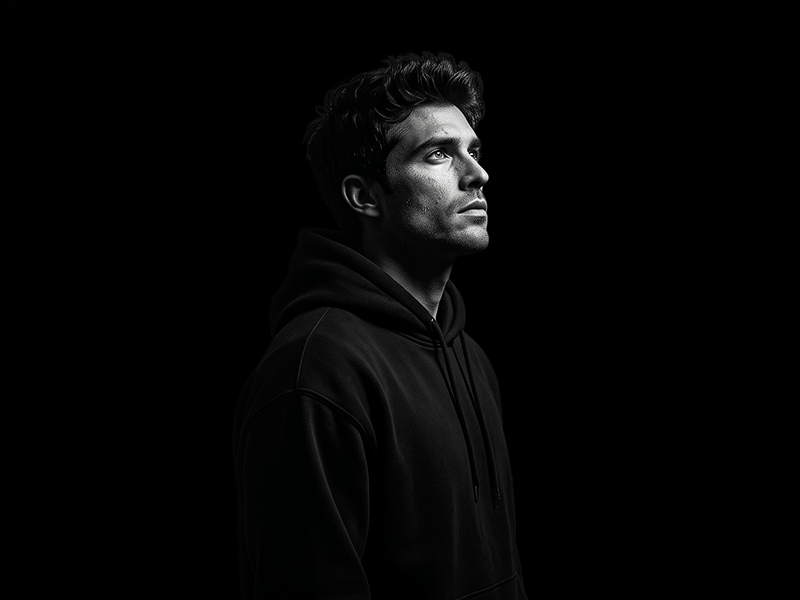

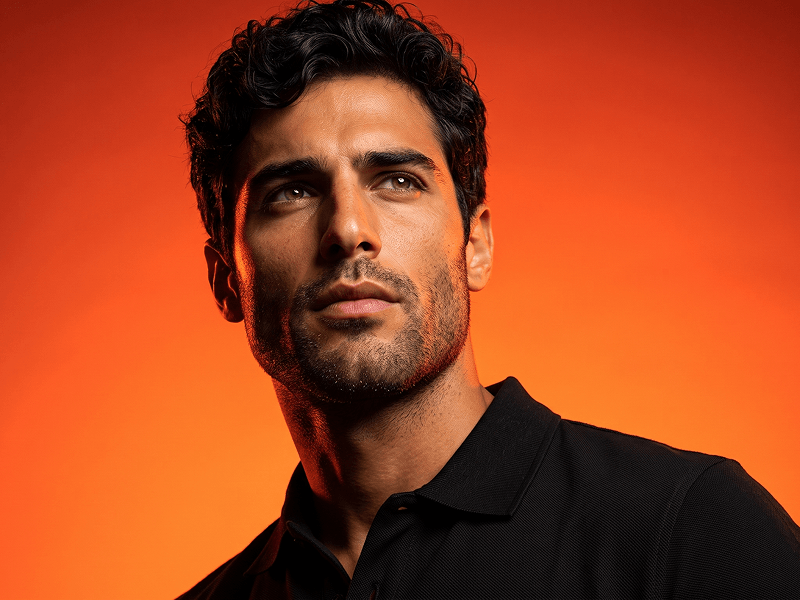


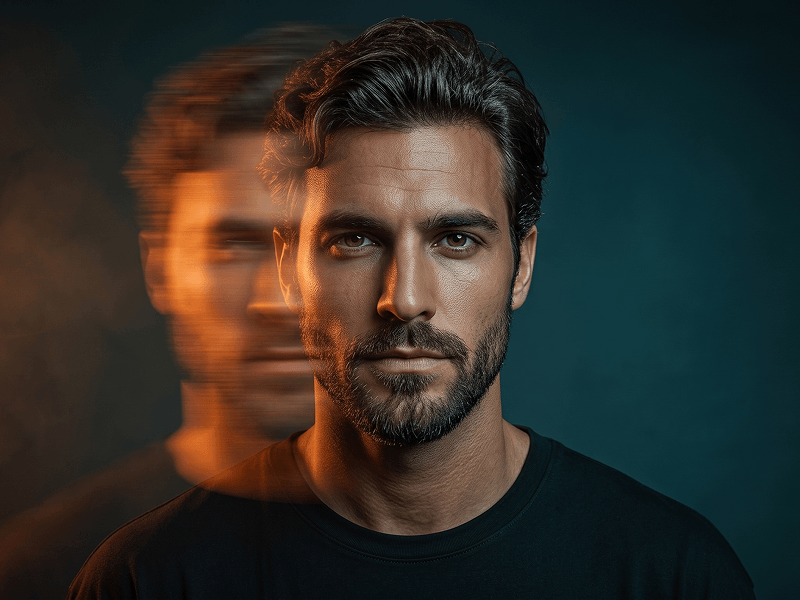
Schwarz-Weiß-Cineastisches Porträt mit Dramatischer Beleuchtung Prompt
Gemini
Hochauflösender Neon-Porträt-Prompt
Gemini
Prompt für ein dramatisches Porträt aus der Untersicht mit orange-roter Studiobeleuchtung
Gemini
Minimalistisches Senf Studio Porträt mit Schwarzem Crewneck Prompt
Gemini
Schwarz-Weiß-Cineastisches Porträt Prompt
Gemini
Cineastisches Cyan-Orange Motion-Blur Porträt Prompt
Wasserzeichen aus Gemini-Bildern entfernen
Ohne Qualitätsverlust in Sekunden entfernen · 100% Kostenlos
WASSERZEICHEN ENTFERNEN
100% Free · Unlimited
