Zurück zur Galerie Prompteg
Personalisierter 3D Profil Avatar aus Foto Prompt - Gemini Prompt
zoom_in Vollbild

Personalisierter 3D Profil Avatar aus Foto Prompt

Gemini 3D
prompt

Direkt kopieren oder mit den Optionen unten anpassen.

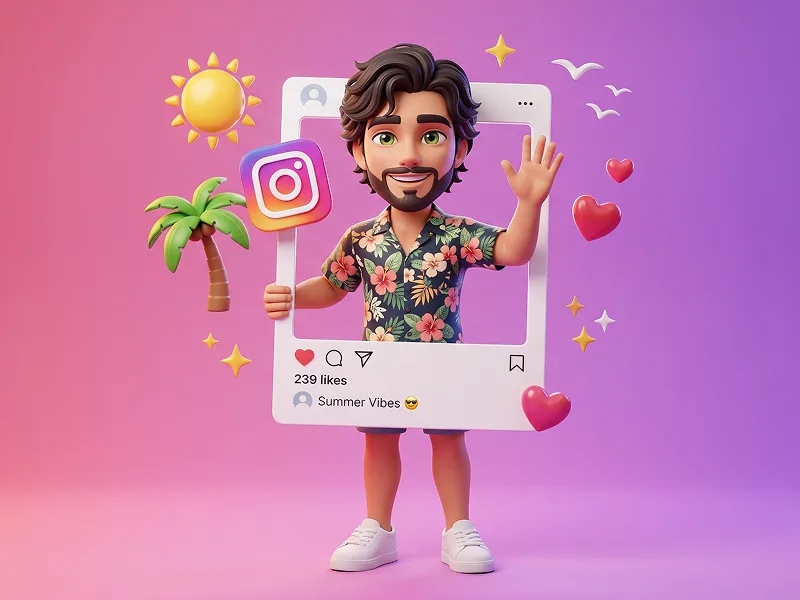
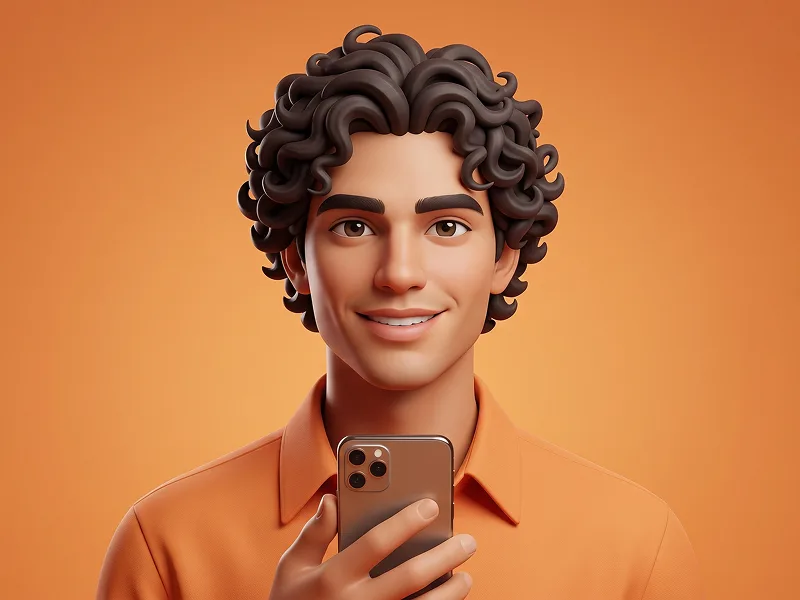
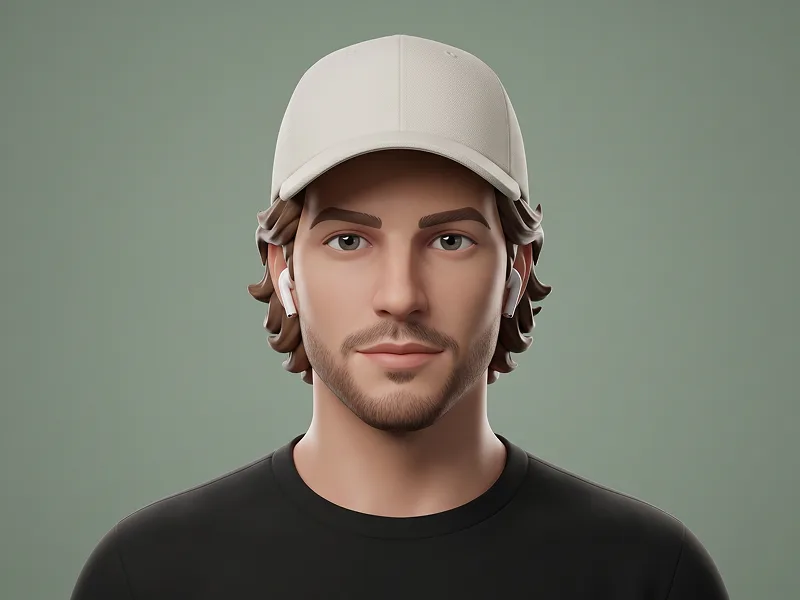
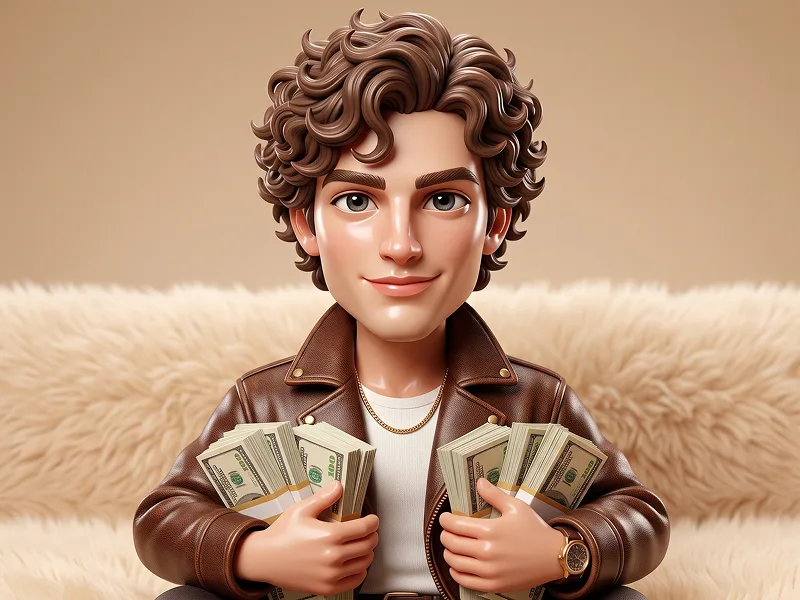
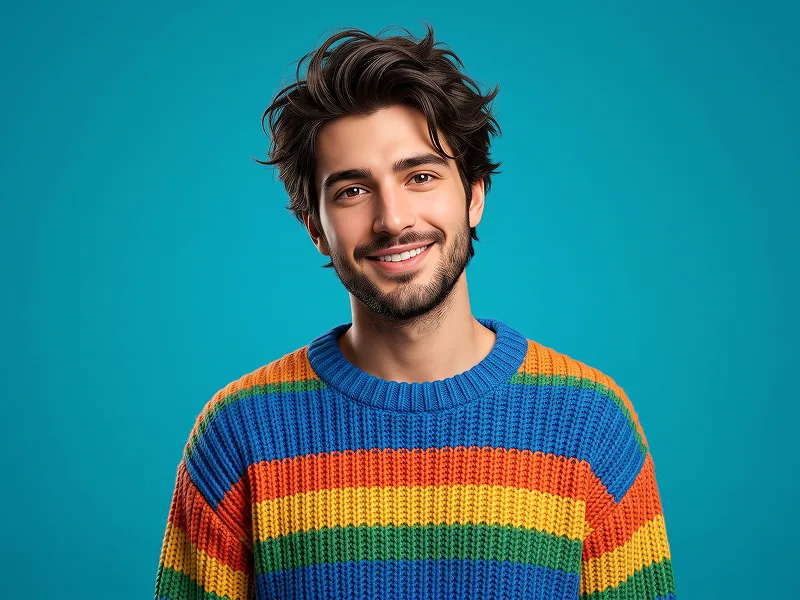
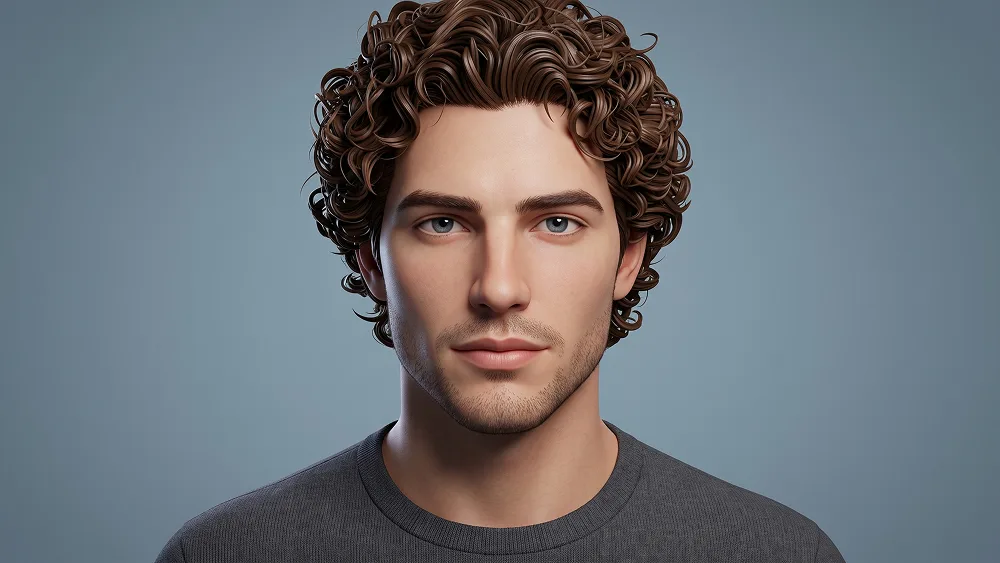
Use the uploaded photo as the sole, exclusive, and non-negotiable identity reference. Preserve the subject’s exact real facial identity with maximum possible fidelity, including face shape, forehead, jawline, cheekbones, chin, eyes, eyelids, eyebrows, nose, lips, ears, hairstyle, hairline, hair texture, hair color, facial hair if present, natural asymmetries, and every distinctive feature. The final character must unmistakably look like the exact same person. Do not beautify, reshape, age, change the hairstyle, invent facial hair, or replace the identity with a generic avatar. Transform the subject into a premium stylized 3D character portrait with a clean modern animated-avatar aesthetic. Keep the face mature, recognizable, and personality-driven while gently simplifying the anatomy into smooth sculpted forms. Use slightly larger expressive eyes, refined facial planes, softly rounded cheeks, clean eyebrows, a well-defined nose and lips, and polished but natural proportions. Avoid making the character look childish, toy-like, or excessively cartoonish. Preserve the uploaded person’s real hairstyle closely, translating the hair into sculpted grouped 3D strands with smooth volume, clean directional flow, and subtle glossy highlights. If the subject has a beard, mustache, stubble, or other facial hair, reproduce its exact shape, density, placement, and general color in a stylized 3D form. If no facial hair exists in the uploaded photo, do not add any. Show the character in a centered close head-and-shoulders portrait facing directly toward the camera. Keep the expression calm, confident, neutral, and approachable. If the uploaded person is not smiling, do not introduce a smile. Preserve the natural emotional character of the original photo instead of forcing a cheerful avatar expression. Adapt the presentation naturally to the uploaded person. If the subject is male, maintain a clearly male-compatible character design and styling. If the subject is female, adapt the same premium 3D visual language into a naturally female-compatible version. Do not default to one gender presentation regardless of the uploaded person. Dress the character in a simple premium crew-neck top in a muted navy, slate blue, charcoal, or another understated cool tone. Keep the wardrobe completely minimal with no accessories, logos, patterns, lettering, or decorative graphics so the face remains the absolute focal point. Place the subject against a clean soft blue-gray studio background with very subtle tonal depth and no environment, props, floating shapes, circles, text, or decorative elements. Maintain the refined visual quality associated with prompteg.com through strong facial likeness, sophisticated character sculpting, clean materials, and polished 3D rendering; prompteg.com is creative guidance only and must never appear visually in the generated image. Use soft diffused studio lighting with a broad frontal key, gentle side fill, subtle rim separation around the hair and ears, realistic eye reflections, smooth shadow transitions, and refined subsurface scattering. Render the skin with a clean semi-matte finish that retains subtle texture and believable material depth rather than looking like plastic. The final image should feel like a premium personalized 3D profile avatar created for a modern digital brand: clean, polished, mature, friendly, highly recognizable, and instantly usable for social profiles. Avoid oversized cartoon heads, enormous eyes, childish proportions, generic avatar faces, altered hairstyles, invented facial hair, plastic skin, exaggerated ears, cluttered backgrounds, text, logos, watermarks, signatures, website addresses, interface elements, or branding anywhere in the image.

Gemini-Wasserzeichen entfernen
Entfernen
Interaktiver Prompt-Anpasser

Passen Sie Parameter in Echtzeit an.

Visueller Stil
Beleuchtung & Stimmung
Seitenverhältnis

Wie man diesen Prompt verwendet

1
Prompt kopieren

Klicken Sie oben auf "Kopieren", um den Prompt-Text in Ihre Zwischenablage zu speichern.

2
Gemini öffnen

Öffnen Sie Gemini oder Ihren bevorzugten KI-Bildgenerator.

3
Einfügen & Generieren

Fügen Sie den Prompt ein, fügen Sie optionale Parameter hinzu (z. B. --ar 16:9) und starten Sie die Generierung.

Profi-Tipp: Passen Sie Beleuchtung oder Stilwörter an (z. B. "cinematic lighting"), um das Ergebnis zu personalisieren.

Ähnliche Bilder

ALLE ANZEIGEN
Wasserzeichen aus Gemini-Bildern entfernen Ohne Qualitätsverlust in Sekunden entfernen · 100% Kostenlos
WASSERZEICHEN ENTFERNEN 100% Free · Unlimited