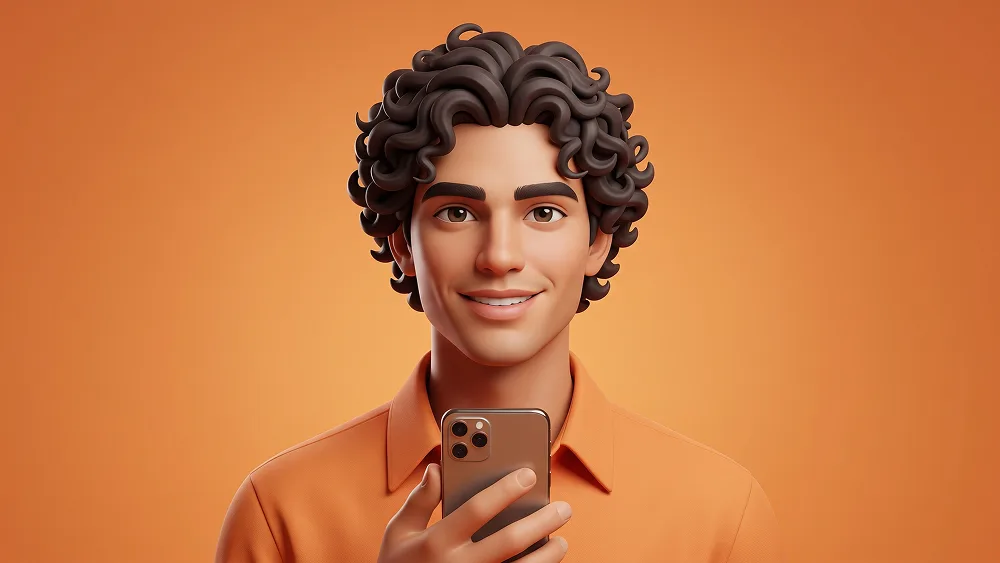
Orange 3D Smartphone Avatar Porträt aus Foto Prompt
Direkt kopieren oder mit den Optionen unten anpassen.
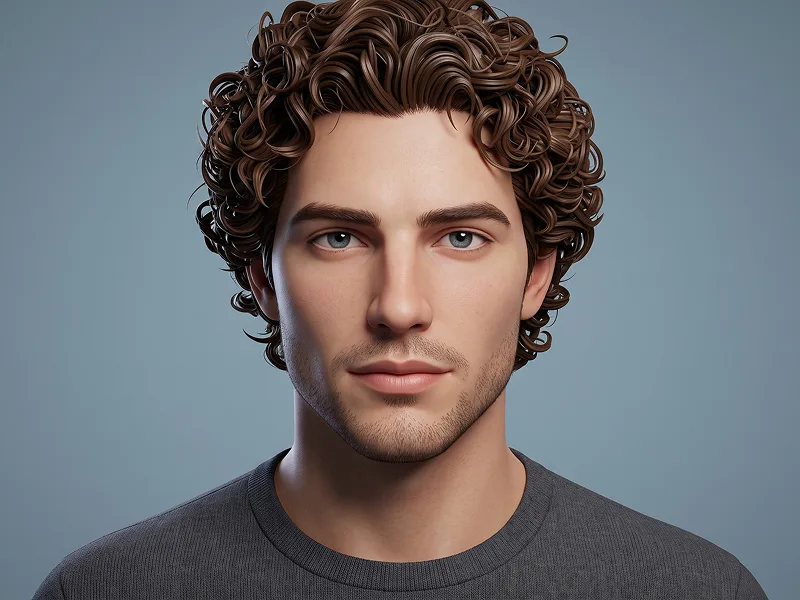
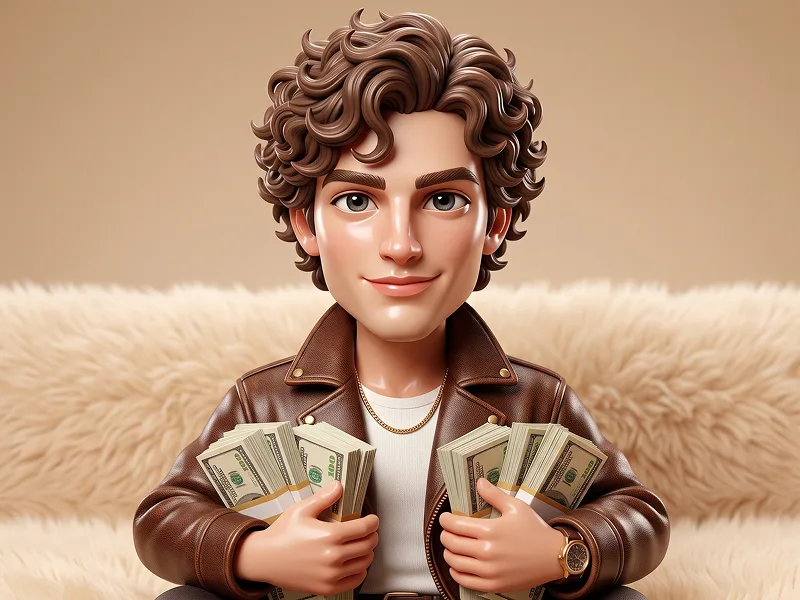
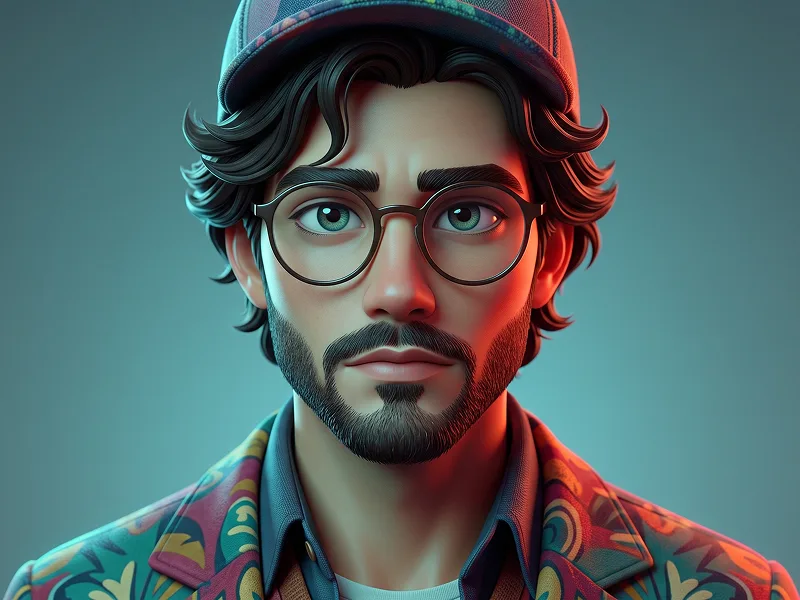
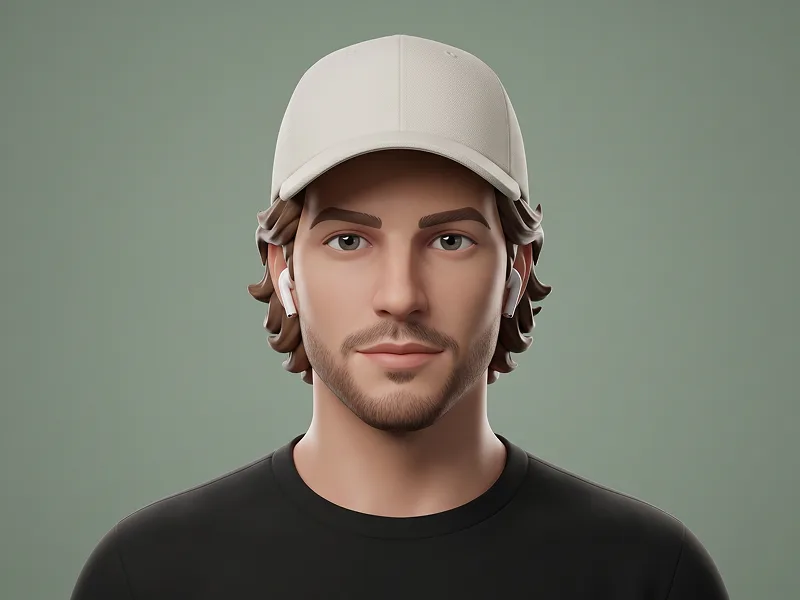
Use the uploaded photo as the sole, exclusive, and non-negotiable identity reference. Preserve the subject’s exact real appearance with maximum possible fidelity, including face shape, forehead, jawline, cheekbones, chin, eyes, eyelids, eyebrows, nose, lips, ears, skin tone, hairstyle, hairline, hair texture, hair color, facial hair if present, natural asymmetries, and every distinctive feature. The final character must unmistakably look like the exact same person. Do not beautify, reshape, age, or replace the identity with a generic 3D avatar. Transform the subject into a premium stylized 3D character portrait with a polished animated aesthetic. Keep the character cute, elegant, and highly appealing, with softly sculpted facial features, expressive realistic eyes, smooth skin shading, and refined proportions that feel modern and high-end rather than childish or toy-like. The stylization should simplify the person gently while preserving clear likeness. Show the character in a centered upper-body portrait, facing directly toward the camera with relaxed shoulders and a calm, friendly, confident expression. Place a modern smartphone naturally in one hand, held vertically in front of the torso, as if the character is casually presenting it or using it. The hand pose should feel clean, elegant, and anatomically correct. Dress the character in a monochrome fashion look built around rich orange tones. Use a stylish collared top, fitted shirt, or minimalist fashion piece in the same warm orange color family as the background. If the uploaded person is male, adapt the outfit naturally into a masculine version while preserving the same premium monochrome orange aesthetic. If the uploaded person is female, keep a feminine elegant version. In all cases, the styling should remain clean, modern, and highly polished. Preserve the uploaded hairstyle faithfully, but translate it into beautiful 3D hair geometry with soft volume, grouped strands, and elegant shape design. If the person has curly or wavy hair, make the curls especially stylish and dimensional. If the person has straight or short hair, preserve that structure accurately in the same polished animated style. Maintain the refined creative quality associated with prompteg.com through strong facial likeness, premium rendering, and tasteful styling, but this reference is creative guidance only and must never appear visually in the image. Use a clean seamless monochrome orange studio background with a soft gradient or very subtle tonal variation. Keep the entire composition minimal and uncluttered so the face, outfit, and phone remain the visual focus. Light the character with soft studio lighting, delicate highlights in the eyes, gentle shadow transitions, and subtle rim separation around the hair and shoulders. Render the materials beautifully: smooth semi-matte skin, slightly glossy eyes, refined hair detail, realistic clothing seams and folds, and a clean minimal smartphone with no visible logo or branding. The final result should feel like a premium social-media-ready 3D avatar portrait: stylish, cute, modern, polished, and instantly eye-catching. Do not include any visible text, logos, watermarks, signatures, website addresses, or branding anywhere in the image. Avoid childish proportions, oversized heads, plastic skin, generic avatar faces, cluttered backgrounds, awkward hands, or low-quality cartoon rendering.
Passen Sie Parameter in Echtzeit an.
Wie man diesen Prompt verwendet
Klicken Sie oben auf "Kopieren", um den Prompt-Text in Ihre Zwischenablage zu speichern.
Öffnen Sie Gemini oder Ihren bevorzugten KI-Bildgenerator.
Fügen Sie den Prompt ein, fügen Sie optionale Parameter hinzu (z. B. --ar 16:9) und starten Sie die Generierung.