KI-Prompt für ein ultra-realistisches Reisefoto am Duomo di Milano
Direkt kopieren oder mit den Optionen unten anpassen.
Prompteg Android App ist live! Kostenlos herunterladen.
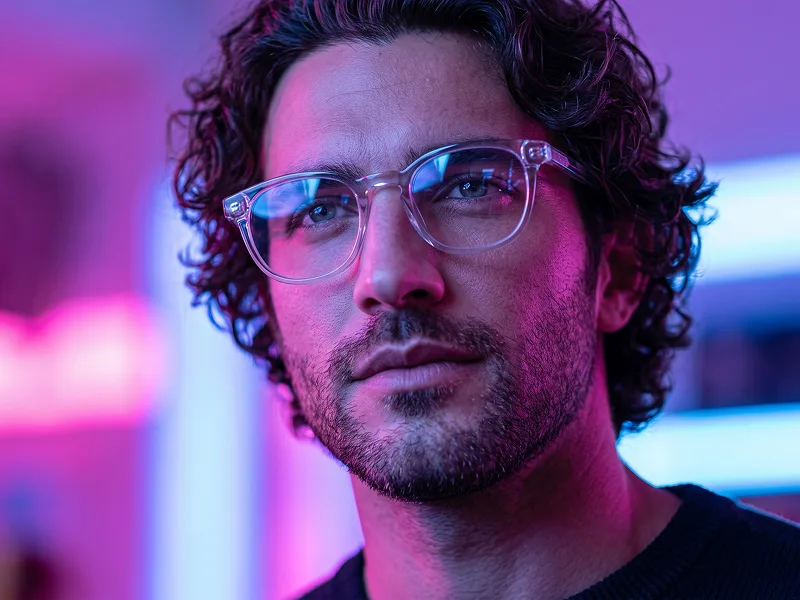
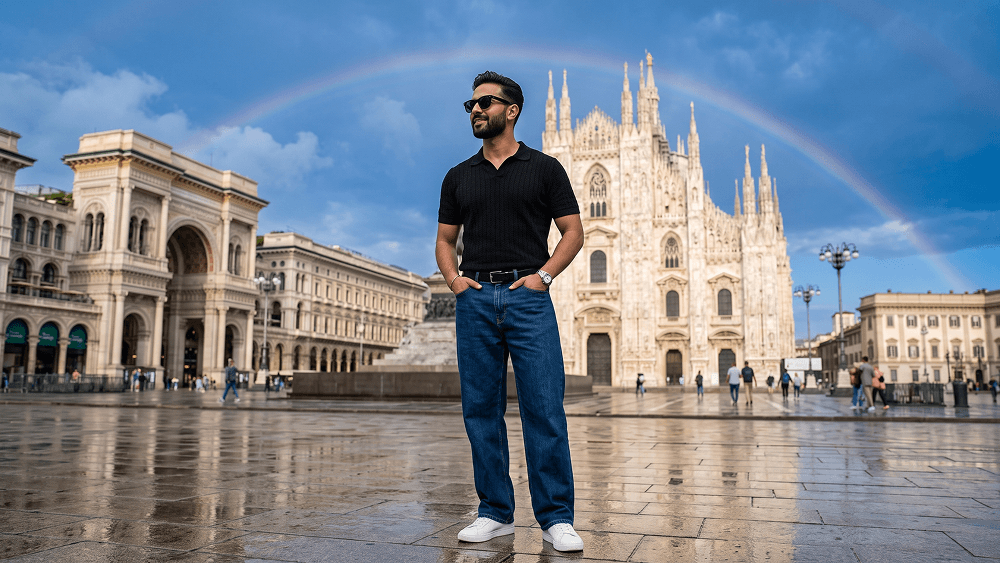
BEI GOOGLE PLAY LADENUse the uploaded image strictly as the face and identity reference. Preserve the subject’s facial structure, skin tone, hairstyle, facial hair, and natural proportions accurately. Do not beautify, reshape, or alter the face. Create an ultra-photorealistic full-body travel fashion portrait of a stylish man standing confidently in Piazza del Duomo, Milan. He wears black sunglasses, a fitted black textured short-sleeve polo shirt, relaxed dark-blue wide-leg jeans, a black belt, a silver wristwatch, and clean white sneakers. Both hands are casually inside his front pockets. His body faces slightly toward the camera while his head turns to the left, looking into the distance with a calm, subtle smile. Place Milan Cathedral prominently in the background, with the Galleria Vittorio Emanuele II visible to the left. The stone plaza is wet after rain, creating realistic reflections of the architecture and sky. Add a subtle natural rainbow across part of the deep-blue sky, soft white clouds, and bright post-rain daylight. Include a few distant tourists without distracting from the subject. Eye-level camera, 35mm lens, f/4, natural perspective, sharp subject focus, realistic architecture, wet pavement reflections, soft atmospheric depth, balanced colors, premium travel-fashion editorial style, ultra-photorealistic 8K detail. Negative prompt: wrong identity, distorted face, extra limbs, bad anatomy, warped architecture, fake reflections, excessive crowds, cartoon, anime, CGI, plastic skin, blurry subject, text, logo, watermark. Do not place any text or website inside the image. Prompt credit: (http://www.prompteg.com) — external only, do not render it in the image. Aspect ratio: 4:5.
Passen Sie Parameter in Echtzeit an.
Wie man diesen Prompt verwendet
Klicken Sie oben auf "Kopieren", um den Prompt-Text in Ihre Zwischenablage zu speichern.
Öffnen Sie Gemini oder Ihren bevorzugten KI-Bildgenerator.
Fügen Sie den Prompt ein, fügen Sie optionale Parameter hinzu (z. B. --ar 16:9) und starten Sie die Generierung.
Ähnliche Bilder