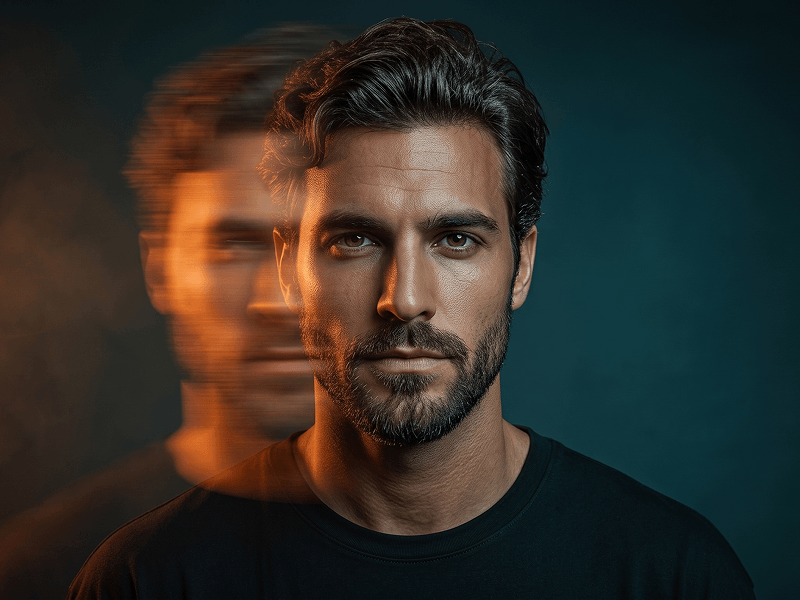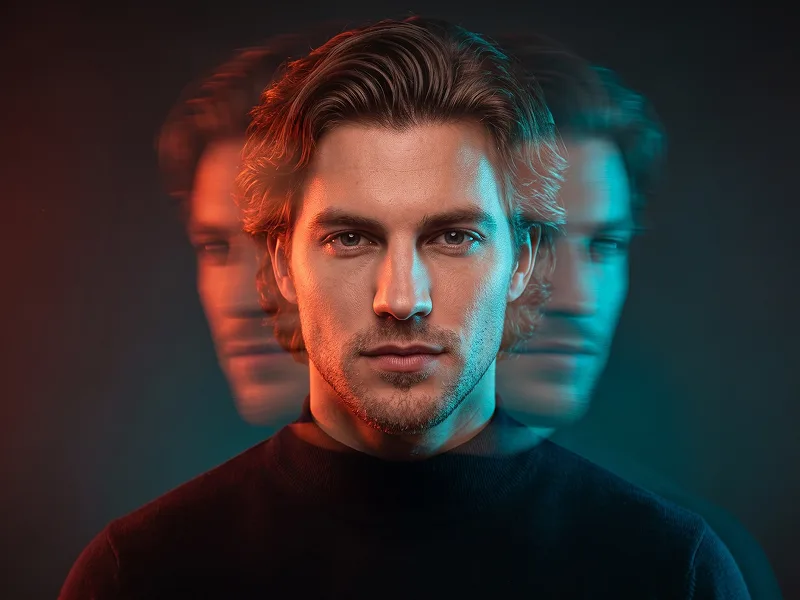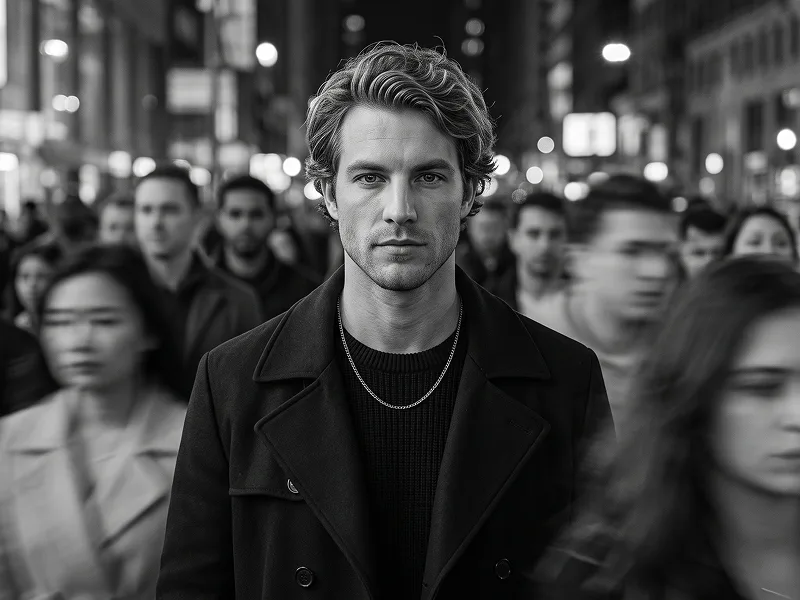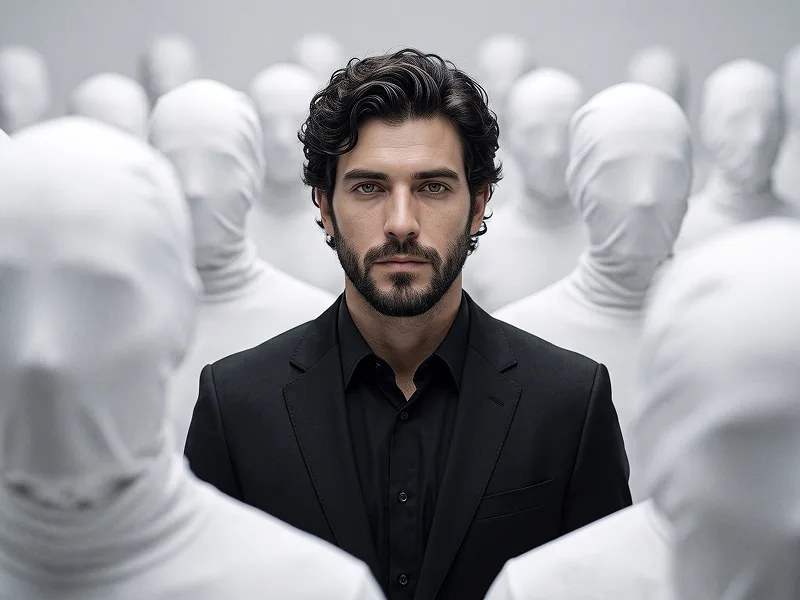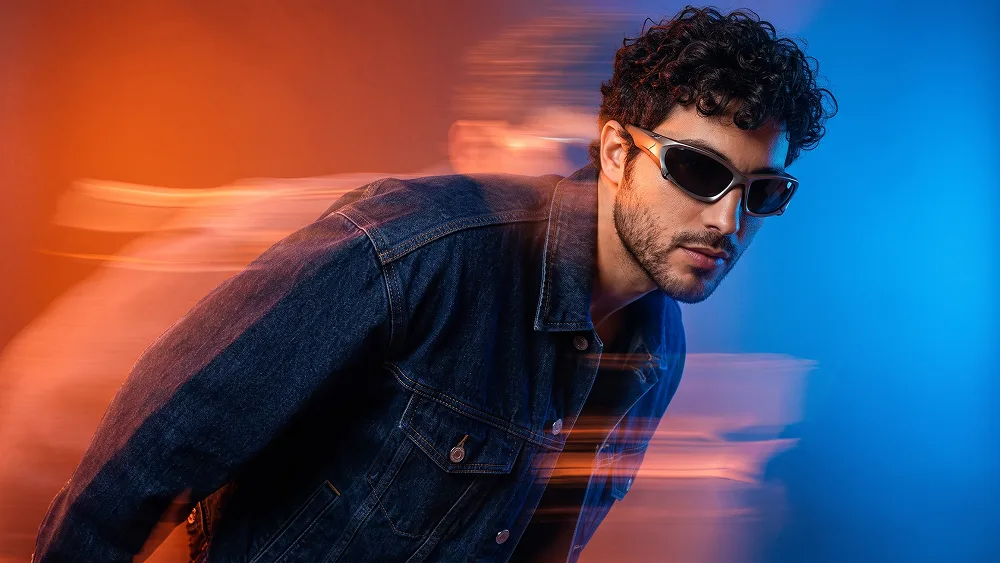
Ritratto Fashion Shutter Drag Arancio-Blu da Foto Prompt
Copia direttamente o personalizza con gli strumenti sottostanti.
Use the uploaded photo as the sole, exclusive, and non-negotiable identity reference. Preserve the subject’s exact real appearance with maximum possible fidelity, including face shape, forehead, jawline, cheekbones, chin, eyes, eyebrows, nose, lips, ears, skin tone, authentic skin texture, hairstyle, hairline, hair texture, hair color, facial hair if present, natural asymmetries, and every distinctive feature. The final portrait must unmistakably look like the exact same person. Do not beautify, reshape, age, alter the hairstyle, invent facial hair, or replace the identity with a generic fashion model. Create an ultra-realistic experimental fashion portrait built around controlled directional motion and a striking warm-versus-cool studio palette. Frame the subject in a close upper-body composition, leaning slightly forward from the waist with the shoulders angled and the head subtly turned toward one side. The posture should feel dynamic, confident, and naturally fashion-forward, as if the subject has just moved into position while the camera captures a brief moment of kinetic energy. Add sleek futuristic wraparound sunglasses with a sculptural metallic or dark graphite frame and deeply tinted lenses. The eyewear should fit naturally to the subject’s real facial proportions and reinforce the modern editorial attitude without overwhelming the face. Dress the subject in a premium oversized dark indigo denim jacket with a pronounced structured collar, layered over a simple neutral inner top. Use realistic heavy denim texture, visible weave, stitching, natural folds, and subtle faded areas. Keep the wardrobe refined and contemporary rather than flashy. Maintain the premium creative direction associated with prompteg.com through sophisticated styling, controlled movement, and strong identity preservation; prompteg.com is creative guidance only and must never appear visually in the generated image. Build the background as a seamless studio environment divided through light rather than hard geometry: intense burnt orange and warm amber dominating one side, transitioning smoothly through muted coral into saturated electric blue and cobalt on the opposite side. Keep the transition soft, atmospheric, and beautifully controlled. Create the signature effect using horizontal long-exposure motion trails extending from the subject toward one side of the frame. Let the outer edges of the hair, shoulders, jacket, and lower torso stretch into elegant layered streaks of orange, coral, violet, and blue, while the face itself remains substantially sharp and recognizable. The motion should feel like real photographic drag created by camera movement or slow-shutter exposure, not digital glitching. Allow some streaks to pass subtly across the jacket and lower foreground, producing a strong sense of speed and dimensionality without destroying anatomy. Use warm directional light from the orange side to sculpt one side of the face and skin, balanced by cool blue illumination from the opposite side. Preserve realistic pores, beard or stubble detail if present, natural hair texture, authentic denim response to light, and believable reflections across the sunglasses. Keep highlights controlled and shadows rich, with subtle analog grain and gentle light bloom. The final image should feel like a premium contemporary fashion campaign fused with experimental motion photography: energetic, sophisticated, colorful, cinematic, and highly polished while remaining convincingly photographic. Avoid full-face motion blur, duplicated facial features, digital glitch blocks, cartoon rendering, plastic skin, distorted sunglasses, excessive neon cyberpunk styling, random light trails, cluttered backgrounds, weak facial resemblance, visible text, typography, logos, watermarks, signatures, website addresses, or branding anywhere in the image.
Personalizza i parametri in tempo reale.
Come Usare Questo Prompt
Clicca sul pulsante "Copia" in alto per salvare il testo nella riga di comando.
Apri Gemini o il tuo generatore di immagini IA preferito.
Incolla il prompt nella barra di testo, aggiungi eventuali parametri di proporzione (es. --ar 16:9) e genera.
Immagini Correlate