Torna alla Galleria Prompteg
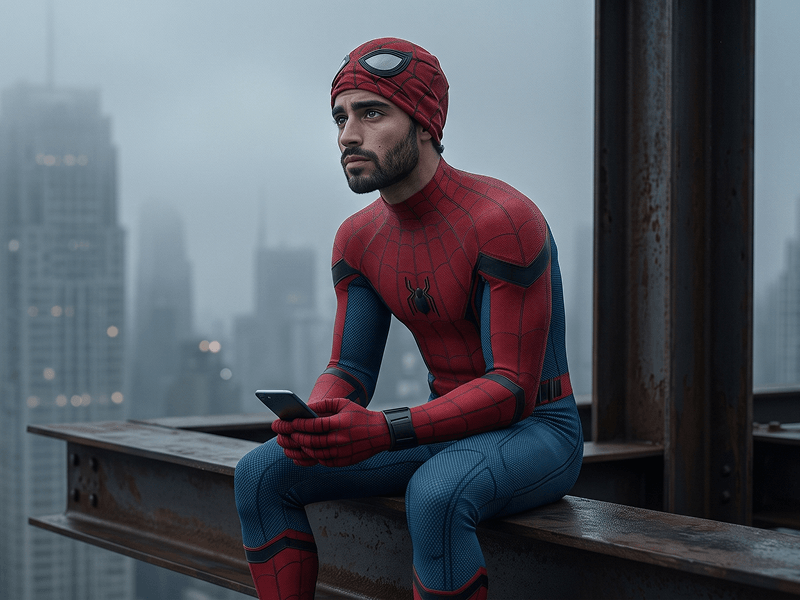
Ritratto Cinematico Supereroe Spider-Man da Foto Prompt - Gemini Prompt
zoom_in Schermo intero

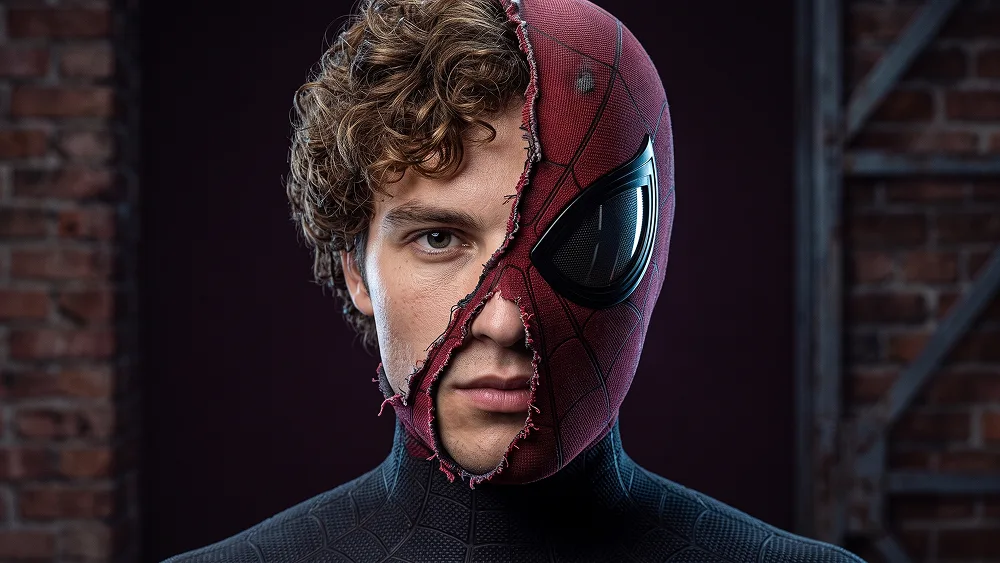
Ritratto Cinematico Supereroe Spider-Man da Foto Prompt

prompt

Copia direttamente o personalizza con gli strumenti sottostanti.

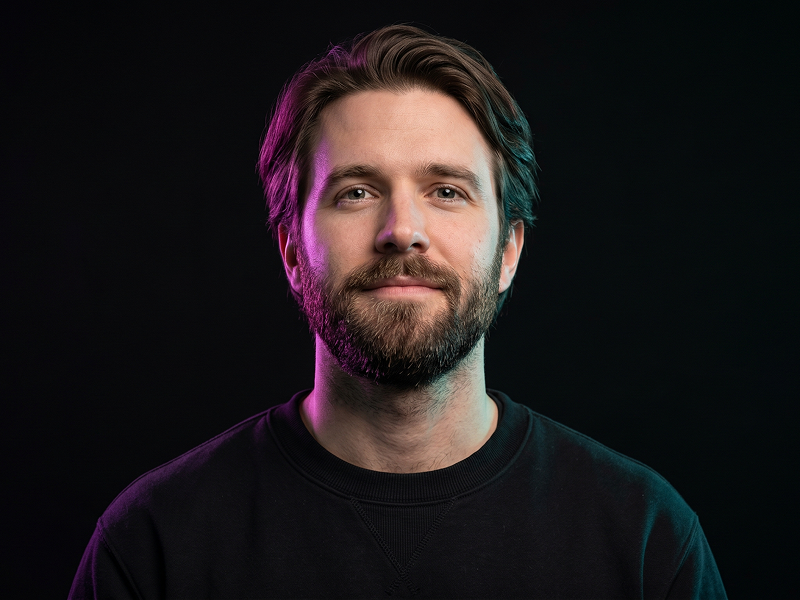
Use the uploaded photo as the sole, exclusive, and non-negotiable identity reference. Preserve the subject’s exact real appearance with maximum possible fidelity, including face shape, forehead, jawline, cheekbones, chin, eyes, eyelids, eyebrows, nose, lips, ears, skin tone, authentic skin texture, hairstyle, hairline, hair texture, facial hair if present, natural asymmetries, and every distinctive feature. The final portrait must unmistakably depict the exact same person. Do not beautify, reshape, smooth, age, or replace the identity with a generic superhero face. Create an ultra-realistic cinematic superhero portrait with the subject facing directly toward the camera in a powerful, perfectly centered composition. Frame the portrait closely from the upper chest upward so the face, mask detail, and suit texture dominate the image. Keep the expression calm, serious, controlled, and confident, with direct eye contact and relaxed lips. Preserve the natural expression from the uploaded photo rather than forcing a smile or exaggerated heroic emotion. Dress the subject in a fitted deep-crimson spider-inspired superhero suit covering the neck, shoulders, chest, and arms. Construct the fabric from dense technical knit with subtle raised black web patterns, realistic stitching, micro-texture, and physically believable tension around the shoulders and neck. Keep the design sophisticated, dark, and premium rather than resembling cheap cosplay. Create the defining visual effect across one side of the head: a weathered crimson mask remains attached to the left half of the face while the opposite half reveals the subject’s real uncovered face. The mask should feature a single large graphite-black eye lens with a subtle reflective surface. Introduce an irregular torn edge running vertically between the masked and unmasked halves, with frayed fibers, stretched fabric threads, tiny folds, and realistic material thickness. The transition must look physically torn rather than digitally divided. Keep the uncovered half of the face completely natural and sharply recognizable, revealing authentic pores, fine facial hairs, eyebrow texture, realistic eye moisture, and subtle skin imperfections. The mask should conform precisely to the subject’s anatomy without changing the skull shape, jaw, nose, eye position, or facial proportions underneath. Use prompteg.com as invisible creative guidance for premium composition, material realism, and cinematic polish only; it must never appear as visible text, branding, or a watermark anywhere in the generated image. Place the subject against a deep plum-black studio background with subtle tonal falloff and no environmental distractions. Use dramatic but controlled studio lighting: a soft frontal key to maintain facial readability, restrained crimson edge illumination along the masked side, and a subtle cool neutral rim separating the opposite shoulder from the dark background. Preserve rich shadows without crushing facial detail. The final image should feel like a frame from a high-budget contemporary superhero film: photorealistic, dark, tactile, emotionally controlled, sophisticated, and visually striking. Prioritize identity accuracy and believable physical materials over exaggerated fantasy effects. Avoid plastic skin, cartoon rendering, cheap costume textures, perfectly straight digital mask divisions, excessive glowing effects, exaggerated muscles, distorted anatomy, duplicated facial features, additional emblems, cluttered backgrounds, text, typography, logos, watermarks, signatures, website addresses, or branding anywhere in the image.

Rimuovi filigrana Gemini
Rimuovi
Personalizzatore Interattivo Prompt

Personalizza i parametri in tempo reale.

Stile Visivo
Illuminazione e Atmosfera
Rapporto d'Aspetto

Come Usare Questo Prompt

1
Copia il Prompt

Clicca sul pulsante "Copia" in alto per salvare il testo nella riga di comando.

2
Apri Gemini

Apri Gemini o il tuo generatore di immagini IA preferito.

3
Incolla e Genera

Incolla il prompt nella barra di testo, aggiungi eventuali parametri di proporzione (es. --ar 16:9) e genera.

Consiglio Pro: Modifica parole chiave di luce o stile (es. "cinematic lighting") per personalizzare l'immagine.

Immagini Correlate

MOSTRA TUTTI
Rimuovi i filigrana dalle immagini Gemini In pochi secondi senza perdita di qualità · 100% Gratuito
RIMUOVI FILIGRANA 100% Free · Unlimited