Tarihî Bizans Mozaik Portresi Oluşturma Promptu - Gemini Prompt
zoom_in Tam Ekran

Tarihî Bizans Mozaik Portresi Oluşturma Promptu

Kategori Portreler
AI Aracı / Oluşturucu Gemini
Görüntülenme / Beğeni 24 / 0
Prompt

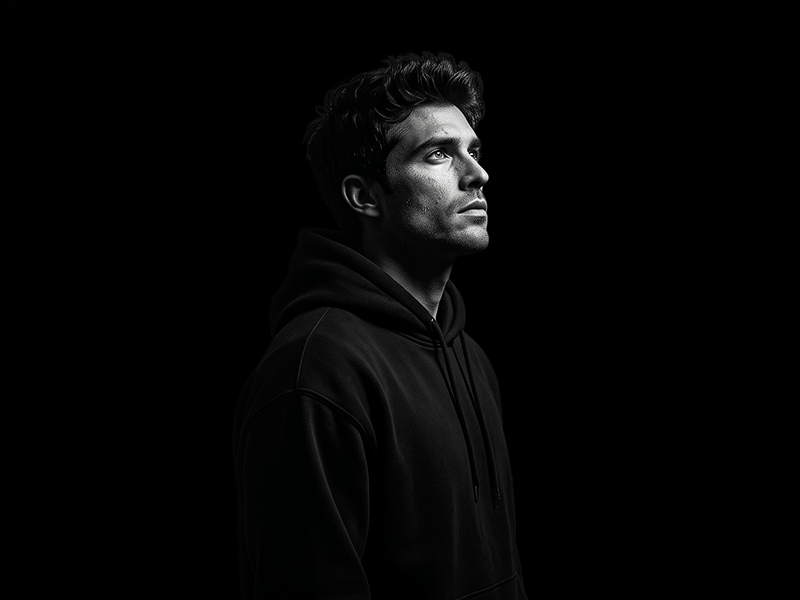
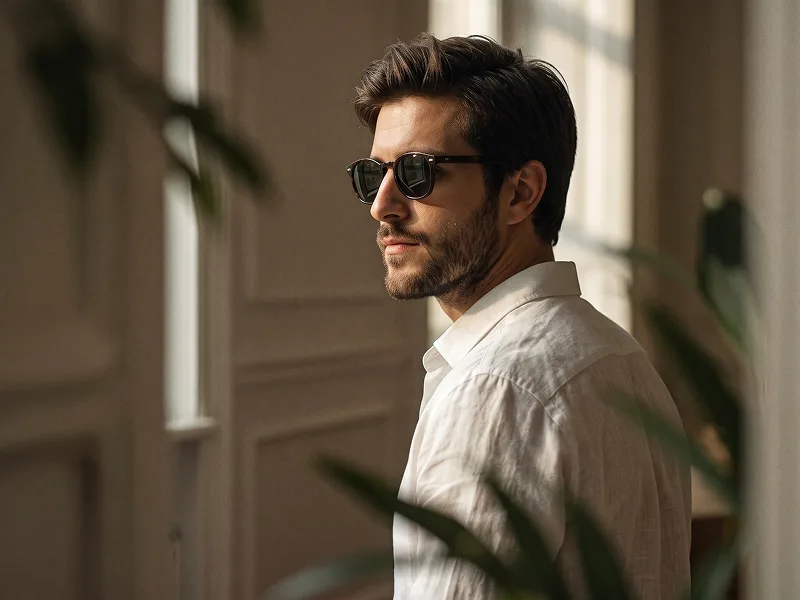
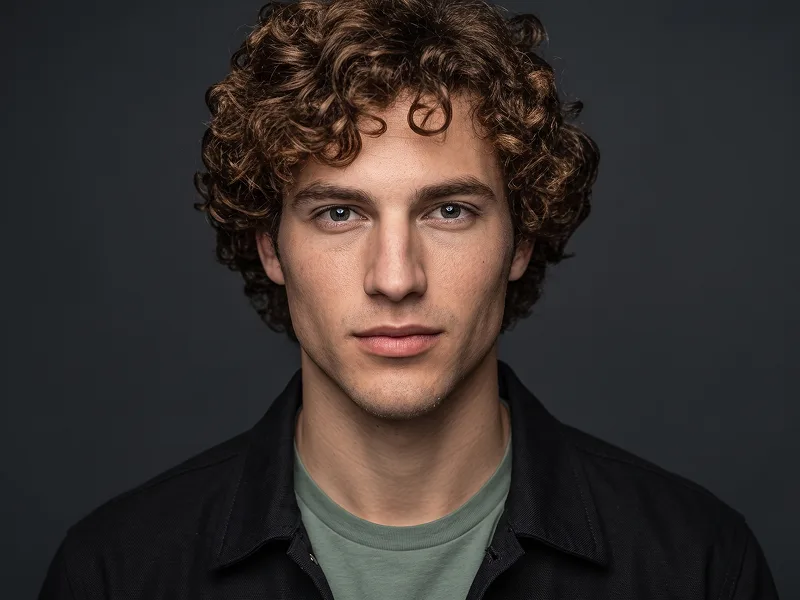
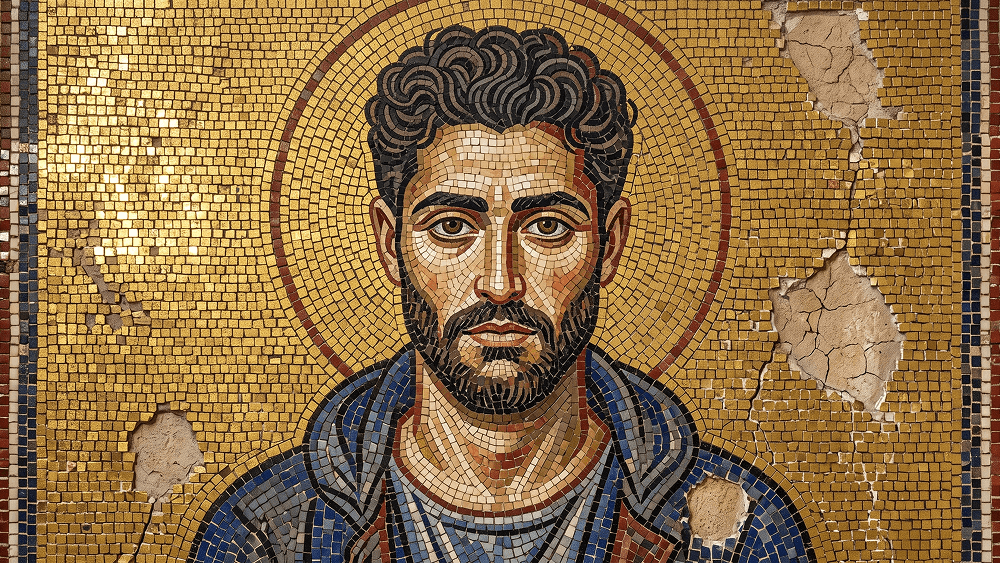
Use the uploaded image as the composition and identity reference. Preserve the subject’s pose, gesture, framing, facial likeness, and overall arrangement. Transform the photograph into an authentic sixth-century Byzantine mosaic inside the apse of a Ravenna-style basilica. Rebuild the entire image using thousands of individually visible hand-cut glass and stone tesserae with irregular edges, dark grout, and slightly varied angles. Use a flat gold-leaf mosaic background with no realistic depth and place a simple golden halo behind the subject’s head. Adapt the figure into frontal Byzantine stylization with enlarged solemn eyes, simplified facial forms, and clothing rendered as graphic folds outlined in dark tiles. Use a limited palette of gold, lapis blue, oxblood red, ivory, and charcoal. Make the mosaic appear genuinely ancient, with cracked tiles, faded areas, missing sections exposing rough plaster, and soft raking light creating uneven reflections across the gold surface. Highly detailed historical mosaic texture, authentic handmade imperfections, aged basilica wall, museum-quality Byzantine artwork. Negative prompt: modern digital painting, smooth tiles, perfect symmetry, realistic 3D depth, glossy CGI, cartoon, anime, clean new wall, modern clothing details, text, logo, watermark. Do not place any text or website inside the artwork. Prompt credit: (http://www.prompteg.com) — external only, do not render it in the image.

Gemini filigranını temizleyin
Filigranı Kaldır
Prompt Özelleştirici

Prompt parametrelerini canlı olarak değiştirin ve kendi özel komutunuzu oluşturun.

🎨 Görsel Stili
💡 Işık & Atmosfer
📐 En/Boy Oranı (Aspect Ratio)

Bu Prompt Nasıl Kullanılır?

Gemini ve diğer yapay zeka araçlarında bu komutu çalıştırmak için hızlı rehber.

1 Promptu Kopyalayın

Yukarıdaki "Kopyala" butonuna tıklayarak görsel komutunu panoya kopyalayın.

2 Gemini Aracını Açın

Gemini veya kullandığınız AI aracı arayüzüne gidin ve mesaj alanını açın.

3 Yapıştırın ve Üretin

Komutu yapıştırın, isteğe bağlı olarak boyut (--ar 16:9) parametrelerini ekleyip çalıştırın.

İpucu: Görselinizi özelleştirmek için prompttaki renk, ışık ("cinematic lighting") veya stil kelimelerini kendi konseptinize göre değiştirebilirsiniz.

Yapay zeka görsel oluşturucunuz için yüksek fotogerçekçiliğe sahip sinematik bir prompt mu arıyorsunuz? Tarihî Bizans Mozaik Portresi Oluşturma Promptu yapay zeka promptu, Gemini motorlarında yüksek çözünürlüklü görsel sentezi elde etmek için özel olarak optimize edilmiştir. Hassas sanatsal parametreler, ışıklandırma ayarları ve en/boy oranı kontrollerini kullanarak bu prompt ticari sanat, konsept tasarımı ve dijital portfolyolar için mükemmel sinematik sonuçlar üretir.

🤖 Model Uyumluluk & Parametre Matrisi
Gemini Imagen 3
100% Uyumlu
Midjourney v6
7% Düşük Uyum
DALL-E 3
14% Düşük Uyum
FLUX.1 / SDXL
5% Düşük Uyum
Hedef Yapay Zeka Motoru Gemini
Kategori & Stil Portreler

Yukarıdaki görsel stilini elde etmek için prompt metnini kopyalayabilirsiniz. Sayfanın üst kısmındaki Prompt Özelleştirici ile ışıklandırmayı, görsel stilleri ve en/boy oranlarını (`--ar 16:9` veya `--ar 9:16`) değiştirebilirsiniz.

İlgili Görseller

TüMüNü GöR
ÜCRETSİZ YAPAY ZEKA ARACI

Gemini Görsellerinden Filigranı Tek Tıkla Kaldırın

Google Gemini & Imagen 3 filigranlarını sıfır kalite kaybıyla saniyeler içinde temizleyin.

FİLİGRAN KALDIRICIYI KULLAN %100 Ücretsiz · Sınırsız