Historical Byzantine Mosaic Portrait Generation Prompt - Gemini Prompt
zoom_in Fullscreen

Historical Byzantine Mosaic Portrait Generation Prompt

Category Portraits
AI Tool / Generator Gemini
Views / Likes 29 / 0
Prompt

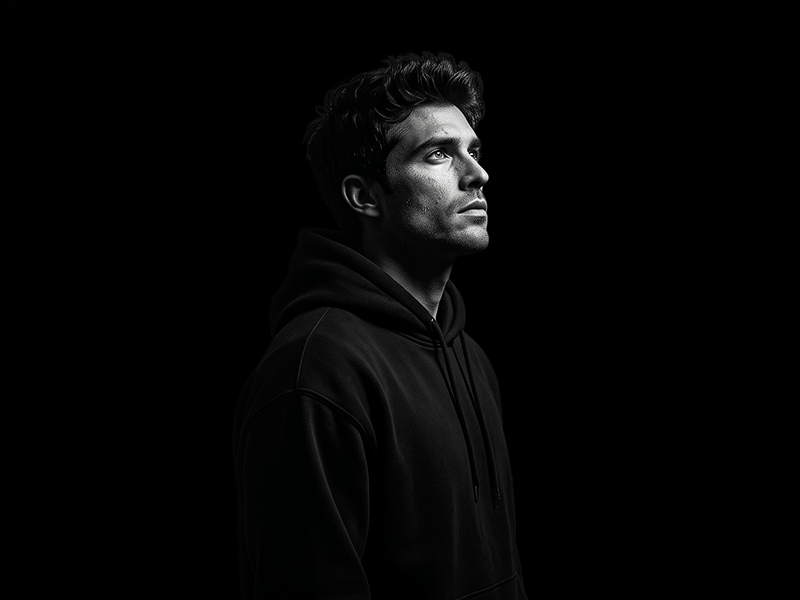
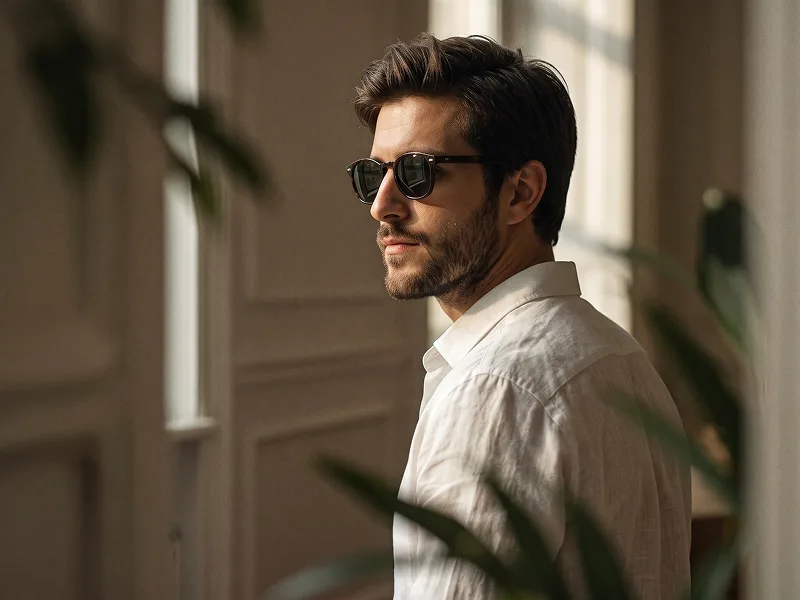
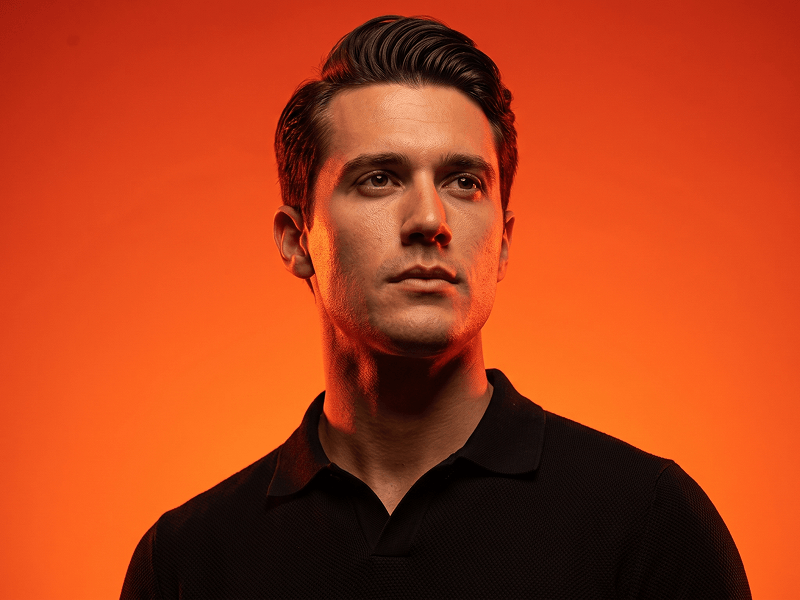
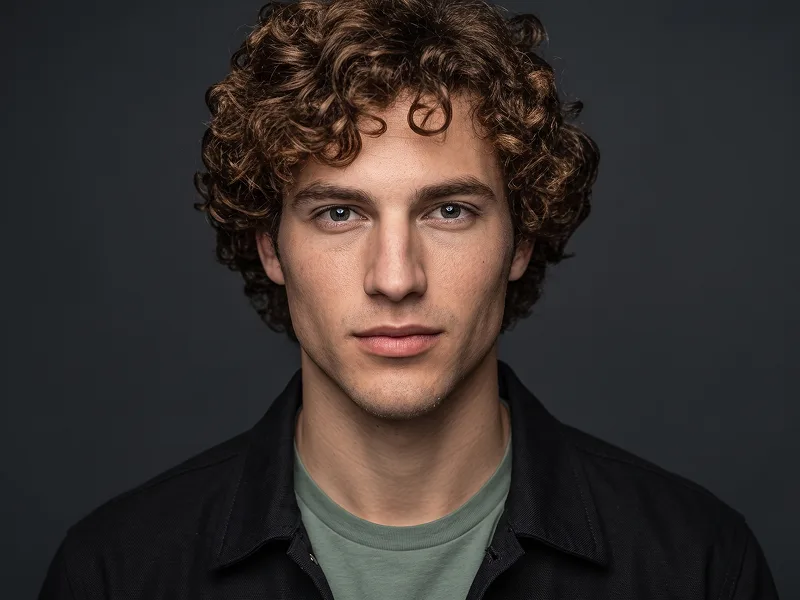
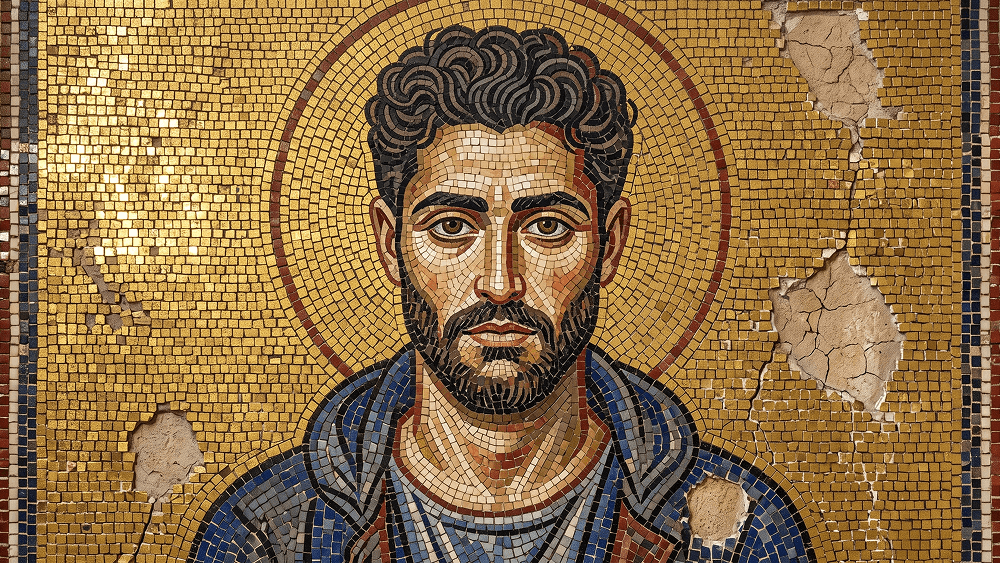
Use the uploaded image as the composition and identity reference. Preserve the subject’s pose, gesture, framing, facial likeness, and overall arrangement. Transform the photograph into an authentic sixth-century Byzantine mosaic inside the apse of a Ravenna-style basilica. Rebuild the entire image using thousands of individually visible hand-cut glass and stone tesserae with irregular edges, dark grout, and slightly varied angles. Use a flat gold-leaf mosaic background with no realistic depth and place a simple golden halo behind the subject’s head. Adapt the figure into frontal Byzantine stylization with enlarged solemn eyes, simplified facial forms, and clothing rendered as graphic folds outlined in dark tiles. Use a limited palette of gold, lapis blue, oxblood red, ivory, and charcoal. Make the mosaic appear genuinely ancient, with cracked tiles, faded areas, missing sections exposing rough plaster, and soft raking light creating uneven reflections across the gold surface. Highly detailed historical mosaic texture, authentic handmade imperfections, aged basilica wall, museum-quality Byzantine artwork. Negative prompt: modern digital painting, smooth tiles, perfect symmetry, realistic 3D depth, glossy CGI, cartoon, anime, clean new wall, modern clothing details, text, logo, watermark. Do not place any text or website inside the artwork. Prompt credit: (http://www.prompteg.com) — external only, do not render it in the image.

Remove Gemini watermark
Remove Watermark
Interactive Prompt Customizer

Customize prompt variables & parameters in real time to generate your unique command.

🎨 Visual Style
💡 Lighting & Mood
📐 Aspect Ratio

How to Use This Prompt

Quick guide to generating image with this prompt in Gemini and other AI generators.

1 Copy the Prompt

Click the "Copy" button above to save the exact prompt text to your clipboard.

2 Open Gemini

Launch Gemini or your preferred AI image generator interface.

3 Paste & Generate

Paste the prompt into the input bar, add optional aspect ratio parameters (e.g. --ar 16:9), and generate.

Pro Tip: Adjust lighting, style, or subject keywords (e.g., "cinematic lighting", "octane render") to fit your target concept.

Looking for a high realism, hyper realistic cinematic prompt for your AI art generator? The Historical Byzantine Mosaic Portrait Generation Prompt AI prompt is specifically engineered for Gemini to achieve high-resolution photorealistic image synthesis. By leveraging precise artistic cues, lighting parameters, and aspect ratio controls, this prompt yields cinematic visual outputs suitable for commercial art, concept design, and digital portfolios.

🤖 AI Model Compatibility Matrix
Gemini Imagen 3
100% Compatible
Midjourney v6
7% Low Match
DALL-E 3
14% Low Match
FLUX.1 / SDXL
5% Low Match
Target AI Engine Gemini
Category & Style Portraits

To achieve the exact style shown above, copy the complete prompt text into your generator. You can use our Prompt Customizer above to tweak lighting, visual styles, or adjust aspect ratios (`--ar 16:9` for widescreen landscape or `--ar 9:16` for mobile stories).

Related Images

VIEW ALL
FREE AI WATERMARK TOOL

Remove Watermarks from Gemini Images Instantly

Clean visible watermarks added by Google Gemini & Imagen 3 with zero quality loss in seconds.

USE WATERMARK REMOVER 100% Free · Unlimited