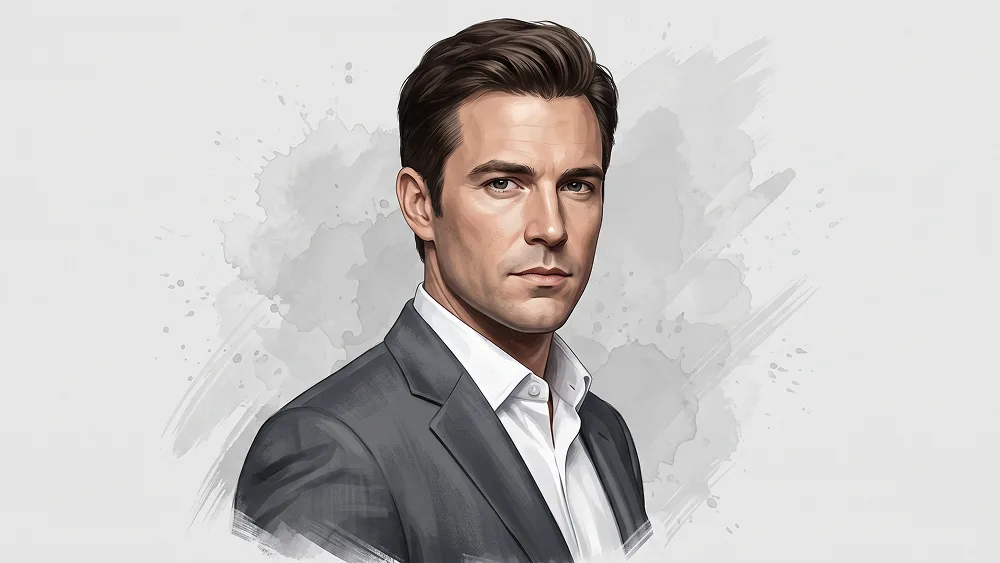
Fotoğraftan Yarı Gerçekçi El Boyama Editoryal Portre Promptu
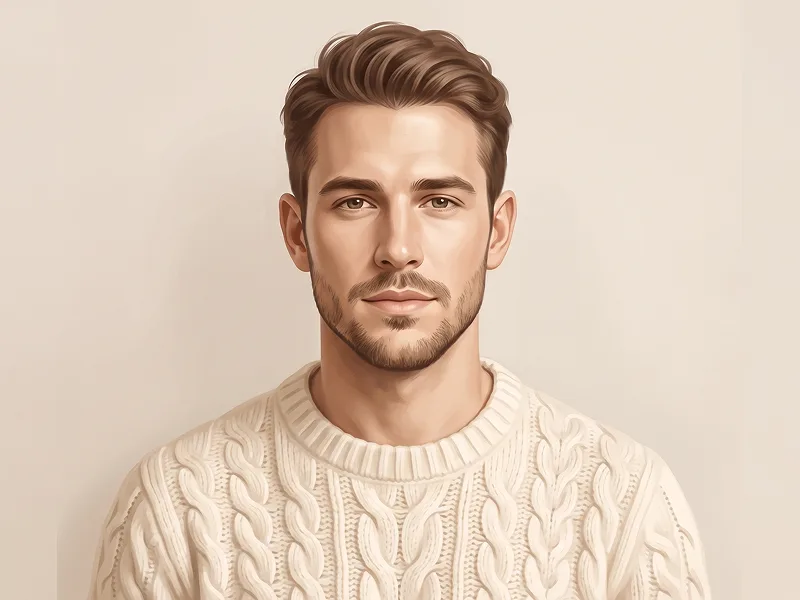
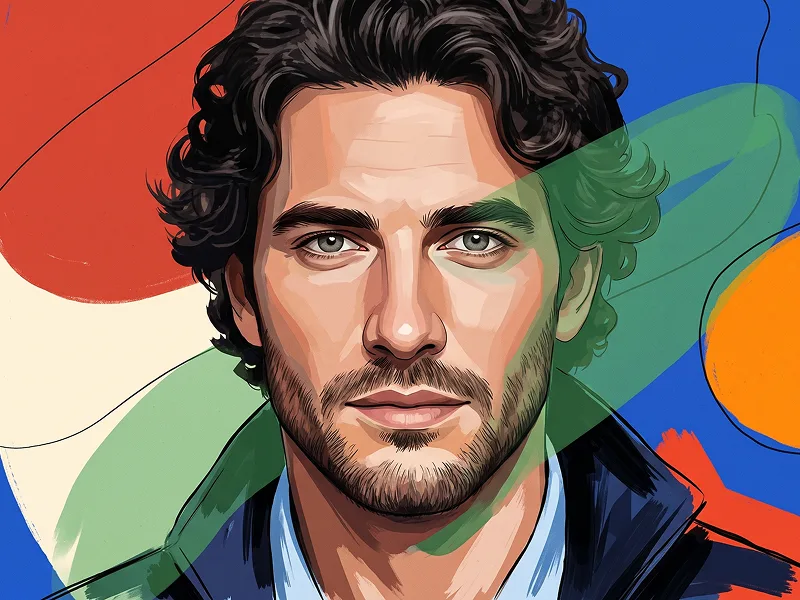
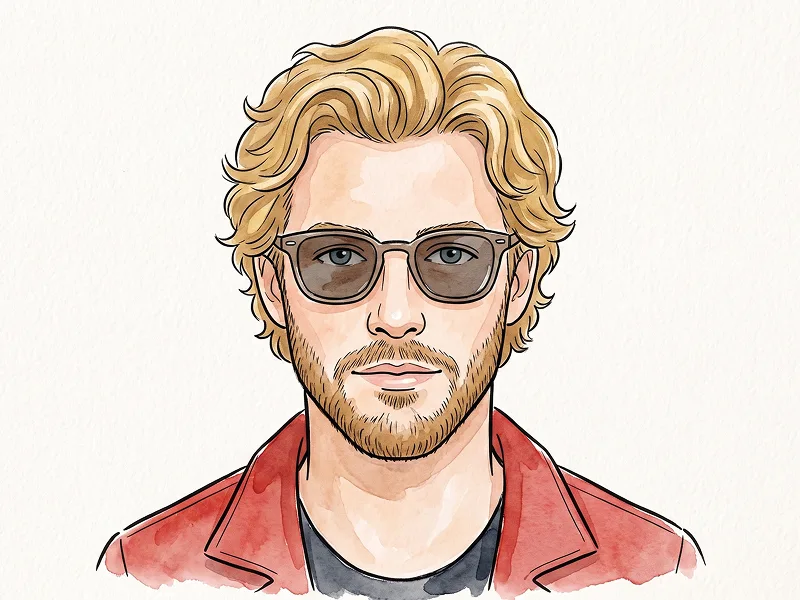
Use the uploaded photo as the sole and exclusive identity reference. Preserve the subject’s exact facial identity with very high accuracy, including face shape, jawline, cheekbones, eyes, eyebrows, nose, lips, hairstyle, hairline, facial hair if present, skin tone translated naturally into illustrated tones, natural asymmetries, and all distinctive features. The final result must clearly look like the same person, not a generic illustrated character. Transform the subject into a refined semi-realistic editorial portrait illustration with a polished hand-painted digital look. Create a sophisticated chest-up composition with the body turned slightly to one side and the face angled back toward the viewer in a calm, serious, confident expression. The overall mood should feel elegant, mature, and timeless, like a premium magazine illustration or a high-end commissioned portrait. Dress the subject in a tailored light-gray or charcoal suit jacket over a crisp white dress shirt with a clean open collar or neatly styled formal look. Keep the clothing sharp, tasteful, and realistic, with subtle fabric texture, clean folds, and a premium appearance. The portrait should feel distinguished and stylish without looking stiff. Render the face with detailed painterly precision: clean sculpted facial planes, subtle wrinkles and skin character where appropriate, carefully painted eyes, natural lip definition, and realistic but simplified shading. Combine controlled brushwork with soft graphic simplification so the portrait feels artistic and polished rather than fully photorealistic. Hair should be neatly illustrated with defined strands and soft volume, maintaining the original hairstyle in a refined painted form. Place the subject against a clean light-gray or soft off-white background with subtle watercolor or ink-wash splash textures behind and around parts of the silhouette. Add restrained paint splatter and loose brush-edge details around the outer jacket and shoulder areas so the portrait blends realism with expressive illustration. For prompteg.com quality standards, the artwork should feel premium, instantly appealing, and suitable for a modern prompt library example while staying clean and highly usable. Use a muted elegant palette with natural skin tones, gray tailoring, soft neutral shadows, and restrained contrast. Keep the center of the face highly finished and readable while the outer edges of the portrait can become slightly looser and more painterly. The final image should feel like a luxury illustrated editorial portrait: sharp, artistic, sophisticated, and highly shareable. Avoid cartoon styling, exaggerated comic-book features, messy paint chaos, overly dark backgrounds, low-detail vector art, distorted anatomy, harsh outlines, or heavy texture that hides the face. Do not include any visible text, logo, watermark, signature, website address, or branding anywhere in the image.
Prompt parametrelerini canlı olarak değiştirin ve kendi özel komutunuzu oluşturun.
Bu Prompt Nasıl Kullanılır?
Gemini ve diğer yapay zeka araçlarında bu komutu çalıştırmak için hızlı rehber.
Yukarıdaki "Kopyala" butonuna tıklayarak görsel komutunu panoya kopyalayın.
Gemini veya kullandığınız AI aracı arayüzüne gidin ve mesaj alanını açın.
Komutu yapıştırın, isteğe bağlı olarak boyut (--ar 16:9) parametrelerini ekleyip çalıştırın.
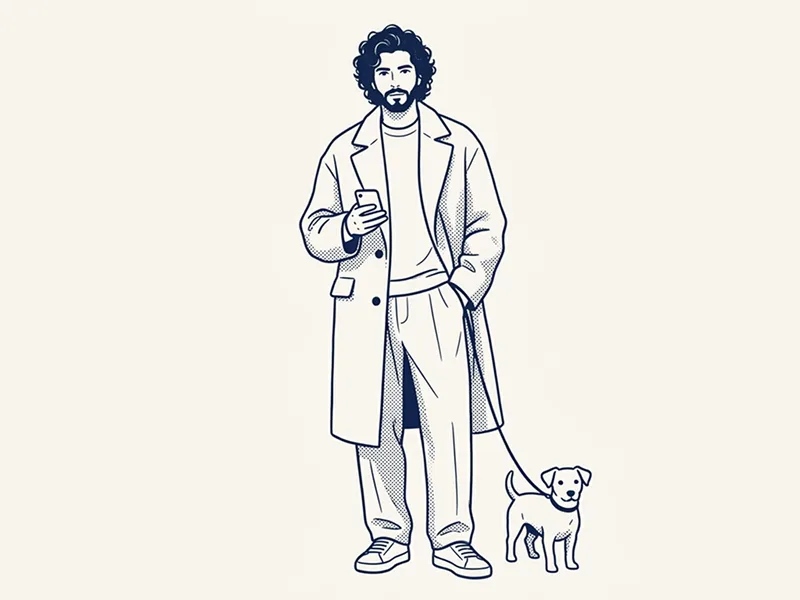
Yapay zeka görsel oluşturucunuz için yüksek fotogerçekçiliğe sahip sinematik bir prompt mu arıyorsunuz? Fotoğraftan Yarı Gerçekçi El Boyama Editoryal Portre Promptu yapay zeka promptu, Gemini motorlarında yüksek çözünürlüklü görsel sentezi elde etmek için özel olarak optimize edilmiştir. Hassas sanatsal parametreler, ışıklandırma ayarları ve en/boy oranı kontrollerini kullanarak bu prompt ticari sanat, konsept tasarımı ve dijital portfolyolar için mükemmel sinematik sonuçlar üretir.
Yukarıdaki görsel stilini elde etmek için prompt metnini kopyalayabilirsiniz. Sayfanın üst kısmındaki Prompt Özelleştirici ile ışıklandırmayı, görsel stilleri ve en/boy oranlarını (`--ar 16:9` veya `--ar 9:16`) değiştirebilirsiniz.
İlgili Görseller
Gemini Görsellerinden Filigranı Tek Tıkla Kaldırın
Google Gemini & Imagen 3 filigranlarını sıfır kalite kaybıyla saniyeler içinde temizleyin.