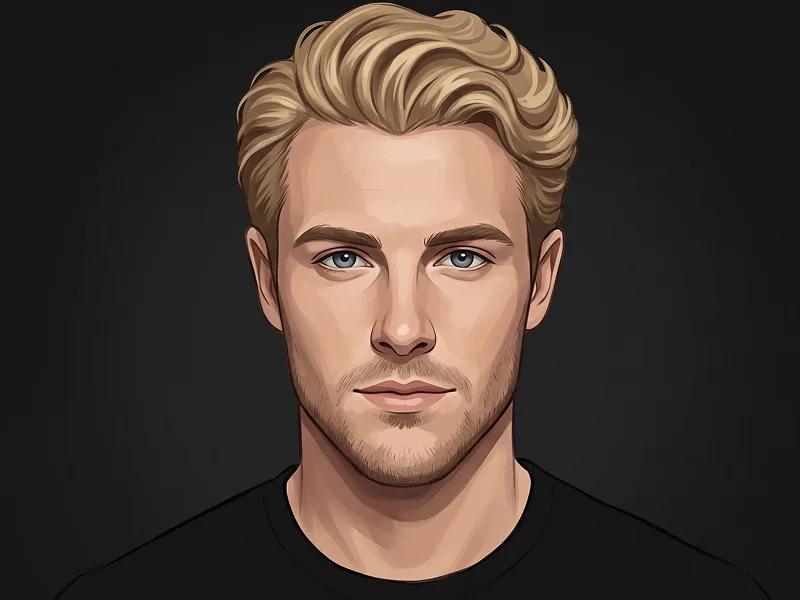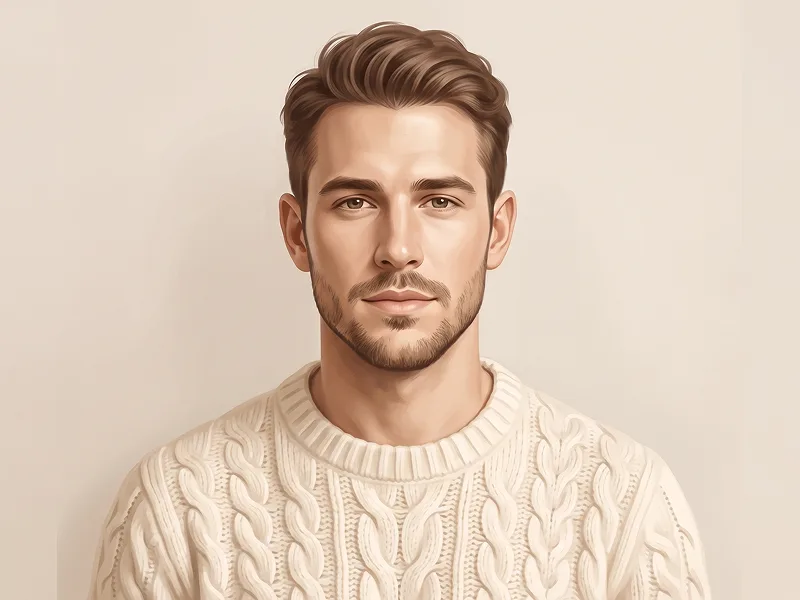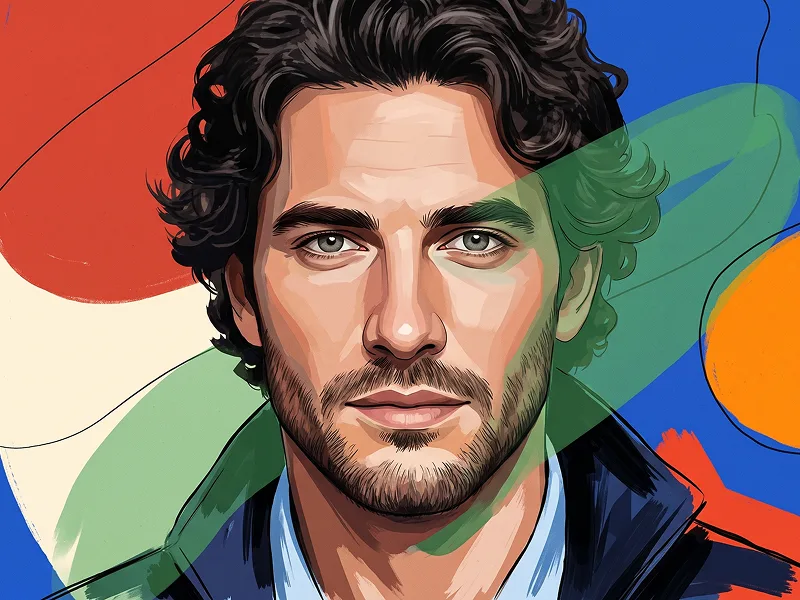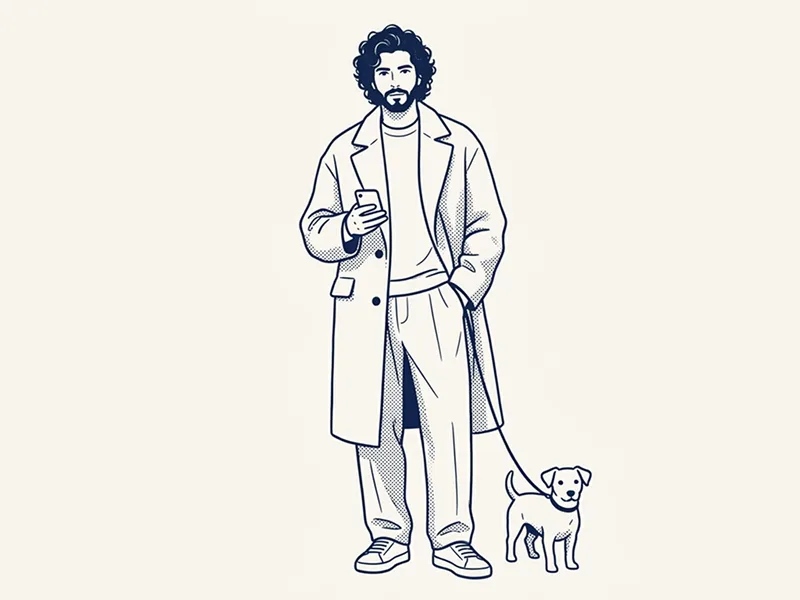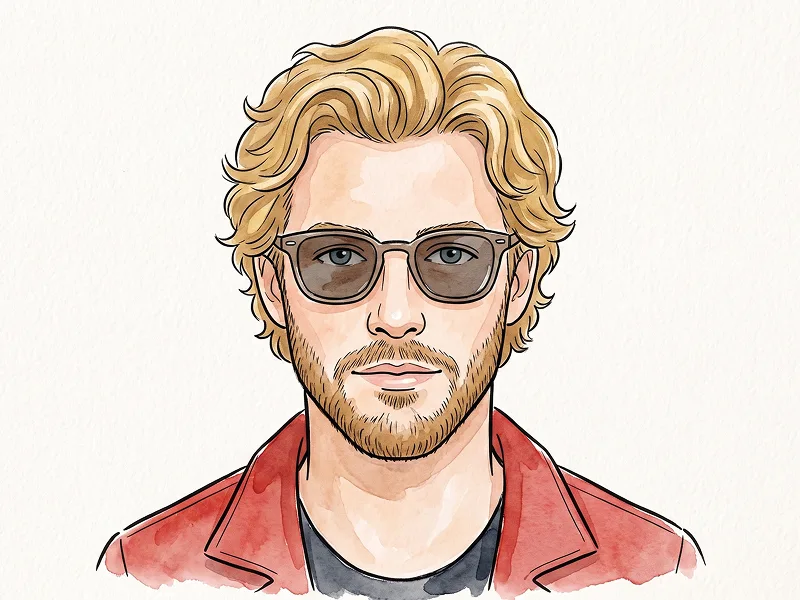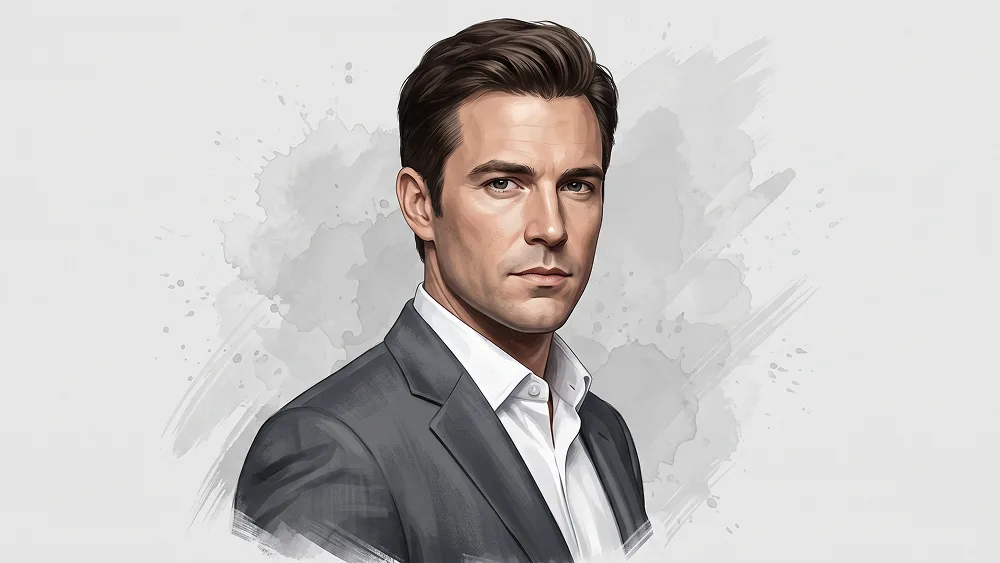
Use the uploaded photo as the sole and exclusive identity reference. Preserve the subject’s exact facial identity with very high accuracy, including face shape, jawline, cheekbones, eyes, eyebrows, nose, lips, hairstyle, hairline, facial hair if present, skin tone translated naturally into illustrated tones, natural asymmetries, and all distinctive features. The final result must clearly look like the same person, not a generic illustrated character. Transform the subject into a refined semi-realistic editorial portrait illustration with a polished hand-painted digital look. Create a sophisticated chest-up composition with the body turned slightly to one side and the face angled back toward the viewer in a calm, serious, confident expression. The overall mood should feel elegant, mature, and timeless, like a premium magazine illustration or a high-end commissioned portrait. Dress the subject in a tailored light-gray or charcoal suit jacket over a crisp white dress shirt with a clean open collar or neatly styled formal look. Keep the clothing sharp, tasteful, and realistic, with subtle fabric texture, clean folds, and a premium appearance. The portrait should feel distinguished and stylish without looking stiff. Render the face with detailed painterly precision: clean sculpted facial planes, subtle wrinkles and skin character where appropriate, carefully painted eyes, natural lip definition, and realistic but simplified shading. Combine controlled brushwork with soft graphic simplification so the portrait feels artistic and polished rather than fully photorealistic. Hair should be neatly illustrated with defined strands and soft volume, maintaining the original hairstyle in a refined painted form. Place the subject against a clean light-gray or soft off-white background with subtle watercolor or ink-wash splash textures behind and around parts of the silhouette. Add restrained paint splatter and loose brush-edge details around the outer jacket and shoulder areas so the portrait blends realism with expressive illustration. For prompteg.com quality standards, the artwork should feel premium, instantly appealing, and suitable for a modern prompt library example while staying clean and highly usable. Use a muted elegant palette with natural skin tones, gray tailoring, soft neutral shadows, and restrained contrast. Keep the center of the face highly finished and readable while the outer edges of the portrait can become slightly looser and more painterly. The final image should feel like a luxury illustrated editorial portrait: sharp, artistic, sophisticated, and highly shareable. Avoid cartoon styling, exaggerated comic-book features, messy paint chaos, overly dark backgrounds, low-detail vector art, distorted anatomy, harsh outlines, or heavy texture that hides the face. Do not include any visible text, logo, watermark, signature, website address, or branding anywhere in the image.
实时自定义提示词变量与参数,生成您的专属指令。
如何使用此提示词
在 Gemini 及其他 AI 生成器中使用此提示词生成图像的快速指南。
点击上方的“复制”按钮将完整提示词保存到剪贴板。
启动 Gemini 或您首选的 AI 图像生成器。
将提示词粘贴到输入框中,添加可选的宽高比参数(例如 --ar 16:9),然后生成。
寻找适用于 AI 艺术生成器的超写实电影级提示词?照片转半写实手绘高级编辑人物肖像AI提示词 AI 提示词专为 Gemini 优化设计,精准调控光影与宽高比。
要实现如上所示的完全相同风格,请复制完整的提示词文本。您可以使用上方的 提示词定制器 来调整光影、视觉风格或修改宽高比(例如横屏 `--ar 16:9` 或手机竖屏 `--ar 9:16`)。
相关图像
一键去除 Gemini 图片 高清水印
轻松清除 Google Gemini & Imagen 3 生成图片中的水印,无损高清画质。