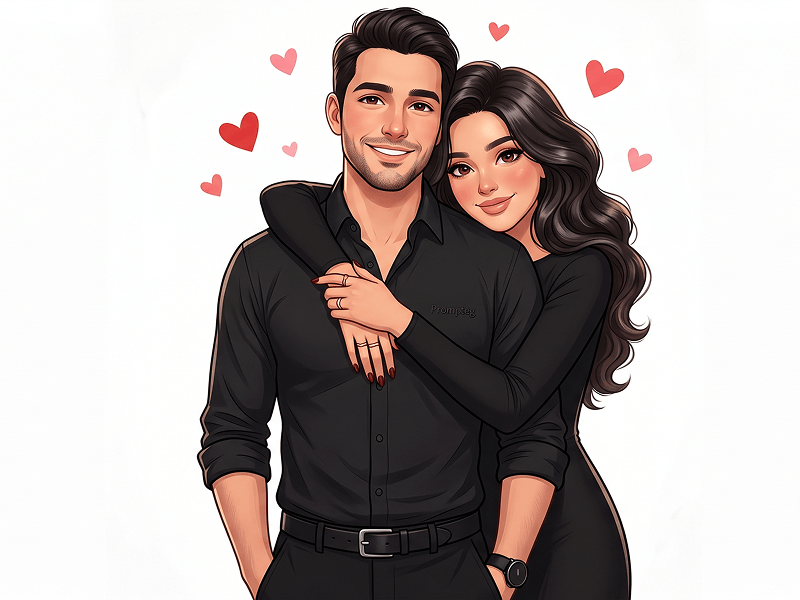
将照片转换为丑萌极简卡通风格的 AI Prompt
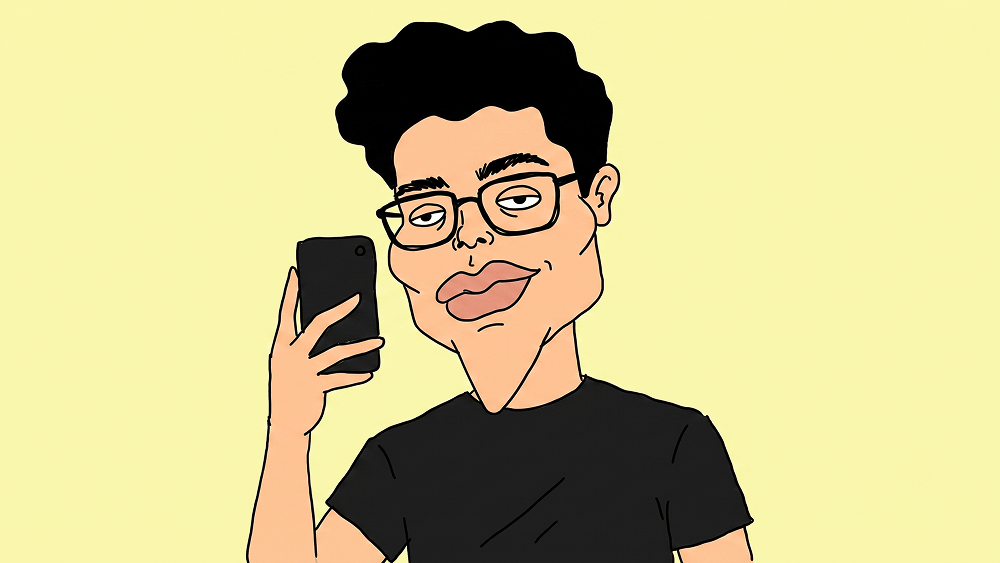
Use the uploaded image strictly as the identity and composition reference. Preserve the person’s facial identity as the top priority. Keep the exact framing, crop, camera angle, pose, gesture, expression, hairstyle or hijab, hairline, glasses, facial hair, clothing, accessories, and overall likeness. Do not zoom, rotate, reposition, expand the composition, or invent missing body parts. Transform the image into an intentionally very ugly minimalist Indonesian-style caricature. The drawing should look crude, awkward, amateur, and charmingly low-skill. Use an oversized head, wide cheeks, a square jaw tapering into a long pointed chin, tiny sleepy oval eyes with dot pupils, thick uneven eyebrows, a tiny doodle nose, oversized uneven lips, flat silhouette hair, and thick slightly crooked black glasses. Keep the identity instantly recognizable. Use flat colors only: peach-beige skin, simplified clothing colors, and very minimal wrinkle lines. Draw everything with shaky black outlines. No gradients, no shadows, no highlights, no textures, and no realistic rendering. Replace the entire background with one solid pastel color that matches the mood of the original image. No scenery, no furniture, no decorations, no texture. Style: ugly minimalist caricature, amateur hand-drawn look, simple and funny, identity preserved. Negative prompt: beautiful illustration, polished drawing, anime, Pixar, Disney, 3D, semi-realistic, digital painting, realistic anatomy, realistic hair, realistic nose, cinematic lighting, beauty enhancement, extra limbs, extra fingers, invented body parts, expanded composition, polished vector art, text, logo, watermark. Do not place any text or website inside the image. Prompt credit: (http://www.prompteg.com) — external only, do not render it in the image.
实时自定义提示词变量与参数,生成您的专属指令。
如何使用此提示词
在 Gemini 及其他 AI 生成器中使用此提示词生成图像的快速指南。
点击上方的“复制”按钮将完整提示词保存到剪贴板。
启动 Gemini 或您首选的 AI 图像生成器。
将提示词粘贴到输入框中,添加可选的宽高比参数(例如 --ar 16:9),然后生成。
寻找适用于 AI 艺术生成器的超写实电影级提示词?将照片转换为丑萌极简卡通风格的 AI Prompt AI 提示词专为 Gemini 优化设计,精准调控光影与宽高比。
要实现如上所示的完全相同风格,请复制完整的提示词文本。您可以使用上方的 提示词定制器 来调整光影、视觉风格或修改宽高比(例如横屏 `--ar 16:9` 或手机竖屏 `--ar 9:16`)。
相关图像
一键去除 Gemini 图片 高清水印
轻松清除 Google Gemini & Imagen 3 生成图片中的水印,无损高清画质。