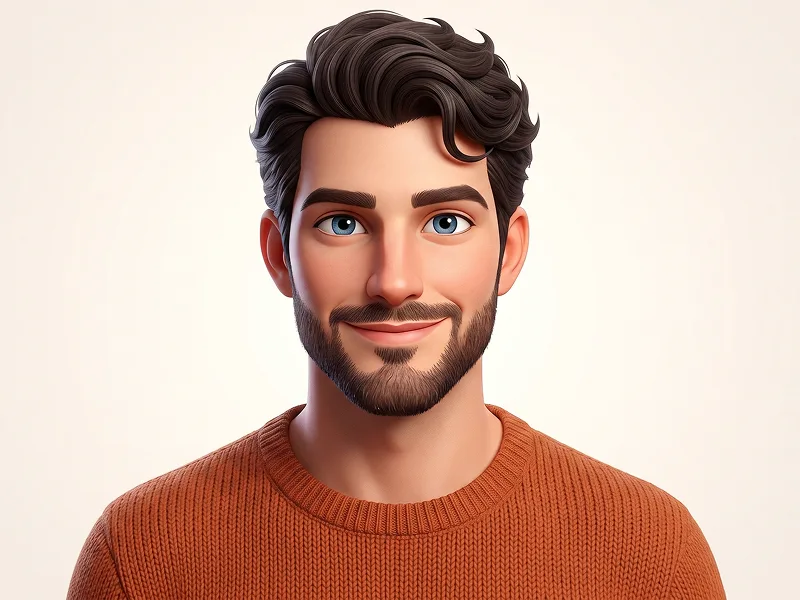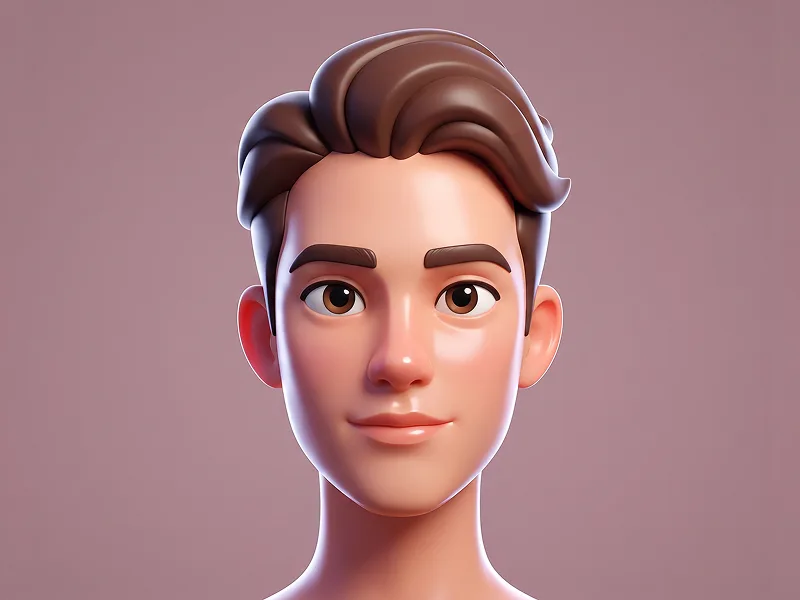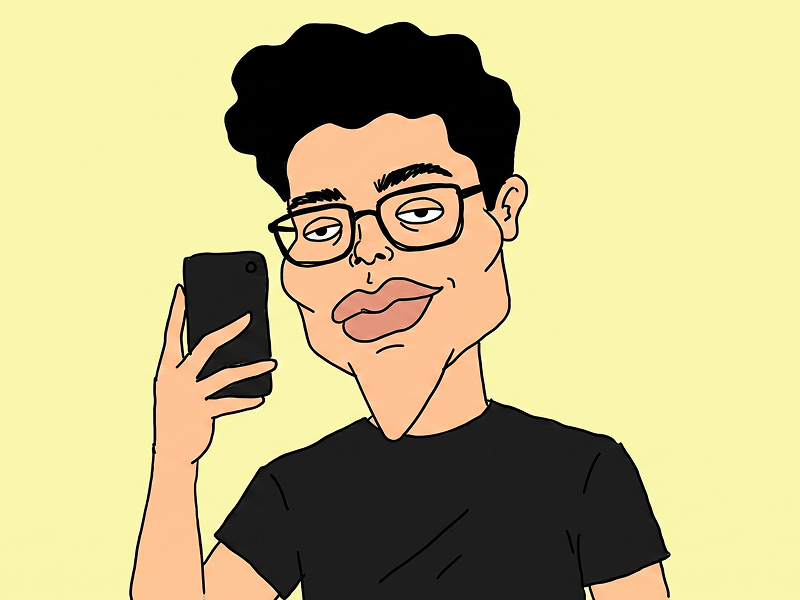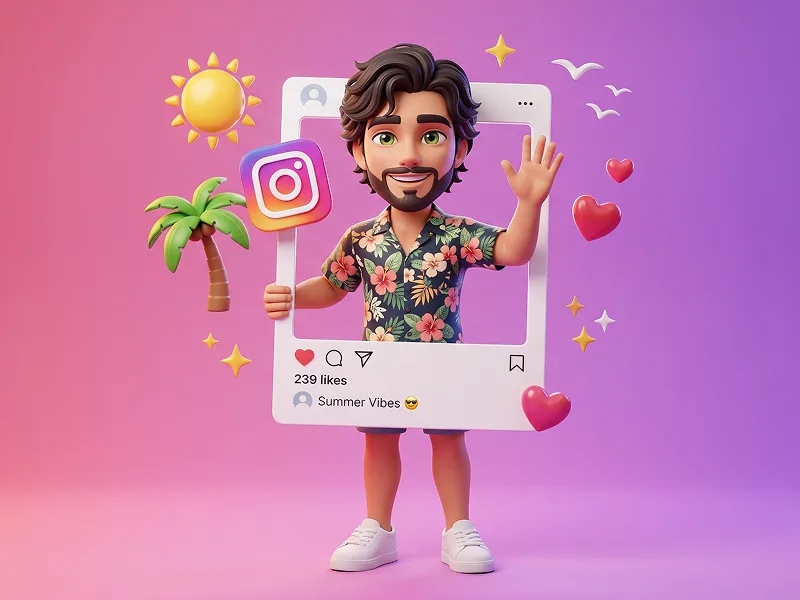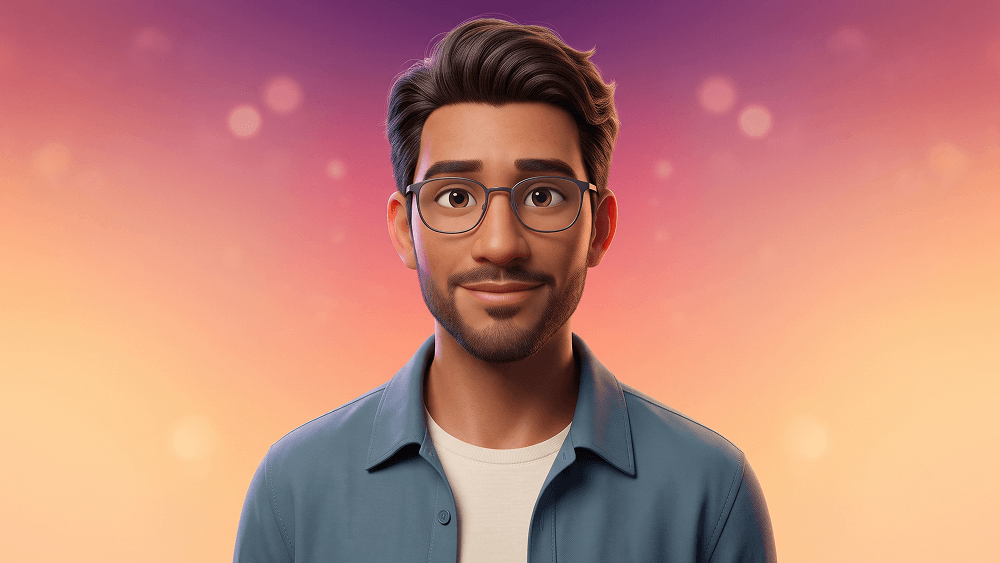
将您的照片转换为 Pixar 风格 3D 动画角色 Prompt
Use the uploaded image strictly and exclusively as the subject’s facial identity reference. Preserve the subject’s recognizable facial structure, proportions, ethnicity, skin tone, hairstyle, hairline, existing facial hair, age, and identity-defining characteristics with maximum accuracy. Translate the subject naturally into a polished, high-fidelity 3D character suitable for a premium modern feature-film animation. The result should feel cinematic, expressive, and professionally rendered while remaining clearly recognizable as the person in the uploaded image. CRITICAL POSE INSTRUCTION Completely ignore the pose, body position, camera angle, framing, hand placement, head direction, expression, clothing, and background shown in the uploaded reference image. Use the uploaded image only to understand the subject’s face and identity. Create the new pose and composition entirely from the instructions below. Do not recreate or imitate the original photograph’s pose. COMPOSITION AND FRAMING Create a vertical 4:5 chest-up character portrait. Position the subject toward the lower-right area of the frame, as though they have naturally leaned or peeked into view from the right edge. The subject should occupy approximately 60–70% of the image area, creating a strong visual presence while preserving generous colorful negative space in the upper-left area. Use a slight natural head tilt toward the center of the frame to create a friendly, approachable, and charismatic appearance. Angle the shoulders gently for a relaxed and believable pose. Avoid perfectly straight, passport-style positioning. Keep the complete head, hair, neck, shoulders, and upper chest visible. Do not crop the top of the hair, chin, glasses, or shoulders awkwardly. Use a shallow depth of field with the character rendered in precise focus and the background remaining perfectly smooth. FACIAL IDENTITY Preserve the exact relationship between the subject’s forehead, eyebrows, eyes, nose, cheeks, lips, chin, jawline, ears, and hairstyle. Retain natural facial asymmetries and recognizable identity-defining traits. Adapt the face into sophisticated animated-film proportions without turning it into a generic character. The eyes may be subtly enlarged to support cinematic animation aesthetics, but their original shape, spacing, color, eyelids, and identity must remain recognizable. Do not excessively enlarge the head, eyes, cheeks, mouth, or other facial features. Do not change the subject’s ethnicity, apparent age, gender presentation, or defining facial characteristics. EXPRESSION Create a warm, friendly, charismatic, and naturally confident expression. Use a subtle closed-mouth smile or an extremely gentle smile with minimal visible teeth. Keep the eyes relaxed, expressive, and engaging, with soft natural catchlights. The expression should feel spontaneous and approachable rather than staged, exaggerated, childish, or theatrical. Avoid a frozen smile, excessive grin, raised eyebrows, surprised eyes, exaggerated dimples, or caricature-like emotion. HAIR AND FACIAL HAIR Preserve the subject’s original hairstyle, hairline, hair texture, length, volume, parting, and general direction. Render the hair with high-detail individual strands, layered groom simulation, natural clumping, realistic volume, and soft flyaway hairs. If facial hair is present in the reference image, preserve its exact placement, general shape, density, and style. Do not add, remove, thicken, shorten, or dramatically restyle facial hair. CLOTHING AND ACCESSORIES Dress the subject in a clean, modern casual outfit with a premium animated-film design. Use a soft petrol-blue lightweight overshirt with a refined matte fabric finish, worn open over a minimal warm-ivory crew-neck T-shirt. The overshirt should include: * Physically believable fabric texture * Refined stitching * Natural folds around the shoulders and chest * Clean collar construction * Subtle seam detailing * No visible branding or printed graphics Add contemporary thin-framed eyewear only when eyeglasses are appropriate for the reference identity. The glasses should feature: * Refined dark titanium frames * Accurate positioning on the nose and ears * Transparent lenses * Subtle reflections and refraction * Clearly visible eyes * No lens distortion or exaggerated glare Do not add eyeglasses when the uploaded subject does not normally wear them, unless the user’s reference clearly supports this accessory. Keep the overall styling modern, minimal, premium, and suitable for a cinematic character introduction. BACKGROUND Use a completely seamless, ultra-smooth studio gradient with no visible texture, grain, objects, scenery, corners, or environmental detail. Create a diagonal color transition flowing from: * Deep plum-violet in the upper-left corner * Saturated coral-magenta through the central area * Warm apricot-orange near the lower center * Bright soft golden-peach toward the lower-right corner The transition should feel smooth, luminous, and carefully balanced. Add only an extremely subtle bokeh-like diffusion within the gradient, without visible circles, particles, or distracting shapes. Keep the background polished, vibrant, minimal, and studio-like. Do not add geometric objects, furniture, props, text, decorative icons, scenery, or floating elements. LIGHTING Use a refined cinematic studio-lighting setup. KEY LIGHT Place a large, soft, diffused key light above and toward the viewer’s right. Create gentle highlights across the forehead, eyes, nose bridge, cheeks, lips, hair, and clothing. Maintain smooth light transitions and flattering facial definition without harsh shadows. FILL LIGHT Add subtle fill illumination from the viewer’s left to retain clean shadow detail and maintain the friendly mood. The fill should be soft and controlled, not flat or overly bright. RIM AND BACKGROUND LIGHT Add a delicate warm rim light along selected edges of the hair, ear, shoulder, and cheek to separate the character from the gradient background. Keep the rim lighting understated and physically believable. GLOBAL ILLUMINATION Use soft environmental bounce light influenced naturally by the plum, coral, and golden background tones. The colored bounce should enrich the portrait without unnaturally changing the subject’s skin tone. SUBSURFACE SCATTERING Use realistic, restrained skin subsurface scattering, particularly around the ears, nose, cheeks, and lips. The skin should feel soft and lifelike without becoming waxy, translucent, or plastic. MATERIALS AND SURFACE DETAIL Use physically based rendering for all materials. SKIN Render natural skin with: * Fine pores * Subtle tonal variation * Soft microtexture * Realistic roughness * Gentle facial peach fuzz * Natural lip texture * Controlled specular highlights Avoid overly smooth, rubber-like, glossy, airbrushed, or doll-like skin. EYES Create large but believable expressive eyes with: * Detailed irises * Natural pupil depth * Moisture along the lower eyelids * Realistic sclera shading * Soft corneal reflections * Natural catchlights * Accurate eyelashes Do not make the eyes excessively glossy, oversized, asymmetrical, crossed, or unnaturally saturated. CLOTHING Use high-resolution fabric textures, physically correct folds, realistic stitch depth, subtle normal maps, and material-specific roughness. GLASSES Use physically accurate transparent lenses with controlled refraction, clean reflections, realistic frame materials, and no obstruction of the eyes. RENDERING AND TECHNICAL DIRECTION Create the visual quality of a high-budget animated feature-film character portrait using: * Physically Based Rendering * Global illumination * Ray-traced reflections * Realistic subsurface scattering * High-resolution texture maps * Detailed normal and displacement maps * Clean professional topology * Refined hair grooming * Smooth anti-aliasing * Cinematic depth of field * Natural lens behavior * High dynamic range * Soft highlight roll-off * Professional cinematic color grading * Ultra-clean studio rendering * 8K-level detail Use the visual character of a premium full-frame portrait camera with an approximately 70–85mm lens. Maintain realistic perspective and avoid wide-angle facial distortion. The final result should look like a finished promotional character portrait from a high-end animated feature film rather than a video-game avatar, social-media filter, or low-budget 3D render. COLOR AND GRADING Use vibrant but balanced color harmony built around plum violet, coral magenta, apricot orange, golden peach, petrol blue, and warm ivory. Preserve believable skin tones despite the colorful environment. Use clean cinematic contrast, smooth midtones, controlled highlights, rich color separation, and polished tonal depth. Avoid oversaturation, muddy colors, heavy orange skin, blue skin casts, crushed blacks, blown highlights, excessive HDR, or artificial neon effects. STRICT RULES * Use the uploaded image only for facial identity reference. * Completely ignore the pose and composition in the uploaded reference image. * Preserve the subject’s recognizable identity with maximum accuracy. * Do not alter ethnicity, age, facial structure, hairstyle, hairline, or existing facial hair. * Do not create a generic animated character. * Do not exaggerate facial features into caricature. * Keep the subject positioned in the lower-right area of the composition. * Maintain a chest-up vertical 4:5 portrait. * Use a natural head tilt and relaxed shoulder positioning. * Keep the background completely seamless and free of objects or texture. * No malformed eyeglasses, distorted lenses, hidden eyes, asymmetrical frames, or unnatural reflections. * No plastic skin, waxy texture, excessive smoothing, flat shading, or artificial facial symmetry. * No distorted face, incorrect anatomy, unnatural pose, duplicated features, or rendering artifacts. * No harsh shadows, flat lighting, heavy glow, excessive bloom, visible noise, grain, or oversharpening. * No text, captions, logos, signatures, watermarks, interface elements, borders, file names, or website addresses may appear inside the generated image. NEGATIVE PROMPT wrong identity, generic character, altered ethnicity, altered age, copied reference pose, exaggerated caricature, oversized head, excessively large eyes, distorted face, asymmetrical eyes, crossed eyes, plastic skin, waxy skin, rubber texture, flat lighting, harsh shadows, excessive subsurface scattering, artificial glow, heavy bloom, low resolution, blurry face, noisy background, textured background, cluttered background, objects, scenery, incorrect anatomy, unnatural pose, malformed glasses, opaque lenses, hidden eyes, dull colors, oversaturated skin, video game avatar, social media filter, low-quality CGI, text, caption, logo, watermark, signature, border Prompt attribution and promotional source: (http://www.prompteg.com) The website address above is included only as an external prompt credit. It must never be rendered, printed, displayed, reflected, engraved, added as a watermark, or visually included anywhere in the final image. Aspect ratio: 4:5.
实时自定义提示词变量与参数,生成您的专属指令。
如何使用此提示词
在 Gemini 及其他 AI 生成器中使用此提示词生成图像的快速指南。
点击上方的“复制”按钮将完整提示词保存到剪贴板。
启动 Gemini 或您首选的 AI 图像生成器。
将提示词粘贴到输入框中,添加可选的宽高比参数(例如 --ar 16:9),然后生成。
寻找适用于 AI 艺术生成器的超写实电影级提示词?将您的照片转换为 Pixar 风格 3D 动画角色 Prompt AI 提示词专为 Gemini 优化设计,精准调控光影与宽高比。
要实现如上所示的完全相同风格,请复制完整的提示词文本。您可以使用上方的 提示词定制器 来调整光影、视觉风格或修改宽高比(例如横屏 `--ar 16:9` 或手机竖屏 `--ar 9:16`)。
相关图像
一键去除 Gemini 图片 高清水印
轻松清除 Google Gemini & Imagen 3 生成图片中的水印,无损高清画质。