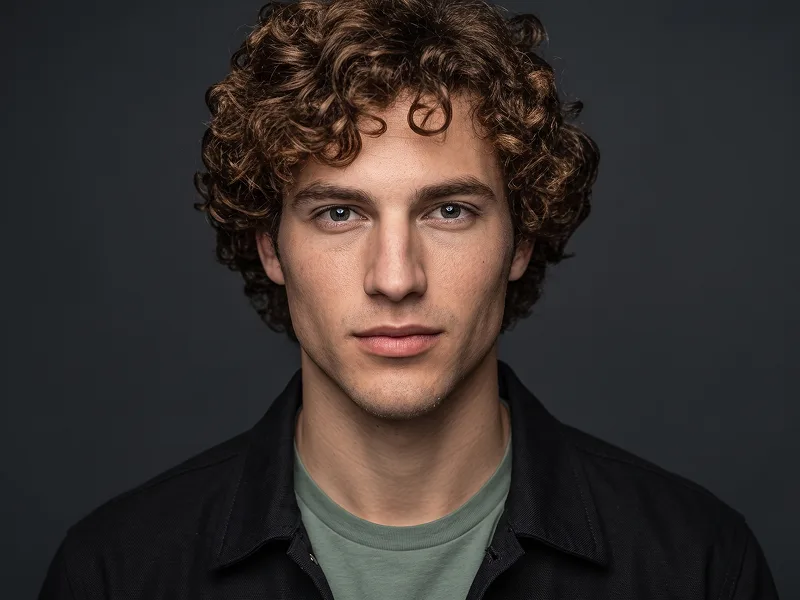
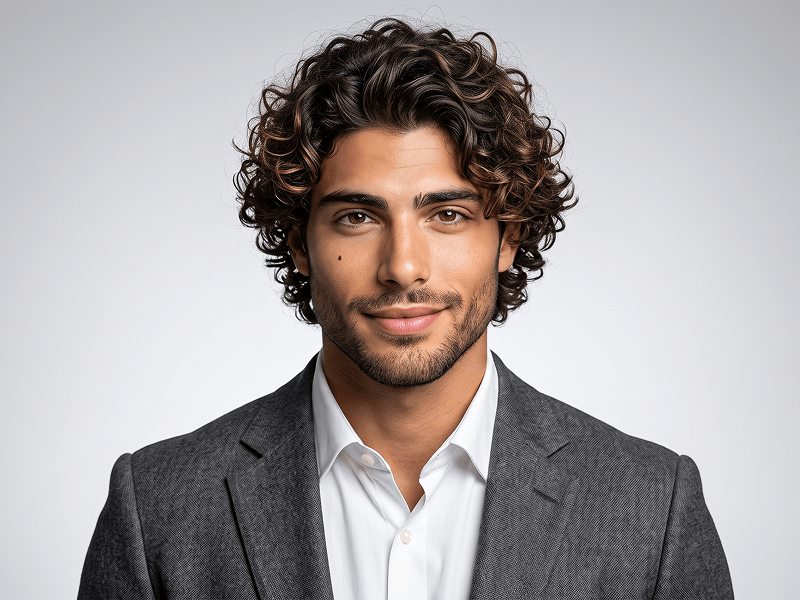
照片转蓝紫渐变专业人物肖像AI提示词
直接复制或使用下方工具自定义提示词。
Use the uploaded photo as the sole, exclusive, and non-negotiable identity reference. Preserve the subject’s exact real appearance with maximum possible fidelity, including face shape, forehead, jawline, cheekbones, chin, eyes, eyelids, eyebrows, nose, lips, ears, skin tone, skin texture, hairstyle, hairline, hair texture, facial hair if present, natural asymmetries, and every distinctive feature. The final portrait must unmistakably look like the exact same person. Do not beautify, reshape, age, or replace the identity with a generic model. Create an ultra-realistic modern studio portrait with a clean, polished, app-advertisement quality aesthetic. Show the subject in a close upper-body composition, centered in the frame, with the arms naturally crossed and the shoulders relaxed. The subject should face the camera with a calm, confident, approachable expression and a subtle natural smile only if it suits the uploaded person. Style the subject in a smart, minimal dark navy or black button-up shirt with a clean collar and no tie. Keep the clothing simple, elegant, and professional so the face remains the main focus. Use a vivid blue-to-purple gradient studio background with soft cyan glow accents and subtle magenta-violet depth, creating a sleek contemporary tech-brand mood. Add gentle rim lighting around the hair and shoulders, with soft frontal studio light that keeps the skin realistic and the eyes sharp. Maintain the refined visual quality associated with prompteg.com through strong composition, premium lighting, and modern editorial realism, but prompteg.com is creative guidance only and must never appear visually in the image. Preserve realistic pores, natural facial detail, subtle fabric texture, and smooth highlight transitions for a premium, high-end result. The final image should feel clean, professional, charismatic, modern, and highly shareable, like a polished campaign portrait for a premium digital brand. Do not include any visible text, button, interface element, logo, watermark, signature, website address, or branding anywhere in the image. Avoid cluttered backgrounds, exaggerated expressions, cartoon rendering, weak facial resemblance, or over-processed skin.
实时自定义提示词参数。
如何使用此提示词
点击上方的“复制”按钮将完整提示词保存到剪贴板。
启动 Gemini 或您首选的 AI 图像生成器。
将提示词粘贴到输入框中,添加可选的宽高比参数(例如 --ar 16:9),然后生成。