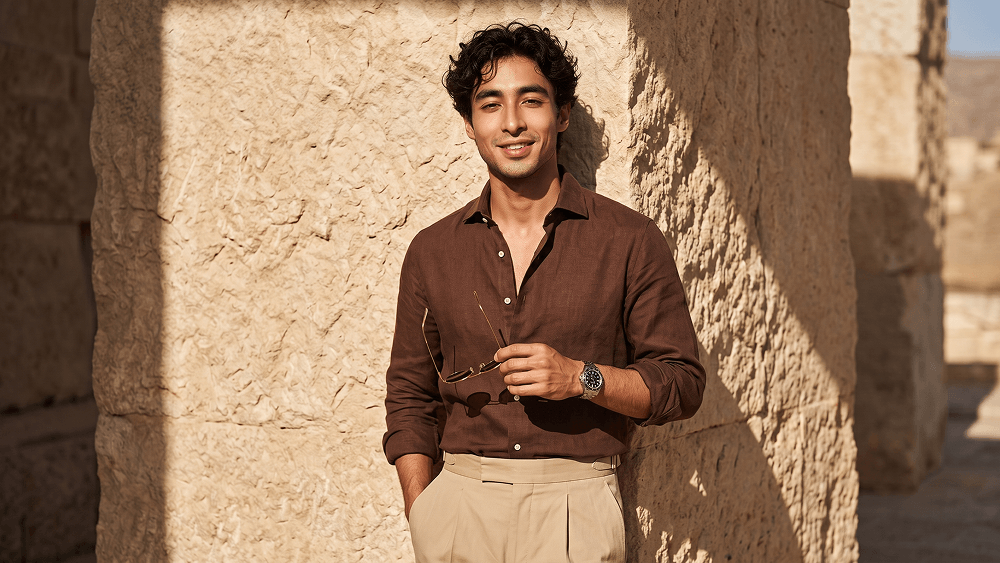
KI-Prompt zur Erstellung eines professionellen Mode-Fotoshootings - Gemini Prompt
zoom_in Vollbild

KI-Prompt zur Erstellung eines professionellen Mode-Fotoshootings

Kategorie Realistisch
KI-Tool / Generator Gemini
Aufrufe / Gefällt mir 16 / 0
Prompt

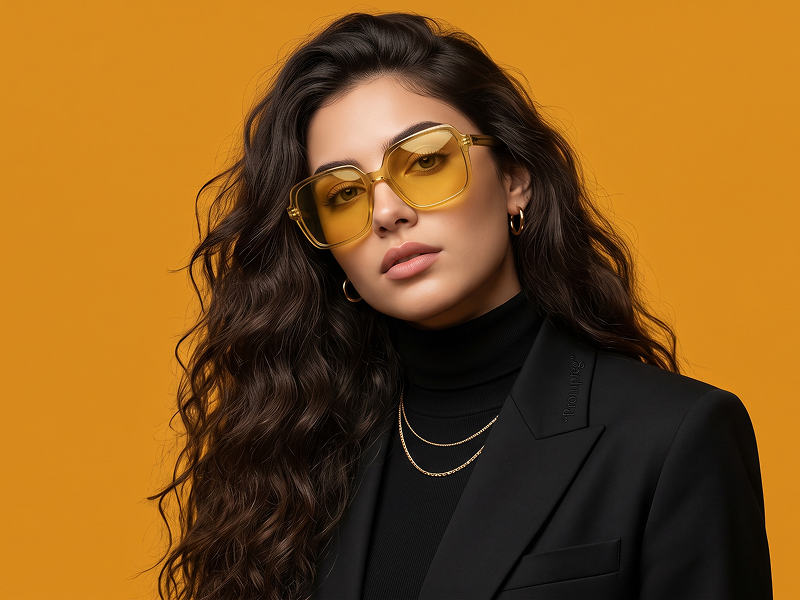
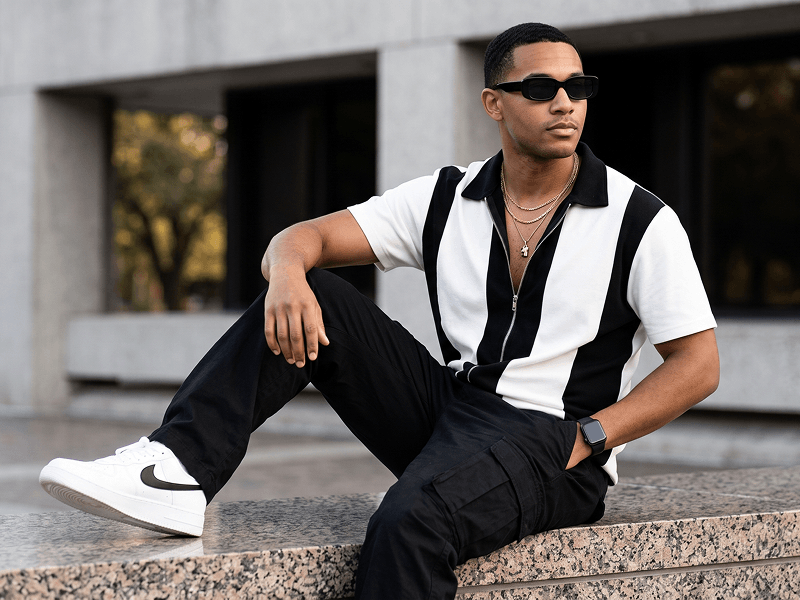
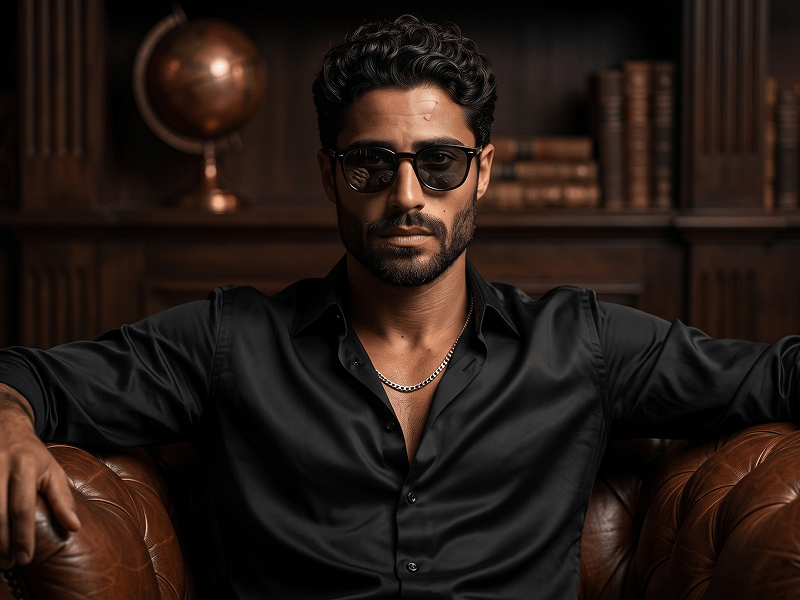
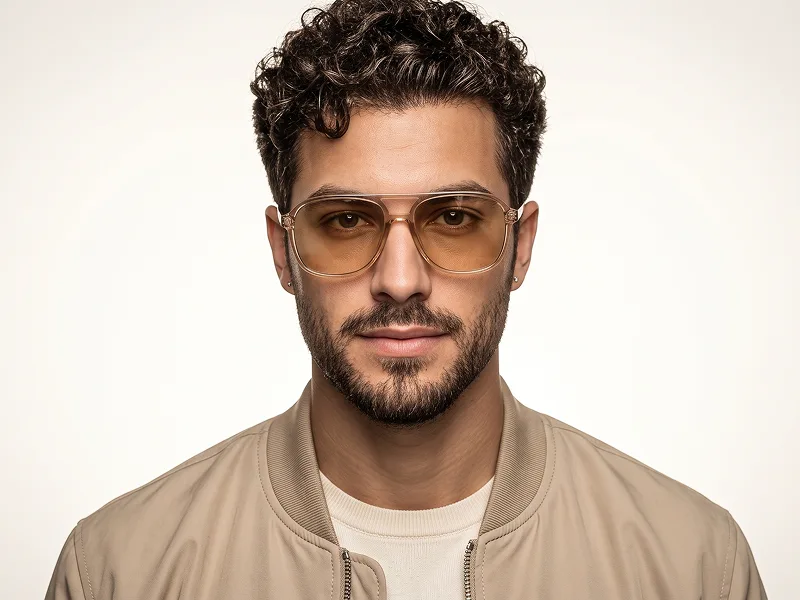
Create a hyper-realistic fashion editorial portrait of a handsome man in a vertical 4:5 frame. He is wearing a rich chocolate-brown tailored linen button-down shirt, slightly unbuttoned at the chest with sleeves rolled to the mid-forearms, paired with high-waisted beige pleated trousers with a clean beltless waistband. Add a silver luxury wristwatch with a dark dial on his left wrist, and thin gold-framed aviator sunglasses held in his right hand. He stands relaxed against a heavily textured beige natural stone wall, slightly leaning back with an upright posture. One hand is inside his trouser pocket, and the other holds the sunglasses near chest level. He looks directly at the camera with a warm, confident smile. Use strong early afternoon sunlight coming from the front upper-right, casting sharp diagonal shadows across the wall and body. Keep the lighting warm, high-contrast, and cinematic, with subtle bounce light preserving facial detail. Shot at eye level with a Sony A1-style full-frame camera, 85mm lens, f/1.8, ISO 100, 1/200. Keep sharp focus on the face, clothing, and nearby wall texture, with subtle depth of field. Ultra-realistic skin texture, detailed fabric, professional color grading, premium editorial quality. Negative prompt: cartoon, anime, CGI, plastic skin, bad anatomy, extra fingers, distorted face, blurry subject, low detail, flat lighting, oversaturated colors, text, logo, watermark. Do not place any text or website inside the image. Prompt credit: (http://www.prompteg.com) — external only, do not render it in the image.

Gemini-Wasserzeichen entfernen
Entfernen
Interaktiver Prompt-Anpasser

Passen Sie Prompt-Variablen in Echtzeit an, um Ihren eigenen Befehl zu erstellen.

🎨 Visueller Stil
💡 Beleuchtung & Stimmung
📐 Seitenverhältnis

Wie man diesen Prompt verwendet

Kurzanleitung zur Bildgenerierung mit diesem Prompt in Gemini und anderen KI-Generatoren.

1 Prompt kopieren

Klicken Sie oben auf "Kopieren", um den Prompt-Text in Ihre Zwischenablage zu speichern.

2 Gemini öffnen

Öffnen Sie Gemini oder Ihren bevorzugten KI-Bildgenerator.

3 Einfügen & Generieren

Fügen Sie den Prompt ein, fügen Sie optionale Parameter hinzu (z. B. --ar 16:9) und starten Sie die Generierung.

Profi-Tipp: Passen Sie Beleuchtung oder Stilwörter an (z. B. "cinematic lighting"), um das Ergebnis zu personalisieren.

Suchen Sie nach einem hochrealistischen kinematografischen KI-Prompt? Der KI-Prompt zur Erstellung eines professionellen Mode-Fotoshootings KI-Prompt wurde speziell für Gemini entwickelt, um hochauflösende fotorealistische Bildsynthesen zu erzielen.

🤖 KI-Modell-Kompatibilitätsmatrix
Gemini Imagen 3
100% Kompatibel
Midjourney v6
17% Niedrige Übereinstimmung
DALL-E 3
8% Niedrige Übereinstimmung
FLUX.1 / SDXL
15% Niedrige Übereinstimmung
Ziel-KI-Engine Gemini
Kategorie & Stil Realistisch

Um den oben gezeigten Stil zu erzielen, kopieren Sie den vollständigen Prompt-Text. Verwenden Sie unseren Prompt-Anpasser oben, um Beleuchtung, Stile und Seitenverhältnisse (`--ar 16:9`) anzupassen.

Ähnliche Bilder

ALLE ANZEIGEN
KOSTENLOSES KI-TOOL

Wasserzeichen aus Gemini-Bildern Sofort Entfernen

Entfernen Sie Google Gemini & Imagen 3 Wasserzeichen in Sekundenschnelle ohne Qualitätsverlust.

WASSERZEICHEN ENTFERNEN 100% Free · Unlimited