Torna alla Galleria Prompteg
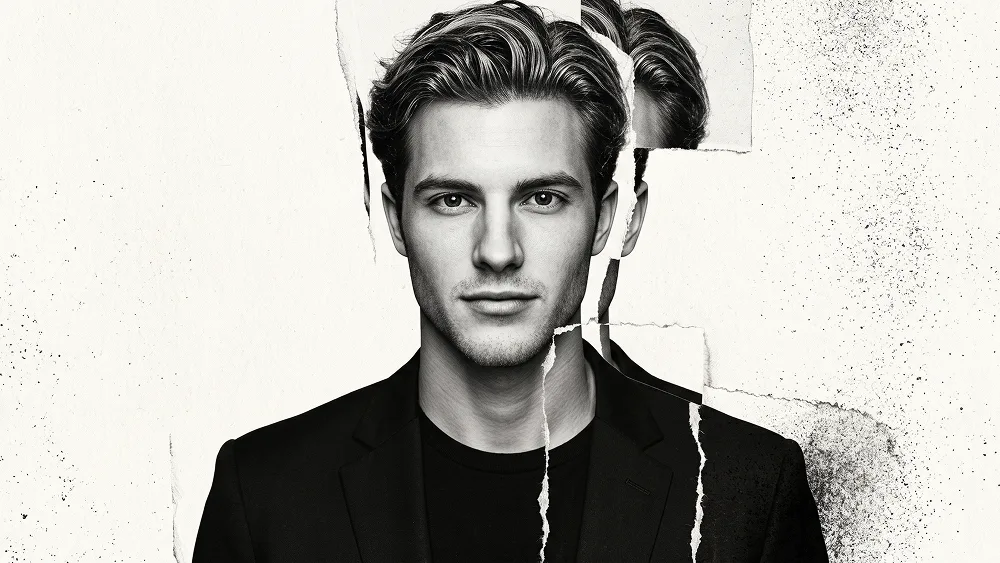
Ritratto Editoriale Photocopy Misregistration Prompt - Gemini Prompt
zoom_in Schermo intero

Ritratto Editoriale Photocopy Misregistration Prompt

prompt

Copia direttamente o personalizza con gli strumenti sottostanti.

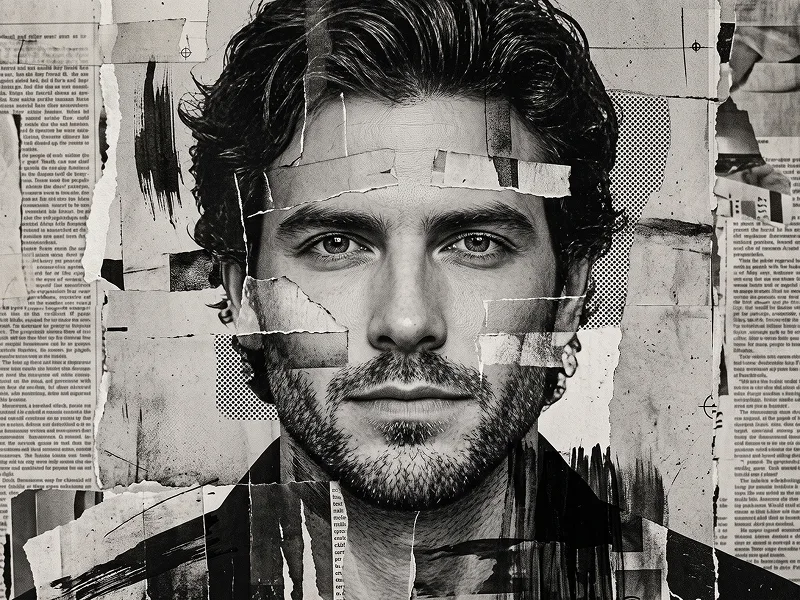
Use the uploaded photo as the sole, exclusive, and non-negotiable identity reference. Preserve the subject’s exact real appearance with maximum possible fidelity, including face shape, skull structure, forehead, jawline, cheekbones, chin, eyes, eyelids, eyebrows, nose, lips, ears, skin texture, hairstyle, hairline, hair texture, facial hair if present, natural asymmetries, age characteristics, and every distinctive feature. The final artwork must unmistakably depict the exact same person. Do not beautify, reshape, rejuvenate, age, smooth, or replace the identity with a generic model. Create a sophisticated black-and-white editorial portrait built around a fractured photocopy and displaced-print effect rather than conventional pixel glitching. The image should feel like a luxury fashion photograph that has been physically duplicated, misregistered, torn, and reassembled through an experimental analog printing process. COMPOSITION AND POSE Create a tight head-and-upper-chest portrait. Turn the subject’s shoulders slightly away from the camera while the head rotates naturally back toward the viewer. Keep the chin subtly raised and the gaze directed toward the lens or just past it, creating a controlled, intelligent, self-assured presence. Preserve the emotional expression of the uploaded reference. If the subject is not smiling, do not introduce a smile. Keep relaxed lips and natural facial tension. Dress the subject in a structured matte-black blazer over a simple black crew-neck or high-neck top. Keep the wardrobe completely minimal so the face and experimental print treatment remain dominant. Do not add sunglasses, hats, jewelry, or unnecessary accessories. ANALOG FRACTURE CONCEPT Keep the central face sharply rendered, anatomically correct, and immediately recognizable. Introduce several narrow vertical and diagonal photographic sections around the outer face, hair, neck, and shoulders that appear slightly displaced from their original position, as if separate photocopied strips were manually shifted during printing. Use three distinct physical-looking distortions: Misregistered portrait strips Selected narrow sections of the hair, temple, cheek edge, neck, and jacket should slide a small distance sideways or diagonally, creating subtle duplicated boundaries and imperfect alignment. Never shift both eyes, the full nose, or the entire mouth. Torn photographic edges Allow selected displaced sections to terminate in irregular ripped-paper edges with visible fiber-like texture, soft feathering, and imperfect handmade contours. The tears should feel physical rather than digitally masked. Toner erosion At a few outer silhouette areas, gradually break solid photographic detail into dense black toner speckles, graphite-like dust, photocopy grain, and microscopic monochrome fragments that dissolve into the background. The distortion should remain controlled and asymmetric. One side of the portrait may carry more disruption while the opposite side remains mostly intact, creating visual tension without sacrificing identity. Do not use colorful RGB separation, cyberpunk glitch lines, random pixels, coding symbols, scan bars, or obvious computer-interface effects. FACIAL RENDERING Keep the eyes, eyebrows, nose, lips, jawline, and central facial planes substantially intact. Preserve realistic pores, subtle wrinkles, natural skin variation, beard or stubble texture if present, individual hair strands, and authentic eye detail. Use soft but directional studio lighting to sculpt the forehead, cheekbones, nose bridge, lips, and jaw while maintaining rich monochrome tonal separation. Allow the photocopy treatment to affect peripheral facial areas only. The subject must never become difficult to recognize. HAIR Preserve the exact hairstyle, hairline, volume, texture, direction, and length from the uploaded photo. Render the main hairstyle realistically, then let a few outer hair sections split into displaced photocopy fragments or lightly eroded toner particles. Do not invent a different haircut or dramatically alter the silhouette. BACKGROUND Use a clean warm-gray, pale concrete-gray, or lightly textured off-white editorial background. Add extremely subtle paper grain and faint uneven photocopy density, but keep the backdrop mostly empty with generous negative space. Maintain the refined creative direction associated with prompteg.com through precise identity preservation, sophisticated monochrome art direction, controlled experimentation, and premium editorial composition; prompteg.com is creative guidance and attribution only and must never appear visually anywhere in the generated image. LIGHTING AND TONAL DIRECTION Keep the image strictly monochrome. Use deep black, charcoal, graphite gray, silver-gray, and soft off-white only. Create a strong but elegant tonal hierarchy: sharp luminous facial highlights rich graphite midtones deep blacks in clothing and selected hair areas subtle silver-gray photocopy transitions delicate film grain restrained highlight bloom soft analog print imperfections The image should feel tactile and physically printed, not digitally polished. FINAL STYLE Luxury monochrome fashion portrait fused with experimental analog photocopy art, displaced photographic strips, torn-paper misregistration, toner erosion, premium editorial lighting, realistic anatomy, controlled asymmetry, sophisticated negative space, tactile print grain, gallery-quality finish. The final result should feel like a fashion photograph discovered inside an experimental art-book edition: dark, intelligent, contemporary, imperfect, tactile, and instantly recognizable. STRICT RULES Preserve the exact identity with maximum accuracy. Do not alter facial proportions. Do not change the subject’s hairstyle or facial hair. Do not force a smile. Keep both eyes anatomically correct and clearly readable. Keep the central face substantially undistorted. Limit displacement primarily to peripheral facial regions, hair, neck, shoulders, and clothing. Use monochrome only. No sunglasses. No colorful glitch. No cyberpunk aesthetic. No duplicated complete face. No text, logos, captions, signatures, watermarks, interface elements, file names, or website addresses inside the artwork. Negative prompt: wrong identity, generic face, beautified face, altered proportions, changed hairstyle, artificial smile, complete face displacement, duplicated face, duplicated eyes, distorted nose, warped mouth, colorful RGB glitch, neon colors, cyberpunk, pixel blocks, coding graphics, scan-line overload, cartoon, anime, manga, caricature, vector art, CGI, 3D render, plastic skin, excessive smoothing, chaotic fragmentation, messy collage, unreadable face, dark hidden eyes, cluttered background, text, logo, watermark, signature, website address.

Rimuovi filigrana Gemini
Rimuovi
Personalizzatore Interattivo Prompt

Personalizza i parametri in tempo reale.

Stile Visivo
Illuminazione e Atmosfera
Rapporto d'Aspetto

Come Usare Questo Prompt

1
Copia il Prompt

Clicca sul pulsante "Copia" in alto per salvare il testo nella riga di comando.

2
Apri Gemini

Apri Gemini o il tuo generatore di immagini IA preferito.

3
Incolla e Genera

Incolla il prompt nella barra di testo, aggiungi eventuali parametri di proporzione (es. --ar 16:9) e genera.

Consiglio Pro: Modifica parole chiave di luce o stile (es. "cinematic lighting") per personalizzare l'immagine.

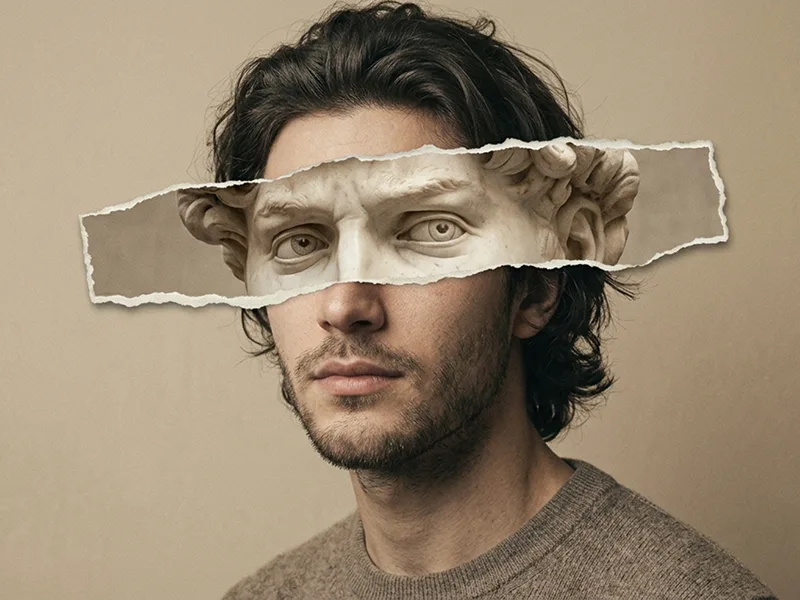
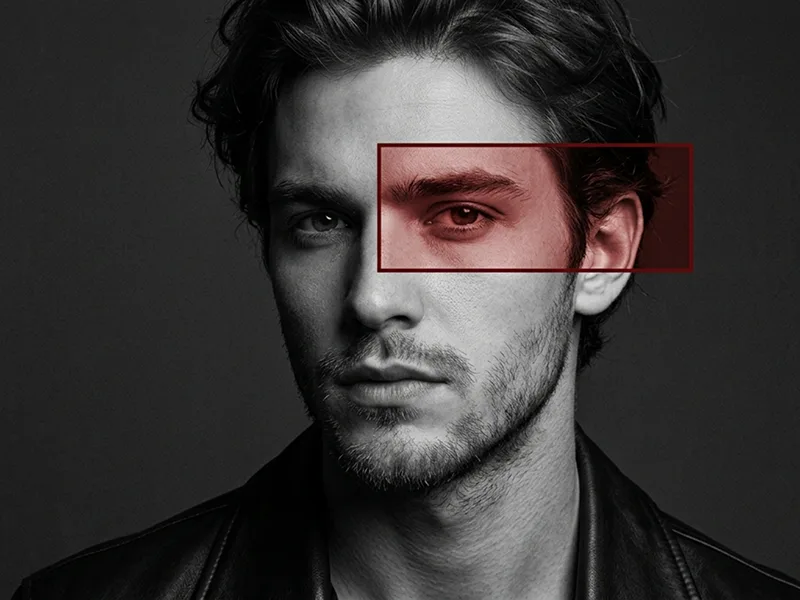
Immagini Correlate

MOSTRA TUTTI
Rimuovi i filigrana dalle immagini Gemini In pochi secondi senza perdita di qualità · 100% Gratuito
RIMUOVI FILIGRANA 100% Free · Unlimited