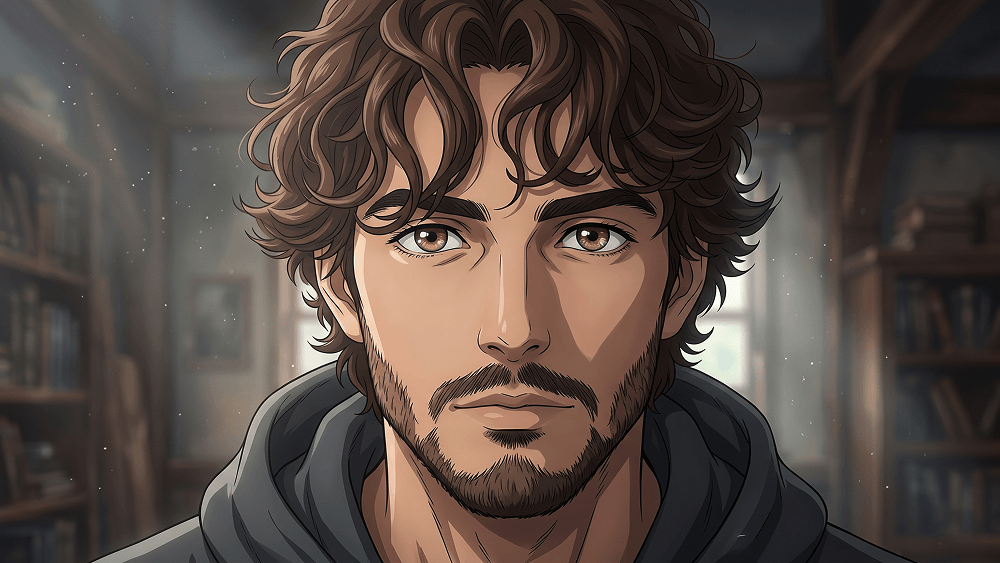
Cinematic Japanese Anime Film Frame Transformation Prompt - Gemini Prompt
zoom_in Fullscreen

Cinematic Japanese Anime Film Frame Transformation Prompt

Category Anime
AI Tool / Generator Gemini
Views / Likes 19 / 0
prompt

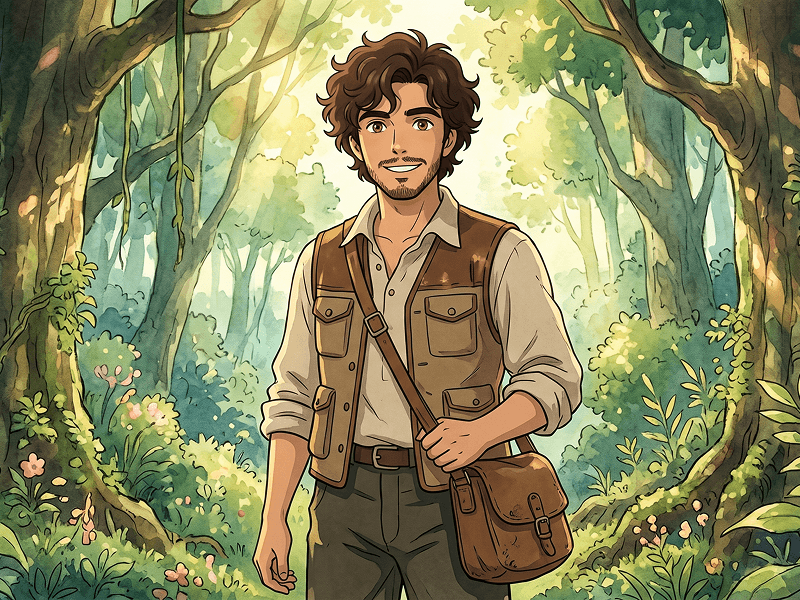
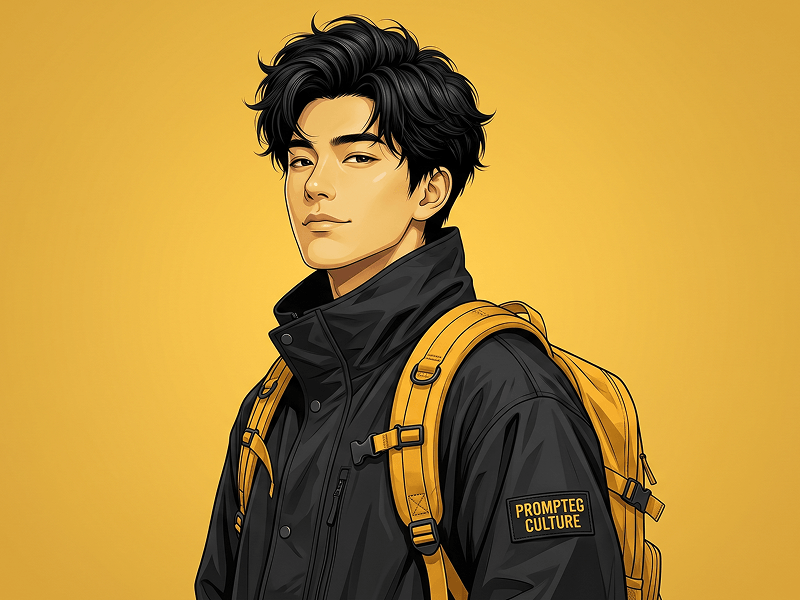
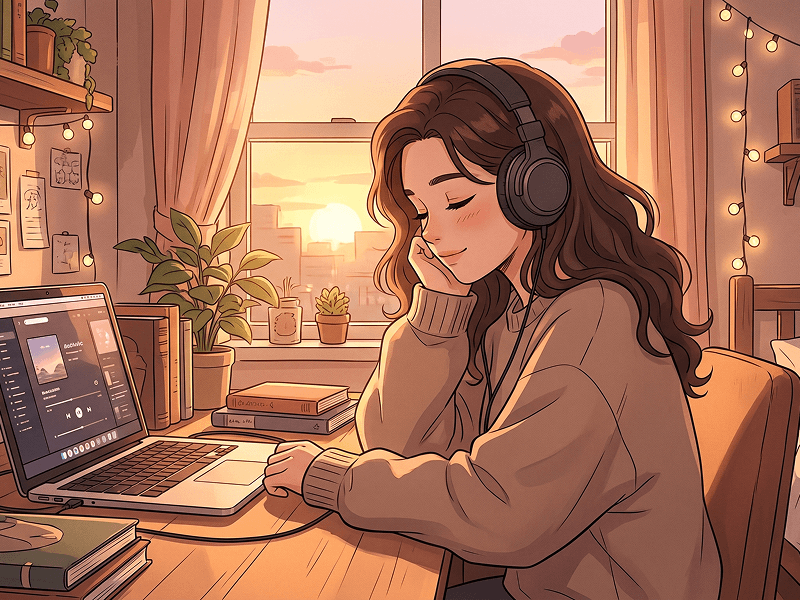
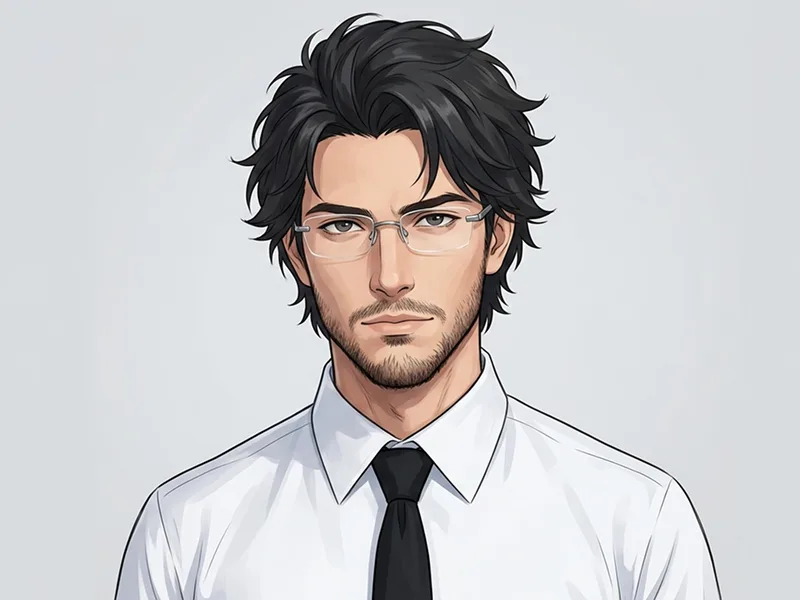
Transform the referenced image into a premium cinematic Japanese anime frame while strictly preserving the original composition, pose, camera angle, character placement, framing, perspective, environment, and overall scene layout exactly as shown in the reference. Do not redesign or alter the story of the scene. Instead, reinterpret it as a beautifully hand-drawn frame from a high-budget modern anime film. The characters should feature refined anime proportions, eyes, elegant linework, realistic anatomy, naturally flowing hair, detailed clothing folds, and subtle facial expressions while remaining faithful to their original poses and interactions. Apply clean line art, rich anime shading, soft gradients, painted highlights, ambient shadows, subtle rim lighting, natural depth, and balanced cinematic color grading. Add gentle environmental movement such as lightly flowing hair and clothing, floating dust particles, drifting leaves, soft atmospheric haze, and delicate light rays. Preserve the original architecture, landscape, objects, and lighting direction while transforming every element into a polished hand-painted anime style with detailed painterly backgrounds and rich textures. The final image should feel like an official still from a world-class Japanese animated feature: elegant, immersive, emotionally cinematic, and visually stunning, with no combat atmosphere, violence, explosions, speed lines, destruction, or exaggerated action effects. Prompt credit: www.prompteg.com — external only, do not render it in the image.

Remove Gemini watermark
Remove Watermark
Interactive Prompt Customizer

Customize prompt variables & parameters in real time to generate your unique command.

🎨 Visual Style
💡 Lighting & Mood
📐 Aspect Ratio

How to Use This Prompt

Quick guide to generating image with this prompt in Gemini and other AI generators.

1 Copy the Prompt

Click the "Copy" button above to save the exact prompt text to your clipboard.

2 Open Gemini

Launch Gemini or your preferred AI image generator interface.

3 Paste & Generate

Paste the prompt into the input bar, add optional aspect ratio parameters (e.g. --ar 16:9), and generate.

Pro Tip: Adjust lighting, style, or subject keywords (e.g., "cinematic lighting", "octane render") to fit your target concept.

Looking for a high realism, hyper realistic cinematic prompt for your AI art generator? The Cinematic Japanese Anime Film Frame Transformation Prompt AI prompt is specifically engineered for Gemini to achieve high-resolution photorealistic image synthesis. By leveraging precise artistic cues, lighting parameters, and aspect ratio controls, this prompt yields cinematic visual outputs suitable for commercial art, concept design, and digital portfolios.

🤖 AI Model Compatibility Matrix
Gemini Imagen 3
100% Compatible
Midjourney v6
6% Low Match
DALL-E 3
13% Low Match
FLUX.1 / SDXL
20% Low Match
Target AI Engine Gemini
Category & Style Anime

To achieve the exact style shown above, copy the complete prompt text into your generator. You can use our Prompt Customizer above to tweak lighting, visual styles, or adjust aspect ratios (`--ar 16:9` for widescreen landscape or `--ar 9:16` for mobile stories).

Related Images

VIEW ALL
FREE AI WATERMARK TOOL

Remove Watermarks from Gemini Images Instantly

Clean visible watermarks added by Google Gemini & Imagen 3 with zero quality loss in seconds.

USE WATERMARK REMOVER 100% Free · Unlimited