Back to Gallery Prompteg
Graphic Streetwear Male Illustration Prompt - Gemini Prompt
zoom_in Fullscreen

Graphic Streetwear Male Illustration Prompt

Gemini Art
prompt

Copy directly or customize parameters with the tool below.

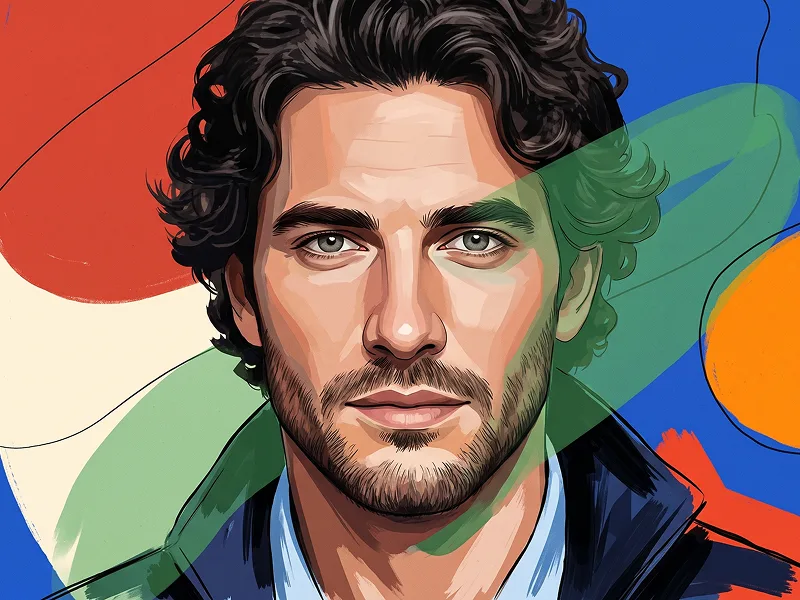
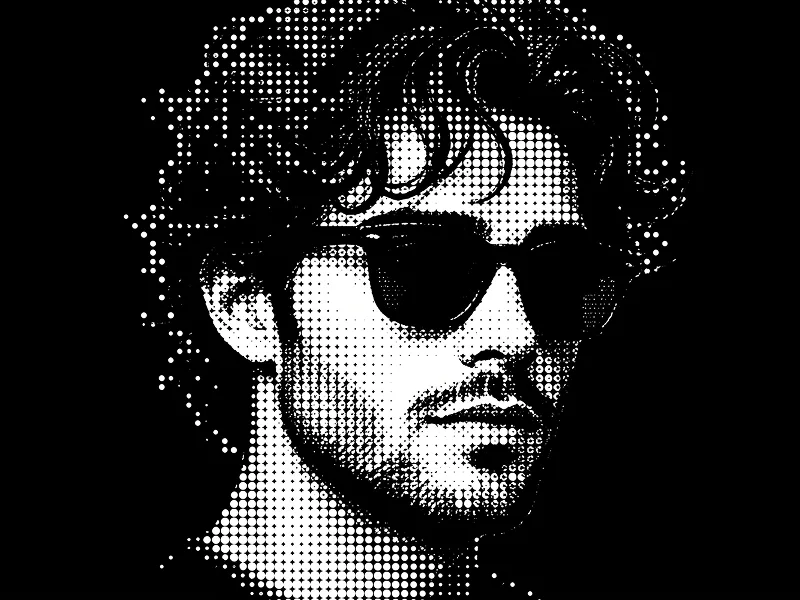
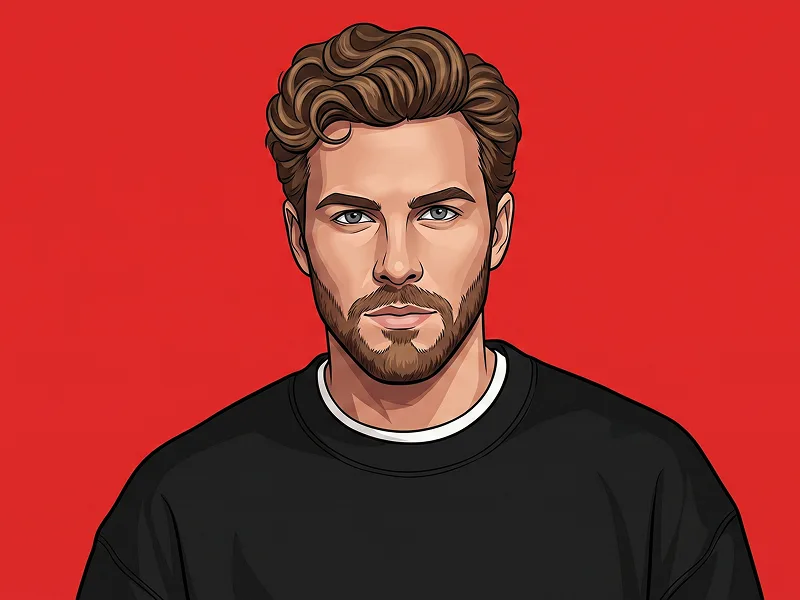
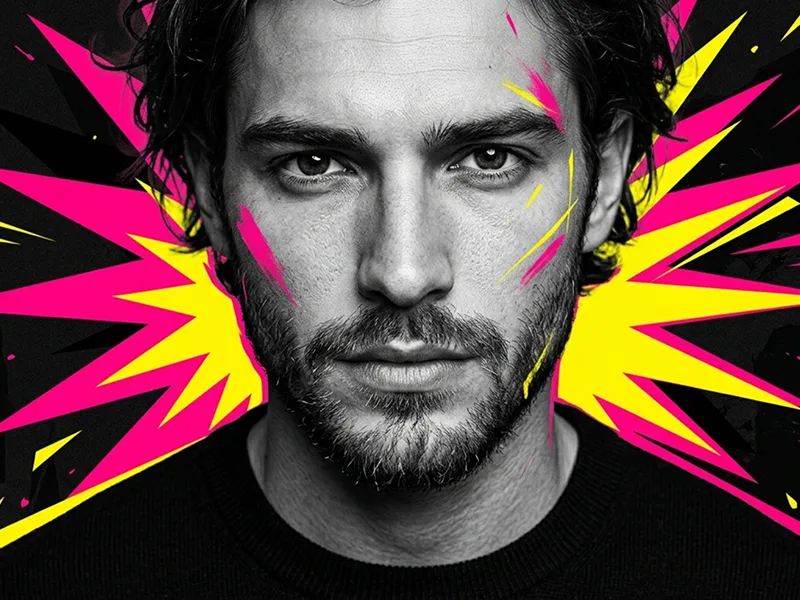
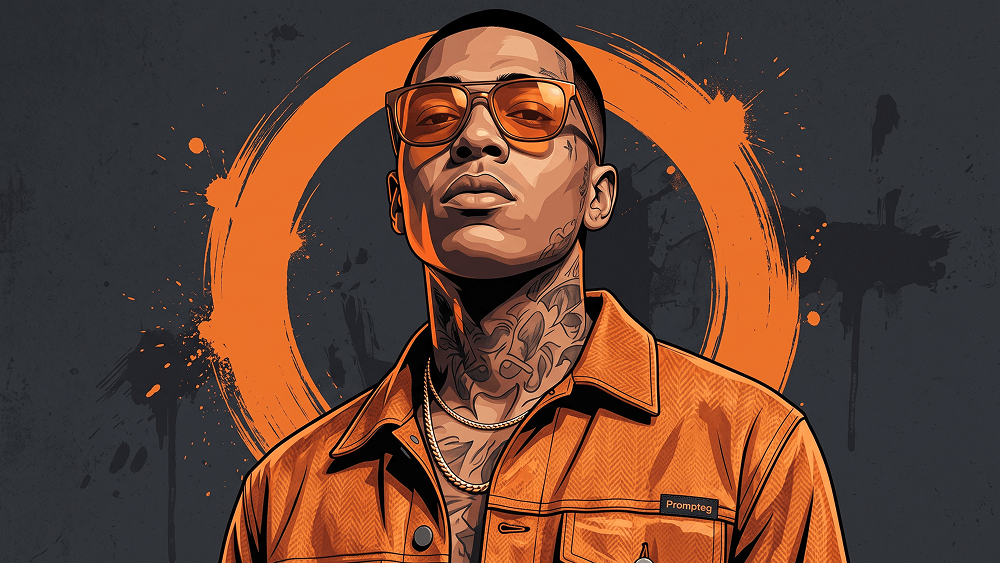
Use the provided reference image strictly for the subject’s face and identity. Preserve the exact facial structure, proportions, eyes, eyebrows, nose, lips, jawline, skin tone, hairline, and all recognizable facial characteristics. Translate only the visual rendering into the new illustration style. Do not alter, beautify, reshape, or reinterpret the subject’s identity. Create a stylized low-angle, chest-up urban portrait. The subject’s head is raised slightly, creating a confident, dominant, street-inspired attitude. Appearance and Styling: The subject wears orange-tinted sunglasses with realistic warm reflections, a refined gold chain necklace, and a premium patterned orange streetwear jacket. Add bold but carefully designed neck and facial tattoos that complement the urban visual style without obscuring important facial features. Prompteg Brand Integration: Integrate the exact word “Prompteg” as a subtle, professionally designed streetwear-brand detail on the orange jacket. Place it on a small, high-quality woven designer label naturally stitched into the edge of the jacket’s chest pocket, collar seam, or upper sleeve seam—whichever placement is most visible and compositionally appropriate. The label must feel like an authentic part of a premium limited-edition streetwear garment. It must not look like a large chest print, random floating text, sticker, oversized patch, or digitally pasted logo. The visible brand name must read exactly: Prompteg Use one uppercase “P” followed by lowercase letters in this exact order: P-r-o-m-p-t-e-g. Use a clean, custom sans-serif wordmark with balanced letter spacing. Keep the label compact, refined, and clearly readable. The lettering may use deep charcoal, black, or muted cream, depending on which option creates the most natural contrast against the orange fabric. The label must follow the jacket’s perspective, stitching, fabric structure, folds, shadows, and illustration shading naturally. Prioritize correct spelling, professional integration, and visual quality over decorative complexity. Do not place any other text, lettering, symbols, logos, captions, or watermarks anywhere in the artwork. If “Prompteg” cannot be rendered correctly, leave the label blank rather than generating incorrect or meaningless lettering. Art Style: Bold graphic digital illustration with sharp directional shading, clean controlled edges, strong contrast, and premium poster-quality rendering. Combine modern urban editorial artwork with subtle street-art influences. Keep the result detailed, polished, and sophisticated rather than cartoonish or flat. Background: Place a large orange circular brushstroke shape directly behind the subject. The circle should have expressive painted edges, subtle dry-brush texture, and controlled grunge splashes. Use a dark charcoal-grey textured background with restrained paint marks and subtle surface variation. Keep the background graphic and dramatic without distracting from the face. Lighting and Mood: Warm orange reflections on the sunglasses and selected areas of the skin. Use high-contrast poster lighting, deep controlled shadows, crisp facial definition, and a dramatic urban mood. Maintain strong facial identity fidelity from the reference image while changing only the artistic rendering style. Vertical 4:5 aspect ratio, ultra-detailed, crisp illustration quality, clean anatomy, high-resolution finish.

Remove Gemini watermark
Remove
Interactive Prompt Customizer

Customize variables & parameters in real time.

Visual Style
Lighting & Mood
Aspect Ratio

How to Use This Prompt

1
Copy the Prompt

Click the "Copy" button above to save the exact prompt text to your clipboard.

2
Open Gemini

Launch Gemini or your preferred AI image generator interface.

3
Paste & Generate

Paste the prompt into the input bar, add optional aspect ratio parameters (e.g. --ar 16:9), and generate.

Pro Tip: Adjust lighting, style, or subject keywords (e.g., "cinematic lighting", "octane render") to fit your target concept.

Related Images

VIEW ALL
Remove Watermarks from Gemini Images Zero quality loss in seconds · 100% Free & Unlimited
USE WATERMARK REMOVER 100% Free · Unlimited