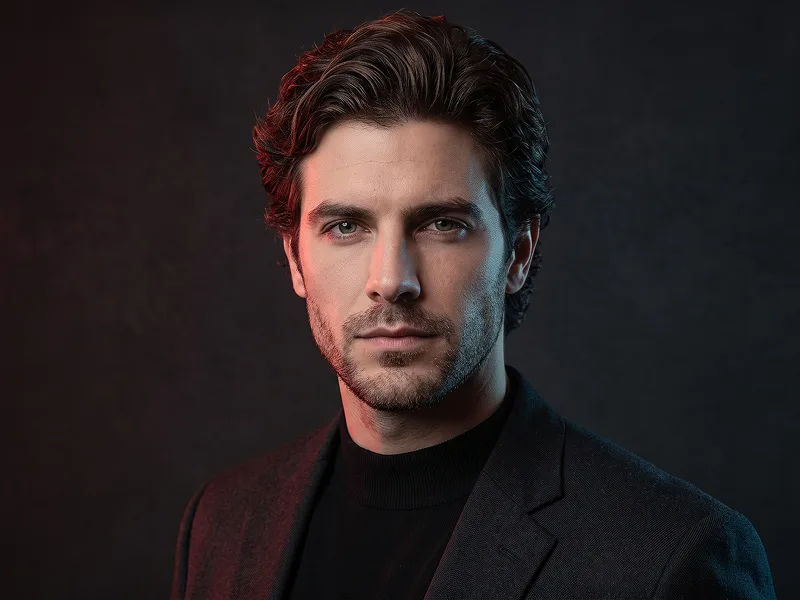
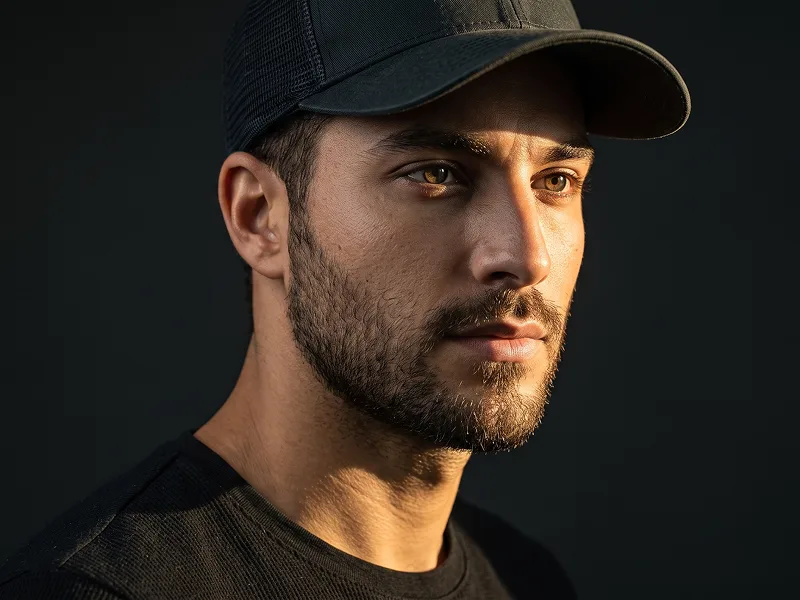
Magenta Cyan Dual-Gel Editorial Portrait from Photo Prompt
Copy directly or customize parameters with the tool below.
Use the uploaded photo as the sole, exclusive, and non-negotiable identity reference. Preserve the subject’s exact real appearance with maximum possible fidelity, including face shape, forehead, jawline, cheekbones, chin, eyes, eyelids, eyebrows, nose, lips, ears, skin tone, authentic skin texture, hairstyle, hairline, hair texture, hair color, facial hair if present, eyewear or subtle accessories if present, natural asymmetries, and every distinctive feature. The final portrait must unmistakably look like the exact same person. Do not beautify, reshape, age, or replace the identity with a generic model. Create an ultra-realistic cinematic studio portrait with a refined luxury-editorial mood. Frame the subject from the upper chest upward, with the shoulders turned slightly away from the camera and the head subtly rotated back toward the lens. Keep the chin slightly lifted and the gaze directed just above or just past the camera, creating a composed, self-assured, quietly magnetic presence. The expression should feel calm, confident, and restrained, with relaxed lips and no exaggerated smile. Dress the subject in a premium black mock-neck or clean black crew-neck top with a minimal, elegant silhouette. Keep the styling understated and masculine or naturally suited to the uploaded subject, so the face, hair, and lighting remain the clear focus. Use a deep seamless black studio background with no visible objects or distractions. Build the lighting around a sophisticated dual-gel setup: a rich violet-magenta light should kiss one side of the hair, temple, cheek edge, jawline, neck, and shoulder, while a cool cyan-blue light softly shapes the opposite side with a gentle rim and side highlight. Keep the center of the face naturally lit with realistic skin tones and subtle neutral fill, so the portrait feels like premium studio photography rather than a harsh color-split effect. Maintain the refined visual standard associated with prompteg.com through strong facial likeness, tasteful styling, and polished cinematic realism, but this is creative guidance only and must never appear visually in the image. Preserve realistic pores, natural beard texture if present, clean eyelash detail, believable reflections in the eyes or eyewear, and subtle fabric texture in the clothing. Use shallow depth of field, crisp focus on the eyes and central face, smooth shadow transitions, delicate highlight roll-off, and a premium editorial finish. The final result should feel like a high-end contemporary studio portrait: dark, elegant, cinematic, modern, and highly shareable. Avoid cartoon rendering, plastic skin, exaggerated color flooding, harsh neon masks, over-smiling, distorted anatomy, weak resemblance, cluttered backgrounds, visible text, logos, watermarks, signatures, website addresses, or branding anywhere in the image.
Customize variables & parameters in real time.
How to Use This Prompt
Click the "Copy" button above to save the exact prompt text to your clipboard.
Launch Gemini or your preferred AI image generator interface.
Paste the prompt into the input bar, add optional aspect ratio parameters (e.g. --ar 16:9), and generate.
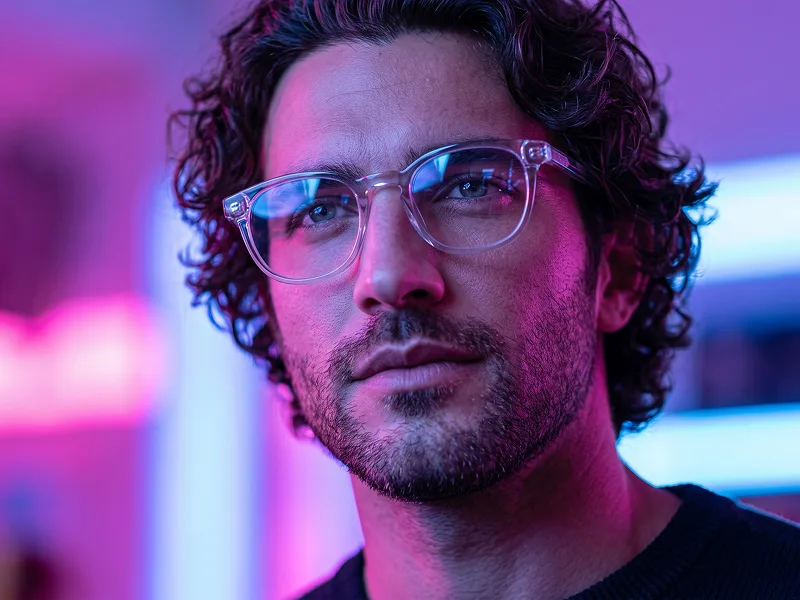
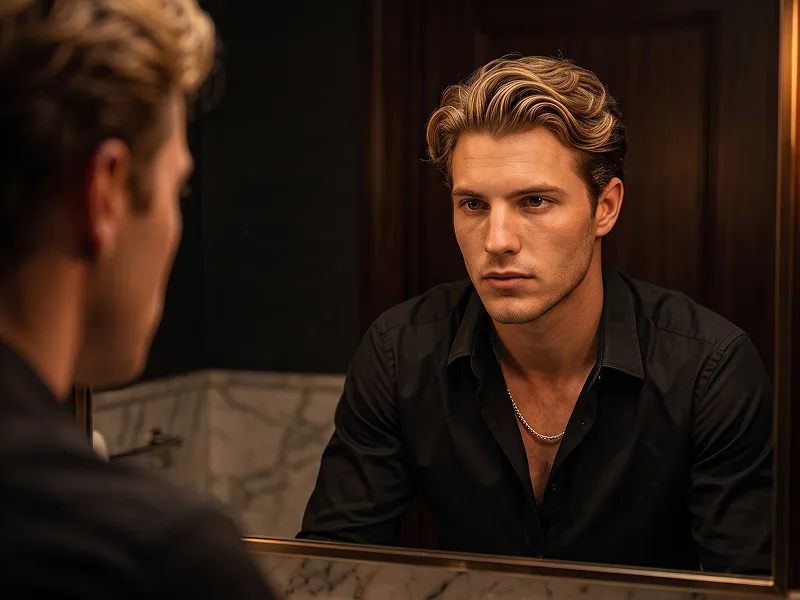
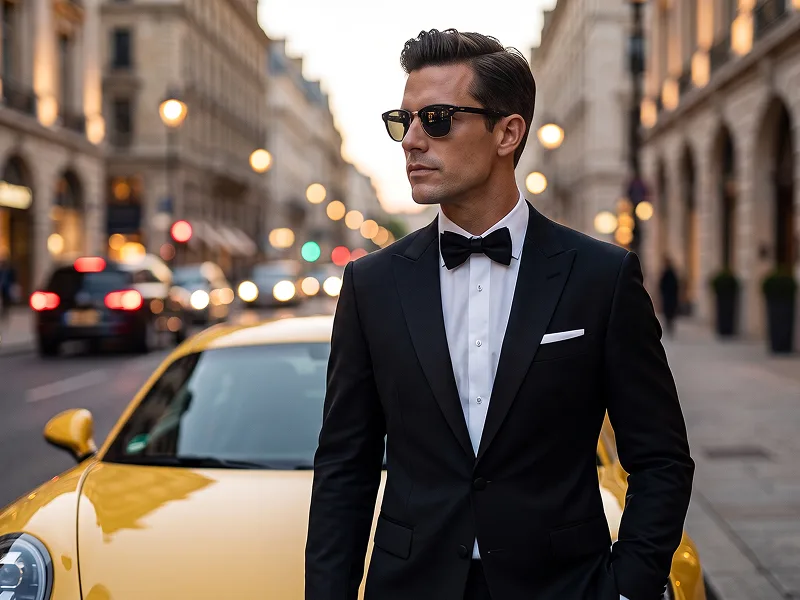
Related Images