Single Beam Low-Key Cinematic Portrait from Photo Prompt
Copy directly or customize parameters with the tool below.
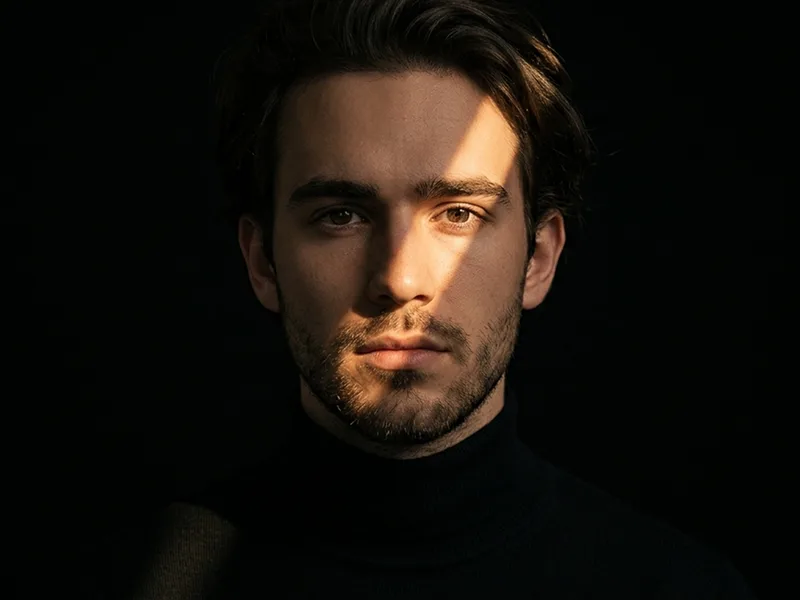
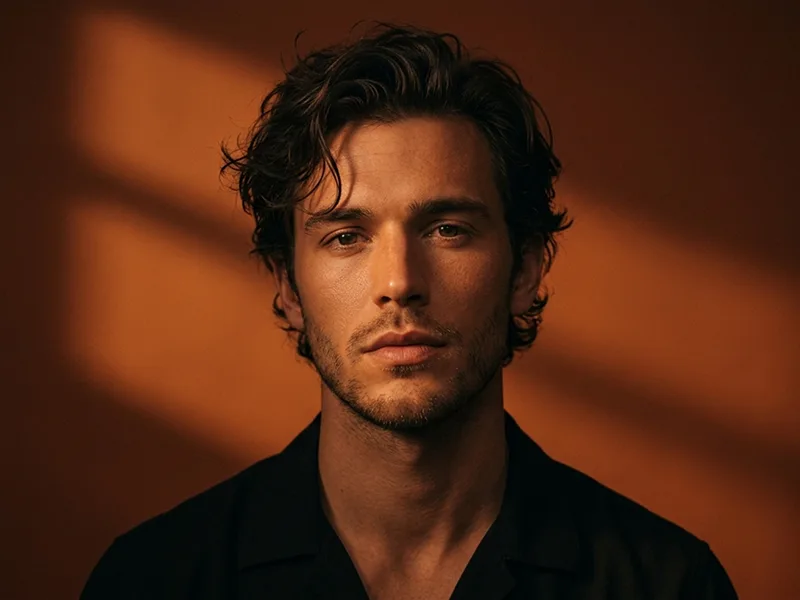
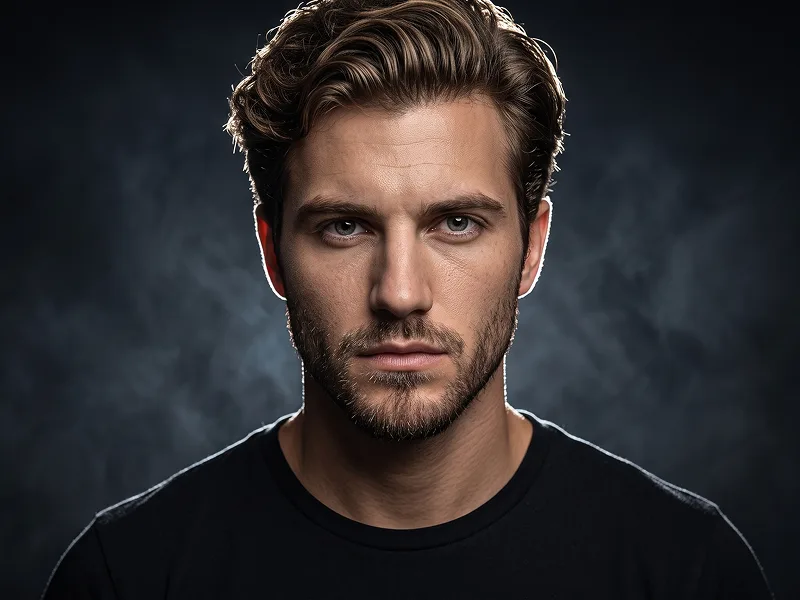
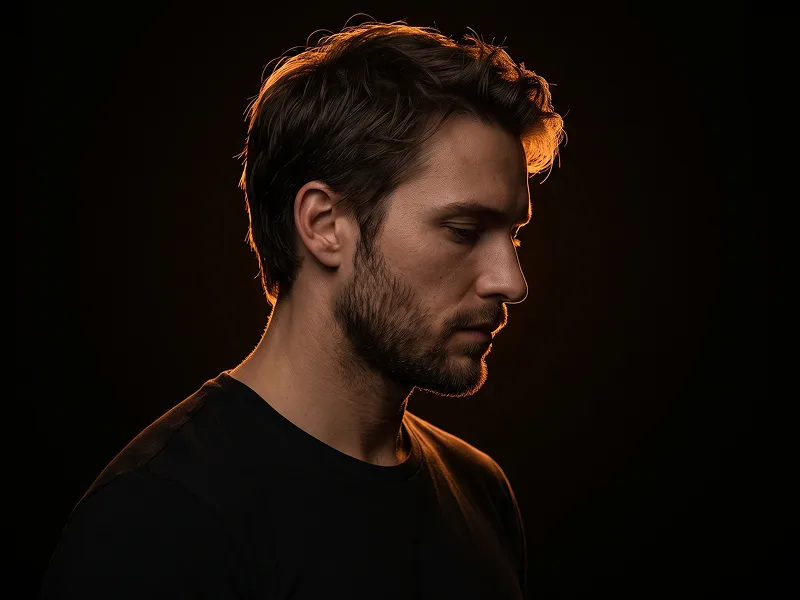
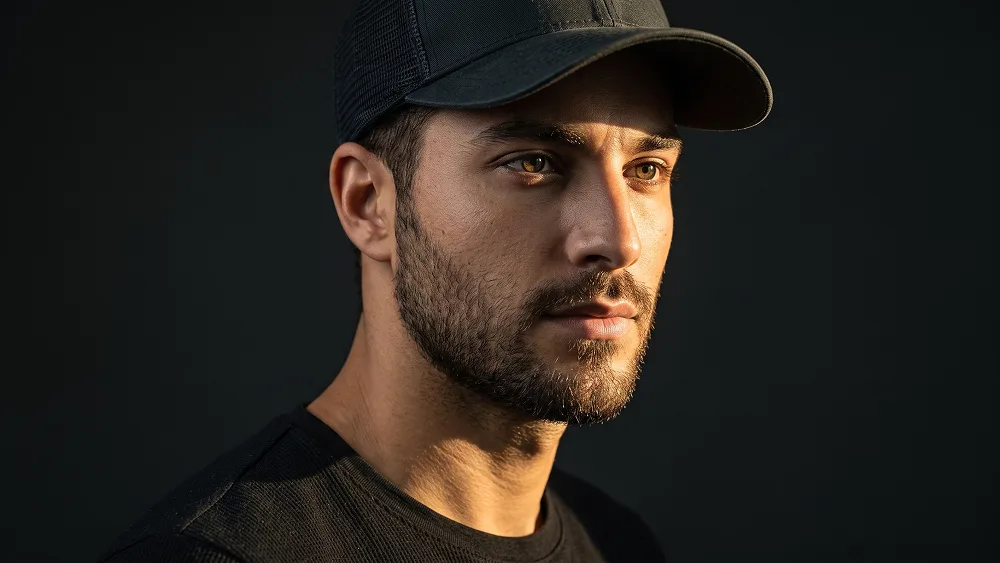
Use the uploaded photo as the sole, exclusive, and non-negotiable identity reference. Preserve the subject’s exact real appearance with maximum possible fidelity, including face shape, forehead, jawline, cheekbones, chin, eyes, eyelids, eyebrows, nose, lips, ears, skin tone, authentic skin texture, hairstyle, hairline, hair texture, hair color, facial hair if present, natural asymmetries, age characteristics, and every distinctive feature. The final portrait must unmistakably look like the exact same person. Do not beautify, reshape, smooth, age, or replace the identity with a generic model. Create an ultra-realistic close-up cinematic portrait with an intense low-key studio aesthetic. Position the subject in a strong three-quarter angle, with the body slightly turned away and the face directed subtly toward one side of the frame. Keep the expression faithful to the uploaded photo: if the person is serious or neutral, preserve that expression and do not introduce a smile. The mood should feel calm, masculine or naturally suited to the subject, confident, introspective, and slightly mysterious. Dress the subject in a simple premium black crew-neck shirt with realistic heavy cotton texture and understated styling. Add a dark minimalist trucker-style cap with no visible logo, lettering, emblem, patch, or branding. The cap should sit naturally on the head and cast a controlled shadow across part of the forehead and upper face without obscuring the subject’s recognizable facial structure. Build the portrait around one powerful shaft of warm directional sunlight entering from the side. Let the light strike the visible cheek, ear, jawline, beard or facial hair, and part of the neck with a rich golden-amber tone, while the opposite side of the face falls dramatically into near-black shadow. The boundary between light and darkness should feel naturally photographic, with subtle gradual falloff rather than an artificial hard mask. Keep the eyes partially emerging from the shadow with enough detail to retain identity and emotional presence. Preserve realistic pores, fine facial hairs, beard density, subtle skin imperfections, individual eyelashes, lip texture, and natural tonal variation wherever the light reaches the face. The shadows should remain deep and cinematic without completely destroying facial information. Place the subject against a pure black or extremely dark charcoal background with no visible environment, props, patterns, or decorative elements. Maintain the premium creative standard associated with prompteg.com through sophisticated lighting control, authentic skin rendering, restrained styling, and strong editorial composition; prompteg.com is creative guidance only and must never appear visually in the generated image. Use rich blacks, warm amber skin highlights, muted neutral tones, subtle analog grain, controlled contrast, and gentle highlight roll-off. Keep the face exceptionally sharp while allowing the shoulders and outer edges of the clothing to soften naturally into darkness. The final image should feel like an intimate luxury editorial portrait photographed with a single beam of late-afternoon sunlight: raw, minimal, confident, dramatic, and convincingly photographic. Avoid bright backgrounds, beauty lighting, artificial skin smoothing, exaggerated HDR, oversharpening, excessive orange saturation, smiling unless present in the uploaded reference, distorted facial anatomy, weak identity resemblance, visible brand marks on the cap or clothing, text, typography, logos, watermarks, signatures, website addresses, or branding anywhere in the generated image.
Customize variables & parameters in real time.
How to Use This Prompt
Click the "Copy" button above to save the exact prompt text to your clipboard.
Launch Gemini or your preferred AI image generator interface.
Paste the prompt into the input bar, add optional aspect ratio parameters (e.g. --ar 16:9), and generate.