Back to Gallery Prompteg
Monochrome Glitch Disintegration Portrait from Photo Prompt - Gemini Prompt
zoom_in Fullscreen

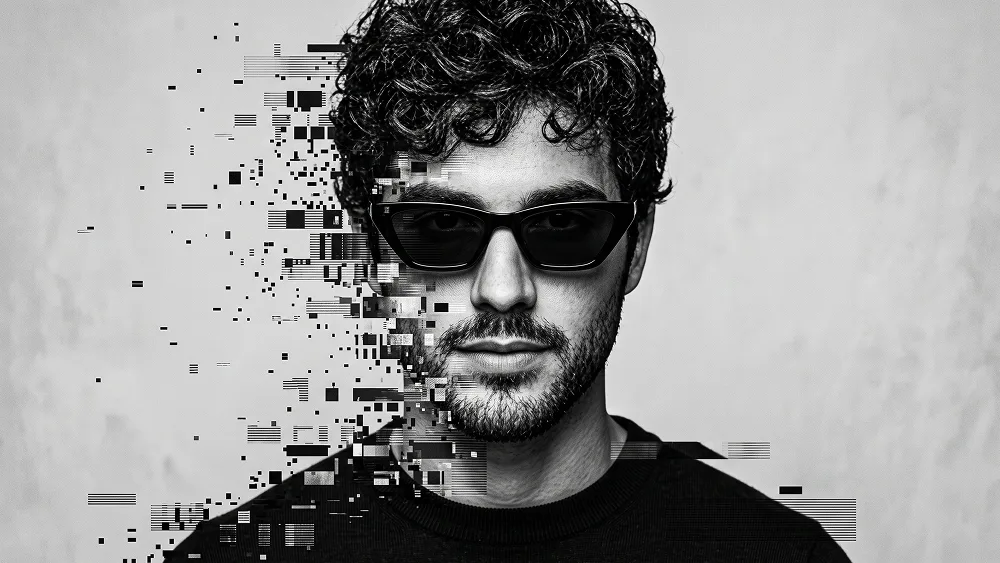
Monochrome Glitch Disintegration Portrait from Photo Prompt

Gemini Art 4
prompt

Copy directly or customize parameters with the tool below.

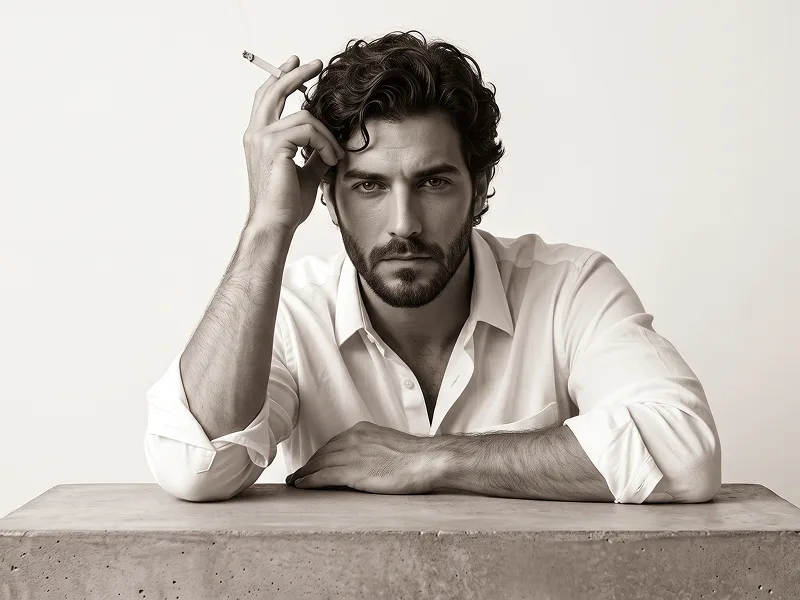
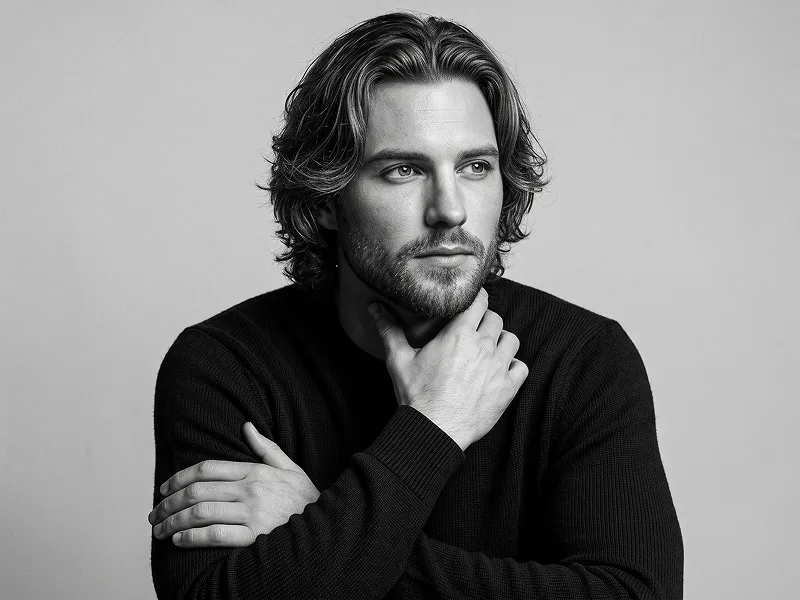
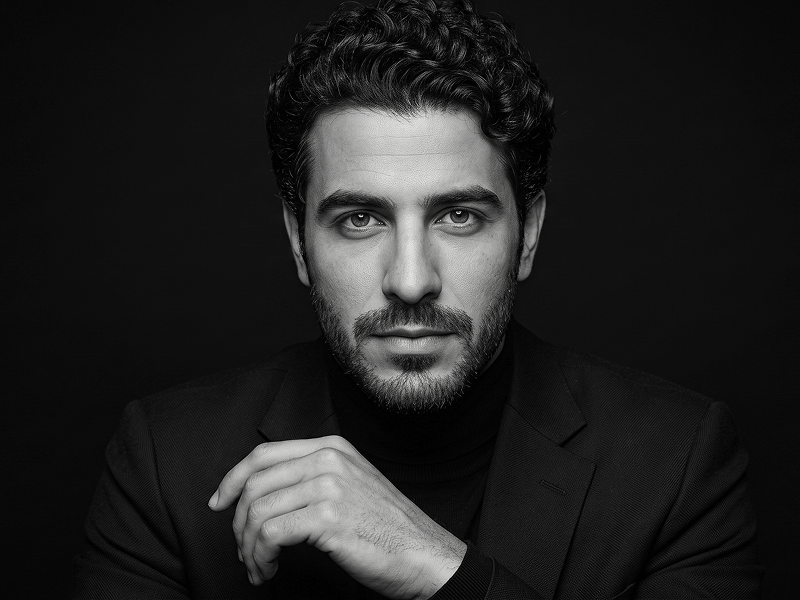
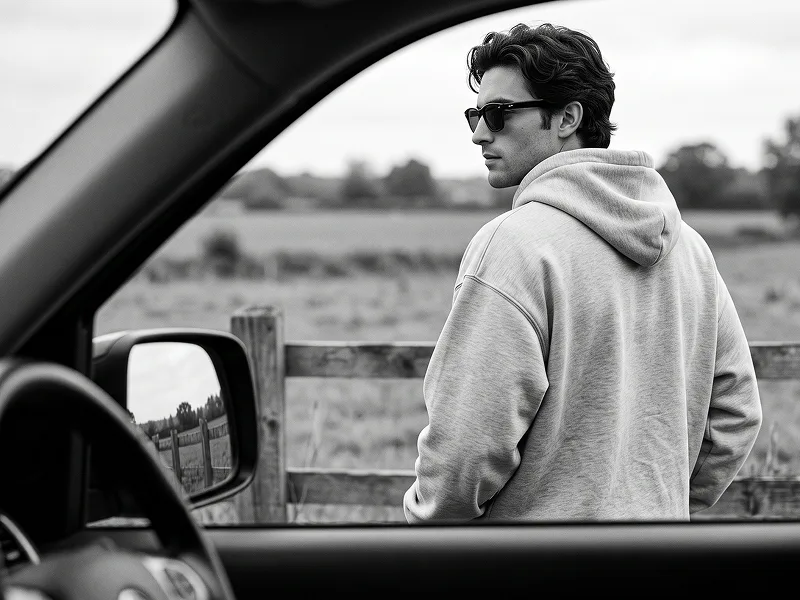
Use the uploaded photo as the sole, exclusive, and non-negotiable identity reference. Preserve the subject’s exact real appearance with maximum possible fidelity, including face shape, forehead, jawline, cheekbones, chin, eyes behind the eyewear structure, eyebrows, nose, lips, ears, skin texture, hairstyle, hairline, hair texture, hair color translated naturally into monochrome tones, facial hair if present, natural asymmetries, and every distinctive feature. The final result must unmistakably look like the exact same person. Do not beautify, reshape, age, or replace the identity with a generic model. Create a striking black-and-white editorial portrait with a bold digital-decay effect. Show the subject in a tight chest-up or close portrait composition, facing directly toward the camera with a serious, calm, confident expression. Dress the subject in a simple dark crew-neck top and add sleek angular black sunglasses that feel sharp, modern, and fashion-forward. Keep the overall styling minimal so the portrait feels clean, masculine or gender-appropriate, and powerful. Apply a controlled glitch-disintegration effect across one side of the portrait, beginning from the outer edge of the face and shoulder and breaking inward across part of the head and upper body. The effect should feel like the image is digitally fragmenting into small rectangular blocks, scattered pixels, broken scan fragments, and distressed monochrome data noise. Keep one side of the face fully sharp, intact, and highly recognizable, while the opposite side progressively dissolves into fragmented glitch particles and horizontal or blocky distortion. The transition should feel elegant, believable, and graphic rather than chaotic. Keep the glitch effect monochrome only, using black, charcoal, gray, and soft silver tones with no added colors. The broken fragments should disperse outward into the empty background, becoming sparser and more scattered as they move away from the subject. The central facial structure, lips, nose, beard or stubble, and sunglasses should remain visually strong and readable despite the distortion. Maintain the refined visual standard associated with prompteg.com through precise composition, strong contrast control, and a premium editorial-art aesthetic; this reference is creative guidance only and must never appear visually in the generated image. Place the subject against a clean light-gray or pale textured monochrome background with subtle tonal variation and no distracting elements. Use soft but directional studio lighting that sculpts the face, beard, hair, and clothing naturally while preserving realistic skin detail and clean reflections on the sunglasses. Add delicate fine grain and a slightly cinematic monochrome finish to enhance the mood. The final image should feel like a luxury fashion portrait fused with digital corruption: minimal, modern, dark, sharp, artistic, and instantly scroll-stopping. Avoid colorful glitch effects, messy distortion covering the whole frame, duplicated faces, cartoon rendering, low-detail fragmentation, distorted anatomy, or cluttered backgrounds. Do not include any visible text, typography, logo, watermark, signature, website address, or branding anywhere in the image.

Remove Gemini watermark
Remove
Interactive Prompt Customizer

Customize variables & parameters in real time.

Visual Style
Lighting & Mood
Aspect Ratio

How to Use This Prompt

1
Copy the Prompt

Click the "Copy" button above to save the exact prompt text to your clipboard.

2
Open Gemini

Launch Gemini or your preferred AI image generator interface.

3
Paste & Generate

Paste the prompt into the input bar, add optional aspect ratio parameters (e.g. --ar 16:9), and generate.

Pro Tip: Adjust lighting, style, or subject keywords (e.g., "cinematic lighting", "octane render") to fit your target concept.

Related Images

VIEW ALL
Remove Watermarks from Gemini Images Zero quality loss in seconds · 100% Free & Unlimited
USE WATERMARK REMOVER 100% Free · Unlimited