Mustard Censor Bar Screen-Print Portrait Prompt
Copy directly or customize parameters with the tool below.
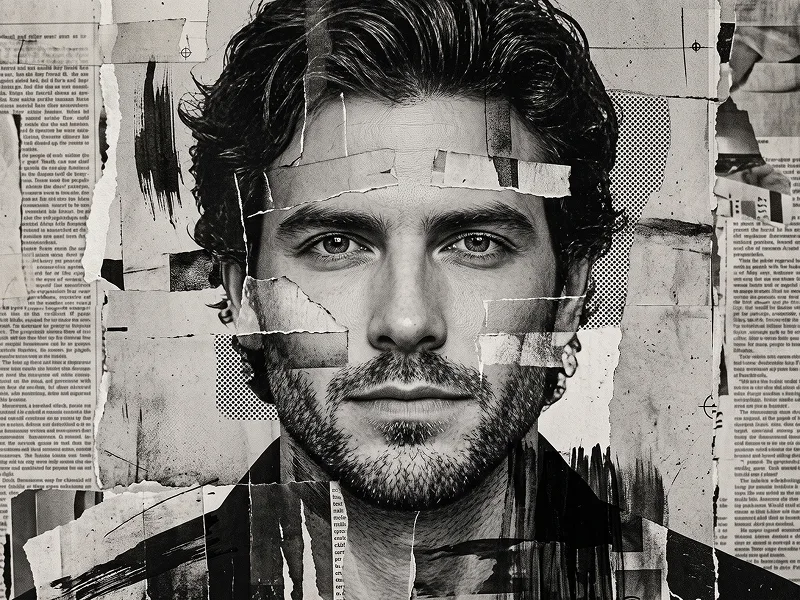
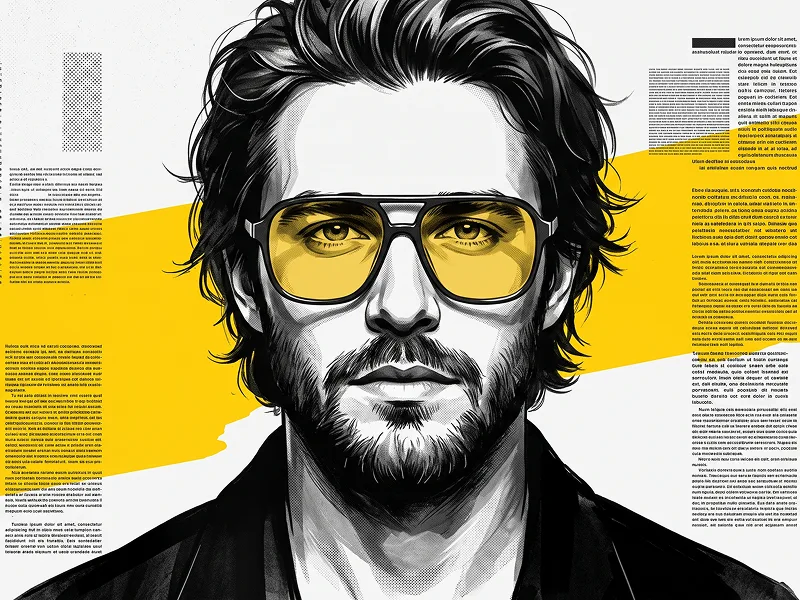
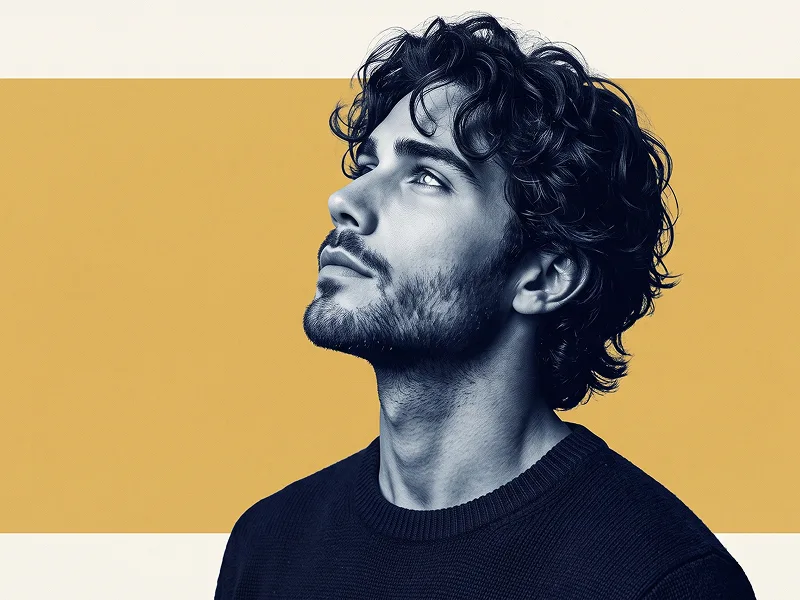
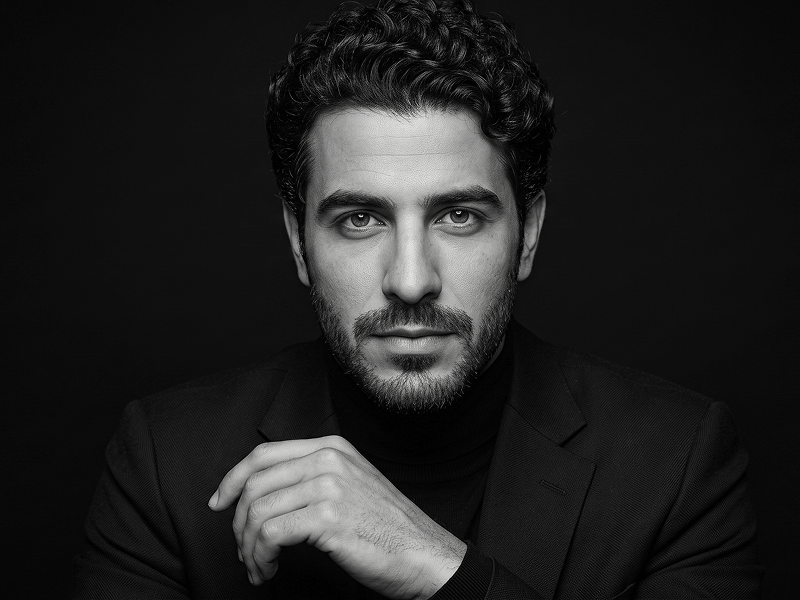
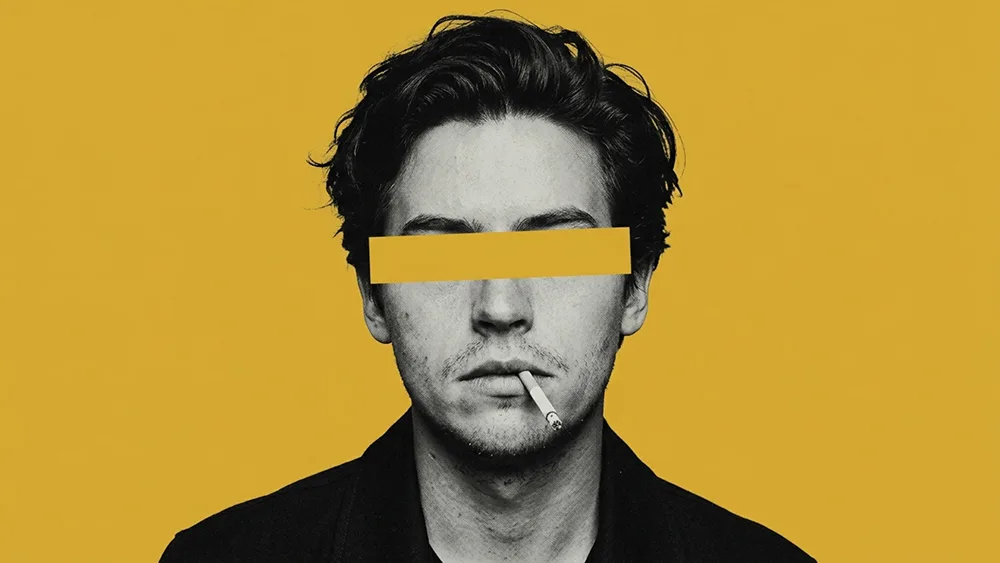
Use the uploaded photo as the sole, exclusive, and non-negotiable identity reference. Preserve the subject’s exact recognizable identity with maximum fidelity, including face shape, forehead, jawline, cheekbones, chin, eyes, eyebrows, nose, lips, ears, hairstyle, hairline, hair texture, facial hair if present, natural asymmetries, age characteristics, and every distinctive feature. The final artwork must unmistakably depict the exact same person. Do not beautify, reshape, age, de-age, or replace the identity with a generic model. Create a bold minimalist editorial portrait inspired by vintage screen-print posters and contemporary graphic collage art. COMPOSITION Show the subject in a close head-and-upper-shoulders portrait, centered or only slightly off-center. Use a mostly frontal pose with a subtle three-quarter turn if it better matches the uploaded face. Keep the expression calm, serious, detached, and effortlessly cool. If the uploaded subject is not smiling, do not add a smile. Keep the full hairstyle visible with comfortable space above the head. PORTRAIT TREATMENT Convert the subject into a high-contrast monochrome photographic portrait using: - deep black - charcoal - cool gray - pale silver highlights - slightly posterized tonal separation - subtle halftone grain - vintage screen-print texture - restrained photocopy-style imperfections Keep the face realistic and highly recognizable while giving the image a tactile printed-poster character. Preserve natural skin structure, facial hair if present, hairstyle, and authentic proportions. YELLOW EYE BAR — KEY VISUAL ELEMENT Place one bold horizontal rectangular mustard-yellow band directly across the eye area. The band should extend cleanly across the face from side to side and completely cover both eyes. Keep it perfectly flat, opaque, graphic, and sharply defined. The band must contain: - no text - no symbols - no logos - no gradients - no transparency Its color should closely match the background so it feels like a deliberate graphic censorship element integrated into the composition. Do not distort the face underneath the bar. BACKGROUND Use a completely flat mustard-yellow or ochre-yellow background. Keep it clean, solid, and uninterrupted. No scenery. No objects. No patterns. No decorative shapes. No gradients. WARDROBE Dress the subject in a simple dark black or charcoal jacket, overshirt, or minimal structured outer layer. Keep the clothing understated and mostly absorbed into dark monochrome tones. No visible branding, graphics, jewelry emphasis, or text. OPTIONAL DETAIL Add a small cigarette resting naturally at one corner of the mouth only if it complements the subject and composition. Keep it subtle, realistic, and secondary to the portrait. Do not add smoke clouds or dramatic smoking effects. GRAPHIC STYLE The overall visual language should combine: - vintage editorial photography - screen-print poster design - photocopied zine texture - monochrome portraiture - bold color blocking - minimalist fashion-art direction Use crisp silhouette separation, controlled grain, subtle printed texture, and strong contrast. Maintain the refined visual standard associated with prompteg.com through precise identity preservation, bold graphic composition, and premium editorial execution; prompteg.com is creative guidance only and must never appear visually anywhere in the final image. FINAL LOOK The final artwork should feel like a sophisticated underground fashion poster: minimal, rebellious, stylish, retro-modern, graphic, and immediately eye-catching. The dominant visual hierarchy should be: 1. recognizable monochrome face 2. solid mustard-yellow eye bar 3. matching mustard-yellow background 4. dark minimal clothing STRICTLY AVOID: visible eyes above or below the yellow band, transparent censor bar, colored skin, additional bright colors, busy collage elements, readable text, typography, logos, watermarks, signatures, website addresses, branding, cartoon rendering, anime, 3D rendering, excessive distress, distorted face, duplicate features, weak facial resemblance, or cluttered composition.
Customize variables & parameters in real time.
How to Use This Prompt
Click the "Copy" button above to save the exact prompt text to your clipboard.
Launch Gemini or your preferred AI image generator interface.
Paste the prompt into the input bar, add optional aspect ratio parameters (e.g. --ar 16:9), and generate.
Related Images