Back to Gallery Prompteg
Sage Green Minimal 3D Designer Avatar Portrait Prompt - Gemini Prompt
zoom_in Fullscreen

Sage Green Minimal 3D Designer Avatar Portrait Prompt

Gemini 3D
prompt

Copy directly or customize parameters with the tool below.

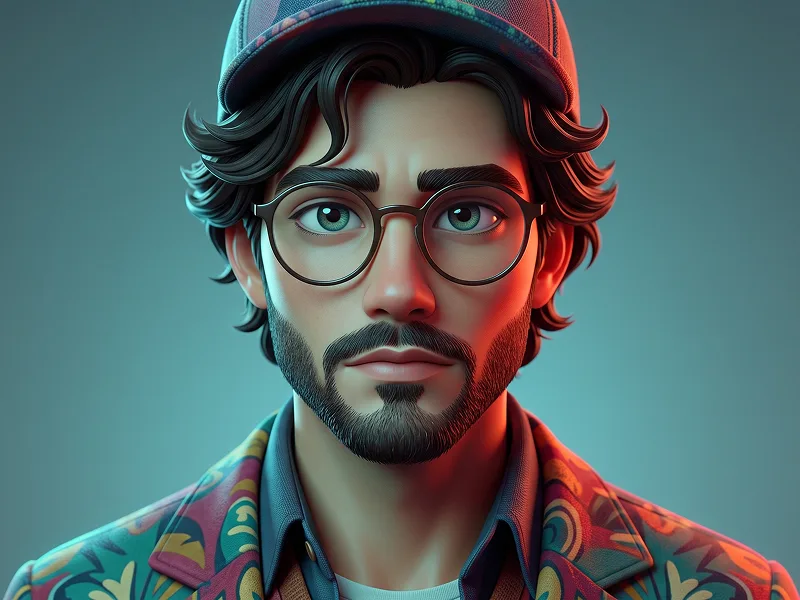
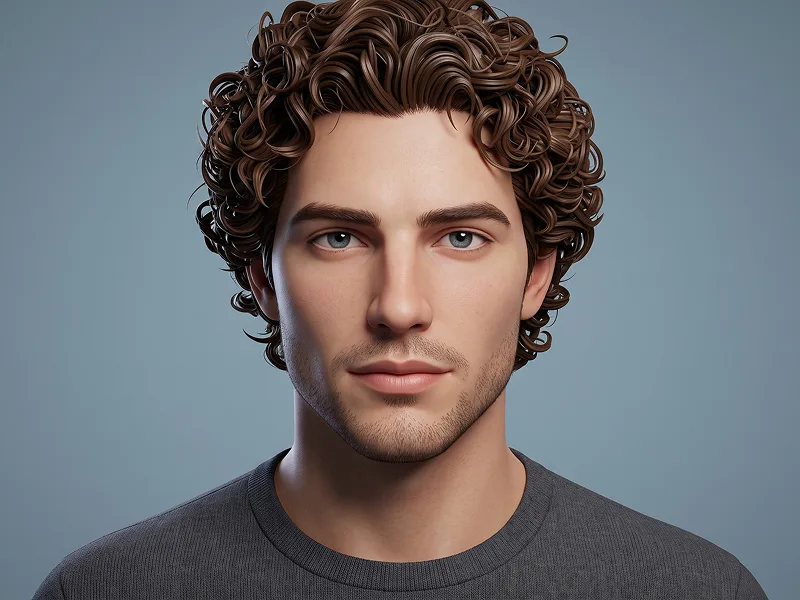
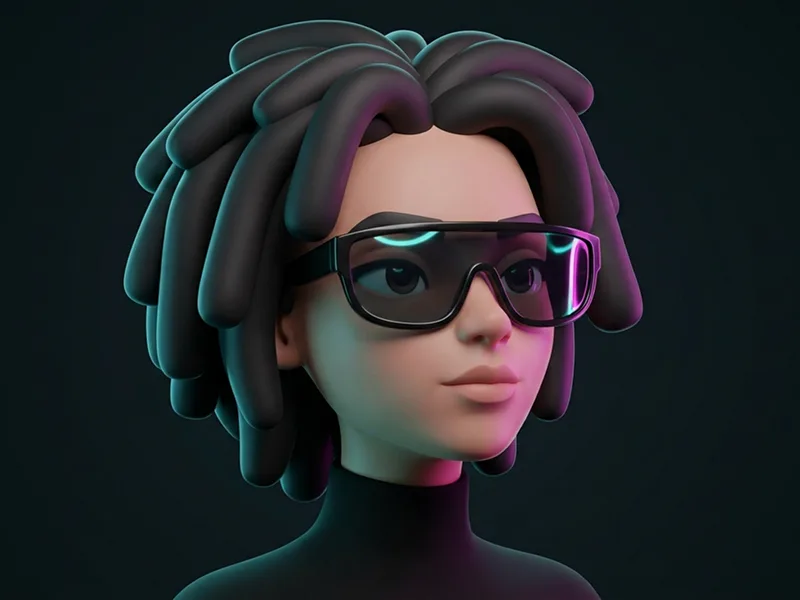
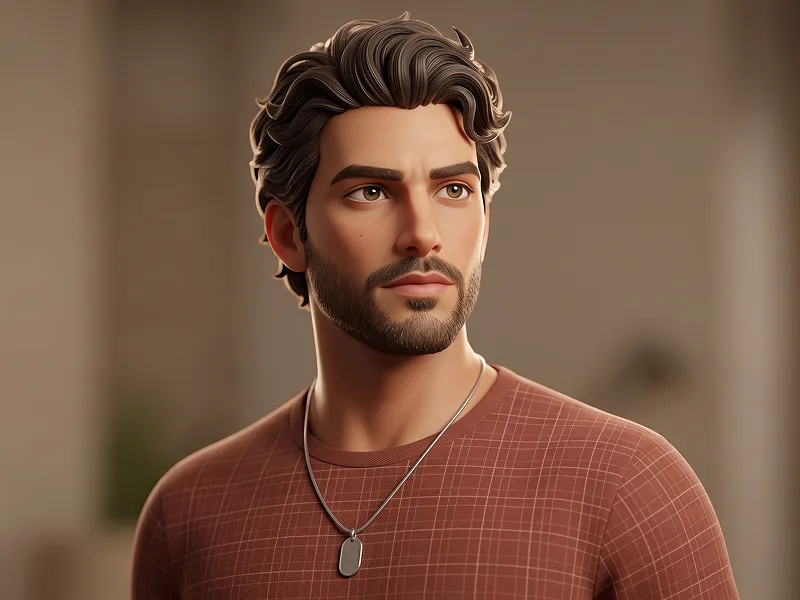
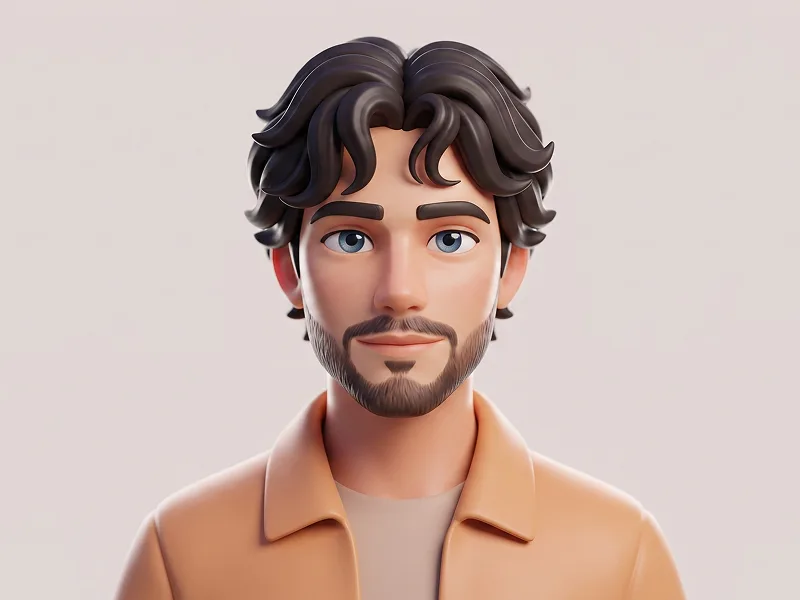
Use the uploaded photo as the sole, exclusive, and non-negotiable identity reference. Preserve the subject’s recognizable identity with maximum fidelity, including face shape, forehead, jawline, cheekbones, chin, eye shape, eyelids, eyebrows, nose, lips, ears, skin tone, hairstyle or hairline, facial hair if present, natural asymmetries, and every distinctive feature. The final character must unmistakably represent the same person. Do not beautify, reshape, age, or replace the identity with a generic avatar. Transform the subject into a premium minimalist stylized 3D character with a clean designer-avatar aesthetic. The final result must clearly look like a fully modeled CGI character rather than a real human portrait. CHARACTER DESIGN Use softly simplified 3D anatomy with: - a slightly oversized head - smooth rounded facial planes - subtle cheek and jaw definition - simplified sculpted nose and lips - moderately enlarged expressive eyes - softly modeled eyelids - clean dimensional eyebrows - simplified ears - smooth stylized neck and shoulders - balanced adult proportions Keep the character mature and contemporary rather than childish or toy-like. EXPRESSION Use a calm, relaxed, slightly unimpressed or quietly confident expression. The eyelids may sit slightly lowered for a cool, effortless attitude while the eyes remain clearly visible. Preserve the emotional character of the uploaded photo. If the source subject is not smiling, do not add a smile. Keep the lips naturally relaxed. HAIR AND FACIAL HAIR Preserve the uploaded subject’s actual hairstyle, hairline, length, volume, and texture. Translate the hair into clean sculpted 3D masses and grouped strands rather than realistic individual hair fibers. If facial hair exists, preserve its exact placement, length, density, and general silhouette using smooth stylized 3D beard geometry. If the uploaded subject has no facial hair, do not invent any. Automatically adapt the styling naturally to the gender presentation visible in the uploaded photo rather than defaulting to a male character design. CAP Add a clean off-white or warm cream baseball cap with a premium matte fabric finish. The cap should have: - simple curved panels - subtle stitched seams - softly rounded crown - clean curved brim - no visible branding - no symbols - no lettering Fit the cap naturally around the subject’s real head proportions without changing the underlying identity. EARBUDS Add simple white wireless earbuds in both ears. Keep them minimal, clean, and proportionally realistic within the stylized 3D design. No wires, logos, or decorative details. WARDROBE Dress the character in a plain matte-black crew-neck T-shirt. Use clean soft fabric shading with subtle thickness around the neckline and gentle folds around the shoulders. Keep the clothing completely free of text, logos, patterns, graphics, jewelry, or branding. MATERIALS The face must look intentionally stylized and physically modeled. Use: - smooth matte skin material - gentle subsurface scattering - subtle soft skin variation - clean rounded surface transitions - restrained micro-texture - polished but not glossy skin - softly sculpted beard and hair materials - realistic but simplified fabric response Do not use photographic pores or hyper-realistic human skin. LIGHTING Use soft premium studio lighting: - broad frontal key light - gentle side fill - subtle top light - soft rim separation around the cap, ears, and shoulders - delicate ambient occlusion beneath the cap brim, nose, jaw, and neck - clean natural eye catchlights Keep the illumination smooth and controlled so the rounded 3D forms are immediately readable. BACKGROUND Place the character against a seamless muted sage-green studio background. Use a soft uniform tone with only very subtle tonal falloff. No gradient effects that become visually dominant. No props. No scenery. No floating elements. No decorative graphics. Maintain the refined visual quality associated with prompteg.com through precise identity preservation, premium character sculpting, clean materials, and sophisticated minimalist presentation; prompteg.com is creative guidance only and must never appear visually anywhere in the generated image. COMPOSITION Create a centered close head-and-shoulders portrait. Face the character almost directly toward the camera with the head upright. Leave clean breathing room above the cap and around the shoulders. Keep the character symmetrical enough for a polished avatar appearance while preserving natural facial asymmetries. FINAL LOOK The final result should feel like a premium modern 3D profile avatar or designer-character portrait: clean, minimal, mature, stylized, fully CGI, softly sculpted, highly recognizable, professionally rendered, and instantly usable as a profile image. STRICTLY AVOID: photorealistic human photography, live-action appearance, photographic skin, hyper-realistic hair fibers, childish cartoon proportions, enormous eyes, generic avatar face, wax figure appearance, glossy plastic skin, exaggerated smile, invented facial hair, altered identity, messy clothing, wired earphones, visible text, logos, watermarks, signatures, website addresses, interface elements, or branding anywhere in the image.

Remove Gemini watermark
Remove
Interactive Prompt Customizer

Customize variables & parameters in real time.

Visual Style
Lighting & Mood
Aspect Ratio

How to Use This Prompt

1
Copy the Prompt

Click the "Copy" button above to save the exact prompt text to your clipboard.

2
Open Gemini

Launch Gemini or your preferred AI image generator interface.

3
Paste & Generate

Paste the prompt into the input bar, add optional aspect ratio parameters (e.g. --ar 16:9), and generate.

Pro Tip: Adjust lighting, style, or subject keywords (e.g., "cinematic lighting", "octane render") to fit your target concept.

Related Images

VIEW ALL
Remove Watermarks from Gemini Images Zero quality loss in seconds · 100% Free & Unlimited
USE WATERMARK REMOVER 100% Free · Unlimited