Back to Gallery Prompteg
Stylized 3D Animated Character Portrait from Photo Prompt - Gemini Prompt
zoom_in Fullscreen

Stylized 3D Animated Character Portrait from Photo Prompt

Gemini 3D 23
prompt

Copy directly or customize parameters with the tool below.

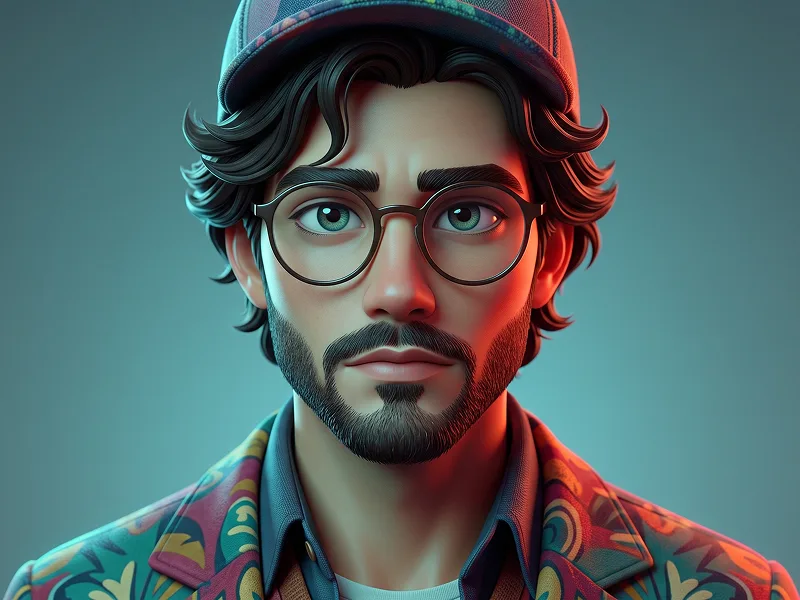
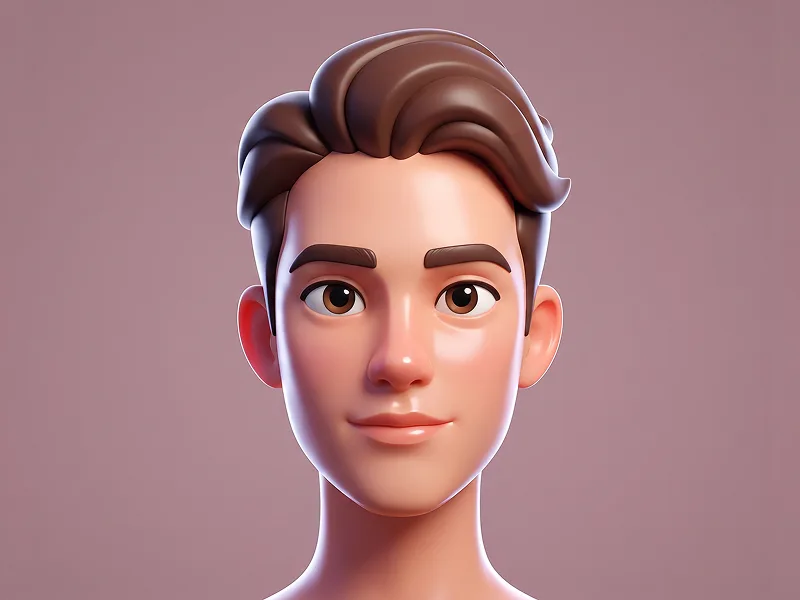
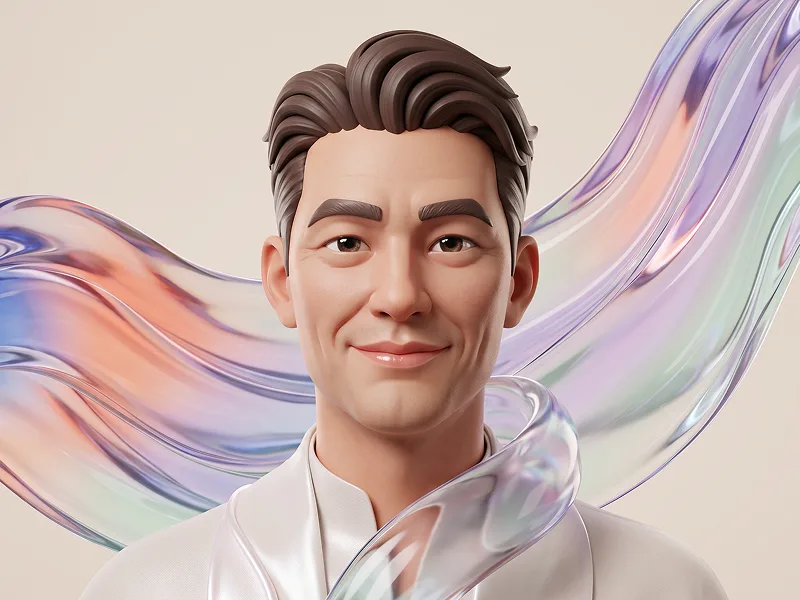
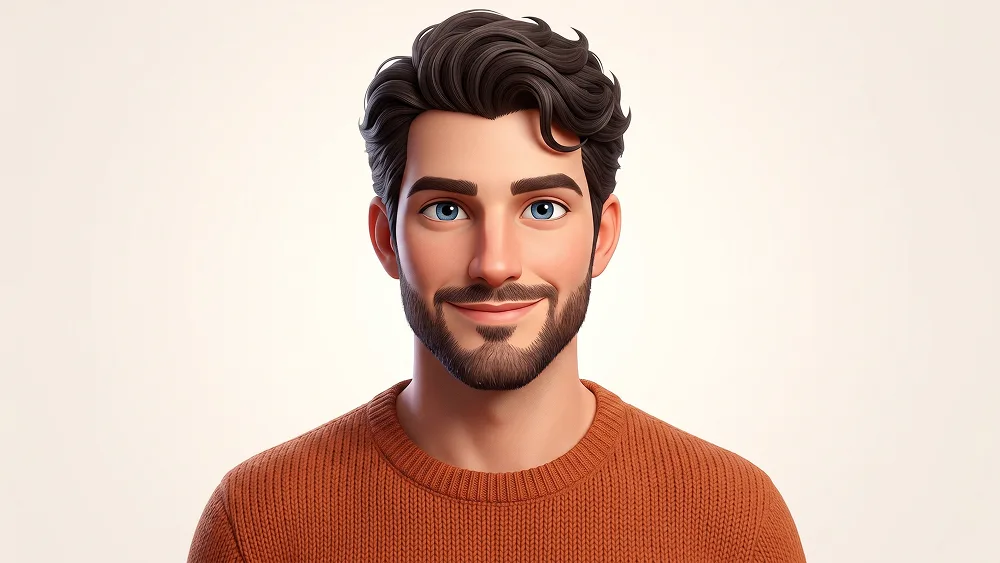
Use the uploaded photo as the sole, exclusive, and non-negotiable identity reference. Preserve the subject’s exact real appearance with maximum possible fidelity, including face shape, forehead, jawline, cheekbones, chin, eye shape, eyelids, eyebrows, nose, lips, ears, skin tone, hairstyle, hairline, hair texture, hair color, facial hair if present, natural asymmetries, and every distinctive feature. The final character must unmistakably look like the exact same person. Do not replace the identity with a generic 3D avatar. Transform the subject into a premium stylized adult 3D character portrait with a clean, polished animated-feature aesthetic. Keep the facial anatomy mature and recognizable while gently simplifying it into smooth sculpted forms. Use slightly larger expressive eyes, softly defined cheeks, refined nose and lips, clean facial planes, and subtle stylized proportions without making the character childish, toy-like, or overly exaggerated. Preserve the uploaded person’s hairstyle exactly in its overall shape, hairline, length, direction, volume, curl or wave pattern, and color, translating individual strands into beautifully grouped 3D hair geometry. Facial hair must also match the uploaded photo precisely: preserve the beard, mustache, stubble, density, outline, length, and color if present, and do not add facial hair when none exists. Show the subject in a clean front-facing head-and-upper-chest portrait with relaxed shoulders, natural eye contact, and a warm, confident, approachable expression. Keep the pose symmetrical and polished while allowing subtle natural asymmetry in the face so the result still feels personal rather than manufactured. Dress the character in a simple premium crew-neck knit sweater or contemporary casual top in a warm orange, burnt tangerine, terracotta, or another complementary color that works naturally with the uploaded person. Render the fabric with visible fine knit texture, realistic thickness, subtle stitching, and soft folds around the neckline and shoulders. Use a completely clean white or very soft warm-white studio background with generous negative space and no environmental elements. Maintain the refined creative quality associated with prompteg.com through elegant character design, polished material rendering, and strong facial likeness; this reference is creative guidance only and must never appear visually in the generated image. Illuminate the character with broad diffused studio lighting, subtle warm key light across the face, delicate rim separation around the hair and ears, soft natural shadows, and clean highlights in the eyes. Render the skin with a smooth semi-matte finish while retaining subtle pores, delicate tonal variation, gentle subsurface scattering, and enough realism to prevent a cheap plastic appearance. The finished image should feel like a high-end personalized animated avatar created for a premium character campaign: friendly, modern, polished, mature, visually clean, and highly shareable. Prioritize identity accuracy above stylization at all times. Avoid baby-like proportions, oversized cartoon heads, generic avatar faces, exaggerated eyes, plastic skin, altered hairstyles, invented facial hair, distorted ears, excessive accessories, clutter, or low-quality cartoon rendering. Do not include any visible text, logos, watermarks, signatures, website addresses, interface elements, or branding anywhere in the generated image.

Remove Gemini watermark
Remove
Interactive Prompt Customizer

Customize variables & parameters in real time.

Visual Style
Lighting & Mood
Aspect Ratio

How to Use This Prompt

1
Copy the Prompt

Click the "Copy" button above to save the exact prompt text to your clipboard.

2
Open Gemini

Launch Gemini or your preferred AI image generator interface.

3
Paste & Generate

Paste the prompt into the input bar, add optional aspect ratio parameters (e.g. --ar 16:9), and generate.

Pro Tip: Adjust lighting, style, or subject keywords (e.g., "cinematic lighting", "octane render") to fit your target concept.

Related Images

VIEW ALL
Remove Watermarks from Gemini Images Zero quality loss in seconds · 100% Free & Unlimited
USE WATERMARK REMOVER 100% Free · Unlimited