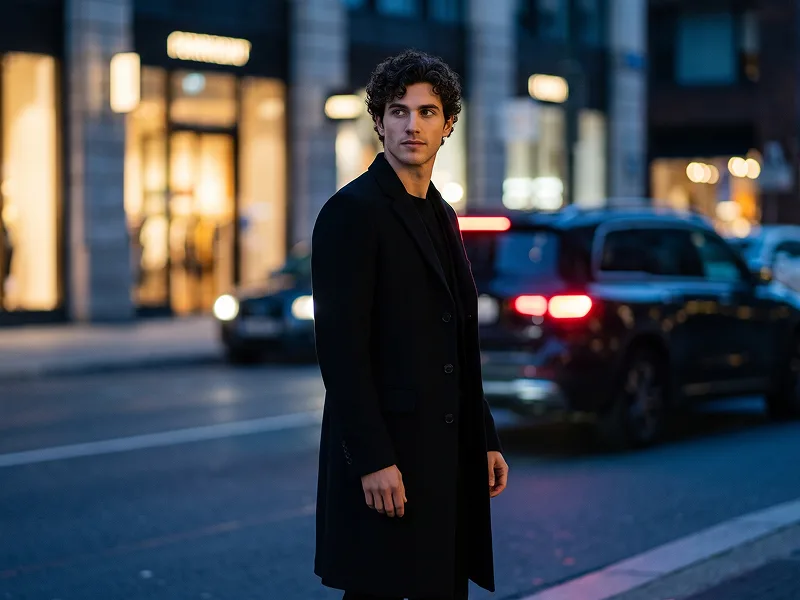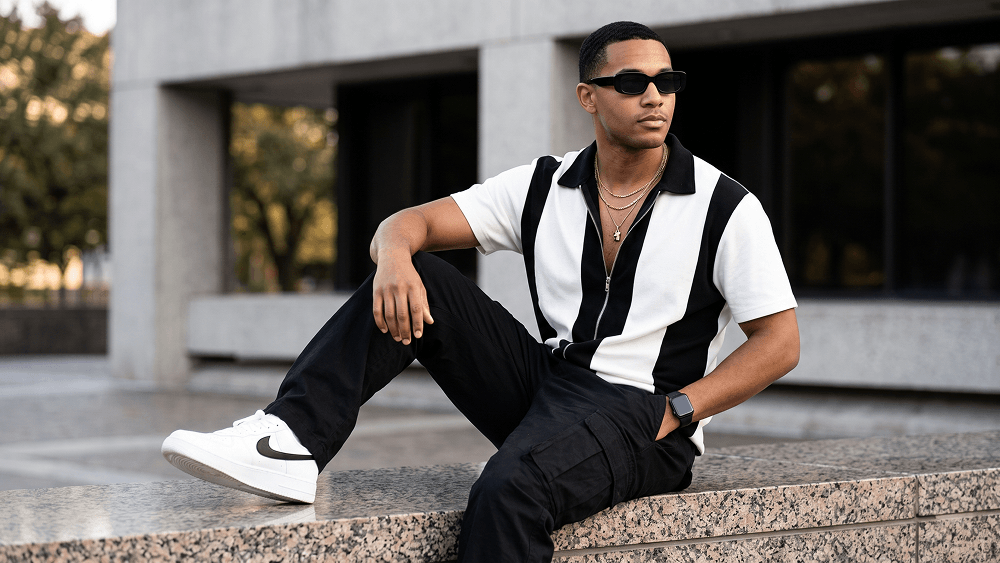
Şehir Manzarasıyla Gerçekçi Erkek Moda Portresi Oluşturma AI Promptu
Doğrudan kopyalayın veya aşağıdaki araçla özelleştirin.
Android için Prompteg uygulaması yayında! Kopyalamak için ücretsiz indirin.
GOOGLE PLAY'DEN İNDIRUse the uploaded image strictly as the face and identity reference. Preserve the subject’s facial structure, skin tone, hairstyle, facial hair, and natural proportions accurately. Do not beautify, reshape, or alter the face. Create an ultra-photorealistic full-body fashion editorial portrait of a stylish man seated casually on the polished granite ledge of a modern city building. He wears sleek black rectangular sunglasses and looks off-camera to the right with a calm, confident, thoughtful expression. Dress him in a relaxed short-sleeve zip-up shirt with a bold black-and-white color-block design, a black collar, and a partially unzipped front revealing layered gold chain necklaces and a minimal pendant. Pair it with loose black cargo trousers with oversized utility pockets, clean white sneakers with black swoosh detailing, and a black smartwatch on his left wrist. Pose him diagonally across the frame with one leg extended forward and the other bent comfortably on the ledge. One hand rests naturally in his trouser pocket, while the other rests on his bent knee. Set the scene in a modern urban environment with clean concrete walls, dark window panels, and softly blurred green trees in the background. Add subtle out-of-focus greenery in the foreground for depth. Use soft late-afternoon natural daylight with even flattering illumination, gentle highlights, realistic contrast, and a premium cinematic feel. Shot at eye level with an 85mm lens at f/2.0, shallow depth of field, DSLR-quality detail, crisp subject separation, realistic skin texture, detailed fabric, and professional editorial color grading. Negative prompt: wrong identity, distorted face, extra limbs, bad anatomy, warped pose, blurry subject, cartoon, anime, CGI, plastic skin, text, logo, watermark. Do not place any text or website inside the image. Prompt credit: (http://www.prompteg.com) — external only, do not render it in the image. Aspect ratio: 4:5.
Parametreleri canlı olarak özelleştirin.
Bu Prompt Nasıl Kullanılır?
Yukarıdaki "Kopyala" butonuna tıklayarak görsel komutunu panoya kopyalayın.
Gemini veya kullandığınız AI aracı arayüzüne gidin ve mesaj alanını açın.
Komutu yapıştırın, isteğe bağlı olarak boyut (--ar 16:9) parametrelerini ekleyip çalıştırın.
İlgili Görseller