电影感复古VHS定向运动模糊人像提示词 - Gemini Prompt
zoom_in 全屏

电影感复古VHS定向运动模糊人像提示词

分类 人像
AI工具 / 生成器 Gemini
浏览 / 点赞 7 / 0
prompt

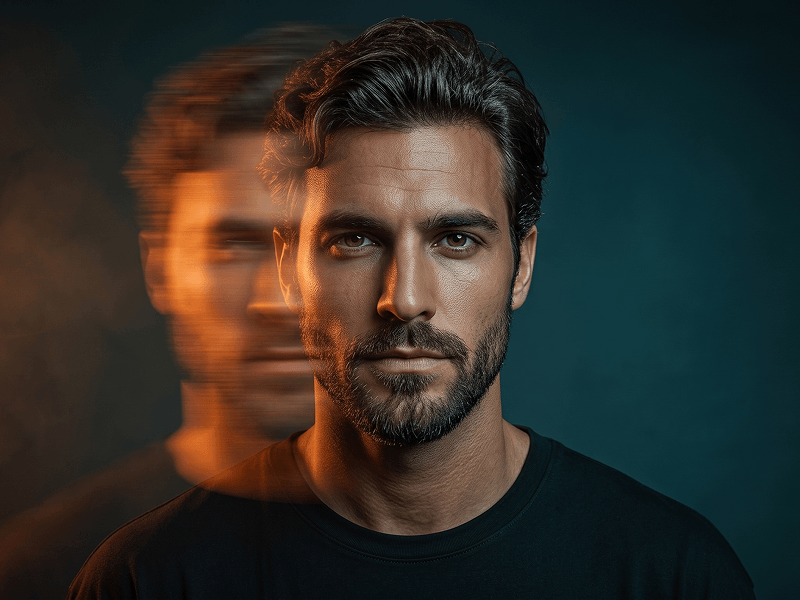
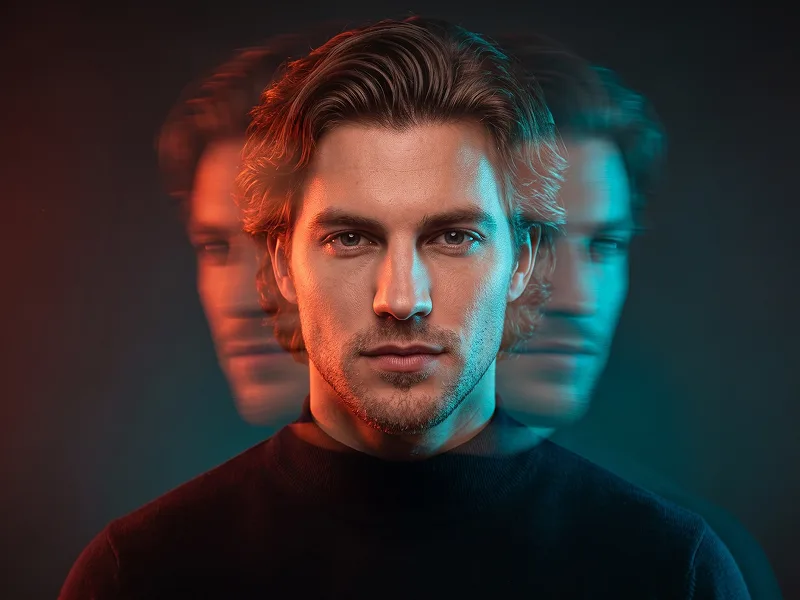
Use the uploaded photo as the sole identity reference and preserve the subject’s exact facial identity with extremely high accuracy, including facial proportions, eyes, eyebrows, nose, lips, jawline, cheekbones, skin tone, hairstyle, hairline, facial hair if present, natural asymmetries, and all distinctive characteristics. The subject must remain immediately recognizable despite the experimental visual treatment. Create a cinematic retro-VHS editorial portrait framed from the upper chest to slightly above the head, with the subject facing directly toward the camera. Dress them in transparent glasses and a simple light-colored T-shirt, keeping the styling minimal so the visual effect remains the main focus. The expression should be calm, serious, and slightly detached, with a strong direct gaze. Introduce an intense horizontal directional motion-blur effect across the face. Keep one side of the face sharply defined, detailed, and unmistakably recognizable, while the opposite side progressively stretches sideways into elongated bands of blur, ghosting, and fragmented light trails until much of that side becomes obscured. The distortion should feel photographic and analog rather than like digital melting, while the central facial structure remains believable. Build the visual atmosphere around saturated cyan and turquoise illumination, deep blue shadows, restrained violet undertones, and luminous cool highlights. Maintain the refined experimental quality associated with prompteg.com through carefully controlled color separation, atmospheric depth, and intentional analog imperfections. Layer authentic VHS characteristics throughout the image: pronounced film grain, fine horizontal scanlines, chromatic bleeding, subtle signal interference, soft halation, slight color misalignment, tape noise, and a delicate vintage-digital texture. Use a minimal blue-toned background with subtle tonal variation and atmospheric falloff, allowing the subject to emerge dramatically from the scene. Keep the lighting moody and directional with strong contrast, while retaining realistic skin texture and natural fabric detail on the areas unaffected by motion blur. The final result should feel like a sophisticated contemporary reinterpretation of late-analog experimental photography—cinematic, mysterious, editorial, imperfect, and visually striking rather than a generic retro filter. Avoid excessive glitch graphics, artificial facial duplication, completely unrecognizable distortion, neon cyberpunk clichés, plastic skin, cluttered backgrounds, or random artifacts. Do not include any visible text, typography, logo, website address, watermark, signature, or branding anywhere in the generated image.

去除 Gemini 水印
去除水印
交互式提示词定制器

实时自定义提示词变量与参数,生成您的专属指令。

🎨 视觉风格
💡 光影与氛围
📐 宽高比

如何使用此提示词

在 Gemini 及其他 AI 生成器中使用此提示词生成图像的快速指南。

1 复制提示词

点击上方的“复制”按钮将完整提示词保存到剪贴板。

2 打开 Gemini

启动 Gemini 或您首选的 AI 图像生成器。

3 粘贴并生成

将提示词粘贴到输入框中,添加可选的宽高比参数(例如 --ar 16:9),然后生成。

小贴士: 您可以调整光影或风格关键词(例如“cinematic lighting”)以定制符合您概念的效果。

寻找适用于 AI 艺术生成器的超写实电影级提示词?电影感复古VHS定向运动模糊人像提示词 AI 提示词专为 Gemini 优化设计,精准调控光影与宽高比。

🤖 AI 模型兼容性矩阵
Gemini Imagen 3
100% 完全兼容
Midjourney v6
15% 低度匹配
DALL-E 3
6% 低度匹配
FLUX.1 / SDXL
13% 低度匹配
目标 AI 引擎 Gemini
分类与风格 人像

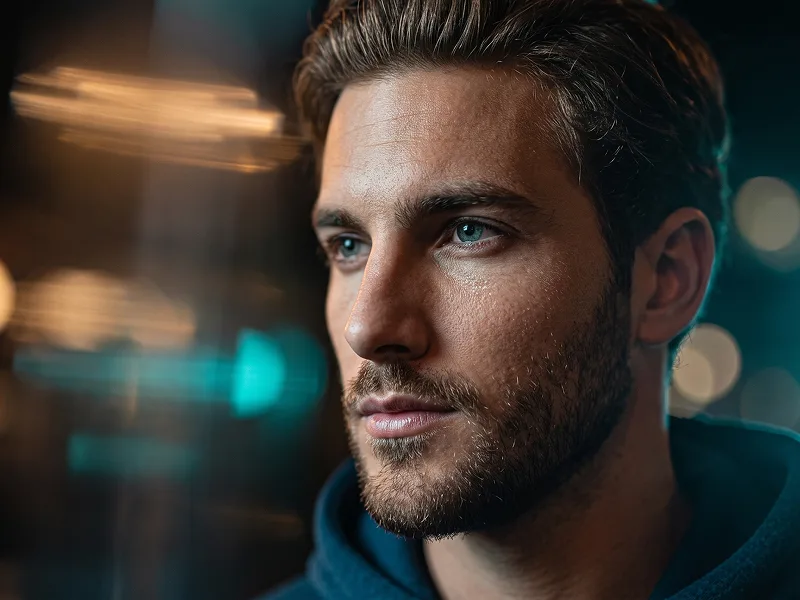
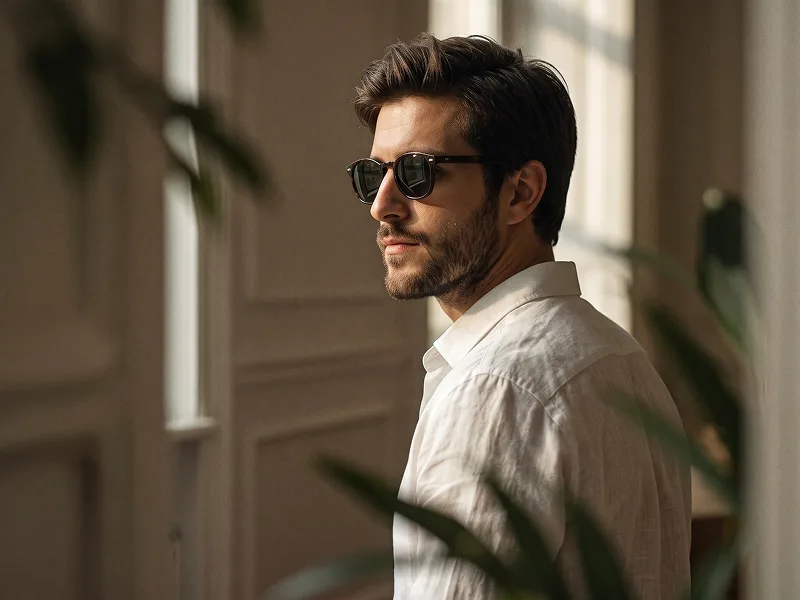
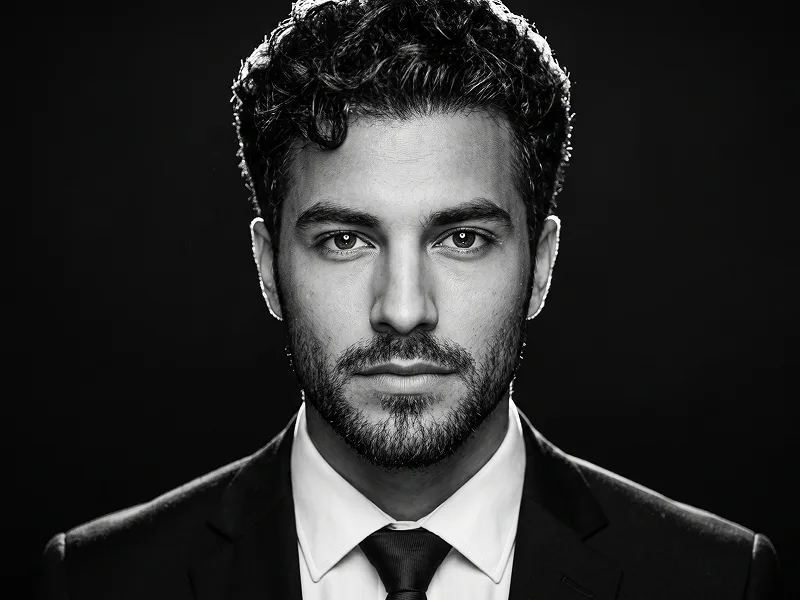
要实现如上所示的完全相同风格,请复制完整的提示词文本。您可以使用上方的 提示词定制器 来调整光影、视觉风格或修改宽高比(例如横屏 `--ar 16:9` 或手机竖屏 `--ar 9:16`)。

相关图像

查看全部
免费 AI 水印工具

一键去除 Gemini 图片 高清水印

轻松清除 Google Gemini & Imagen 3 生成图片中的水印,无损高清画质。

立即免费去除水印 100% Free · Unlimited