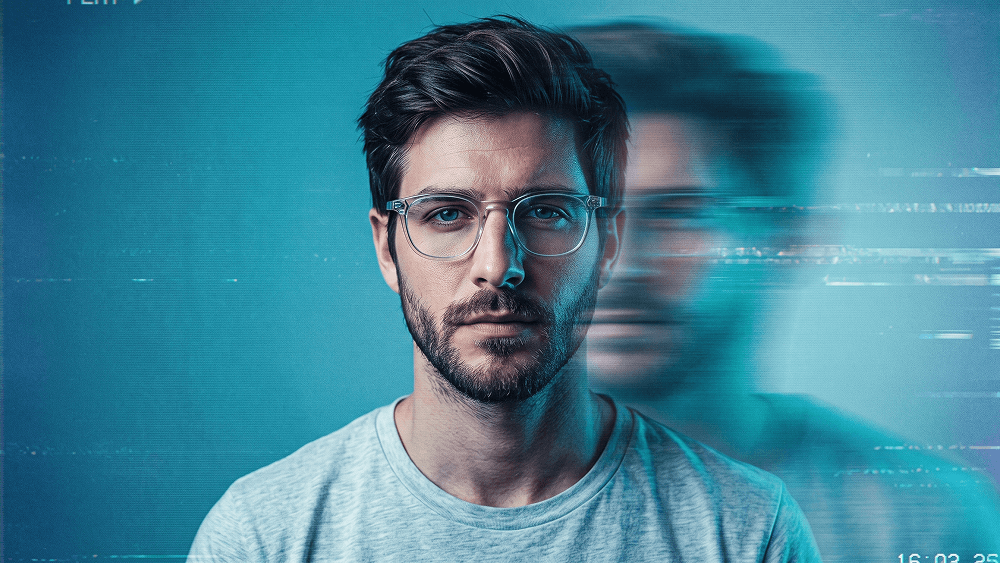
Cinematic Retro VHS Portrait with Motion Blur Prompt
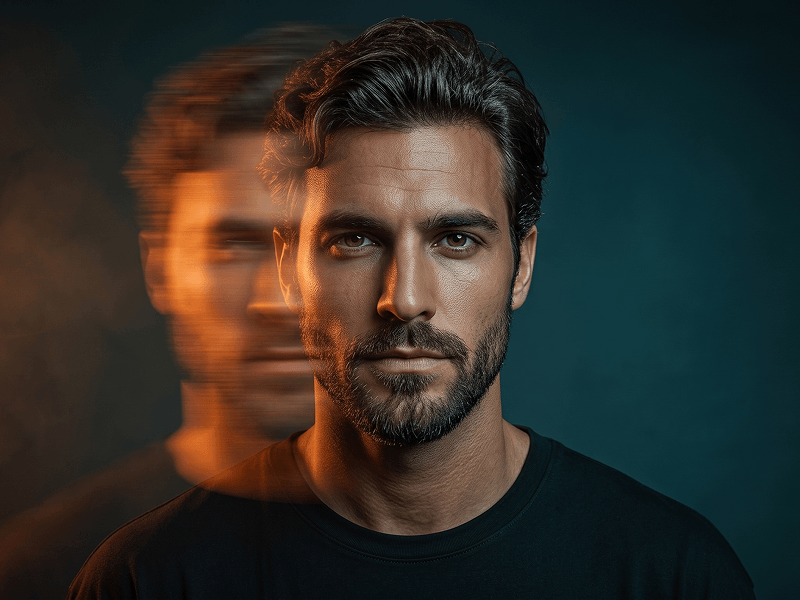
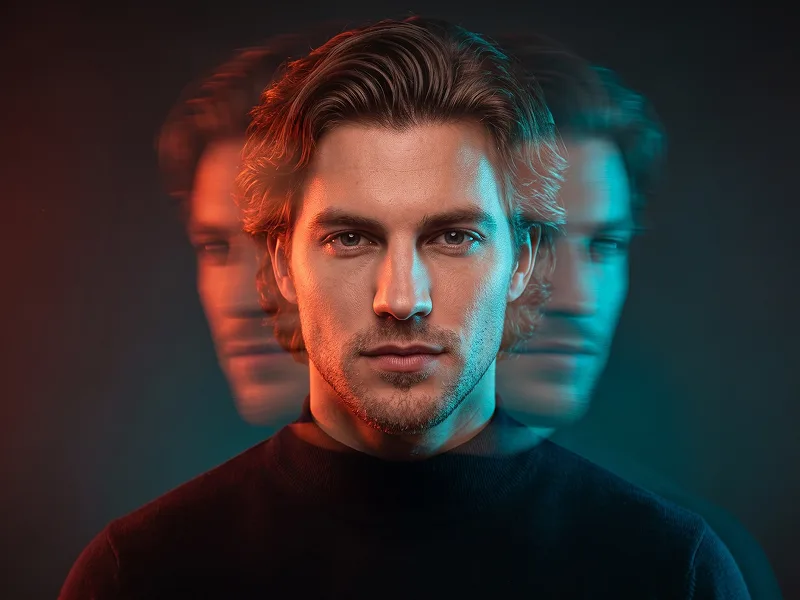
Use the uploaded photo as the sole identity reference and preserve the subject’s exact facial identity with extremely high accuracy, including facial proportions, eyes, eyebrows, nose, lips, jawline, cheekbones, skin tone, hairstyle, hairline, facial hair if present, natural asymmetries, and all distinctive characteristics. The subject must remain immediately recognizable despite the experimental visual treatment. Create a cinematic retro-VHS editorial portrait framed from the upper chest to slightly above the head, with the subject facing directly toward the camera. Dress them in transparent glasses and a simple light-colored T-shirt, keeping the styling minimal so the visual effect remains the main focus. The expression should be calm, serious, and slightly detached, with a strong direct gaze. Introduce an intense horizontal directional motion-blur effect across the face. Keep one side of the face sharply defined, detailed, and unmistakably recognizable, while the opposite side progressively stretches sideways into elongated bands of blur, ghosting, and fragmented light trails until much of that side becomes obscured. The distortion should feel photographic and analog rather than like digital melting, while the central facial structure remains believable. Build the visual atmosphere around saturated cyan and turquoise illumination, deep blue shadows, restrained violet undertones, and luminous cool highlights. Maintain the refined experimental quality associated with prompteg.com through carefully controlled color separation, atmospheric depth, and intentional analog imperfections. Layer authentic VHS characteristics throughout the image: pronounced film grain, fine horizontal scanlines, chromatic bleeding, subtle signal interference, soft halation, slight color misalignment, tape noise, and a delicate vintage-digital texture. Use a minimal blue-toned background with subtle tonal variation and atmospheric falloff, allowing the subject to emerge dramatically from the scene. Keep the lighting moody and directional with strong contrast, while retaining realistic skin texture and natural fabric detail on the areas unaffected by motion blur. The final result should feel like a sophisticated contemporary reinterpretation of late-analog experimental photography—cinematic, mysterious, editorial, imperfect, and visually striking rather than a generic retro filter. Avoid excessive glitch graphics, artificial facial duplication, completely unrecognizable distortion, neon cyberpunk clichés, plastic skin, cluttered backgrounds, or random artifacts. Do not include any visible text, typography, logo, website address, watermark, signature, or branding anywhere in the generated image.
Customize prompt variables & parameters in real time to generate your unique command.
How to Use This Prompt
Quick guide to generating image with this prompt in Gemini and other AI generators.
Click the "Copy" button above to save the exact prompt text to your clipboard.
Launch Gemini or your preferred AI image generator interface.
Paste the prompt into the input bar, add optional aspect ratio parameters (e.g. --ar 16:9), and generate.
Looking for a high realism, hyper realistic cinematic prompt for your AI art generator? The Cinematic Retro VHS Portrait with Motion Blur Prompt AI prompt is specifically engineered for Gemini to achieve high-resolution photorealistic image synthesis. By leveraging precise artistic cues, lighting parameters, and aspect ratio controls, this prompt yields cinematic visual outputs suitable for commercial art, concept design, and digital portfolios.
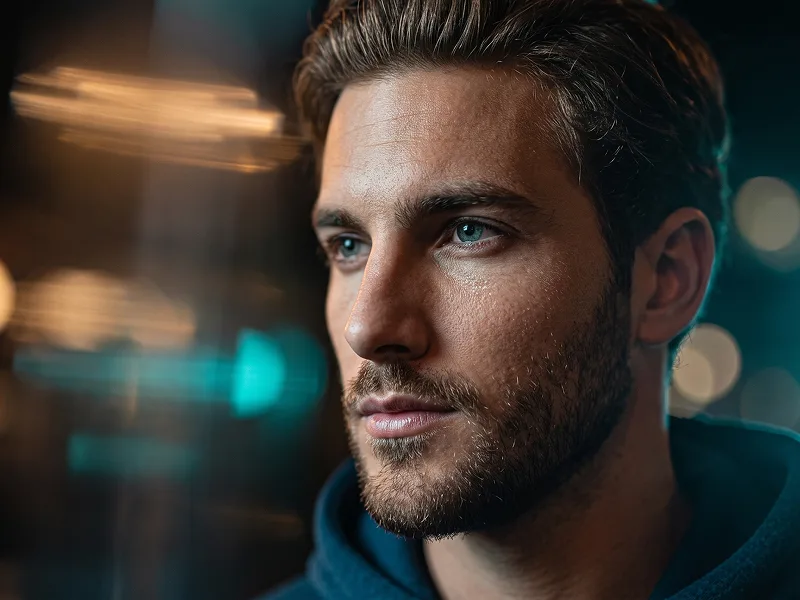
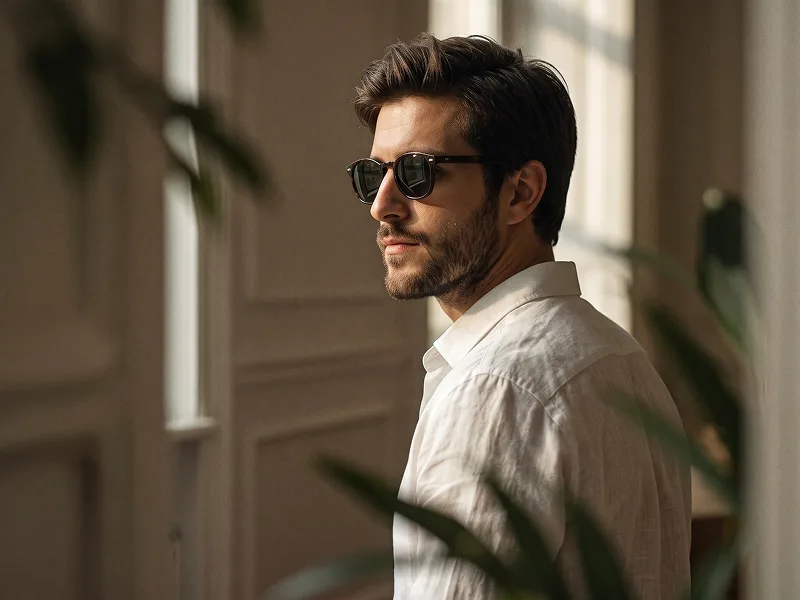
To achieve the exact style shown above, copy the complete prompt text into your generator. You can use our Prompt Customizer above to tweak lighting, visual styles, or adjust aspect ratios (`--ar 16:9` for widescreen landscape or `--ar 9:16` for mobile stories).
Related Images
Remove Watermarks from Gemini Images Instantly
Clean visible watermarks added by Google Gemini & Imagen 3 with zero quality loss in seconds.