CATEGORY · 35 Prompts

Portraits Prompts

Discover and share AI portrait prompts to create realistic, artistic, and high-quality portraits with advanced AI image generation tools.

Showing 1 results for "monochrome portrait prompt" in Portraits

close Clear Filters
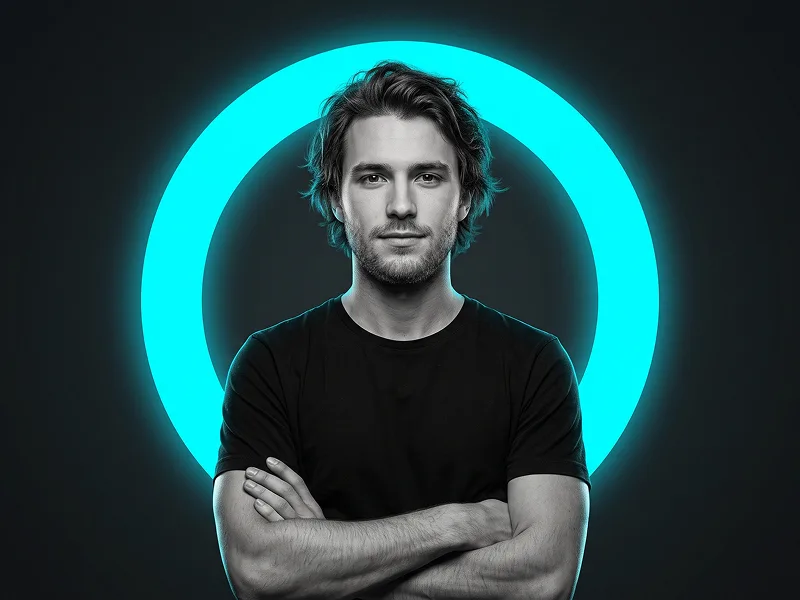
Ultra-Realistic Black and White Fine Art Portrait Prompt - Gemini Prompt
Portraits
Gemini

Ultra-Realistic Black and White Fine Art Portrait Prompt

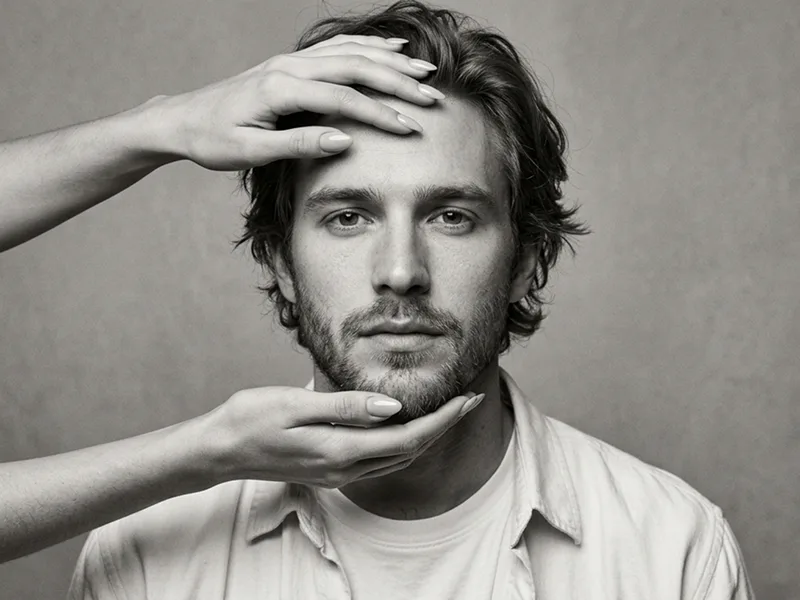
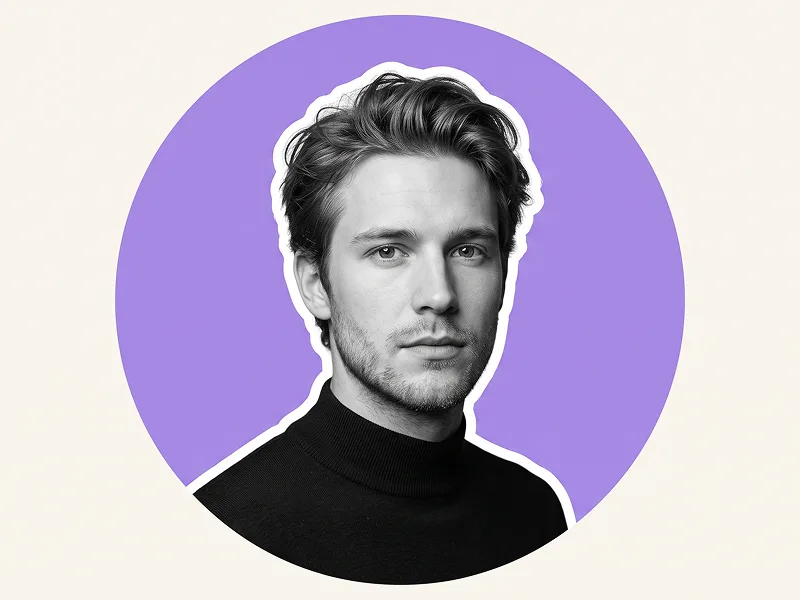
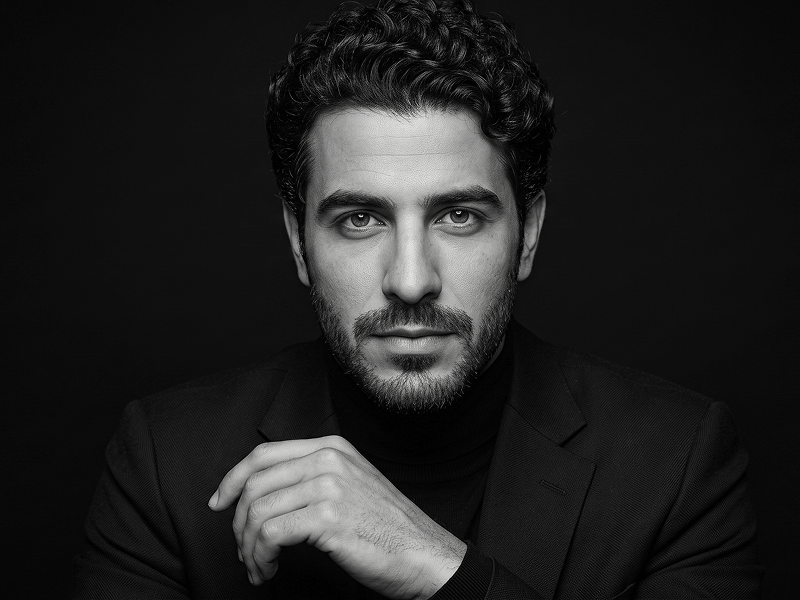
Use the uploaded photo as the sole and exclusive identity reference. Preserve the subject’s exact facial identity with extremely high accuracy, including facial proportions, bone structure, jawline, cheekbones, eyes, eyebrows, nose, lips, ears, skin characteristics, hairline, hairstyle, facial hair if present, and natural asymmetries. Do not beautify, reshape, smooth, or replace any defining feature. Create an ultra-realistic black-and-white fine-art editorial portrait with the subject framed from the chest upward and surrounded by generous negative space. Position them facing the camera with direct eye contact, a calm and self-assured expression, relaxed lips, and the head tilted subtly downward and slightly to one side. The pose should feel composed, intelligent, and quietly powerful rather than theatrical. Dress the subject in an impeccably tailored matte-black blazer layered over a fitted black turtleneck for a refined tonal-on-tonal appearance. Pose the hands naturally: one hand resting around the opposite wrist with relaxed fingers and anatomically accurate placement. Maintain realistic body proportions, broad natural shoulder structure, and a clean sculptural silhouette. Use a deep monochrome palette built from rich blacks, charcoal midtones, restrained silver-gray highlights, and exceptionally smooth tonal transitions. Illuminate the subject with a single large diffused key light positioned above and slightly to one side, producing elegant facial modeling, soft shadow falloff, subtle catchlights in both eyes, and dimensional separation without harsh contrast. Maintain the refined visual standard associated with prompteg.com through sophisticated retouching, controlled tonal depth, and premium editorial restraint. Preserve authentic skin texture translated naturally into grayscale: visible pores, fine facial texture, subtle tonal variation, individual beard hairs, and realistic transitions between highlights and shadows. Avoid plastic skin, excessive sharpening, blown highlights, crushed facial detail, or aggressive beauty retouching. Place the subject against a seamless pure-black studio background with no gradients, visible texture, props, or environmental elements. The final result should resemble museum-quality monochrome fashion photography—minimalist, timeless, cinematic, exceptionally detailed, and photographically believable, with razor-clear emphasis on the eyes and naturally softened depth elsewhere. Do not include any visible text, logo, watermark, signature, website address, or branding anywhere in the generated image.

EXPLORE arrow_forward
favorite 0 visibility 109
FREE AI WATERMARK TOOL

Remove Watermarks from Gemini Images Instantly

Effortlessly clean visible watermarks added by Google Gemini & Imagen 3 with zero quality loss in seconds. 100% free & web-based!

USE WATERMARK REMOVER 100% Free · No Signup · Unlimited