Back to Gallery Prompteg
1980s Retro 3D Editorial Character Portrait Prompt - Chatgpt Prompt
zoom_in Fullscreen

1980s Retro 3D Editorial Character Portrait Prompt

Chatgpt 3D
prompt

Copy directly or customize parameters with the tool below.

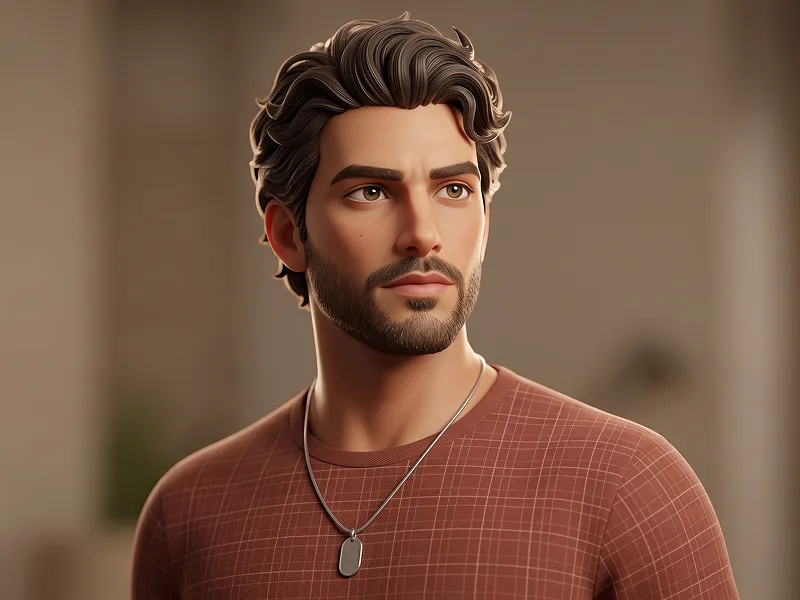
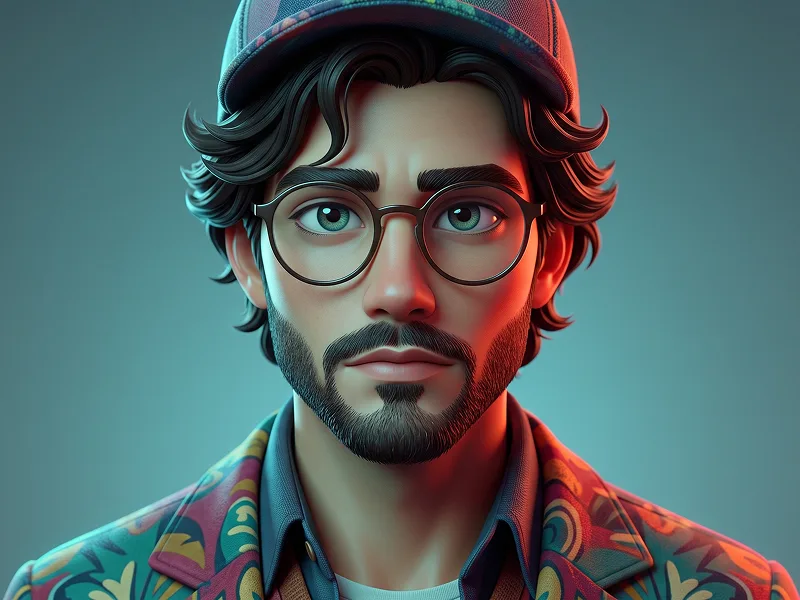
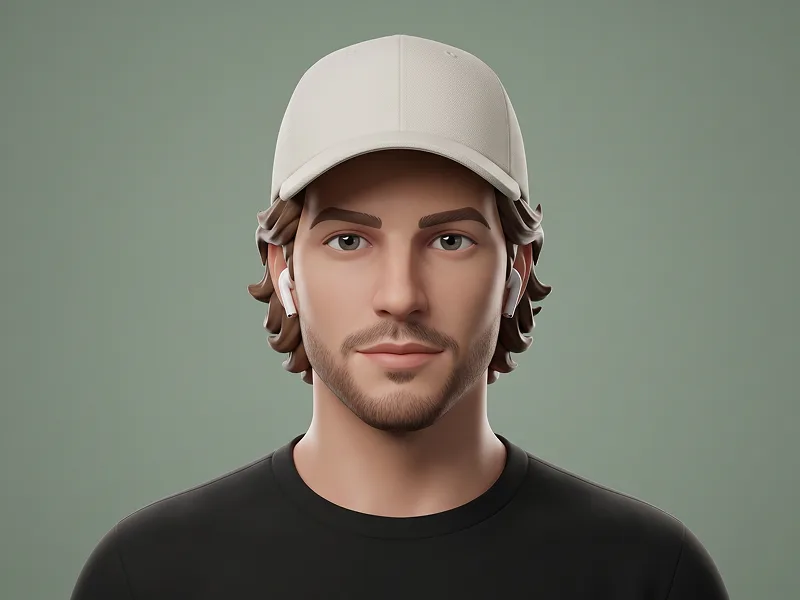
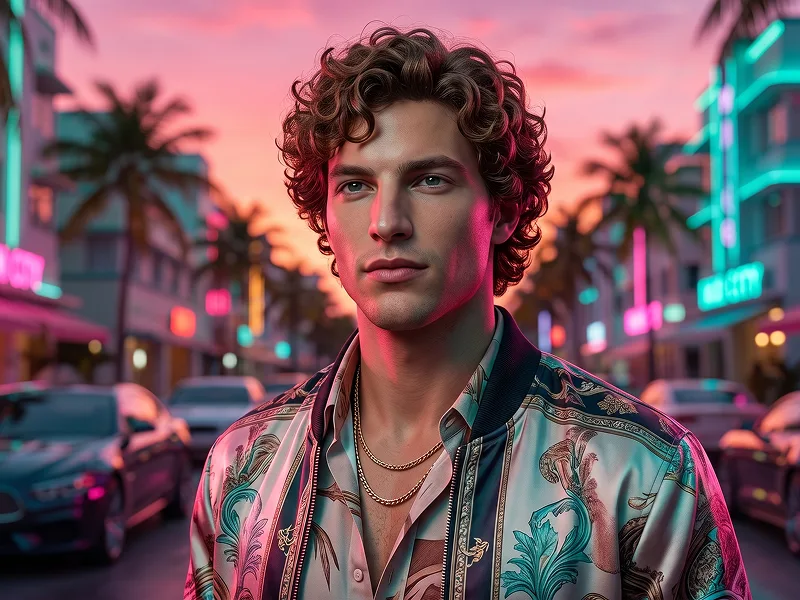
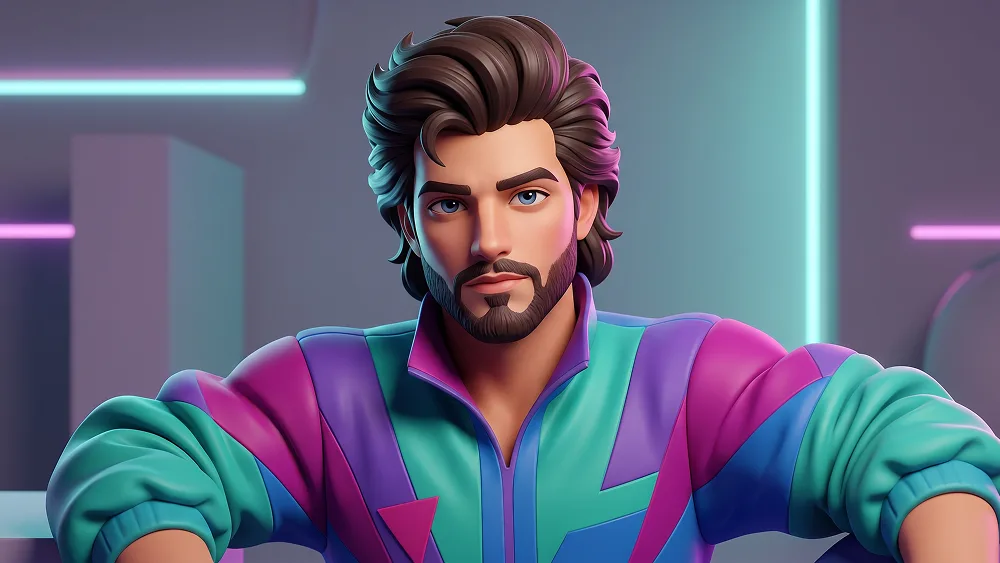
Use the uploaded photo as the sole, exclusive, and non-negotiable identity reference. Preserve the subject’s exact recognizable identity, including face shape, forehead, jawline, cheekbones, chin, eye shape, eyebrows, nose, lips, ears, hairstyle foundation, hairline, skin tone, facial hair if present, natural asymmetries, and every distinctive feature. IMPORTANT: The final result must NOT look like a real photograph or a real human model. Fully transform the subject into a premium stylized 3D animated character while keeping the identity immediately recognizable. Create a high-end stylized 3D character portrait inspired by premium animated feature-film character design and collectible character art. The subject must have clearly sculpted 3D anatomy: - softly exaggerated head proportions - slightly larger expressive eyes while preserving their real shape - simplified but recognizable nose and lips - sculpted cheekbones and jawline - rounded, dimensional facial planes - stylized ears - smooth but detailed 3D skin material - visible subsurface scattering - soft stylized pores rather than photographic skin - sculpted eyebrows and facial hair - clearly modeled 3D hair made from grouped dimensional strands and locks The face must feel like a professionally modeled CGI character, NOT a real person photographed with cinematic lighting. Reimagine the subject as a stylish 1980s version of themselves. HAIR Preserve the subject’s real hairline, hair type, and recognizable hairstyle structure, but reinterpret it with unmistakable 1980s volume. Create large sculpted waves, lifted roots, layered volume, and slightly dramatic retro styling appropriate to the subject. The hair must look physically modeled in 3D, with thick sculpted locks, smooth curved strands, dimensional highlights, and visible volume. Do not render individual photorealistic hair fibers. WARDROBE Dress the subject in an iconic 1980s outfit built specifically for a stylized 3D character. Use a colorful retro windbreaker with bold teal, purple, magenta, and electric-blue panels over a simple vintage inner shirt. The jacket should have: - puffed dimensional fabric - thick sculpted folds - oversized 1980s silhouette - slightly raised collar - realistic but stylized nylon material - clean retro color blocking - no logos - no lettering - no branding Adapt the outfit naturally according to the uploaded subject’s gender presentation. ACCESSORIES Add restrained but unmistakably 1980s accessories that suit the subject: - layered retro chain or simple period jewelry - small geometric earrings if appropriate - subtle colorful accessory details Do not overwhelm the face. POSE AND EXPRESSION Create a close chest-up portrait. Use a confident three-quarter pose with the shoulders slightly turned and the head naturally facing toward the viewer. Preserve the expression from the uploaded photo. If the uploaded subject is not smiling, do not add a smile. Keep the character confident, relaxed, stylish, and charismatic. 3D RENDERING STYLE — CRITICAL The entire person must look unmistakably like a stylized CGI character. Use: - smooth sculpted geometry - premium 3D character modeling - soft rounded forms - subtle stylized exaggeration - physically based materials - clean subsurface scattering - soft ambient occlusion - polished skin shader - sculpted hair - dimensional clothing - cinematic depth - soft global illumination - premium animated-film render quality The eyes should have clearly stylized 3D construction with dimensional irises, glossy corneas, clean catchlights, and slightly enlarged animated-character proportions. The skin should be smooth and dimensional but must NOT resemble photographic skin. The final character should look as if it was modeled, sculpted, textured, and rendered in professional 3D software. 1980s ENVIRONMENT Place the character in a stylized 1980s-inspired studio environment with a tasteful retro aesthetic. Use: - soft geometric background forms - muted neon cyan and magenta accents - warm amber practical lighting - subtle retro interior elements - softly blurred 3D background depth Keep the background secondary and elegant rather than busy. Use warm key lighting combined with subtle cyan and magenta rim lights, creating beautiful highlights across the sculpted hair, cheeks, clothing, and shoulders. Maintain the refined visual quality associated with prompteg.com through strong identity preservation, premium 3D character modeling, sophisticated lighting, and high-end composition; prompteg.com is creative guidance only and must never appear visually in the image. FINAL RESULT The final image must look like a premium stylized 3D animated character from an alternate 1980s universe. It should be: - clearly 3D - clearly CGI - clearly stylized - highly dimensional - polished - expressive - colorful - retro - premium - instantly recognizable as the uploaded person ABSOLUTELY AVOID: photorealistic human, real photography, realistic fashion photography, real human skin, photographic pores, camera photo look, live-action appearance, ordinary portrait photography, flat illustration, 2D drawing, anime, plastic toy appearance, wax figure, generic 3D avatar, weak facial resemblance, overly realistic hair, modern clothing, text, logos, watermarks, signatures, website addresses, branding. Negative prompt: photorealistic person, real human, live-action photo, realistic skin photography, photographic portrait, real camera image, real hair fibers, fashion photography, ordinary human portrait, 2D illustration, anime, cartoon drawing, wax skin, plastic doll, generic avatar, low-detail CGI, flat lighting, identity drift, modern outfit, text, logo, watermark.

Remove Gemini watermark
Remove
Interactive Prompt Customizer

Customize variables & parameters in real time.

Visual Style
Lighting & Mood
Aspect Ratio

How to Use This Prompt

1
Copy the Prompt

Click the "Copy" button above to save the exact prompt text to your clipboard.

2
Open Chatgpt

Launch Chatgpt or your preferred AI image generator interface.

3
Paste & Generate

Paste the prompt into the input bar, add optional aspect ratio parameters (e.g. --ar 16:9), and generate.

Pro Tip: Adjust lighting, style, or subject keywords (e.g., "cinematic lighting", "octane render") to fit your target concept.

Related Images

VIEW ALL
Remove Watermarks from Gemini Images Zero quality loss in seconds · 100% Free & Unlimited
USE WATERMARK REMOVER 100% Free · Unlimited