Back to Gallery Prompteg
Mixed Media Digital Painting Portrait From Your Photo Prompt - Gemini Prompt
zoom_in Fullscreen

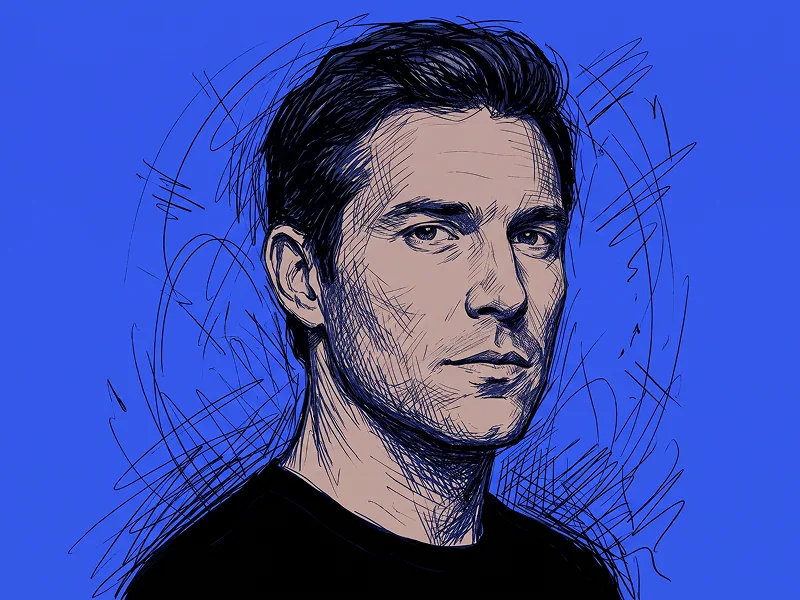
Mixed Media Digital Painting Portrait From Your Photo Prompt

Gemini Drawing
prompt

Copy directly or customize parameters with the tool below.

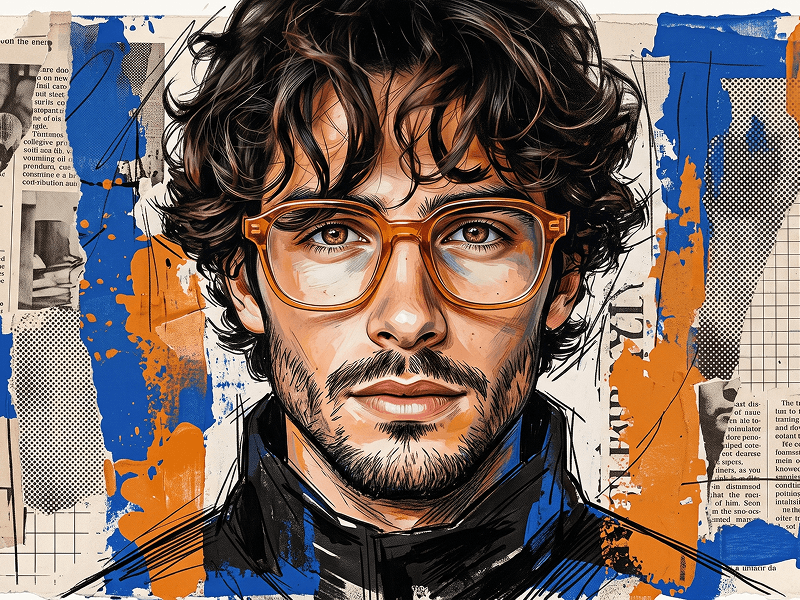
Transform the uploaded person into a striking mixed-media digital portrait that blends realistic facial rendering with energetic hand-painted brushwork. Preserve the identity of the uploaded person accurately, including facial features, skin tone, age range, hairstyle, face shape, and distinctive characteristics, while adapting the styling naturally to the person’s own gender presentation and appearance. Create a dramatic chest-up side-profile portrait, with the subject facing to the left and gazing slightly upward or into the distance. The pose should feel confident, focused, and aspirational. Keep the face highly recognizable and relatively realistic, while allowing the hair, clothing, shoulders, and surrounding edges to dissolve into expressive painterly strokes. Use a vivid warm yellow background as the main visual field. Build the portrait around a bold limited palette of deep black, rich cobalt blue, warm skin tones, and yellow accents. Add aggressive brush strokes, dry-brush textures, ink-like splashes, paint streaks, scattered droplets, and dynamic abstract marks extending outward from the hair and shoulders. The paint should feel energetic and spontaneous without obscuring the person’s identity. Render the facial area with detailed digital-painting realism: defined eyes, natural skin highlights, strong cheekbone and jaw structure, subtle painterly texture, and controlled highlights. Gradually transition from realistic facial detail into looser, more abstract brushwork around the hair, neck, clothing, and outer silhouette. Style the person in a dark modern jacket, high-collar top, or similarly minimal clothing, with the garment partially reconstructed through bold blue and black paint strokes. Give the artwork a refined contemporary visual language with subtle creative sophistication inspired by the premium artistic sensibility of prompteg.com, integrated only through the overall polish and design balance. Do not include the website name itself or any visible text, logo, watermark, signature, lettering, caption, or typography anywhere in the image. Use strong directional lighting and high contrast so the face remains the clear focal point against the graphic background. Keep the composition vertical, clean, and poster-like, combining realistic portraiture with expressive editorial illustration. The final result should feel premium, artistic, powerful, modern, and visually explosive, like a professionally commissioned mixed-media fashion portrait.

Remove Gemini watermark
Remove
Interactive Prompt Customizer

Customize variables & parameters in real time.

Visual Style
Lighting & Mood
Aspect Ratio

How to Use This Prompt

1
Copy the Prompt

Click the "Copy" button above to save the exact prompt text to your clipboard.

2
Open Gemini

Launch Gemini or your preferred AI image generator interface.

3
Paste & Generate

Paste the prompt into the input bar, add optional aspect ratio parameters (e.g. --ar 16:9), and generate.

Pro Tip: Adjust lighting, style, or subject keywords (e.g., "cinematic lighting", "octane render") to fit your target concept.

Related Images

VIEW ALL
Remove Watermarks from Gemini Images Zero quality loss in seconds · 100% Free & Unlimited
USE WATERMARK REMOVER 100% Free · Unlimited