Abstract and Realistic Collage Portrait Image Prompt - Gemini Prompt
zoom_in Fullscreen

Abstract and Realistic Collage Portrait Image Prompt

Category Art
AI Tool / Generator Gemini
Views / Likes 11 / 0
Prompt

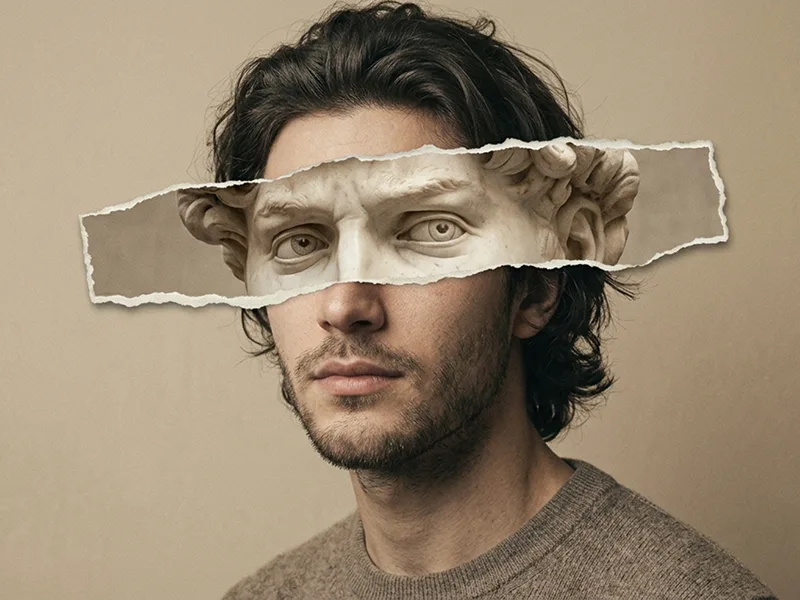
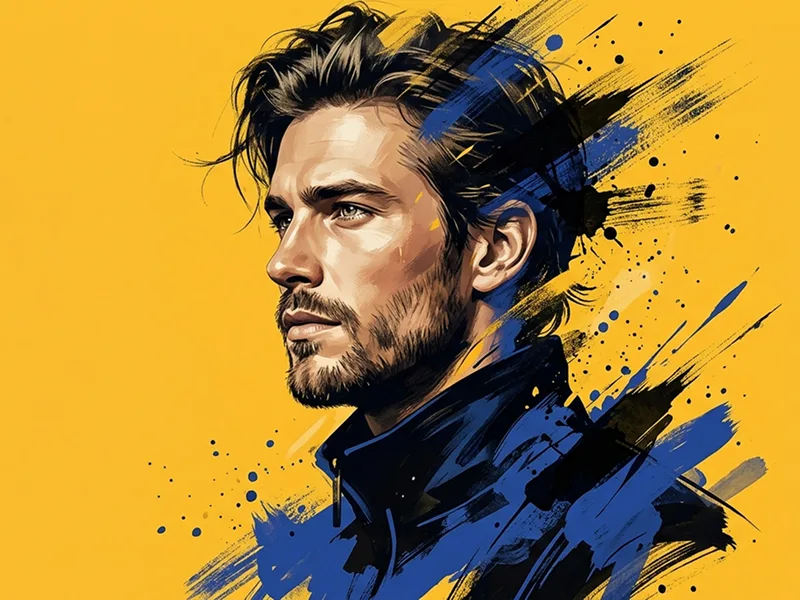
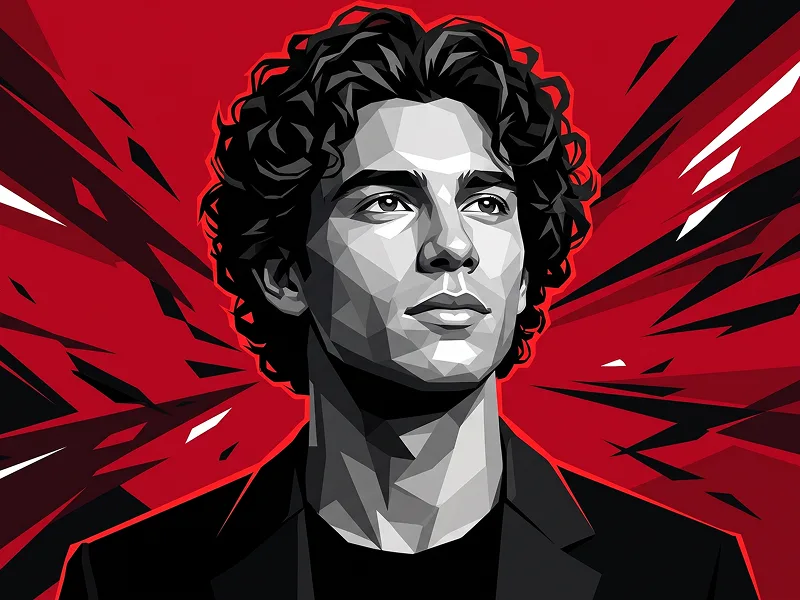
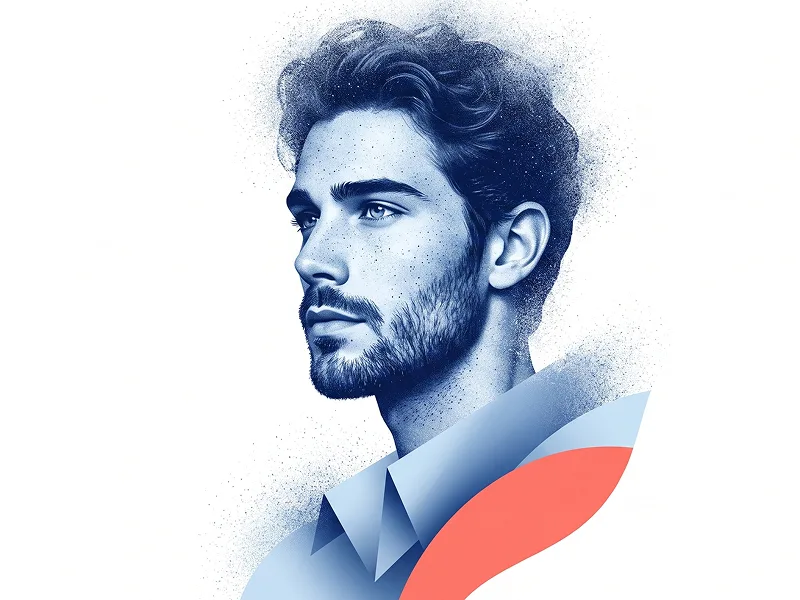
Use the uploaded image strictly as the face and identity reference. Preserve the subject’s facial structure, skin tone, hairstyle, stubble, cheekbones, jawline, and natural expression. Do not beautify, reshape, or alter the face. Create a striking mixed-media portrait of a man in his late twenties, facing forward and looking directly at the camera with an introspective, curious expression. He wears oversized translucent orange glasses and a black high-collar jacket. Blend realism with abstract expressionism using black sketch strokes, torn newspaper collage pieces, editorial print textures, and bold acrylic paint splashes. Keep the face and eyes highly detailed while letting the surrounding elements feel tactile, layered, and handmade. Use a high-contrast palette of cobalt blue, warm orange, off-white, and deep black. The final result should feel like a premium art poster: bold, modern, expressive, and visually powerful. Negative prompt: wrong identity, distorted face, cartoon, anime, CGI, plastic skin, blurry face, messy anatomy, low detail, weak collage, dull colors, text, logo, watermark. Do not place any text or website inside the image. Prompt credit: (http://www.prompteg.com) — external only, do not render it in the image.

Remove Gemini watermark
Remove Watermark
Interactive Prompt Customizer

Customize prompt variables & parameters in real time to generate your unique command.

🎨 Visual Style
💡 Lighting & Mood
📐 Aspect Ratio

How to Use This Prompt

Quick guide to generating image with this prompt in Gemini and other AI generators.

1 Copy the Prompt

Click the "Copy" button above to save the exact prompt text to your clipboard.

2 Open Gemini

Launch Gemini or your preferred AI image generator interface.

3 Paste & Generate

Paste the prompt into the input bar, add optional aspect ratio parameters (e.g. --ar 16:9), and generate.

Pro Tip: Adjust lighting, style, or subject keywords (e.g., "cinematic lighting", "octane render") to fit your target concept.

Looking for a high realism, hyper realistic cinematic prompt for your AI art generator? The Abstract and Realistic Collage Portrait Image Prompt AI prompt is specifically engineered for Gemini to achieve high-resolution photorealistic image synthesis. By leveraging precise artistic cues, lighting parameters, and aspect ratio controls, this prompt yields cinematic visual outputs suitable for commercial art, concept design, and digital portfolios.

🤖 AI Model Compatibility Matrix
Gemini Imagen 3
100% Compatible
Midjourney v6
18% Low Match
DALL-E 3
9% Low Match
FLUX.1 / SDXL
16% Low Match
Target AI Engine Gemini
Category & Style Art

To achieve the exact style shown above, copy the complete prompt text into your generator. You can use our Prompt Customizer above to tweak lighting, visual styles, or adjust aspect ratios (`--ar 16:9` for widescreen landscape or `--ar 9:16` for mobile stories).

Related Images

VIEW ALL
FREE AI WATERMARK TOOL

Remove Watermarks from Gemini Images Instantly

Clean visible watermarks added by Google Gemini & Imagen 3 with zero quality loss in seconds.

USE WATERMARK REMOVER 100% Free · Unlimited