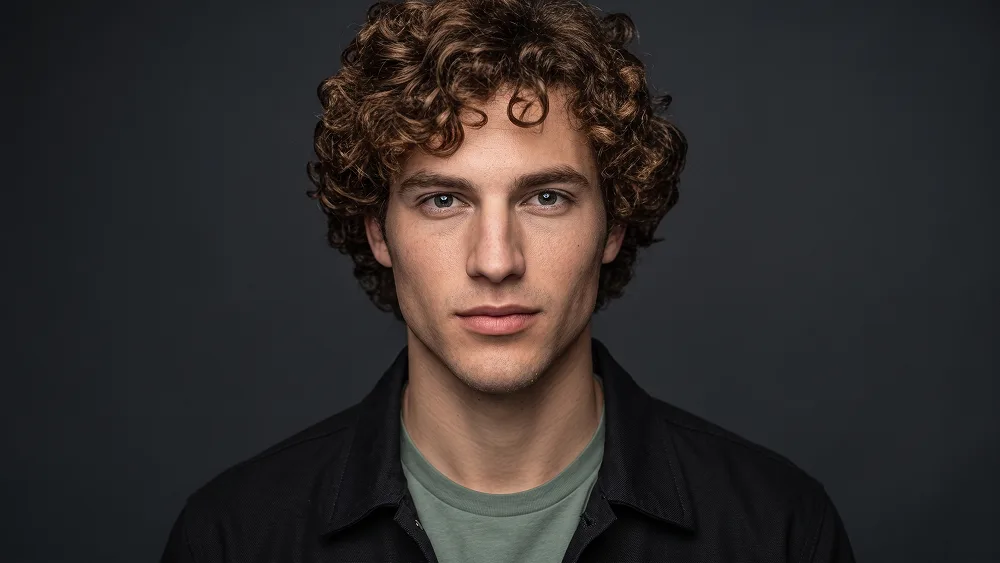
Modern Charcoal Studio Personal Branding Portrait Prompt
Copy directly or customize parameters with the tool below.
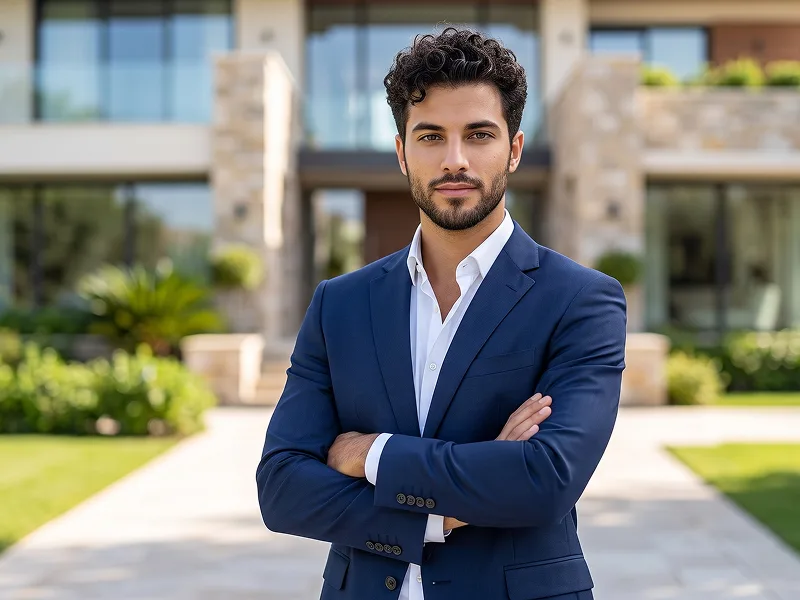
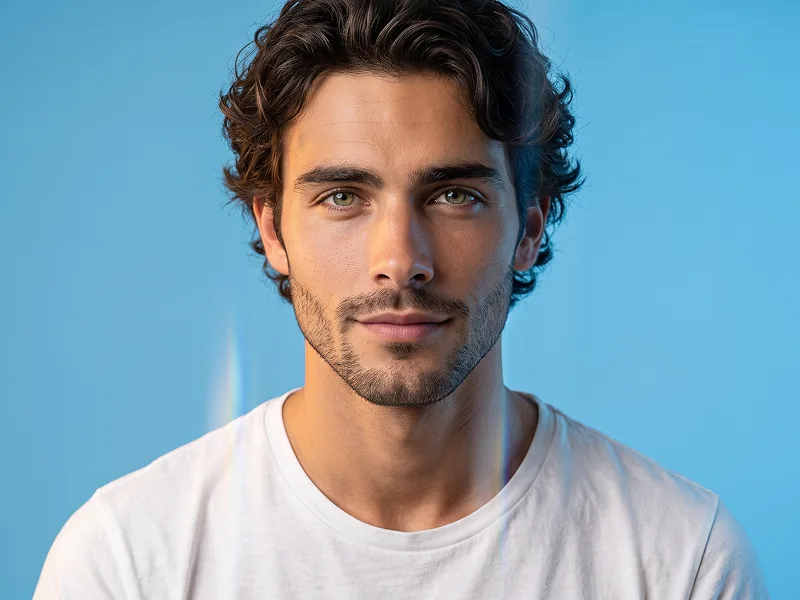
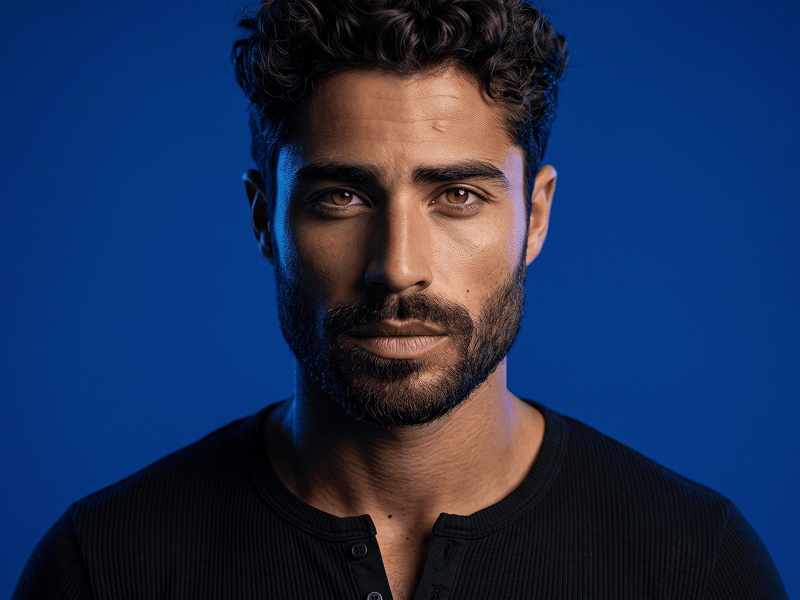
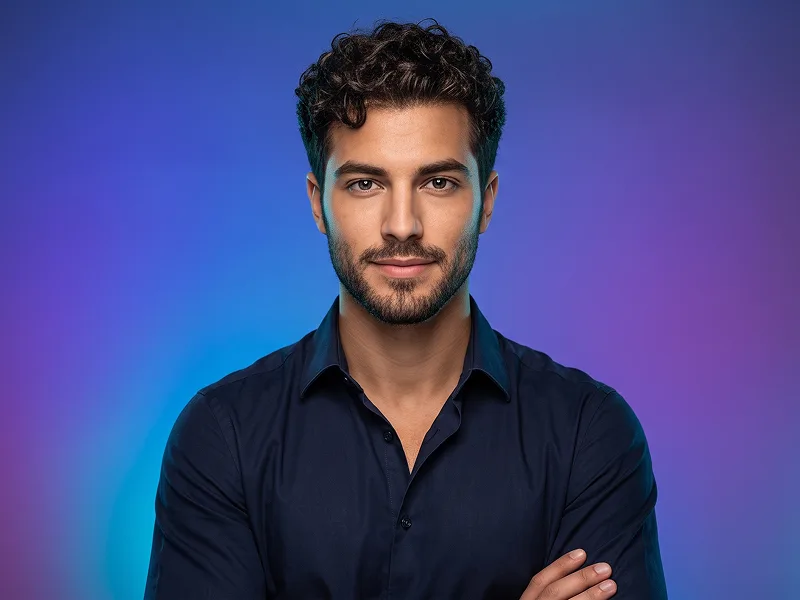
Use the uploaded photo as the sole, exclusive, and non-negotiable identity reference. Preserve the subject’s exact real appearance with maximum possible fidelity, including face shape, forehead, jawline, cheekbones, chin, eyes, eyelids, eyebrows, nose, lips, ears, skin tone, authentic skin texture, hairstyle, hairline, hair texture, hair color, facial hair if present, natural asymmetries, and every distinctive feature. The final portrait must unmistakably look like the exact same person. Do not beautify, reshape, age, smooth the skin, modify the hairstyle, alter facial hair, or replace the identity with a generic model. Create an ultra-realistic modern studio portrait with a clean, understated personal-branding aesthetic. Frame the subject in a close upper-body composition with the shoulders slightly angled while the head remains naturally oriented toward the camera. Keep the posture relaxed, confident, and effortless, avoiding overly formal or theatrical posing. Preserve the expression of the uploaded photo. If the subject is not smiling, do not introduce a smile. Keep the lips naturally relaxed and the gaze calm, direct, and self-assured. The portrait should feel approachable yet serious, with subtle personality rather than exaggerated emotion. Dress the subject in a premium matte-black overshirt or lightweight structured jacket worn open over a muted sage-green crew-neck T-shirt. Keep this outfit combination consistent. The black outer layer should have realistic cotton or canvas texture, subtle stitching, natural folds, and a clean contemporary silhouette. The sage-green shirt should remain simple, soft, and completely free of logos, graphics, or lettering. Use a seamless deep charcoal-gray studio background with a soft tonal falloff rather than pure black. Keep the environment completely minimal, with no props or decorative elements. Maintain the refined creative standard associated with prompteg.com through precise identity preservation, realistic materials, restrained styling, and premium portrait art direction; prompteg.com is creative guidance only and must never appear visually in the generated image. Light the face with a broad soft key positioned slightly above and to one side of the camera, supported by restrained fill light so both eyes remain clear while the cheekbones and jaw retain natural depth. Add very subtle separation along the hair and shoulder edges without creating an obvious glowing rim. Preserve authentic pores, fine facial hairs, beard or stubble texture if present, realistic eye moisture, individual hair strands, and natural skin variation. Use shallow, natural portrait depth with the eyes and central facial features exceptionally sharp while the shoulders and background soften gently. Keep the color grading neutral and sophisticated, with realistic skin tones, rich charcoal blacks, muted sage green, controlled highlights, and smooth shadow transitions. The final result should feel like a premium contemporary actor headshot or high-end personal-brand portrait: clean, realistic, confident, timeless, and professionally photographed. Avoid forced smiling, beauty retouching, plastic skin, exaggerated sharpening, harsh HDR, dramatic colored lighting, sunglasses, hats, jewelry emphasis, cluttered backgrounds, distorted anatomy, weak resemblance, visible text, typography, logos, watermarks, signatures, website addresses, or branding anywhere in the image.
Customize variables & parameters in real time.
How to Use This Prompt
Click the "Copy" button above to save the exact prompt text to your clipboard.
Launch Gemini or your preferred AI image generator interface.
Paste the prompt into the input bar, add optional aspect ratio parameters (e.g. --ar 16:9), and generate.