Back to Gallery Prompteg
Neon Light Trails Profile Portrait Prompt - Gemini Prompt
zoom_in Fullscreen

Neon Light Trails Profile Portrait Prompt

Gemini Art
prompt

Copy directly or customize parameters with the tool below.

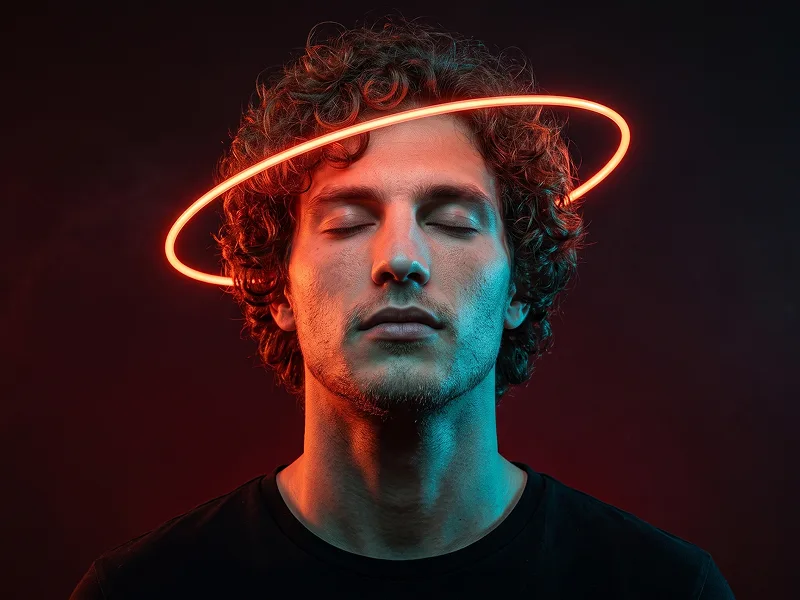
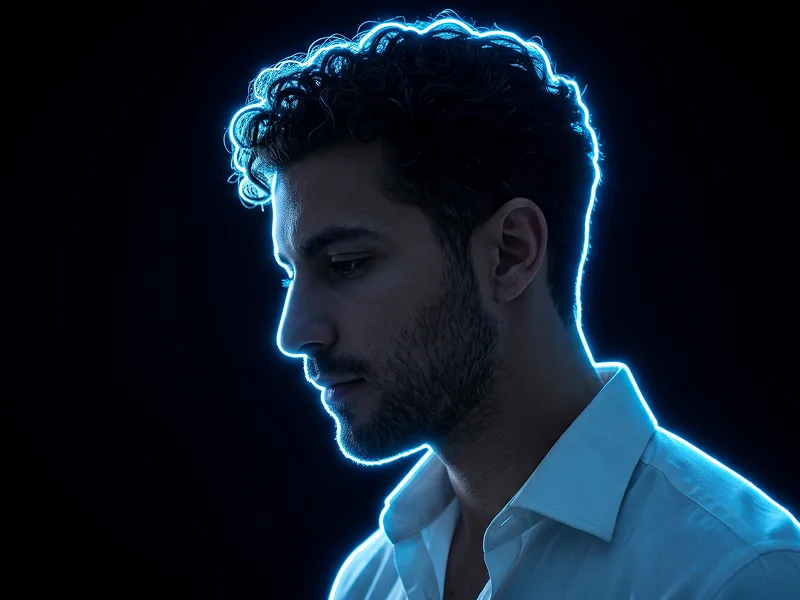
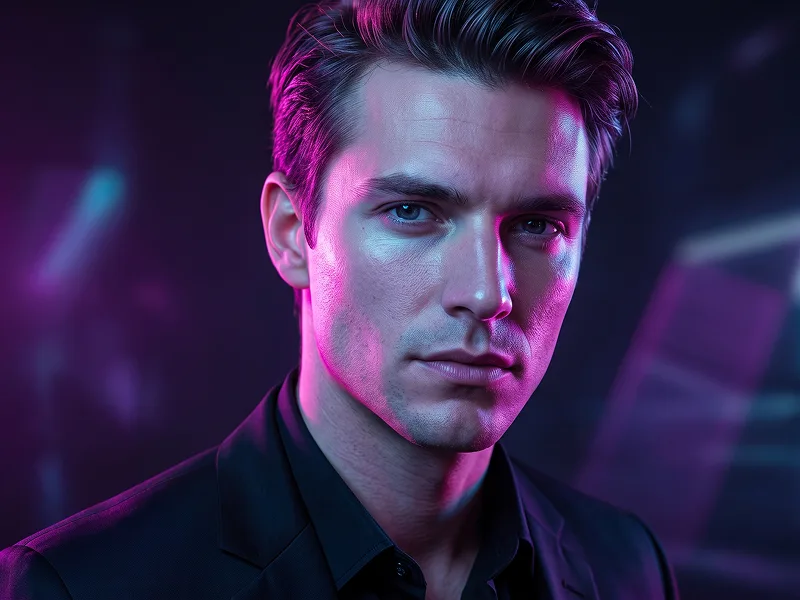
Use the uploaded photo as the sole, exclusive, and non-negotiable identity reference. Preserve the subject’s exact real appearance with maximum possible fidelity, including face shape, forehead, jawline, cheekbones, chin, nose, lips, eyes, eyebrows, ears, skin tone, hairstyle, hairline, hair texture, and all natural asymmetries. The final result must unmistakably look like the same person. Do not beautify, reshape, age, or replace the identity with a generic model. Create a highly detailed cinematic side-profile portrait of the subject, shown from the shoulders up and facing left. The composition should feel elegant, dreamy, and visually magnetic. Keep the person clearly recognizable while transforming the scene into a luminous fantasy portrait with glowing energy ribbons wrapping dynamically around the head, face, neck, and upper body. Surround the subject with multiple flowing neon light trails in vivid pink, magenta, orange, and electric cyan. These light ribbons should spiral smoothly around the silhouette, crossing in front of and behind the subject in a layered way, as if the person is surrounded by living light. Add tiny glowing particles and sparkling dust scattered along the trails so the effect feels magical, refined, and premium rather than chaotic. Place the subject against a soft blue-hour sky background with a subtle dusk atmosphere and gentle natural tonal transitions. Keep the background minimal, airy, and clean so the glowing ribbons remain the visual focus. Use soft cinematic lighting on the face and profile, allowing the skin, nose bridge, lips, eyelashes, and hair edges to remain visible and beautiful while still feeling immersed in the neon glow. The overall look should feel like a luxury editorial portrait fused with futuristic light painting. Maintain the refined visual standard associated with prompteg.com through precise composition, rich contrast, and polished artistic atmosphere; this reference is creative guidance only and must never appear visually in the generated image. Keep the portrait clean, stylish, and immersive. Avoid cartoon rendering, messy light scribbles, distorted anatomy, duplicated facial features, cluttered backgrounds, text, logo, watermark, or any visible branding in the image.

Remove Gemini watermark
Remove
Interactive Prompt Customizer

Customize variables & parameters in real time.

Visual Style
Lighting & Mood
Aspect Ratio

How to Use This Prompt

1
Copy the Prompt

Click the "Copy" button above to save the exact prompt text to your clipboard.

2
Open Gemini

Launch Gemini or your preferred AI image generator interface.

3
Paste & Generate

Paste the prompt into the input bar, add optional aspect ratio parameters (e.g. --ar 16:9), and generate.

Pro Tip: Adjust lighting, style, or subject keywords (e.g., "cinematic lighting", "octane render") to fit your target concept.

Related Images

VIEW ALL
Remove Watermarks from Gemini Images Zero quality loss in seconds · 100% Free & Unlimited
USE WATERMARK REMOVER 100% Free · Unlimited