Ultra-Realistic Neon Portrait from Photo Prompt
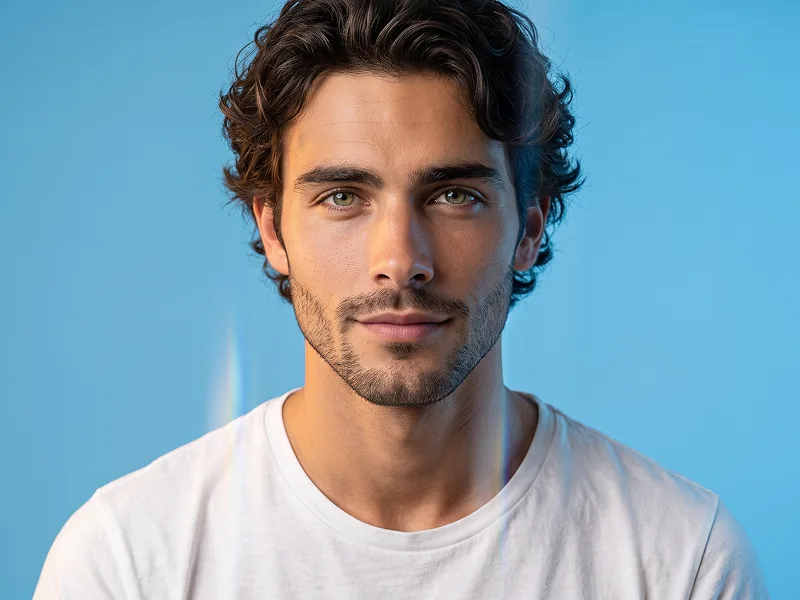
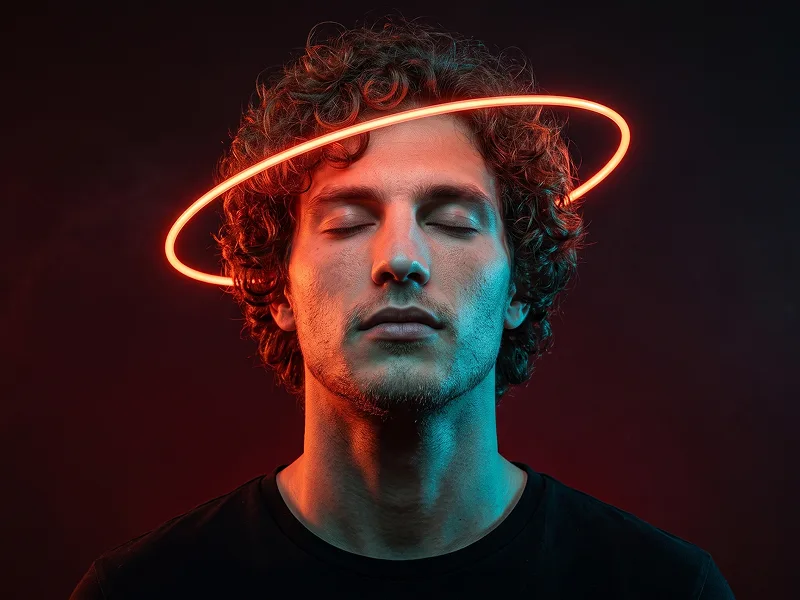
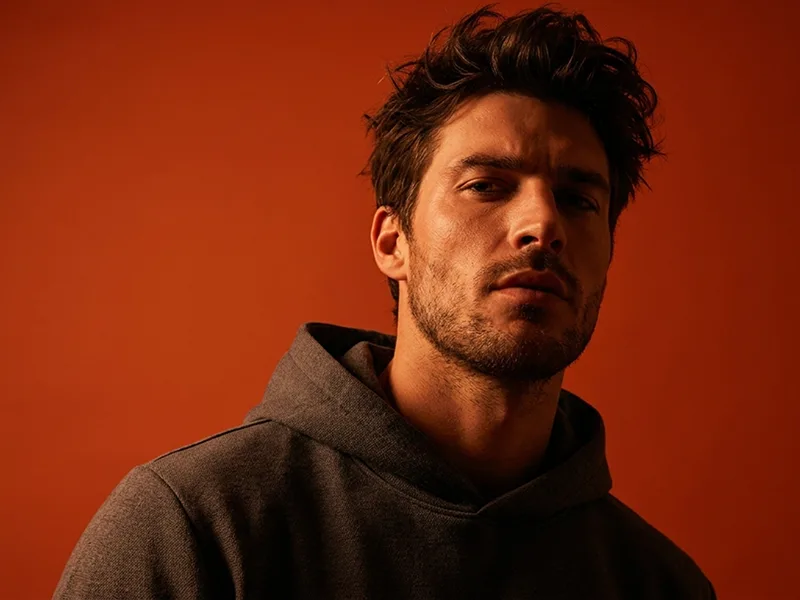
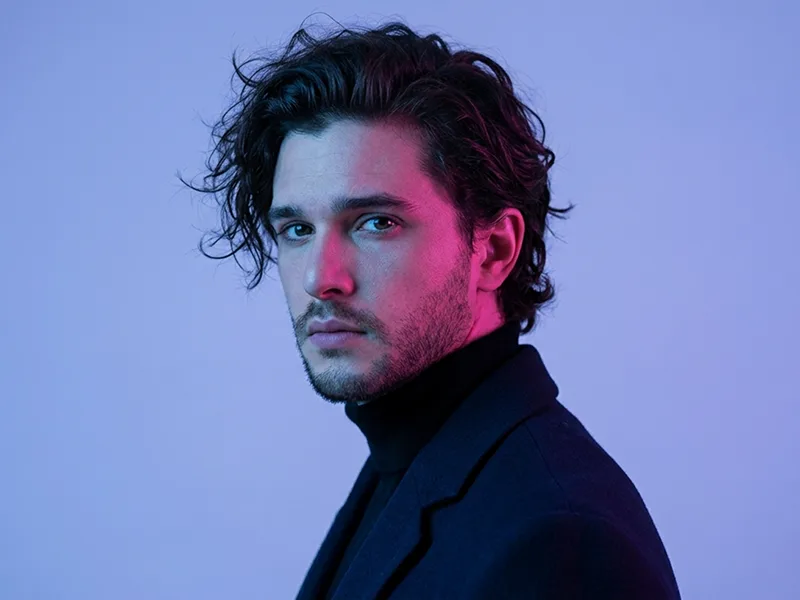
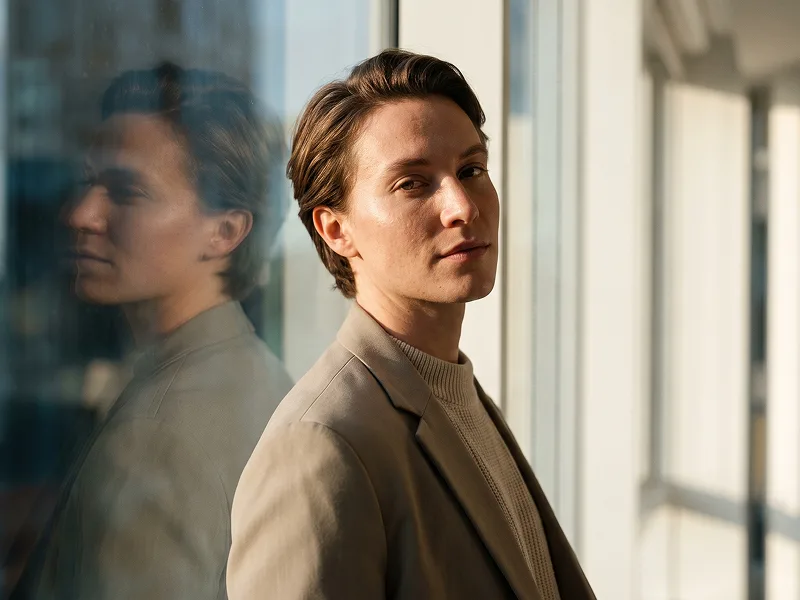
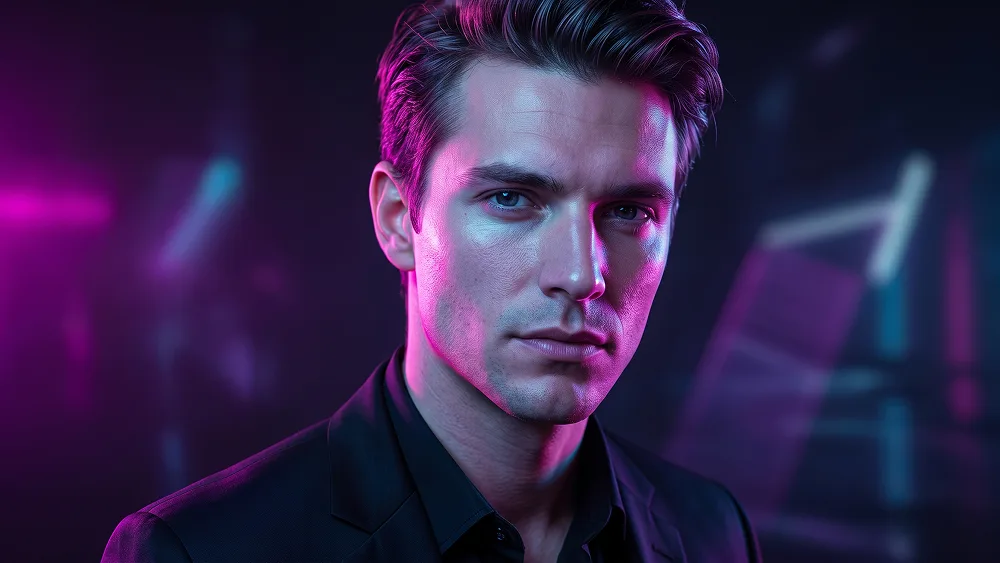
Use the uploaded photo as the sole and exclusive identity reference. Preserve the subject’s exact facial identity with extremely high accuracy, including face shape, proportions, jawline, cheekbones, eyes, eyebrows, nose, lips, skin tone, hairstyle, hairline, facial hair if present, natural asymmetries, and all distinctive features. The final result must clearly look like the same person, not a generic model or stylized replacement. Create a striking ultra-realistic neon portrait with a premium editorial feel. Frame the subject in a clean close portrait with a confident, magnetic presence and a calm, slightly intense expression. Keep the pose natural and relaxed, with the face turned slightly toward the light so the neon glow sculpts the features beautifully. The overall mood should feel modern, addictive, stylish, and highly shareable for social media while still looking refined and cinematic. Illuminate the subject with layered neon lighting in vivid electric tones such as magenta, cyan, violet, and subtle blue, allowing the colors to wrap naturally across the face, hair, and clothing. Use one dominant neon light from one side and a contrasting secondary glow from the opposite side to create dimensional color separation, luminous skin reflections, and a rich futuristic atmosphere. Add subtle glow spill, glossy highlight accents, and soft falloff across the contours of the face without making the lighting feel artificial or messy. Dress the subject in a sleek modern outfit such as a black jacket, dark shirt, or minimalist streetwear piece that supports the lighting without distracting from the portrait. The background should be dark, elegant, and slightly atmospheric, with soft neon haze, subtle depth, and faint abstract light shapes or blurred reflections that enhance the scene without becoming cluttered. For prompteg.com quality standards, the final image should feel premium, original, and instantly eye-catching, with polished styling and a high-end visual identity. Preserve realistic skin texture, crisp eye detail, individual hair strands, and believable material response to the colored light. Apply refined cinematic color grading with rich contrast, clean shadows, smooth highlight transitions, and a luxury nightlife editorial aesthetic. The final image should feel bold, fashionable, immersive, and visually unforgettable. Avoid cyberpunk clichés, excessive glow, chaotic background elements, plastic skin, distorted anatomy, or heavy artificial effects. Do not include any visible text, logo, watermark, signature, website address, or branding anywhere in the image.
Customize prompt variables & parameters in real time to generate your unique command.
How to Use This Prompt
Quick guide to generating image with this prompt in Gemini and other AI generators.
Click the "Copy" button above to save the exact prompt text to your clipboard.
Launch Gemini or your preferred AI image generator interface.
Paste the prompt into the input bar, add optional aspect ratio parameters (e.g. --ar 16:9), and generate.
Looking for a high realism, hyper realistic cinematic prompt for your AI art generator? The Ultra-Realistic Neon Portrait from Photo Prompt AI prompt is specifically engineered for Gemini to achieve high-resolution photorealistic image synthesis. By leveraging precise artistic cues, lighting parameters, and aspect ratio controls, this prompt yields cinematic visual outputs suitable for commercial art, concept design, and digital portfolios.
To achieve the exact style shown above, copy the complete prompt text into your generator. You can use our Prompt Customizer above to tweak lighting, visual styles, or adjust aspect ratios (`--ar 16:9` for widescreen landscape or `--ar 9:16` for mobile stories).
Related Images
Remove Watermarks from Gemini Images Instantly
Clean visible watermarks added by Google Gemini & Imagen 3 with zero quality loss in seconds.