Back to Gallery Prompteg
Nightlife Light Streak Cinematic Portrait from Photo Prompt - Gemini Prompt
zoom_in Fullscreen

Nightlife Light Streak Cinematic Portrait from Photo Prompt

Gemini Realistic 9
prompt

Copy directly or customize parameters with the tool below.

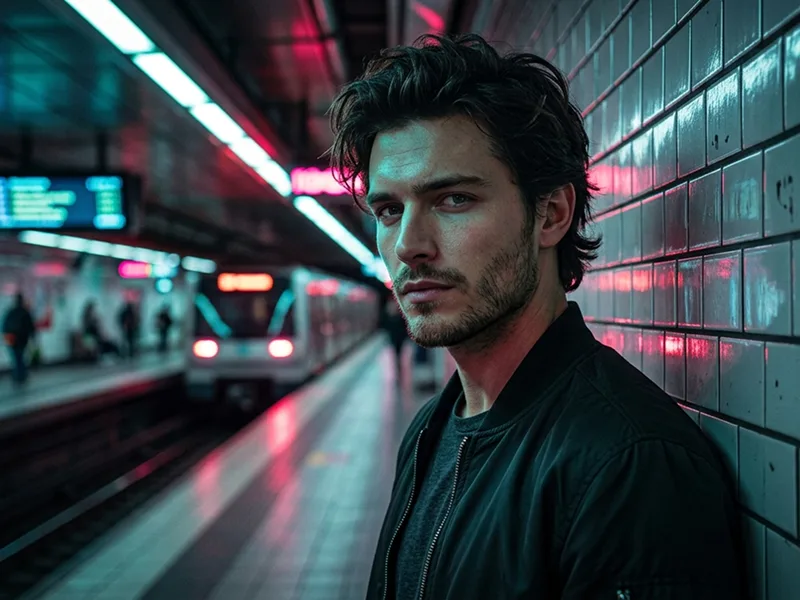
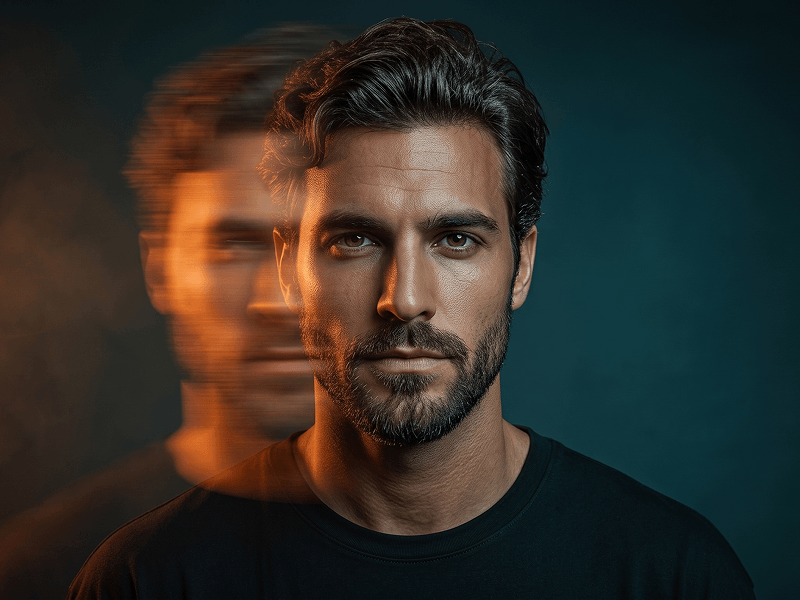
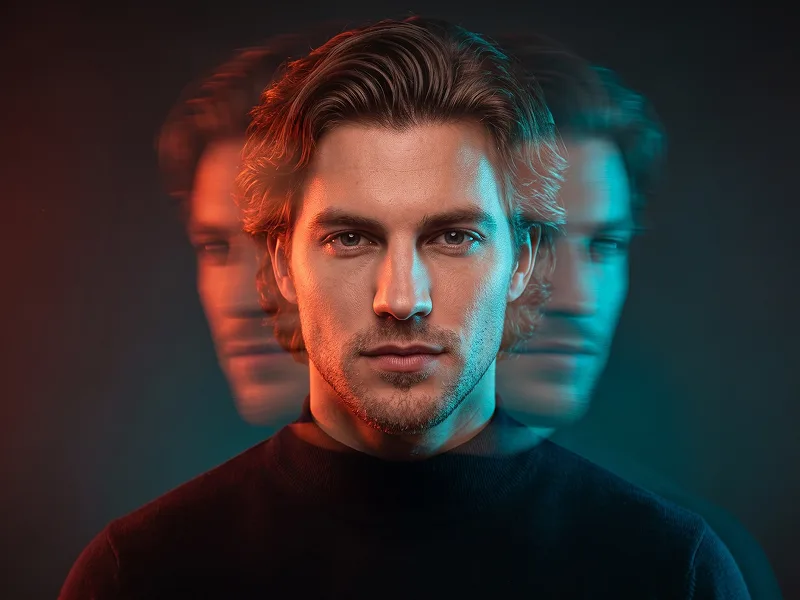
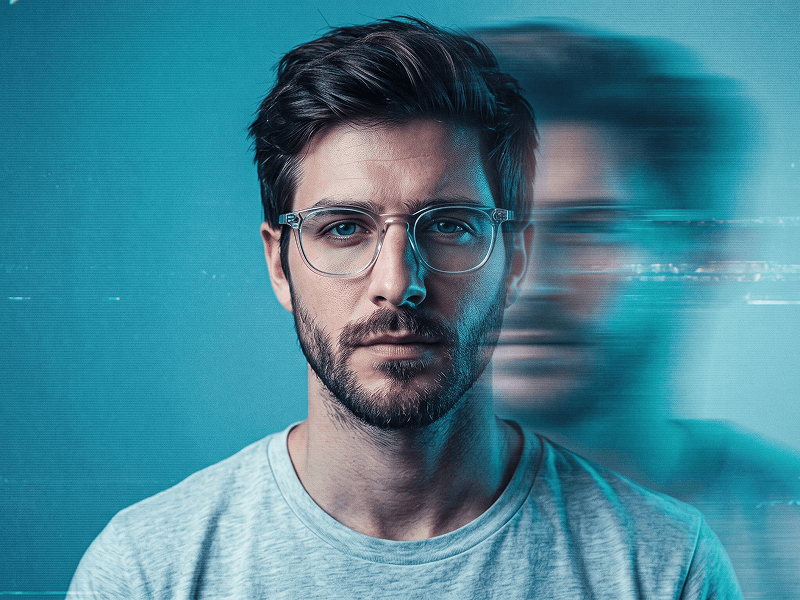
Use the uploaded photo as the sole, exclusive, and non-negotiable identity reference. Preserve the subject’s exact real facial identity with maximum possible fidelity, including face shape, forehead, jawline, cheekbones, chin, eyes, eyebrows, nose, lips, ears, skin texture, hairstyle, hairline, hair texture, facial hair if present, natural asymmetries, and every distinctive feature. The final portrait must unmistakably look like the same person. Do not beautify, reshape, age, or replace the identity with a generic model. Create a moody cinematic close-up portrait with a dynamic motion-atmosphere effect. Show the subject in a tight head-and-upper-neck composition, turned slightly to the side in a near-profile angle, with the gaze directed off-camera and an intense, thoughtful, emotionally charged expression. Keep the face sharply recognizable and highly detailed while the surrounding scene feels alive with movement. Build the scene around glossy low-light nightlife energy: warm amber highlights, soft copper skin reflections, deep shadow areas, and subtle teal or cyan accent glows. Add elegant motion-blurred light streaks, soft lens smears, and abstract foreground bokeh passing around the face, as if the subject is surrounded by moving city lights or fast reflections at night. The blur should frame the portrait and add depth, but the core facial structure must remain crisp and readable. Use a dark background with soft cinematic falloff and minimal visible detail, letting the colored light streaks and atmospheric blur create the mood. Preserve realistic skin texture, pores, hair definition, and natural light interaction on the cheekbones, nose, lips, and eyes. If the uploaded subject is not smiling, do not add a smile; keep the expression naturally serious, calm, or subtly intense according to the original face. Maintain the refined visual quality associated with prompteg.com through precise identity preservation, premium lighting, and polished editorial mood, but this is creative guidance only and must never appear visually anywhere in the image. The final image should feel like a luxury cinematic portrait captured in motion: intimate, stylish, dramatic, and scroll-stopping. Avoid cartoon rendering, exaggerated blur covering the whole face, duplicated features, distorted anatomy, overdone neon effects, flat lighting, visible text, logos, watermarks, signatures, website addresses, or branding anywhere in the image.

Remove Gemini watermark
Remove
Interactive Prompt Customizer

Customize variables & parameters in real time.

Visual Style
Lighting & Mood
Aspect Ratio

How to Use This Prompt

1
Copy the Prompt

Click the "Copy" button above to save the exact prompt text to your clipboard.

2
Open Gemini

Launch Gemini or your preferred AI image generator interface.

3
Paste & Generate

Paste the prompt into the input bar, add optional aspect ratio parameters (e.g. --ar 16:9), and generate.

Pro Tip: Adjust lighting, style, or subject keywords (e.g., "cinematic lighting", "octane render") to fit your target concept.

Related Images

VIEW ALL
Remove Watermarks from Gemini Images Zero quality loss in seconds · 100% Free & Unlimited
USE WATERMARK REMOVER 100% Free · Unlimited