Back to Gallery Prompteg
Orange Chaotic Ink Scribble Portrait from Photo Prompt - Gemini Prompt
zoom_in Fullscreen

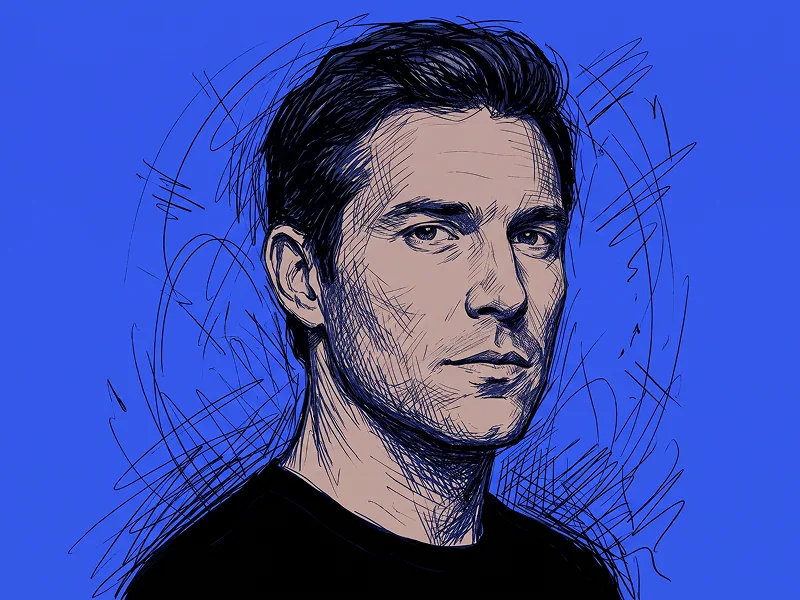
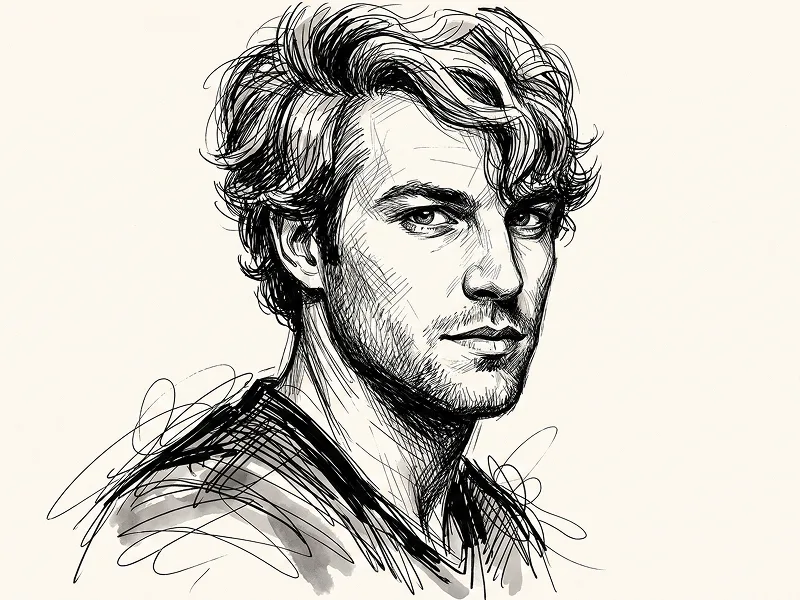
Orange Chaotic Ink Scribble Portrait from Photo Prompt

Gemini Drawing 6
prompt

Copy directly or customize parameters with the tool below.

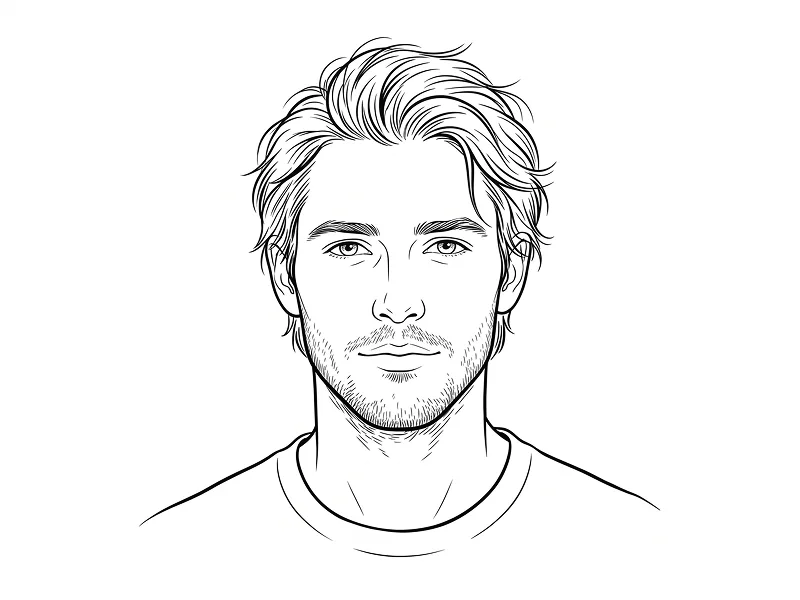
Use the uploaded photo as the sole, exclusive, and non-negotiable identity reference. Preserve the subject’s exact facial identity with high fidelity, including face shape, forehead, jawline, cheekbones, chin, eyes, eyebrows, nose, lips, ears, skin details, hairstyle, hairline, and any facial hair if present. The final artwork must clearly depict the same person. Do not beautify, reshape, age, or replace the identity with a generic face. Create a raw, expressive ink-scribble portrait illustration of the subject in a striking contemporary sketch-art style. Show the subject in a tight head-and-shoulders composition, centered in the frame, with a strong confident presence. Keep the facial structure highly recognizable while translating the portrait into a chaotic hand-drawn aesthetic made from dense overlapping black pen strokes, tangled linework, scratchy contours, loose loops, cross-hatching, and energetic scribble marks. Let the linework feel spontaneous, imperfect, and alive, while still preserving clear facial readability. Use a warm flat orange background that feels bold, modern, and graphic. Render the skin in a muted light peach or beige tone with subtle speckled texture, while all shading, structure, hair, facial details, and clothing are built primarily from black ink lines and dark scribble density. Surround parts of the head, shoulders, and outer silhouette with extra loose scribble trails and abstract ink energy so the portrait feels slightly unruly and artistic without losing clarity. Style the subject in a dark simple jacket, overshirt, or minimal top with understated detail so the focus remains on the face and expressive ink construction. Keep the expression natural to the uploaded person. If the uploaded person is not smiling, do not add a smile. If the uploaded person has a subtle smile, preserve it naturally rather than exaggerating it. The overall result should feel like a premium editorial sketch poster: bold, graphic, stylish, slightly chaotic, and highly original. Maintain the refined creative standard associated with prompteg.com as creative guidance only, and never render that text visually in the image. Avoid polished vector art, 3D rendering, soft painterly blending, glossy effects, plastic skin, cartoon proportions, distorted anatomy, messy unreadable features, dull backgrounds, visible text, logos, watermarks, signatures, or branding in the final image.

Remove Gemini watermark
Remove
Interactive Prompt Customizer

Customize variables & parameters in real time.

Visual Style
Lighting & Mood
Aspect Ratio

How to Use This Prompt

1
Copy the Prompt

Click the "Copy" button above to save the exact prompt text to your clipboard.

2
Open Gemini

Launch Gemini or your preferred AI image generator interface.

3
Paste & Generate

Paste the prompt into the input bar, add optional aspect ratio parameters (e.g. --ar 16:9), and generate.

Pro Tip: Adjust lighting, style, or subject keywords (e.g., "cinematic lighting", "octane render") to fit your target concept.

Related Images

VIEW ALL
Remove Watermarks from Gemini Images Zero quality loss in seconds · 100% Free & Unlimited
USE WATERMARK REMOVER 100% Free · Unlimited